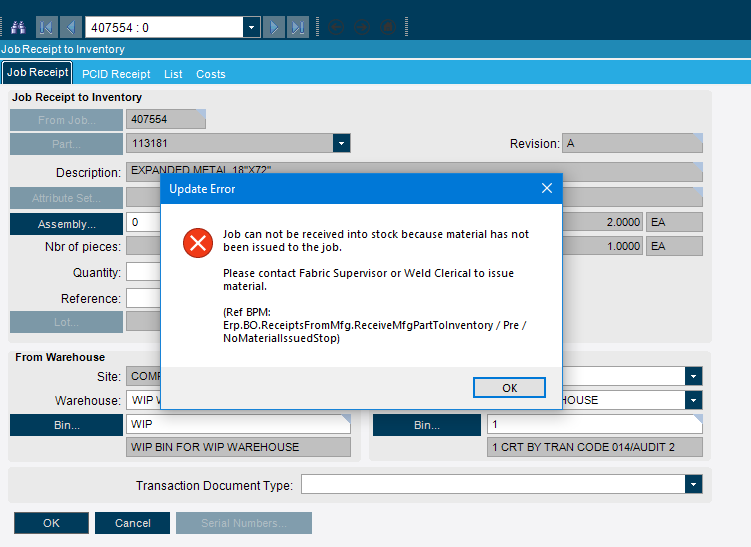
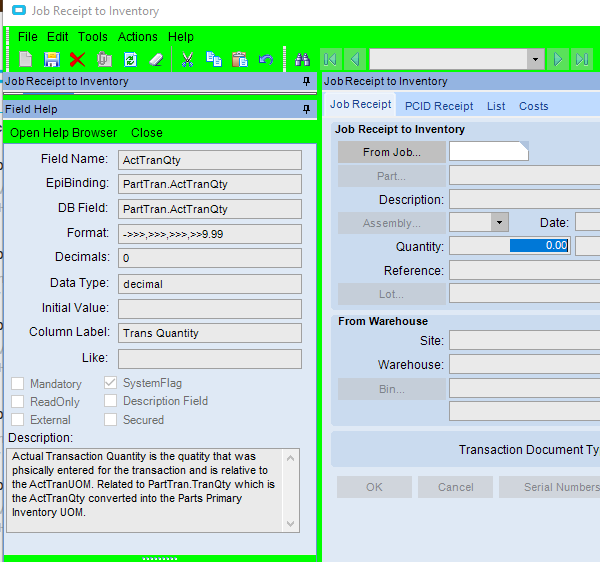
@kylepbsps - Not receipt entry, but Job Receipt to Inventory. We’re also stopping the receipt of jobs into inventory that didn’t have any material issued. Figure it’s better to stop it earlier than have our cost account deal with a job that has zero material cost!
I’d have to click around to give you the specific syntax you need, but the BAQ engine uses SQL and the BPM engine uses C#/Linq. So just because it works in a BAQ doesn’t mean that it’s going to work in a BPM.
Your issue is that something in the BPM is being automatically set as a Double type. You need to cast that to a decimal type. So in your filter value, you have the set it to decimal. Try adding an M to the end of the filter value and see if that fixes your problem.
Jackpot! I added an m suffix (now .001m), and it compiled. I also tested with whole numbers, and that worked too. Great link on stackoverflow explaining why. Thanks, Brandon!
Anyway, the reason you can’t do what you’re trying to do is because there is no implicit conversion between floating point types and decimal . You can however assign it from an integer, as there is an implicit conversion from int to decimal.
the first time I ran into this, I was writing some code that needed 0.25 in the calculation. It kept throwing the error… then someone said "Oh, you need an “m” at the end… I asked “why” they said “Because, thats the way to get it to work”… ha… it is one of those goofy quirks in c# that maybe someday they will resolve a different way.
It’s not a bug it’s a feature @timshuwy . C# is strongly typed so that you get more errors at compile time, so you get fewer errors at run time. Unlike Java script that’s like the wild west of types, and so you don’t know you’ve done something bad until it blows up on your website.