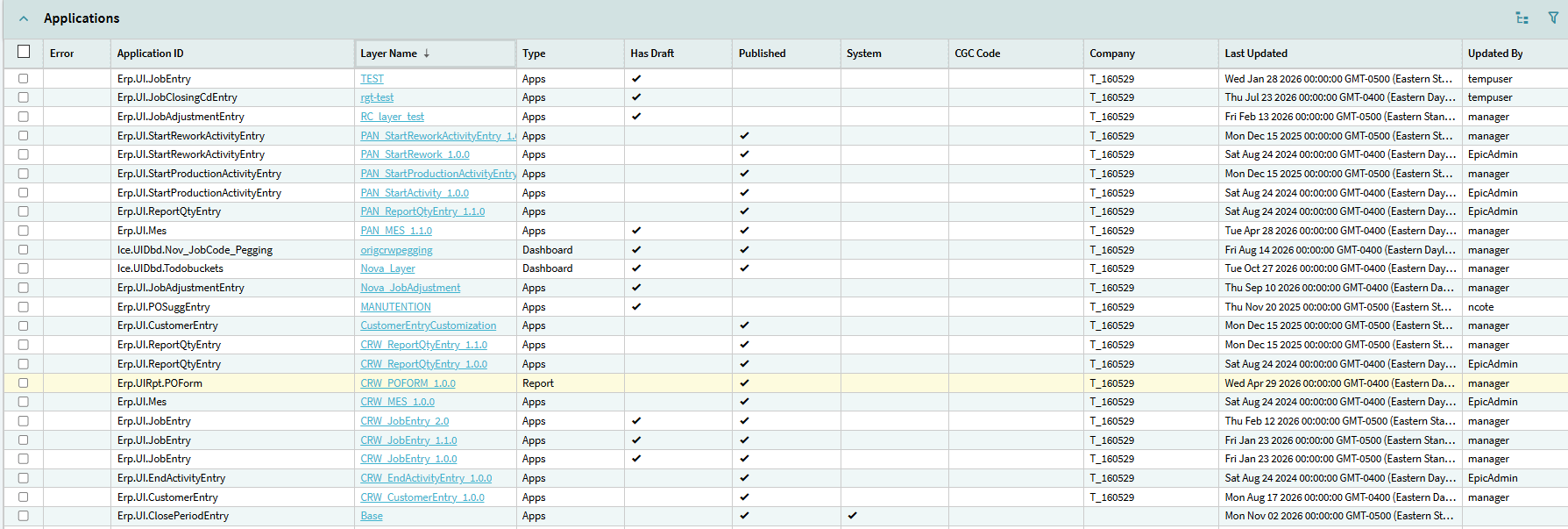
Dashboard in Kinetic

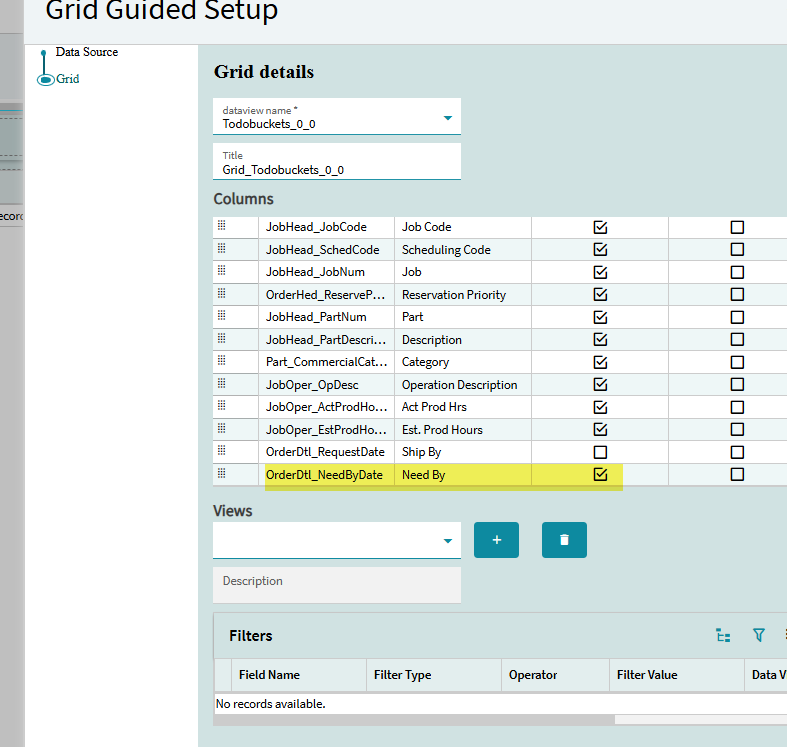
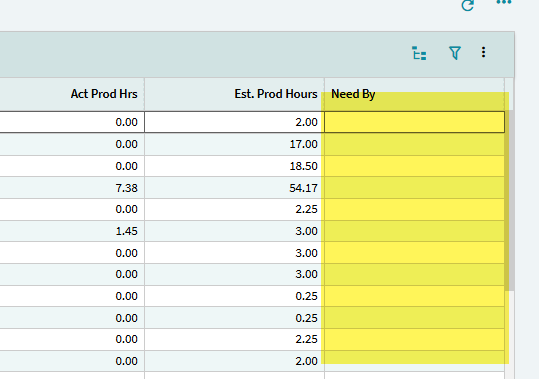
i have a BAQ that works fine and displays the need-by date fine.. but when I change my dashboard and selection the new BAQ, the added the field in the list and did the quick step.. and made that field visible.. and when doing preview, colunm is blank.. did a save + coming anyway of new layer.. but will not work.. anyone have an idea

preview

i have a ticket open at epicare.. but beens over 2 weeks now with no update

Hey Robert,

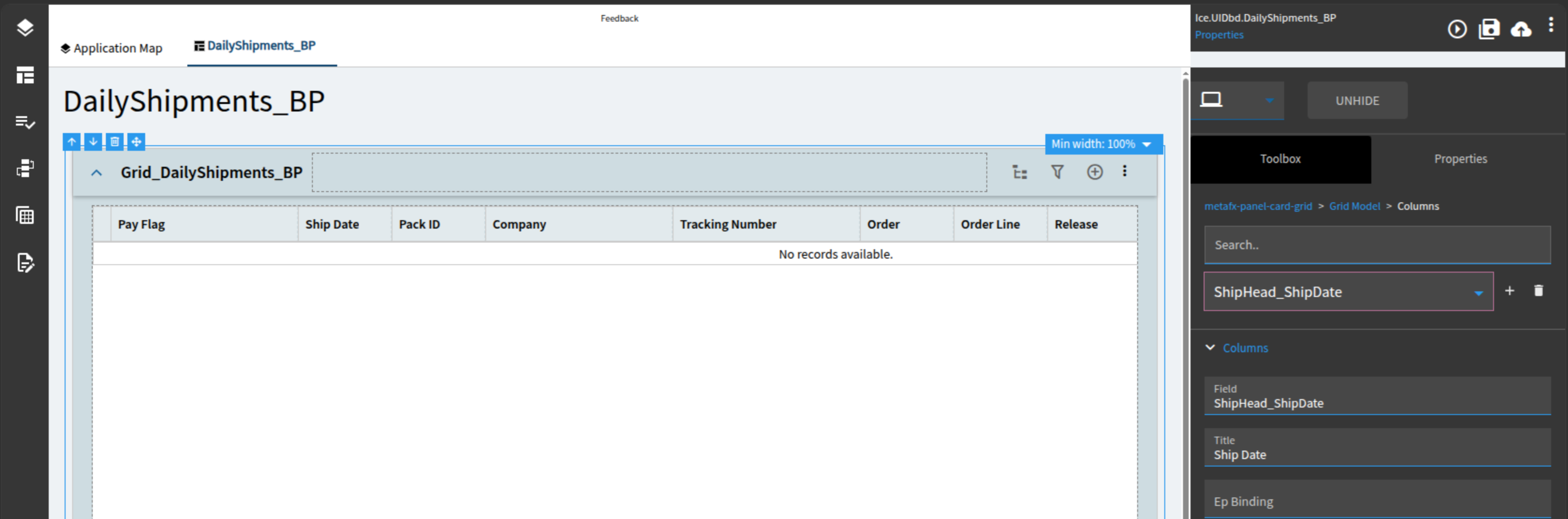
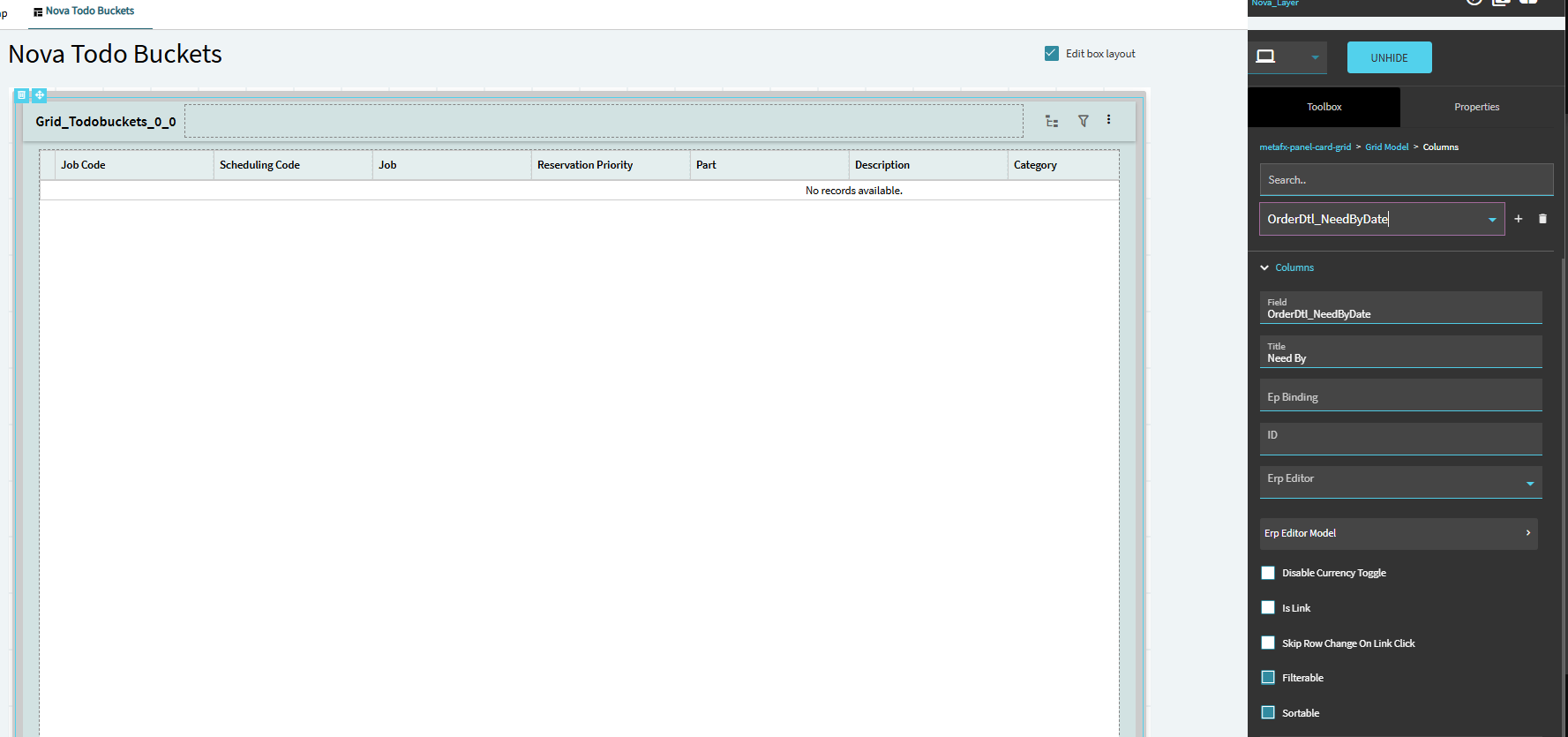
Do you have the Field bound under Grid Model > Columns in App Studio?

Hey Billy

I have this

That seems right. Do you get results back in the BAQ?

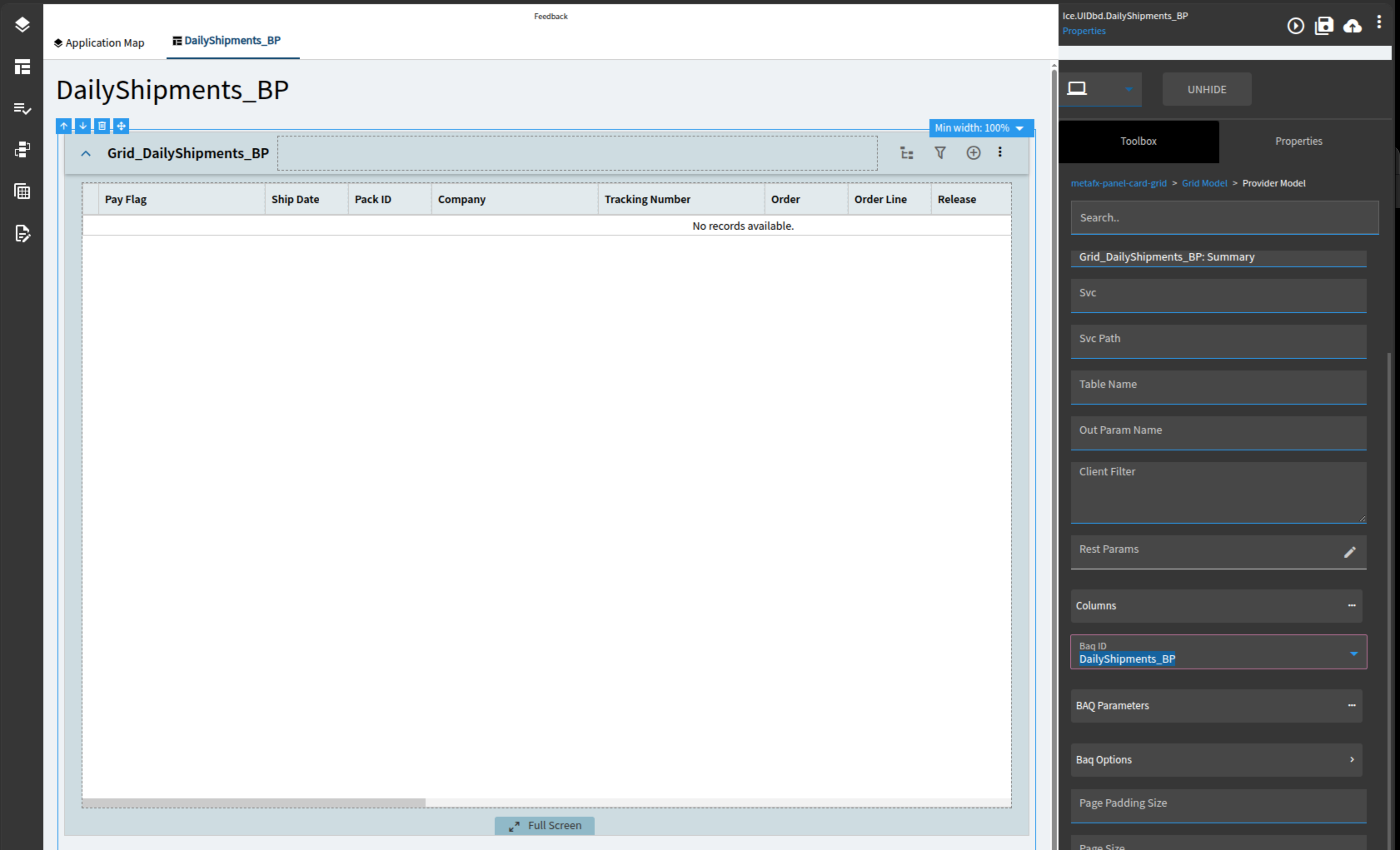
Is that same BAQ listed under the BAQ ID of the Grid Model?

If so, maybe try switching it to something else, saving, then switching back to the correct BAQ. I’ve had to do that to ‘import’ newly created Parameters after the BAQ had already been linked. It’s like it had to be ‘assigned’ again to know that it needed Parameters.

What do you have set as the EpBinding for the Provider Model since I can only see the description.

Working Yes and NO

Preview is FINE .. TY\

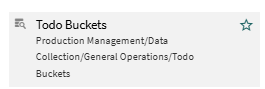
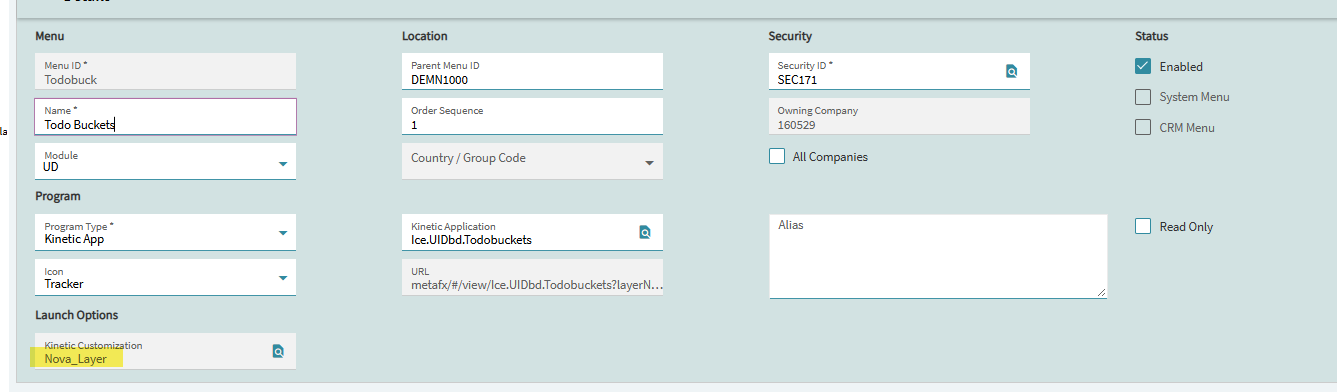
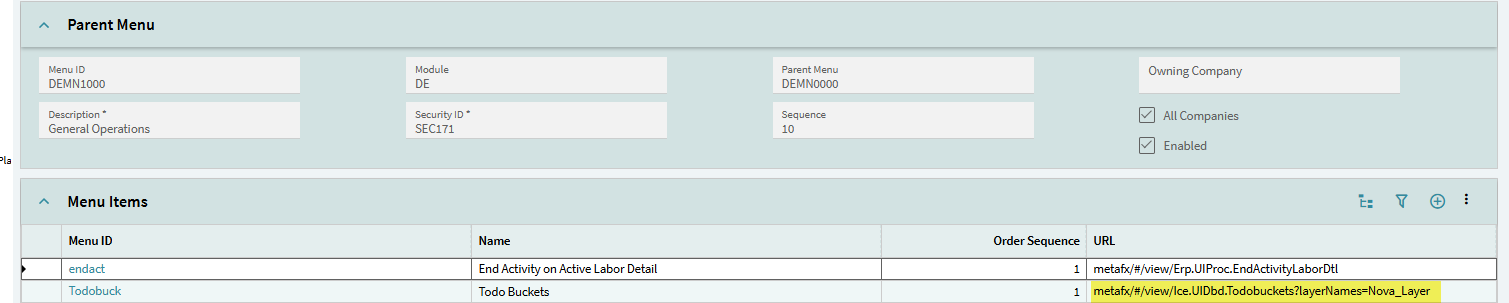
Changed the layer in the menu

Logout + login

Go back.. still not working, showing LAYER VERSION = BASE APP VERSION ?>? why…. frustrating

Not working..

How do I fix this ?>?!!!

Thanks

The only step I didn’t see you mention in your post is whether you PUBLISHED your new/updated layer.

You got the results in Preview… you changed the layer on your menu… but did you publish the working layer?

This could also explain why App Studio still shows an active draft.

hi,

yes I did pubish the nova_layer

bu I cannot discard the other plubish base layer.. not working

Did you refresh your browser after making the menu change?

Clear the cache, it may still have the old one cached even after publishing.

just try to empty both Edge & Chrome browser cache.. still not working.. I have no more ideas for know

thank you all

Preview working but the running dashboard saying “Layer Version = Base App Version” means your layer isn’t being applied at runtime, so check that the exact menu row you launch from has nova_layer in its Layers field and that nova_layer was built against the currently deployed dashboard app ID (redeploying with the new BAQ can orphan a layer made on the old one).
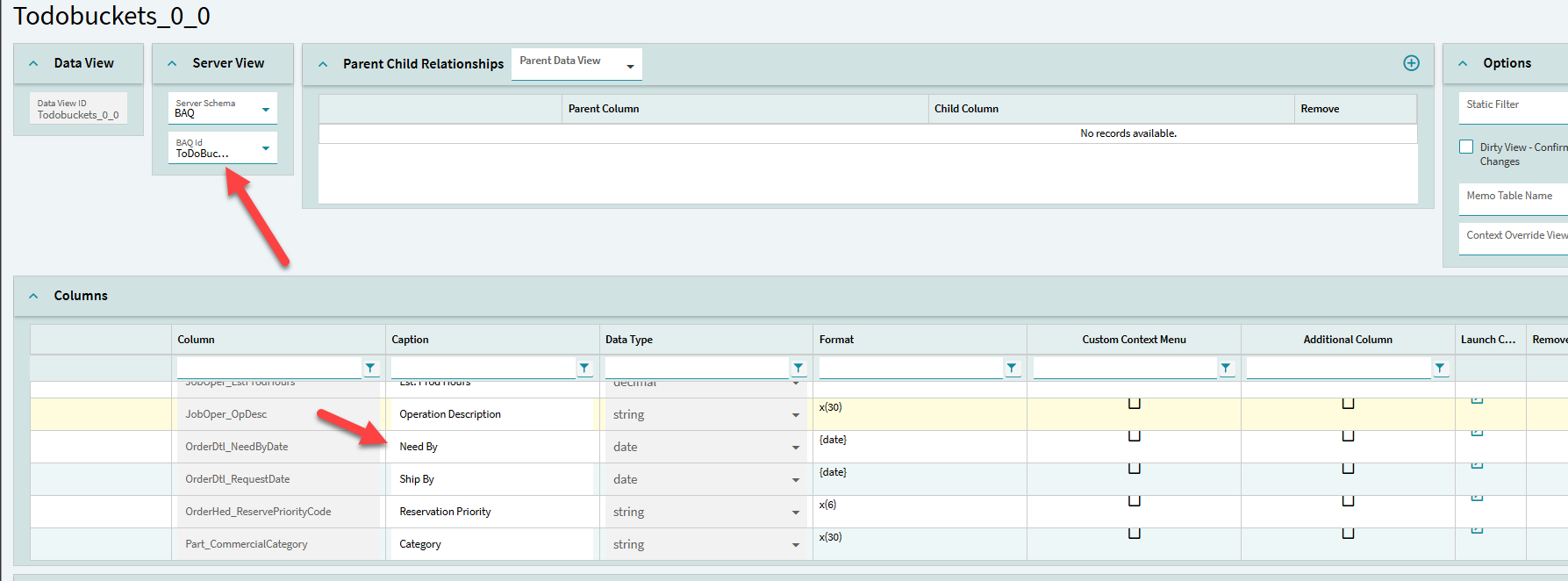
how do you re-deploy a dasboard (iin classic was easy.. ) kinetic.. just layer control ? and change the menu option ?

FYI

i deleted the menu option form menu-maintenance..

test it.. not found

re-added it and same issue.. still selecting old layer

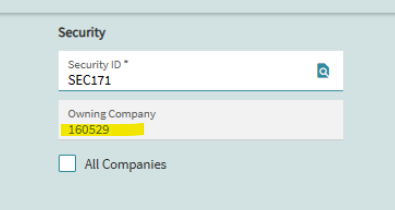
Your companies don’t look like they’re lining up in the layer / menu. Are the screenshots from the same system?

That bug has bitten me more than once! :face_with_symbols_on_mouth:

yes, it is.. .. bizarre.. never notice it before.. need to check of forms layers

i checked other working layers and it’s the same and they are OK.. only since we went to kinetic we have this issue :