For the last month I have been having issues with parts that get engineered on the quote. I have had several that the details don’t pull into and I have to go in get details from a different part number and engineer it on the job. This morning I have been having where they just won’t create a job at all. It looks like everything is right, but I can’t find what I am missing. Any help or suggestions? Thanks!
Is the release on the Sales Order marked as Make Direct?
Same part acting differently or it’s different parts? could be how the part is set up as well
Yes, the make direct is checked.
Different parts. They have worked when being engineered in the past but all of a sudden, they have started acting up. I went to the quote and made sure the details were pulled in, and the line was marked as engineered.
Can you be super specific about what you mean here? Screen shots would be great too. There are lots of ways that something might “not work”.
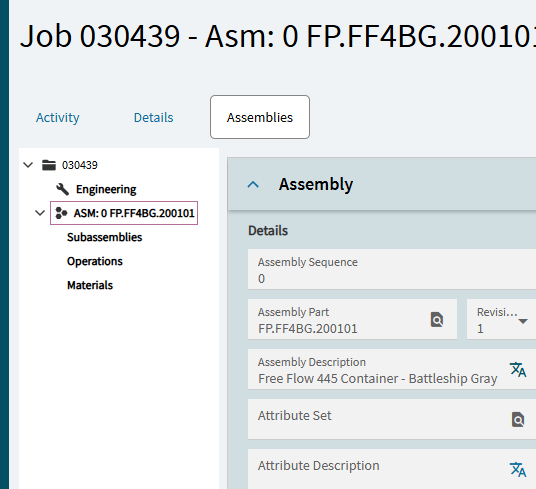
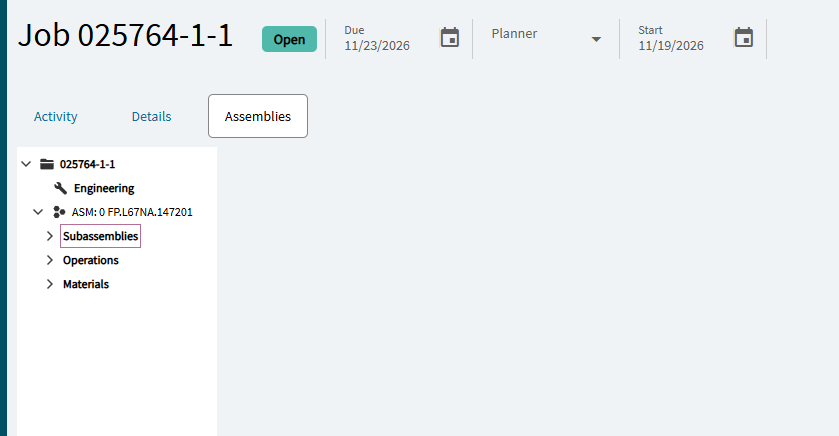
Based on those screen shots, are you sure there is a Sales Order entered for the Quote? I’m asking because the one that worked has a job number that is in the Sales Order-Line-Release format, but the one that didn’t work is not.
Sorry I was replicating it. I already fixed all of them before this new issue with not creating at all happened.
So when you go to get details, do you get any errors? Can you show what’s on the quote mfg details?
No I don’t get any errors exactly it just opens and doesn’t show a revision to choose from so I have to use a different part number and then make the same changes they made from the job.
ok… so imagine that I can’t see you’re screen or what you are doing… walk me through your process… step by step…
It sounds to me like you are getting revisions from the part master, and these quoted parts aren’t in the part master. If you want to get details from the quote, you have to look up the quote and pull them from there.
But again, I can’t see your screen, so I don’t know what you are doing.
When you are attempting to replicate the issue, are you using a Sales Order that is tied to a Quote? If you are just creating a Job without the SO and Quote, I don’t believe it will ever work
You don’t need a demand link just to create a job and get the details. You just need it to get your required quantities. (if you are using order job wizard, or MRP, then that’s something different)
The OP said that the jobs were not being created with the details from the Quote. If there is no Quote, there is no where to get the details from.
Looking at the screenshots, it appears that the jobs are either being created through MRP or Order Job Wizard. Both of those need the Quote to auto-populate the details. Yes, you can also do it after the fact, but I thought the original question was more about jobs being created without details when they should have been created with details.
She also said that she couldn’t do it after the fact either, she had to get details from “Another part” not another quote… (which I thought was an interesting choice of words). The first thing I try when the automation doesn’t work, is can you do it manually? You usually run into a barrier there that you can fix, and then the automation works again.
But… still guessing here. We need more info.
I have gotten it from the quote too but only if they mark it as a template. If they don’t then I have to use part master.
When I discover that all the details are missing, I go to the sales order and find the quote and go to it to check the changes to see what changes were made and to see if template has been checked. I then go to the job and select assemblies. I then right click on the part number in the tree and select get details. From there I select from quote and enter the quote and the line item and it pulls in. If template isn’t selected, then I see what part master they pulled from and use that part number to pull in the details and proceed to make the changes they made. (Template in the past used to not need to be checked and it would still pull in correctly not sure what has changed in the last 3 months.) The newest issue is that a job isn’t creating at all
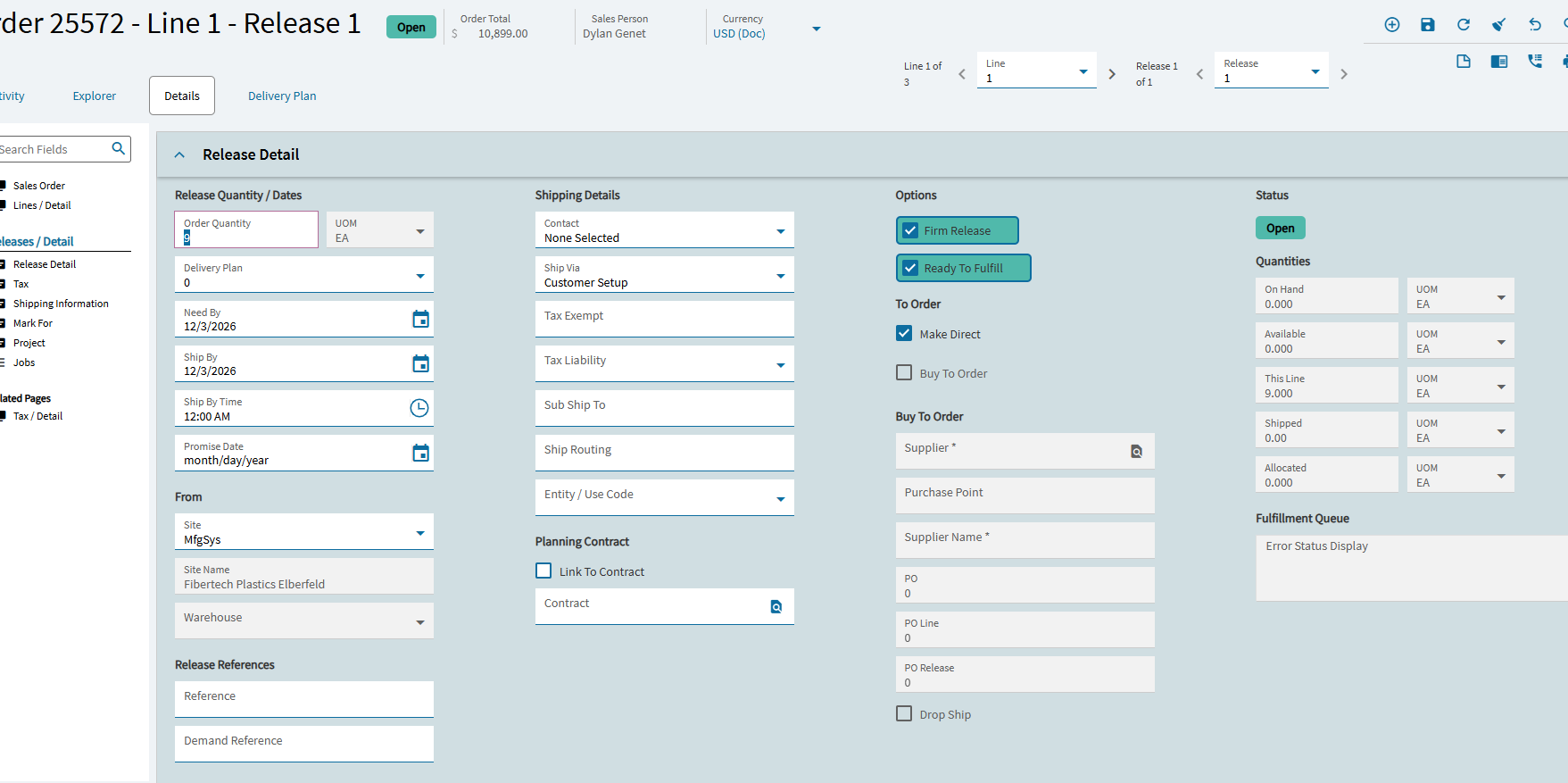
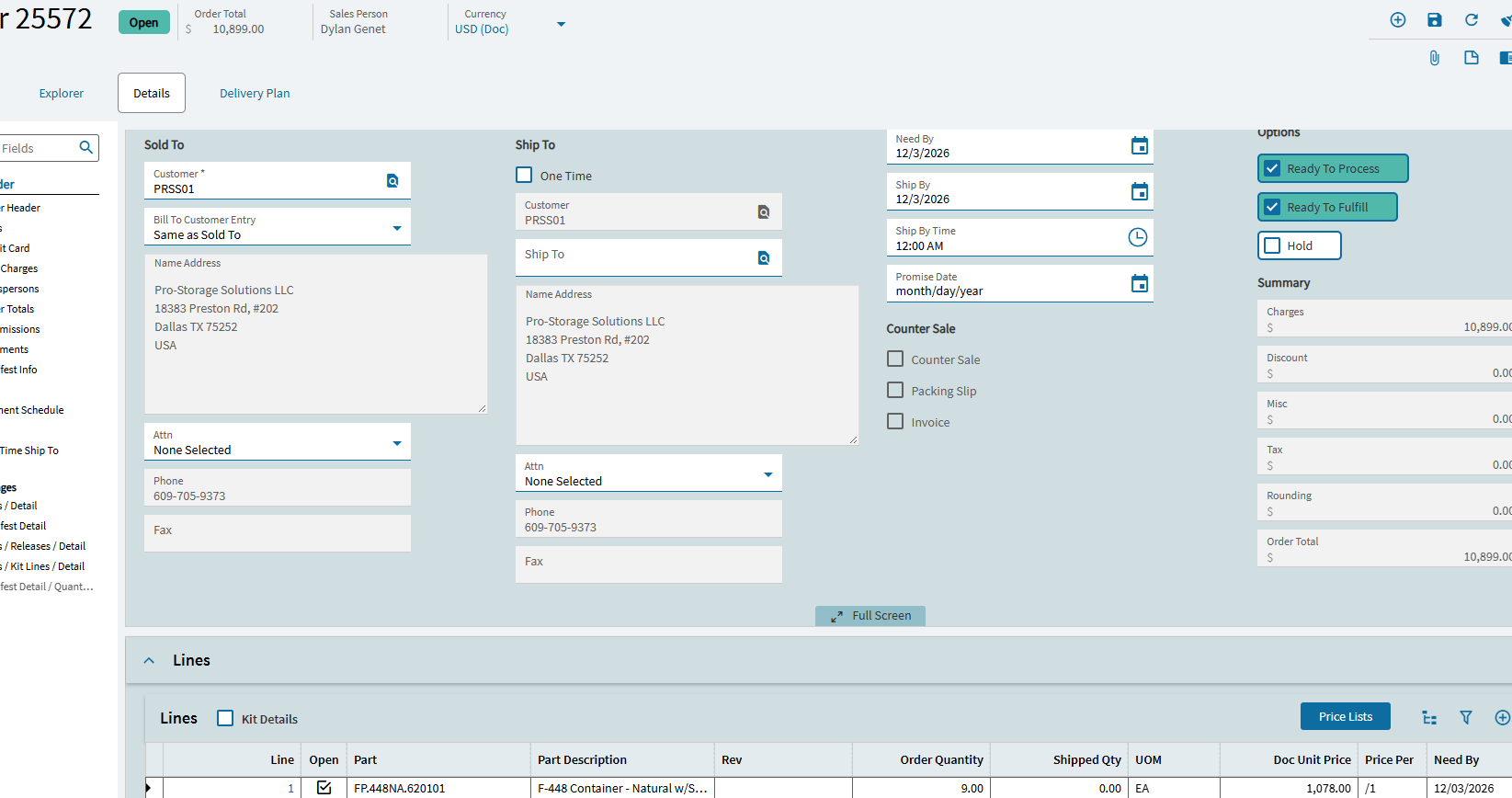
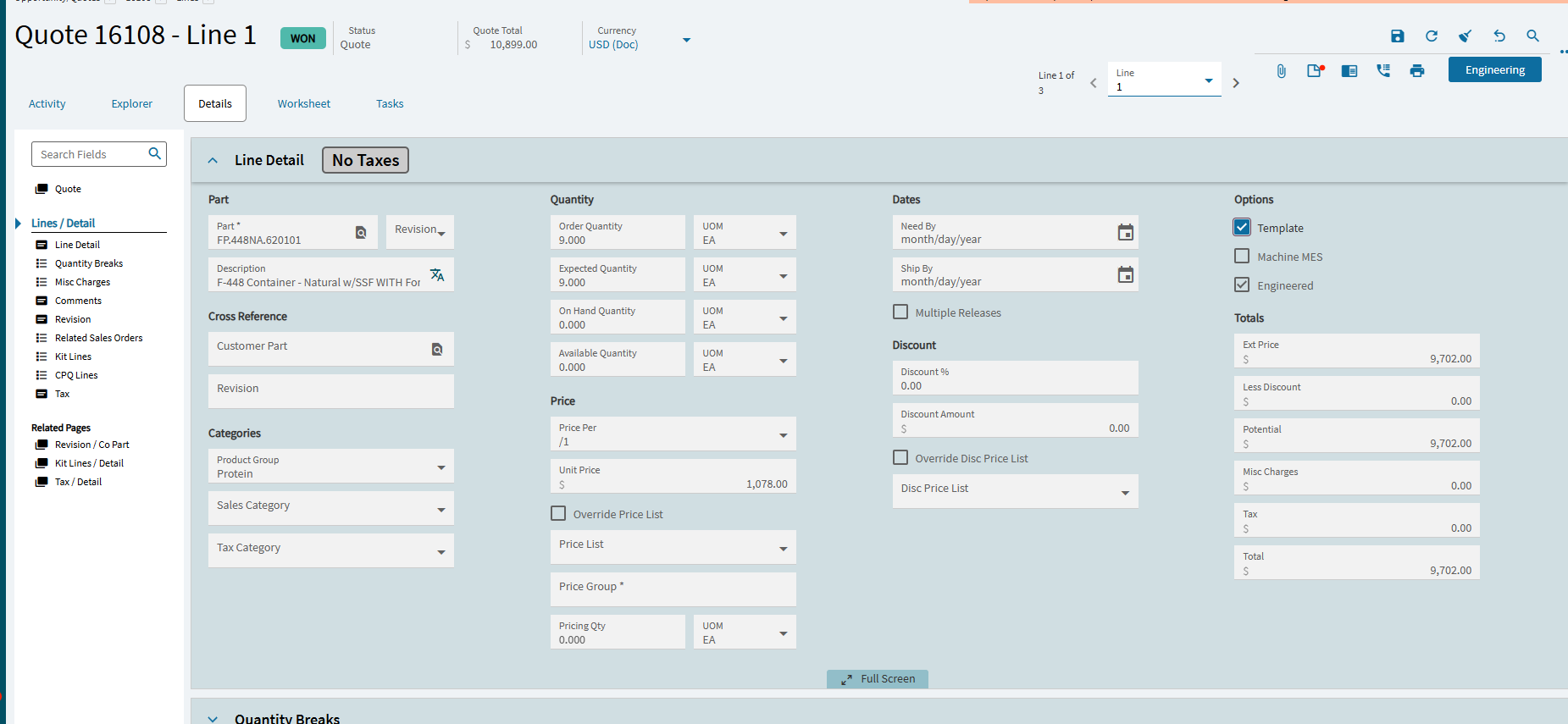
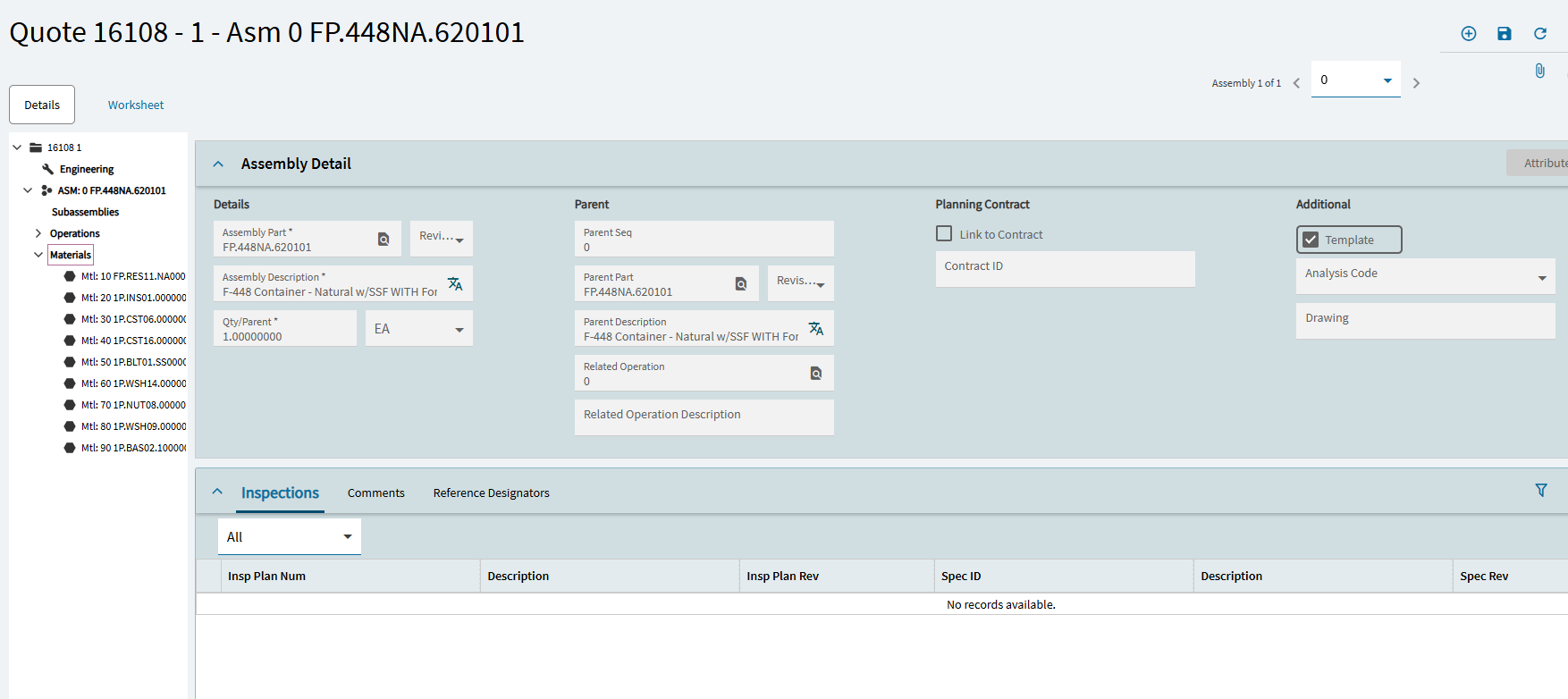
How are the jobs being created? MRP, Order Job Wizard, something else?
They are being created with MRP.
If you go lookup that part number in part master is it there? Does it have an approved revision?