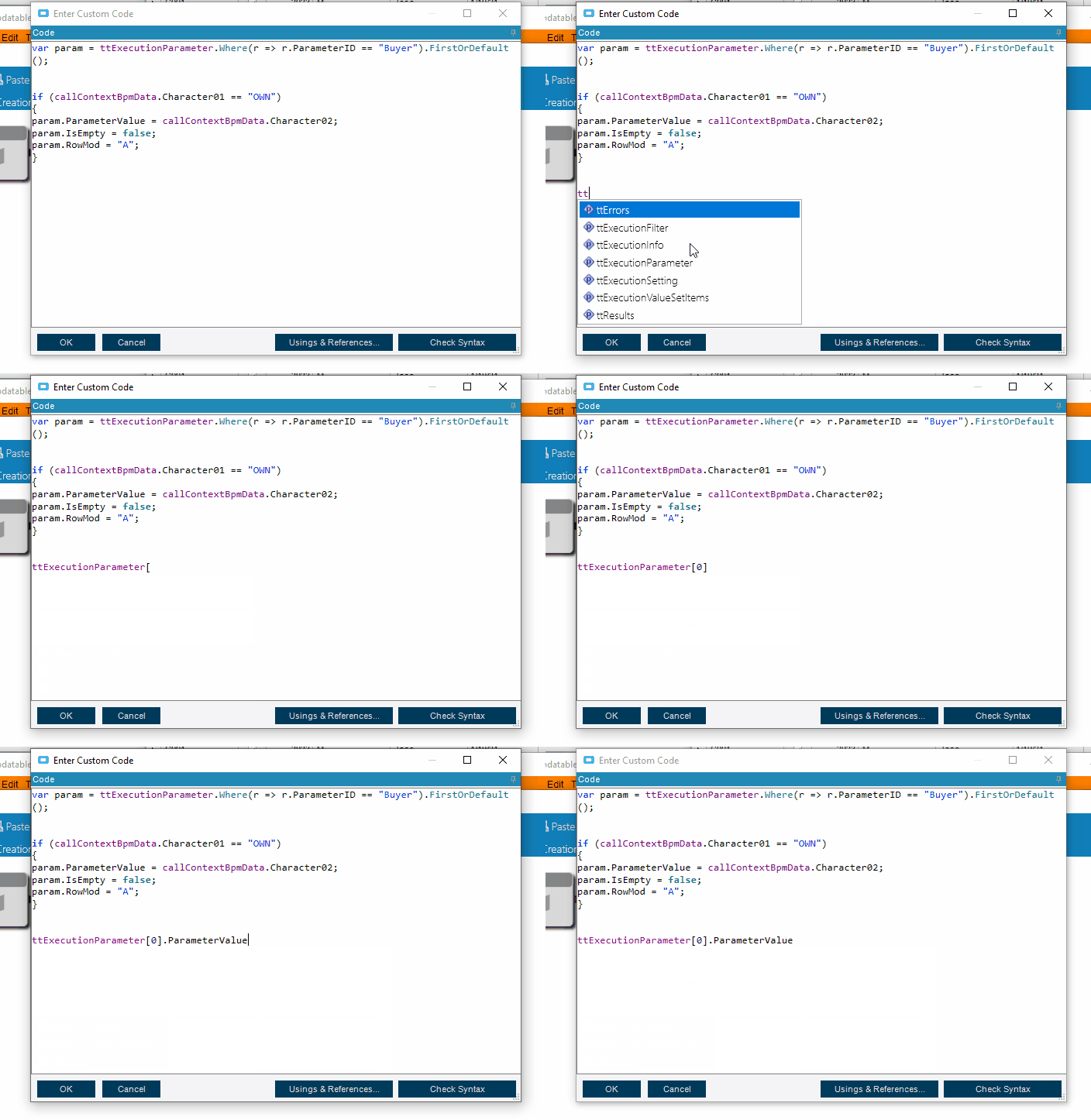
var param = ttExecutionParameter.Where(r => r.ParameterID == "Buyer").FirstOrDefault();
use the name of your parameter and this should get you the parameter. I pulled this from where I am setting the parameter in code, but it should pull the parameter that was set as well.
this is how you would get the value for the row (I just indexed into the first row, but use the above code to get the specific row.)
ttExecutionParameter[0].ParameterValue
or in the above case
param.ParamterValue
Don’t forget that in BPM land there is code completion if you use ctrl+Space to help you find what’s available. It’s not as good as Visual sturdio, but it’s a lot better than nothing.
ignore my typos… I made the gif and didn’t feel like making it again, you get the point. lol