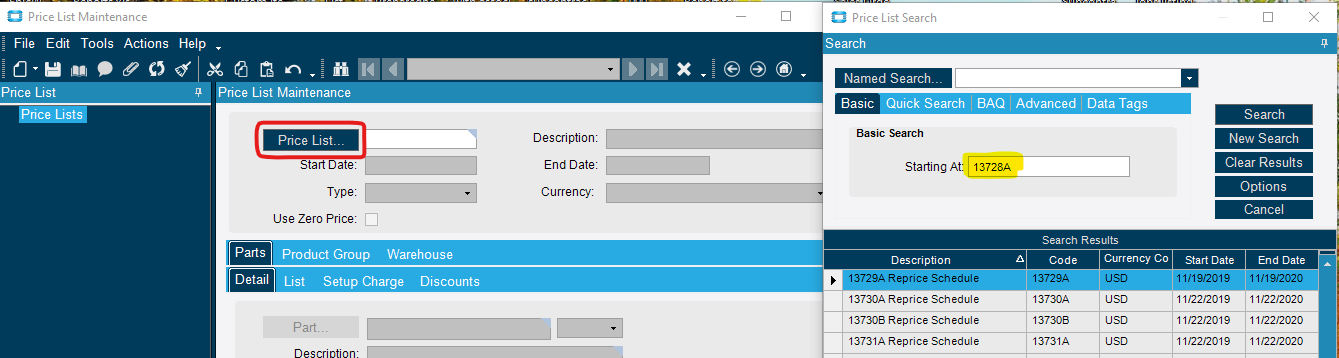
In Price List Maintenance, our price list codes are set up as our part number. When we click on the Price List button to search, we key in the part number in the box where it says Starting At and click search. The issue we are having is that it shows Price lists after that part number but not the one for the part number itself:
I have seen that in some other UIs as well, can’t recall which maybe the PO Search or PackSlip Search – where if I entered the number it didnt show. But If I left the last character out it did.
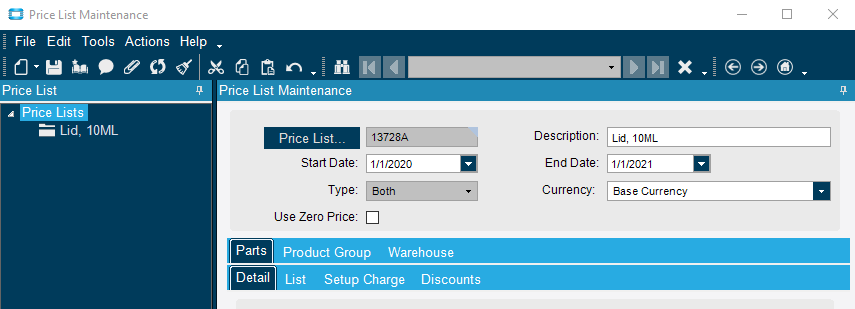
Thanks, Calvin! I didn’t notice that the Description for the Price List is wrong. It should say, “13728A Reprice Schedule” like most of our Price Lists do. Chances are, someone is changing the description and shouldn’t be.
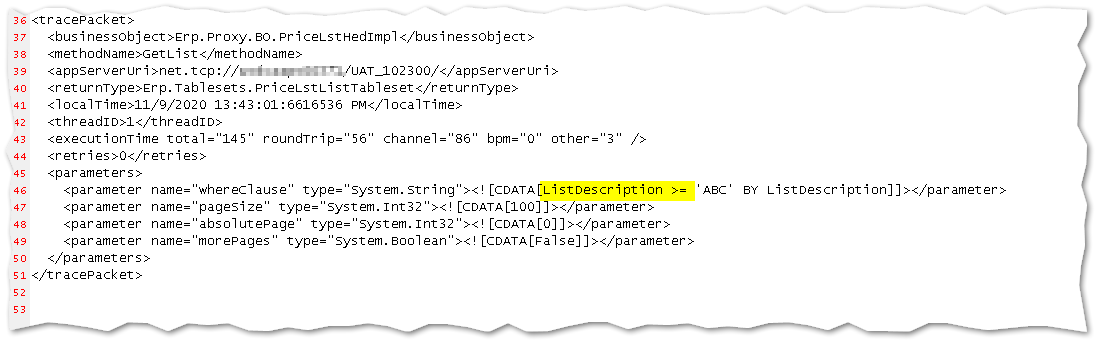
There was a just another topic the other day regarding Price List searches. And the fact that it uses the Description and not the Code, should have jumped out at me (or at least to @hkeric.wci)