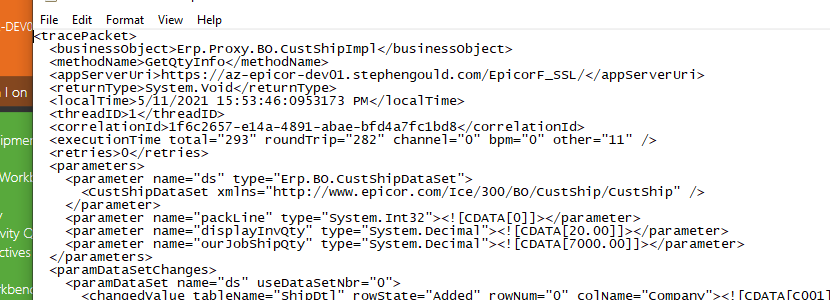
Anyone else having problem updating OurInventoryShipQty field through code? I realized there is another field called SellingInventoryShipQty that has the same value. Do we need to update both fields? I have tried both and the Update() method passes but the value does not get updated. Here is a snapshot of my code:
I already have a row on index 0 that has quantities for both job and inventory but the line below does not readjust the quantities to 1 and it does not throw any exception either.
Yes and those values are all in place. Lets say there is already a shipment record with inventory qty of 10 and job qty of 5 and the warehouse/bin as well as job number are in the record.
When I call that code to just update the quantity, it does not update it and also I do not receive any error message!
Yeah I did all that as well. Including the GetQtyInfo…
Something is fishy here, when the quantity in inventory or job are high like 10, 15, then it works, the reduction works, but if there is like 2 left, I cannot deduct 1!!
I haven’t encountered anything like it before.
I think I did try DisplayInvQty and didn’t work. I gave up and had to find a different approach.
I will give your idea a try. Updating all the three fields, maybe it will work! Thanks!