This is actually super simple to do without doing a server side call (BAQ) if you do a server side call you can quickly overwhelm the server. I didn’t have time to put it in Data Collection but the process is the same.
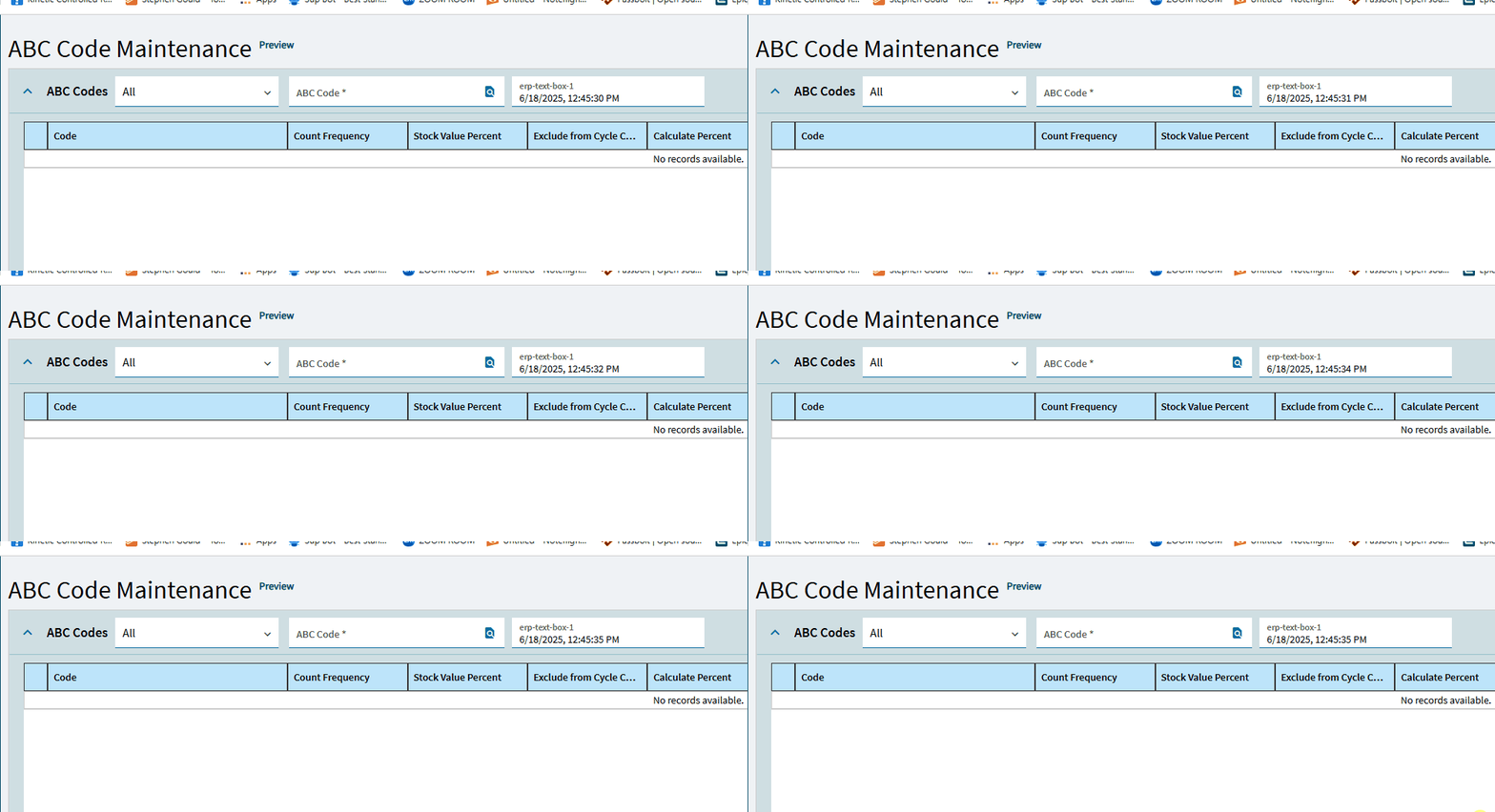
- Add a field to TransView (or equivalent) I called mine CurrentTime
- The Draw your TextBox where you want it and bind it to TransView.CurrentTime give it the name of txtCurrentTime
- New Event → On Control Created → txtCurrentTime
- Update Row Set TransView.CurrentTime to Expression
'#_new Date().toLocaleString()_#'
- Add To the Same event Set Dashboard Timer Interval 1 Second Event UpdateClock
- Create UpdateClock event no trigger
- Action Update Row Set TransView.CurrentTime to Expression
'#_new Date().toLocaleString()_#'