I think the best way would be to add a new grid on the screen, to display what you need and keeping the Material Constraints grid as-is.
With Kinetic, you could do roughly the following:
-
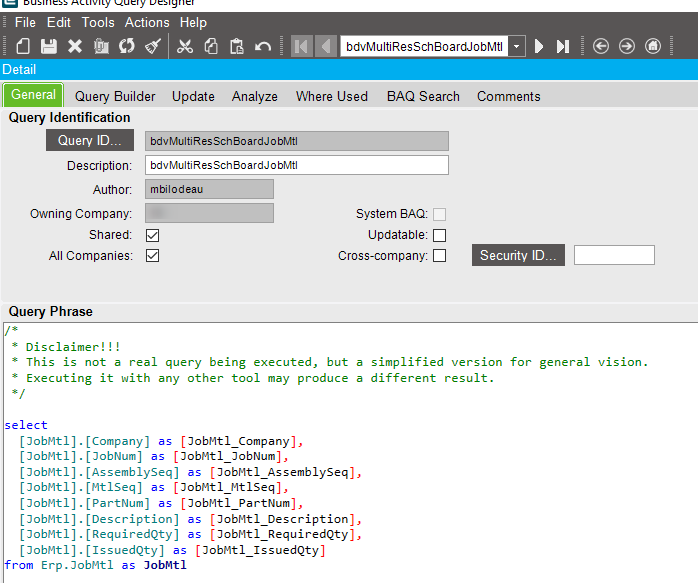
Create a BAQ that returns the job materials and all the info you need, for every open job. Something like that
-
Create a new layer on the menu
-
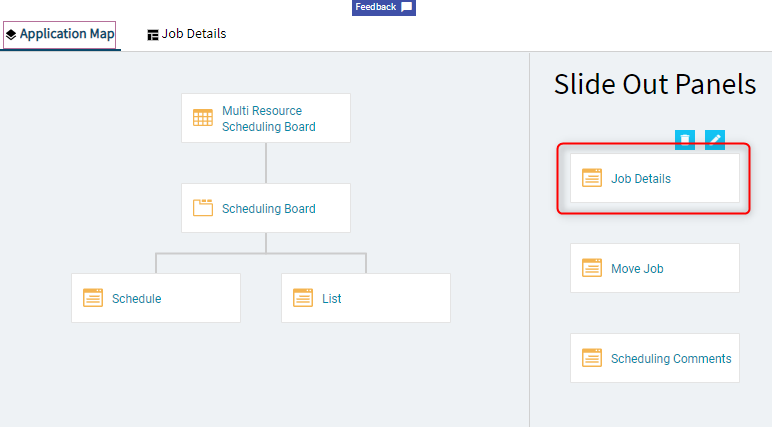
In the application Map, edit the “Job Details” panel
-
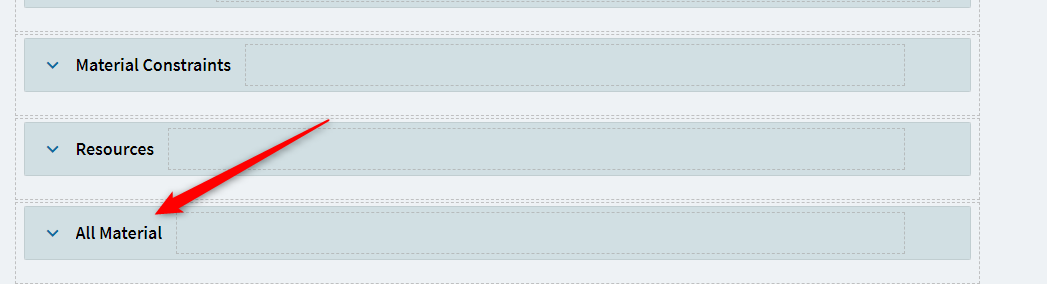
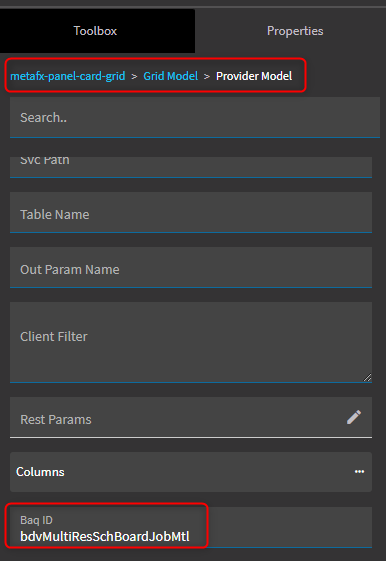
At the bottom, insert a new panel card grid
-
Configure the provider model of the panel card grid to call your BAQ
-
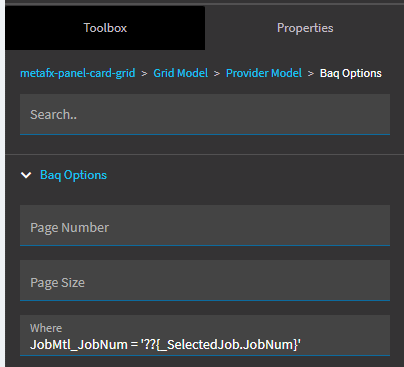
Add a where clause in the Baq Option of the provider model, like this
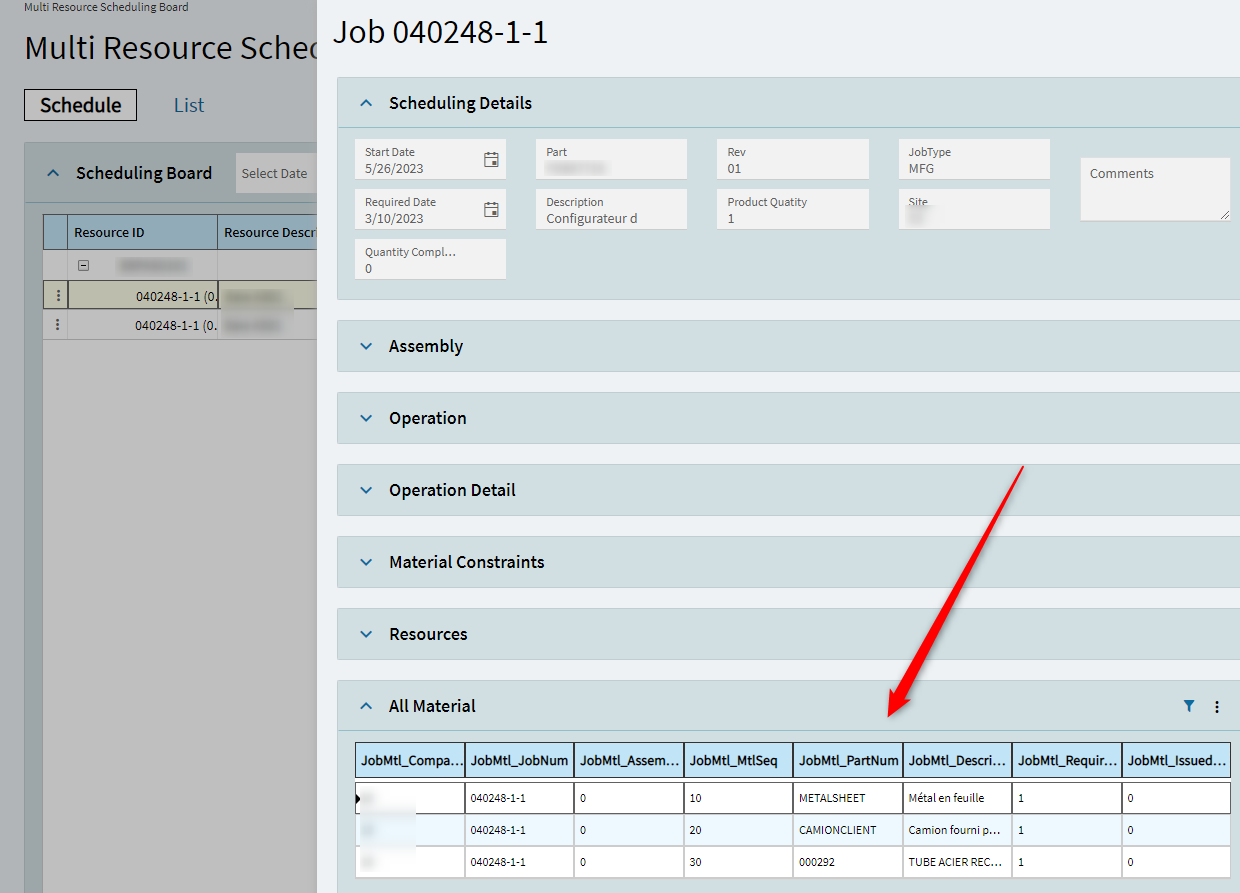
Here’s the result
Edit : hidding stuff and clarifications