First make sure the BPM will actually hit first. I normally will put in a “Show Message” to confirm my BPM does run.
Also, check if there is any problem with the path in the web.config.
- Drag the BPM source files into VS.
- Attached the w3wp.exe process
- Wait for all the things to load up first.
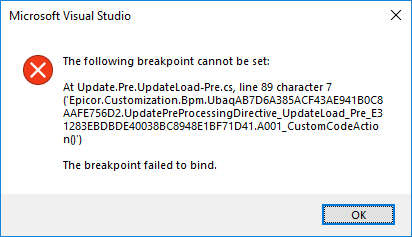
- Find the source code that is your custom code and put a break point. Make sure that the break point is placed properly as sometimes you will get the message failed to bind. Place it on another line so that you get a solid red dot.
- Then run the BPM and confirm that message box appear first then you know your code is going to run next.
Hopefully this will work.
Attached are my settings in VS and the break point does hit.
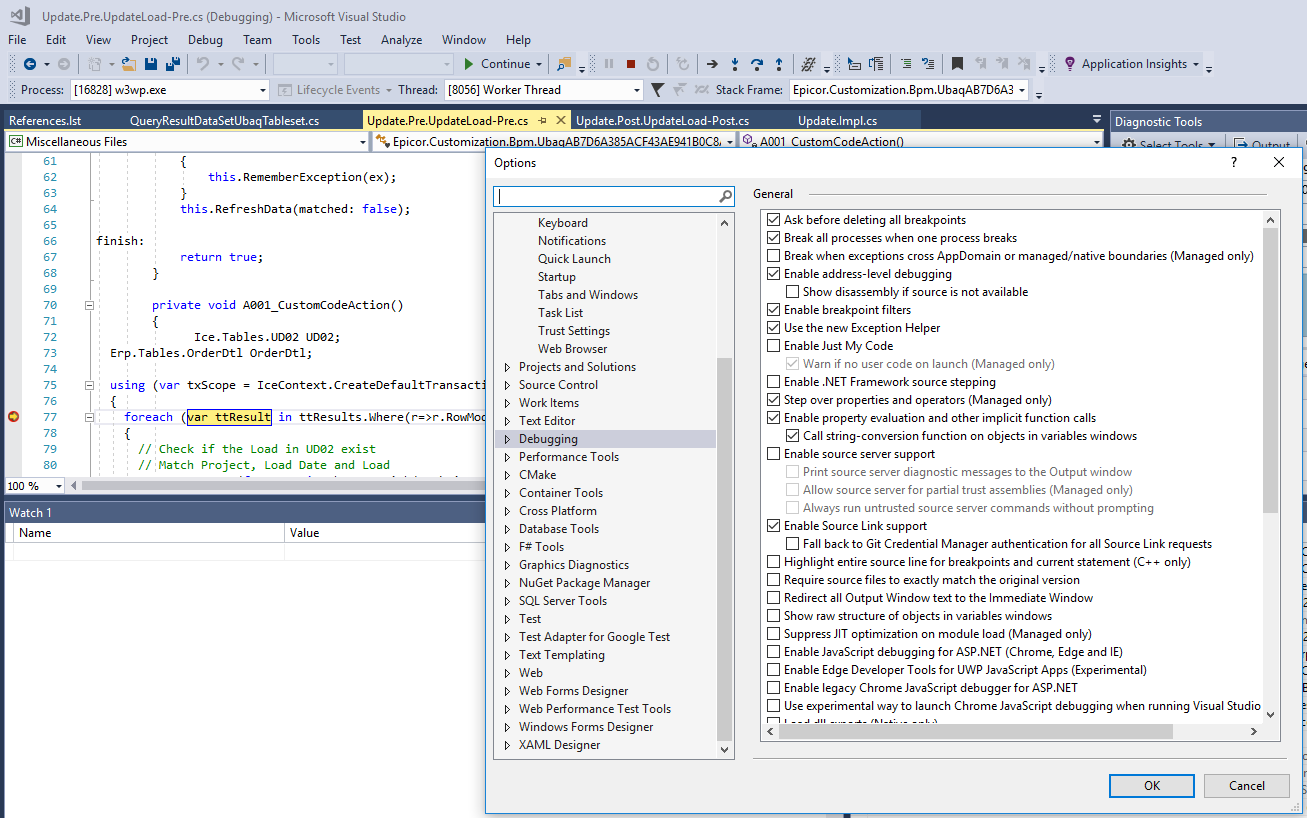
VS2017 V15.8.5