does this done through BPM? like selling it to no value? or create rules?
Okay, so when you “clear the form” by clicking the “Clear” icon, that is triggering an event called OnClick_toolClearUI.
This base event triggers a bunch of other activities that clear dataviews, tables, etc. in the background.
So, we can do the same things by creating another event.
Create a new event. This time the trigger will be:
Type: Event
Hook: After
Event: OnClick_toolClearUI
Once the trigger is set up, go into the Toolbox and search for “dataview-clear”. Drag that onto your event canvas.
In the properties, just type in Customer.
Now, after the system compelet’s its “Clear” event, yours should fire and also clear the Customer dataview.
3 Likes
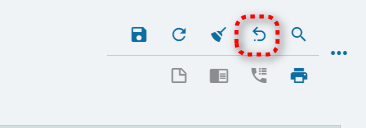
Should be the same set-up (hopefully)… not tested… but you would just want your new event to fire after the system’s “undo” event.
Type: Event
Hook: After
Event: OnClick_toolClearUI SysOnClick_toolUndo
BUT… I don’t fully understand what the Undo really does. To be honest, I don’t know if I’ve ever clicked that button.
1 Like
That is awesome!!! Thanks David . Will do more testing
Hi David, just wondering when I did that i lost the paperclip attachment button here
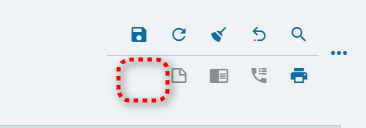
How am i going to place it back?
1 Like
The only time I’ve seen missing icons (tools) is when a page loses its binding. Its a glitch that happens… not sure why. look at your pages in the Application map.
Click on one of the pages and look for missing Bindings under Data:
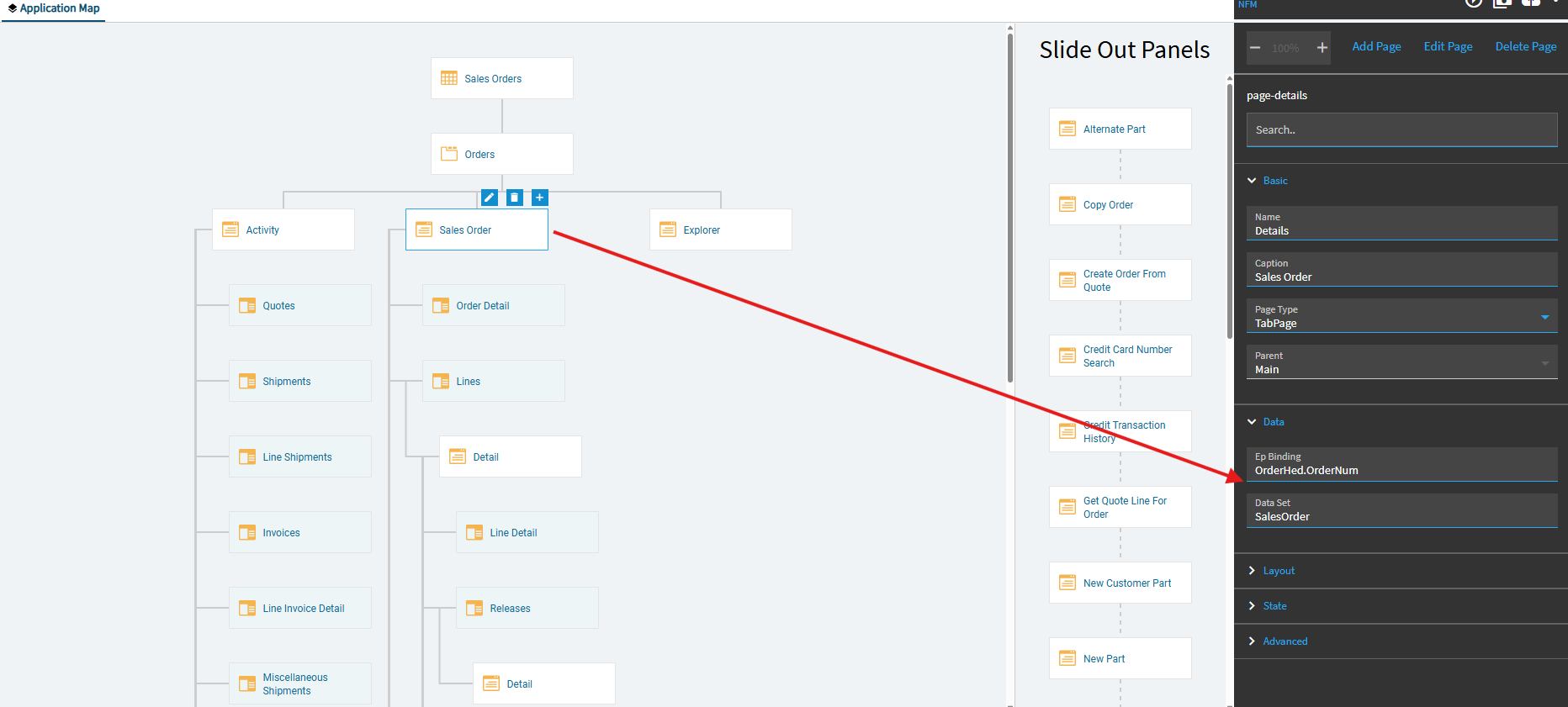
If you find one missing… you can try to look at other environments (Pilot, Test, Live) or other custom layers to see what they’re supposed to be.
Or… just shout out on the forum here and say your page lost its binding and someone can check and let you know what they should be for a given page.
I’m willing to bet that is the culprit. If you page loses its binding… the system doesn’t know what the “Attachments” would be connected to. You’re also missing your “new” icon. So, again, the system doesn’t know what you would be adding “new” if you clicked the icon. So… the icon simply disappears.
If you can put the bindings back in, the icons should show back up.
As a test, I went in and deleted mine… results:

Typed them back in:
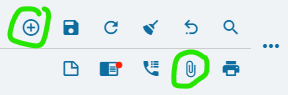

Just type them into your application studio layer, if you find any missing.
Hi David, Can you show me how to put them back? 
In App Studio… open your layer… click on the Sales Order page… in the properties, expand Data. Do you see any bindings there?
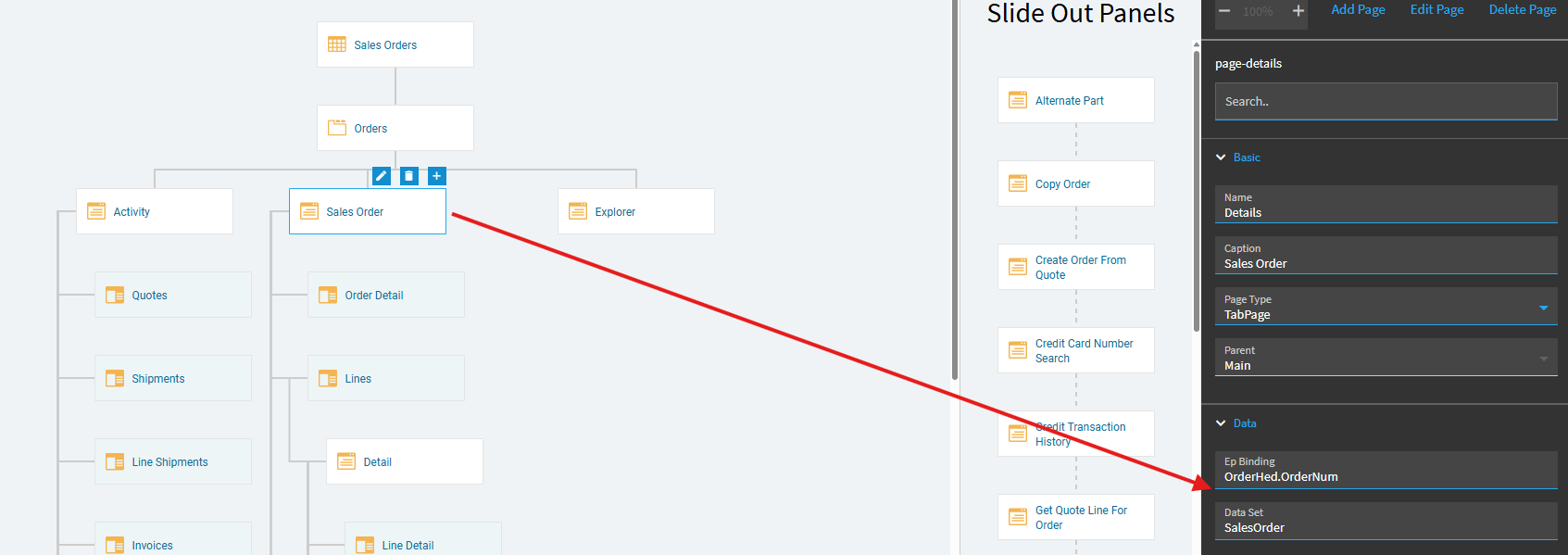
1 Like

yup. Just type them in. Case sensitive.
Preview… and see if your icons come back.
1 Like
It worked!!! Thank you David. Epicor support wants to send me to a paid consultant lol
1 Like
They’re always happy to take your money 
1 Like