Sorry if I missed the answer in my search, but could not find anything.
How do you control what happens when a user clicks a button on a custom sliding panel? I do not see anywhere to set it. 
Sorry if I missed the answer in my search, but could not find anything.
How do you control what happens when a user clicks a button on a custom sliding panel? I do not see anywhere to set it.
I don’t think it matters if the button lives on a Slide Out or not.
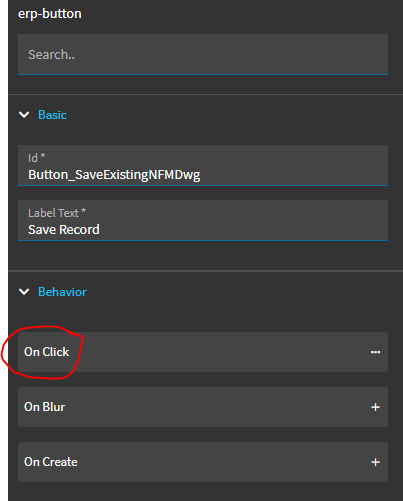
The button should have a “Id”… and you tie an event to the OnClick of that control.
This button lives on a slide-out:
Under Behavior… choose “On Click”
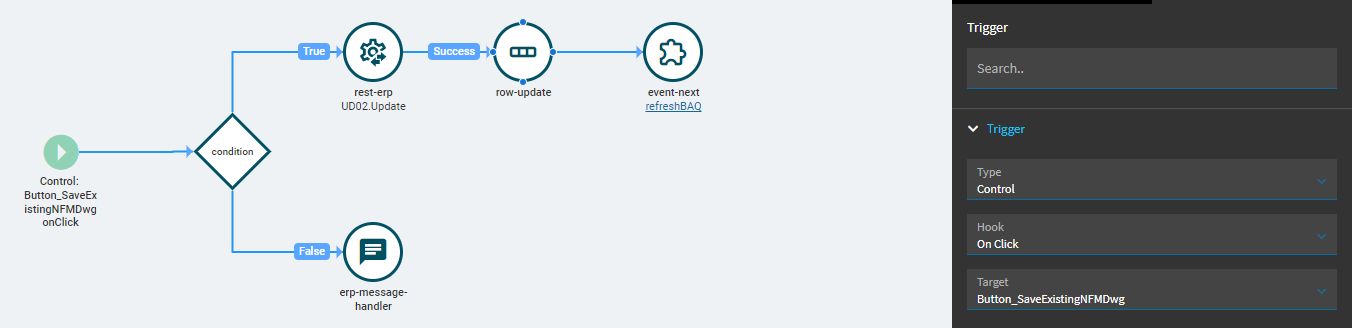
Then design the event that controls what happens when that button is clicked:
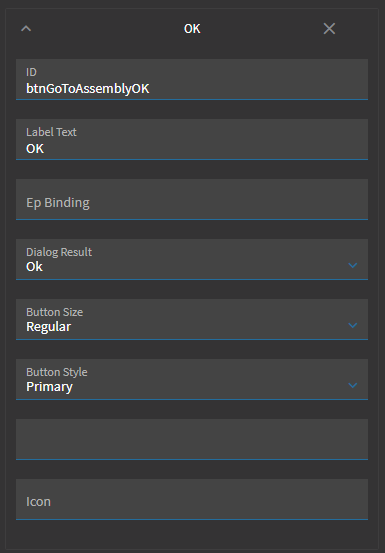
I am using the buttons you can add on the panel properties. I cannot find anywhere to get to an OnClick for them.
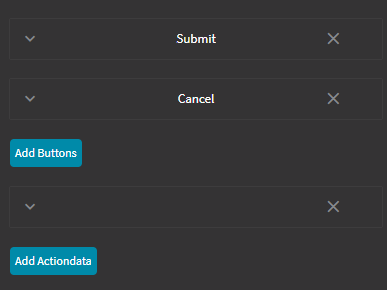
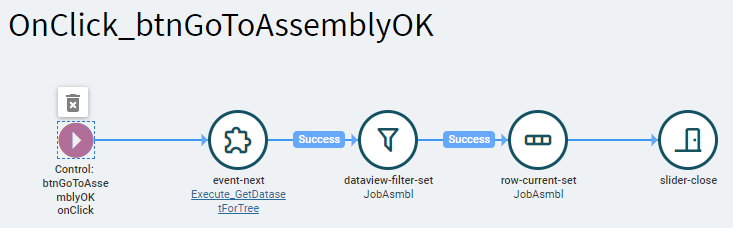
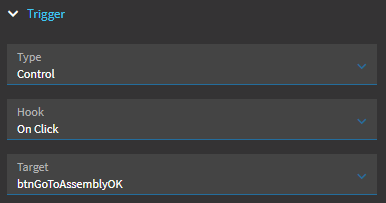
You’ll need to manually create an event and set the trigger there, using the ID of your panel’s button.
Button
Event
Event Trigger
Awesome. Thank you.
This solved my problem as well! Thank you!