I have been trying to add parts Image to our Job Traveler. I have followed the recommendation of a couple of useful threads in here but still can’t get the images to populate on the report. Our Parts image are saved in the attribute section of part maintenance using Image Maintenance.
I have first modified the RDD to include the Image And FileStore tables and granted inclusion to the appropriate fields. I have also added the below two relationship
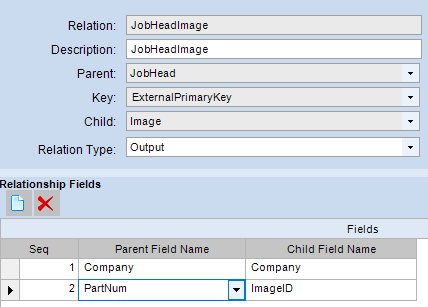
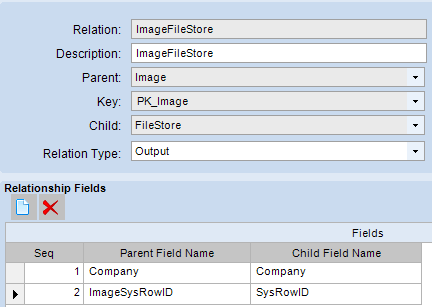
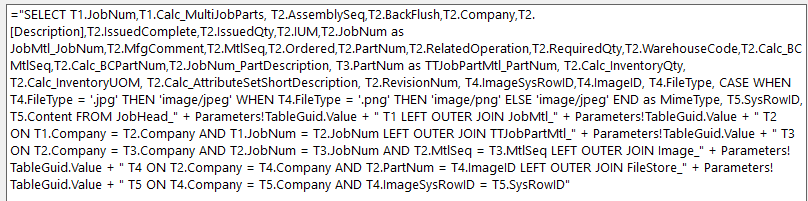
I then modified the RDL file. I added fields and relationships to the JobMtl datasets:
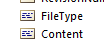
I added the Content and FileType fields to the datasets:
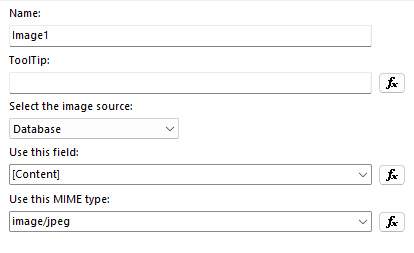
Finally I inserted an image to the RDL file

The report generates but the image section remains blank. What am I missing ?