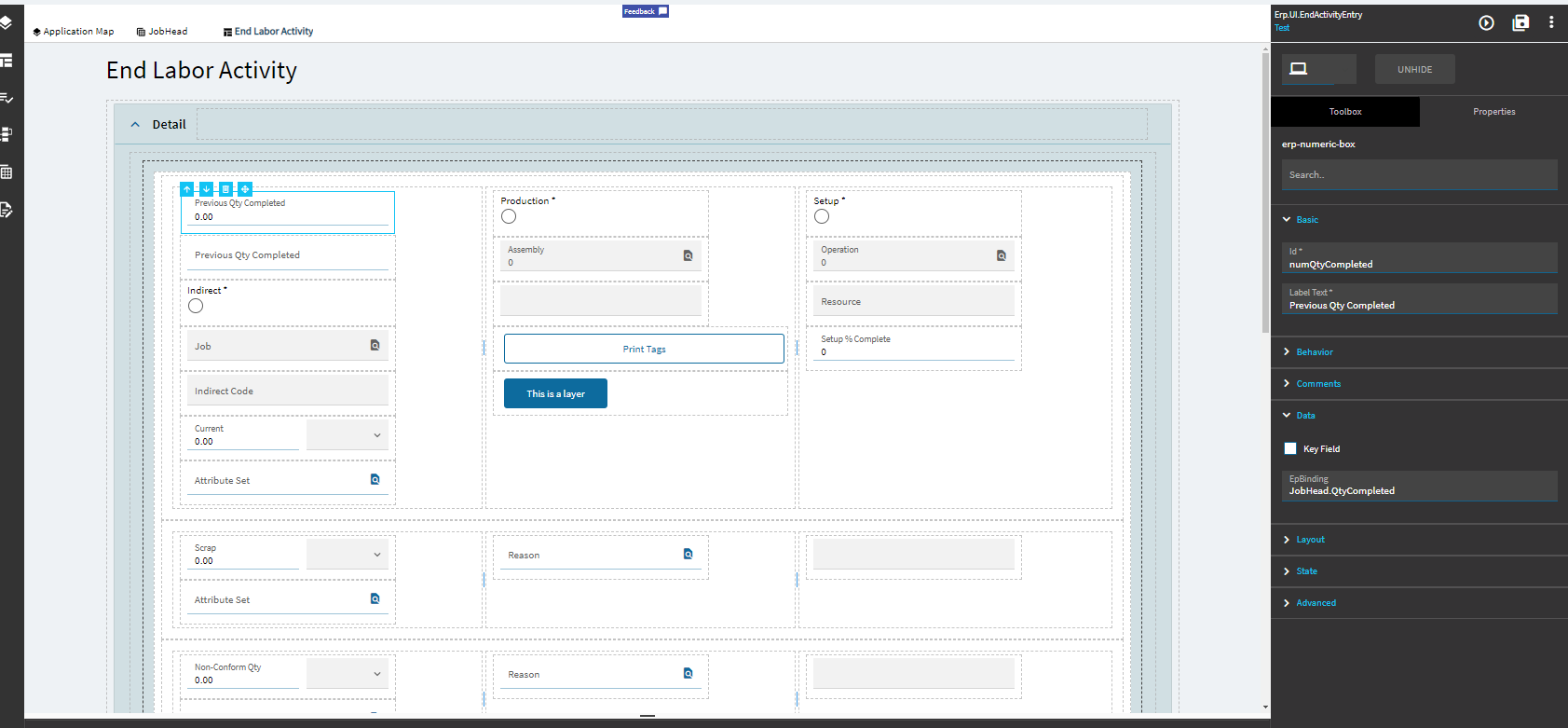
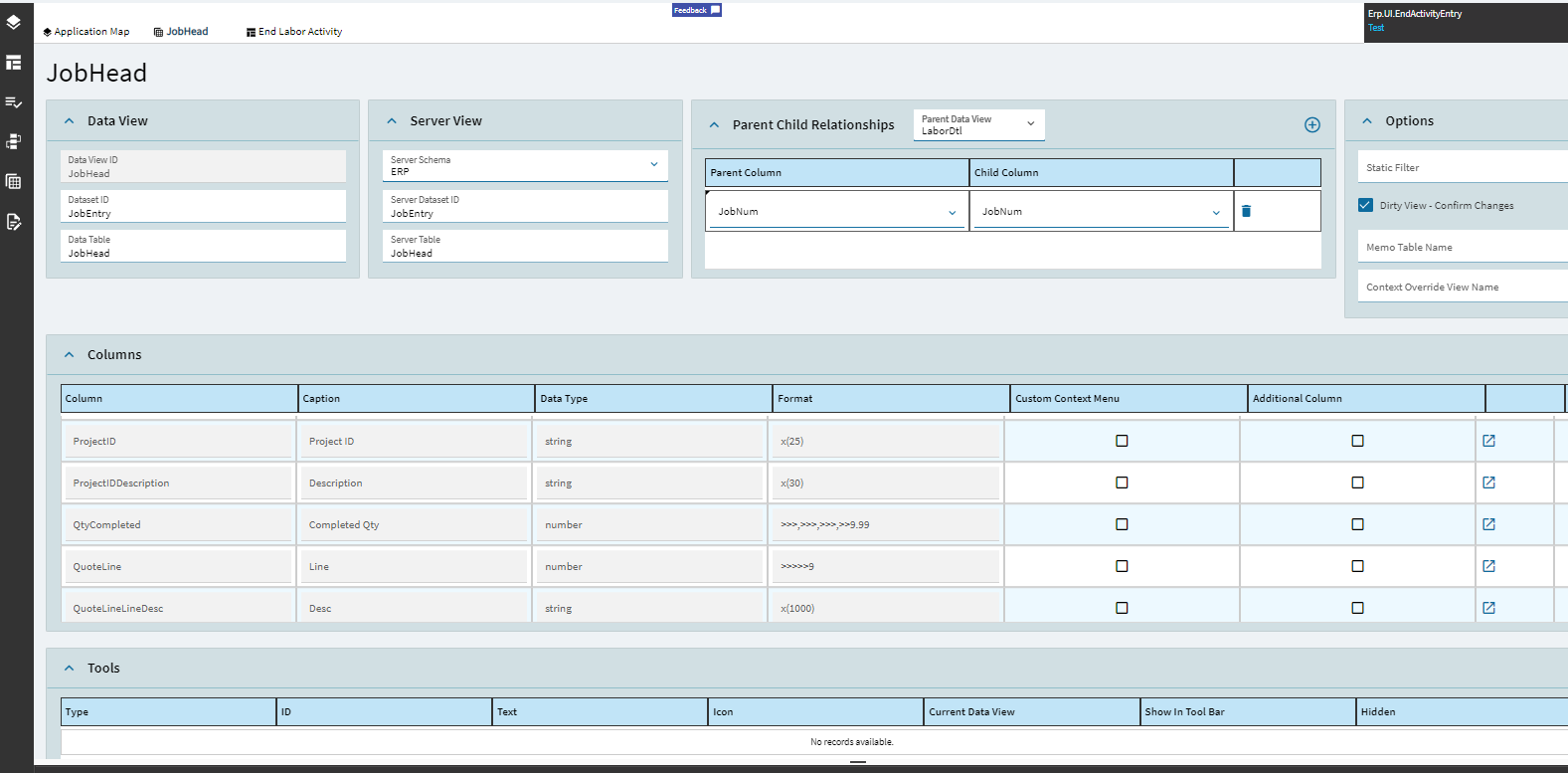
Now I just want to add JobHead.QtyCompleted but I am missing something. I probably bungled the dataview.
I’ve tried the dataview with and without a parent/child association, and I’ve tried it on both JobAsmbl and LaborDtl. I’ve also tried both a text box and a number box control.
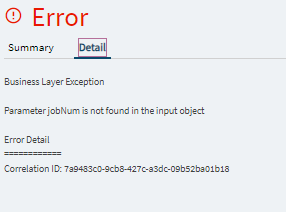
Thank you for this, I think I’m much closer but still coming up short. I get this error now:
I did as suggested and hooked the call to the OnCreate for the control. What I did NOT do is do anything with TransView because I wasn’t clear whether that was required. I just bound everything to JobHeadAdd.QtyCompleted.
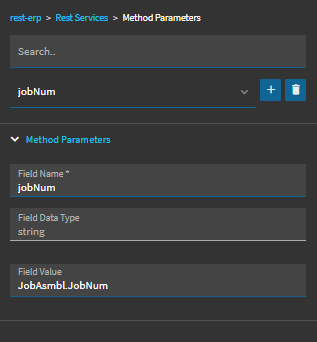
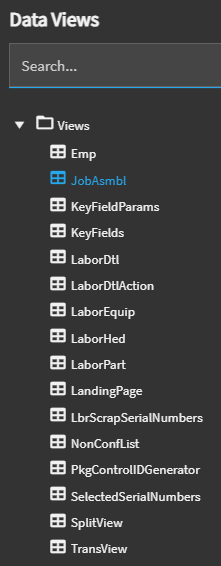
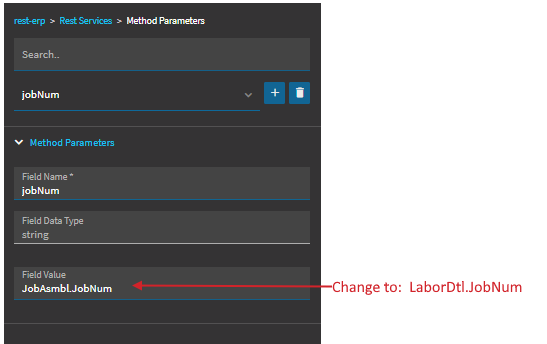
So, I’m wondering if that’s why you’re getting your error. Its looking for JobAsmbl.JobNum, but it doesn’t exist (even though there’s a dataview on End Activity in App Studio, but, again, not sure why at this point).
However, LaborDtl also includes the JobNum field. So, perhaps, in this case, I would try LaborDtl.JobNum and see if that works.
I tried this change on the OnCreate event and got the same error as before.
I will admit that I have no idea how you got to that debugger screen. I tried various key combinations + 8 in the F12 screen as was suggested in that other thread, but that didn’t work for me in Brave.
I thought maybe it’s firing too soon or something so I moved everything into a button. Interestingly, it throws that same error using JobAsmbl, but does NOT produce that error when using LaborDtl in the button, however I still get this in the console:
Trying to assign object in epBinding actionResult.returnObj. epBinding values should contain only number, string or bool values. Instead received null
Interesting… I’ve never even heard of the Brave browser. Learn something new, haha.
So, you can get to the Dev Tools?
No clue what it looks like in that browser, but I’m assuming there is a Console. In the prompt you should be able to type “epDebug.toggleMetaFxLogging” and hit return, this should turn debugging on (or, at least does in Chrome). Then click around on your form and you should see events firing as you enter data, save records, etc.
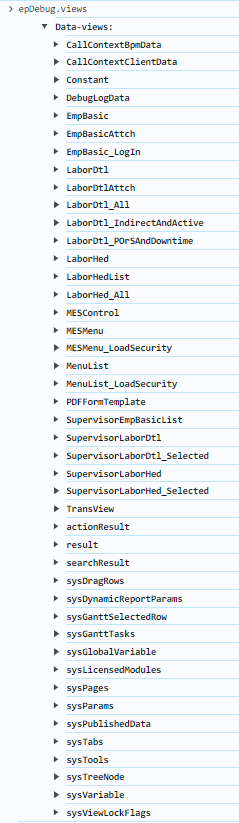
Another handy one is: epDebug.views
If you type that in your prompt, (again, assuming it works in Brave) it should generate the list of dataviews (like the image in my earlier post). You can open those up and see what data is populated in a particular view at that point in time.
My guess is your rest call is returning a null value and trying to put it in your JobHead.JobNum field (which should be a string).
So, again, it sounds like your event is firing before LaborDtl.JobNum is populated, but, if you’re now doing it with a button click, that shouldn’t be the case.
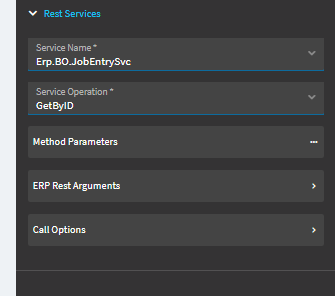
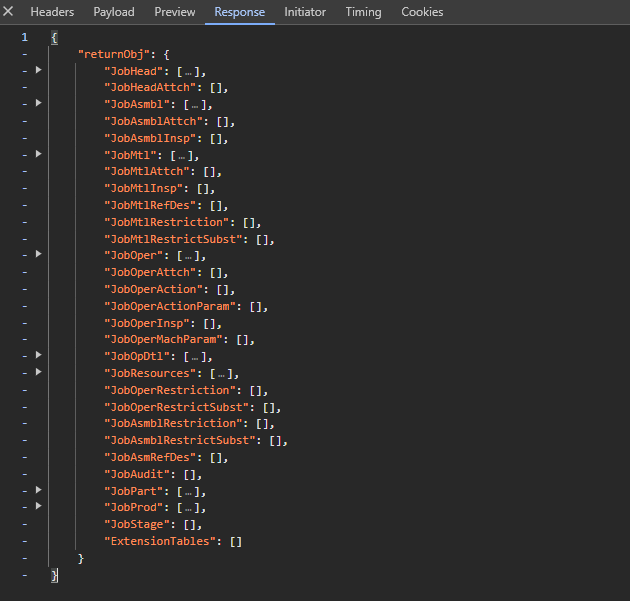
If you can start seeing your event firing in Debugger, you should be able to click on the “Network” tab. This will give you a list of activity. You should see your “GetByID” call. Click on that and you can look at the Payload (the Method Parameters you’re sending), hopefully you’ll see jobNum and the value we’re assigning to is from LaborDtl.JobNum.
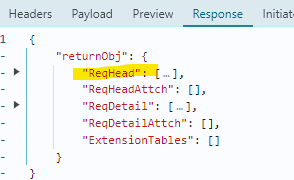
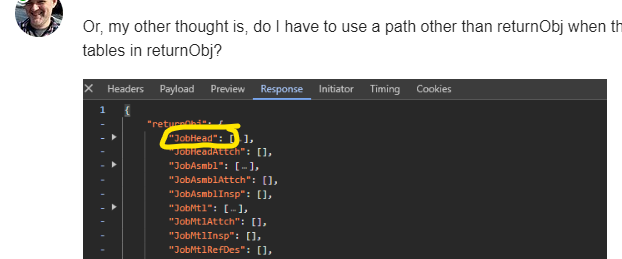
Then you can click on “Response”… this is what the server is sending back.
Again, not sure what you’ll see since you’re getting an error. But perhaps some breadcrumbs we can use.
I appreciate your help immensely. I’m fiddling around with your suggestions and I got the response header to return the job number but the view is still undefined. We’re almost there. I’ll update this again with a solution.
I’m having a hard time cultivating any Kinetic energy though. I miss Classic.
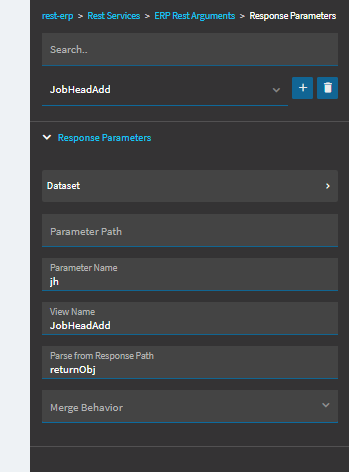
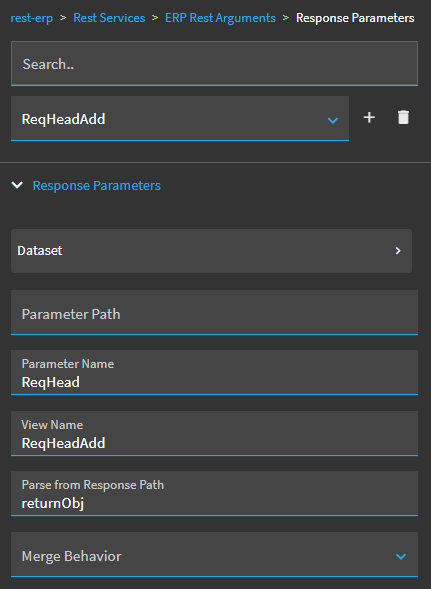
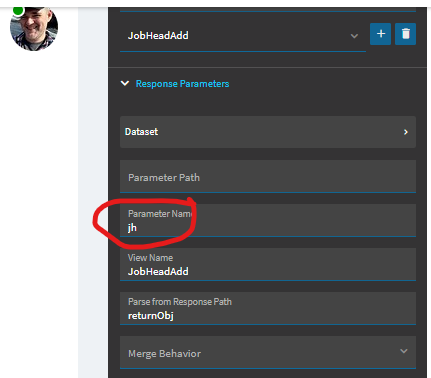
Sorry to double post but I should clarify that I rebuilt this layer a couple of times after the OP and reading the suggested thread, and during one of the subsequent builds I renamed the dataview from just JobHead to JobHeadAdd, which is why it’s different in the pic in the OP.
I should also add that I’ve tried just sending this response to TransView and got the same result.