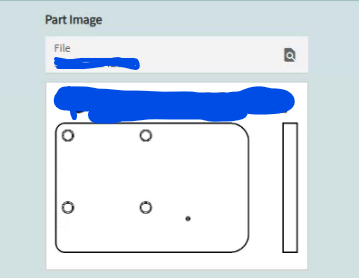
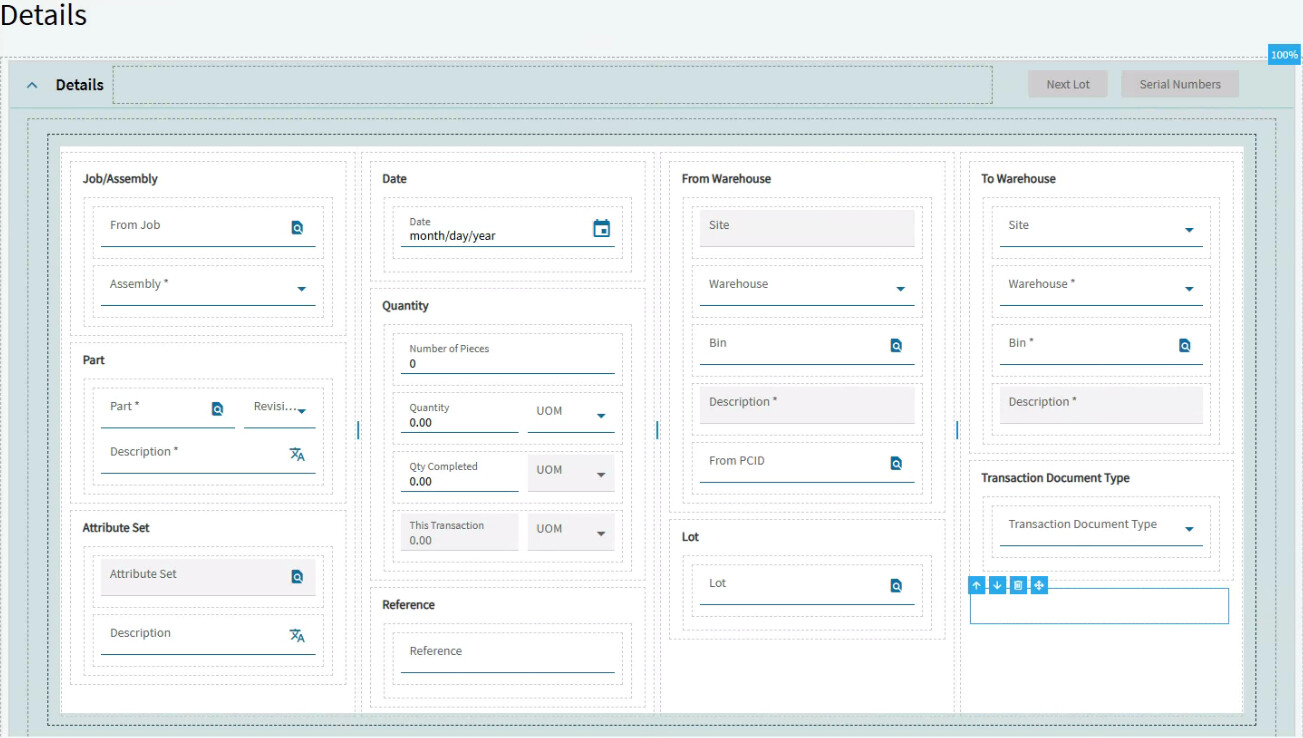
We would like to add these images to the ‘Job receipt to inventory’ page as a visual guide for workers to verify they have the right part.
I was attempting to simply put a picture box or a website widget, but I cannot seem to add any component or widget to this page in application studio even when I make a new layer.
I’ve had it suggested to use a function to get the Base64 image , then have the UI call the function and then bind it to a Transview variable then use that variable for the picture box.
Does anyone have any suggestions on how to add this picture box to this screen and if this is the best methodology ?
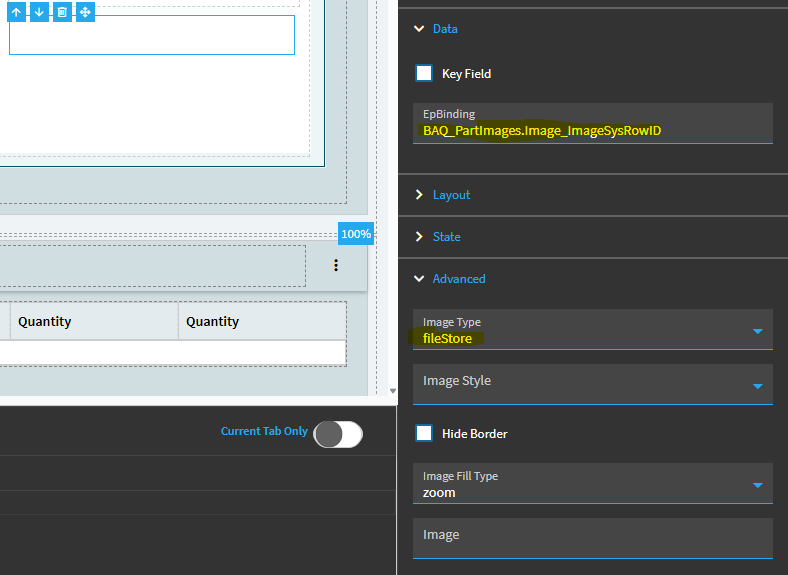
Scratch that, I may have not been on the details page or perhaps I didn’t realize when I clicked and dragged the picture box that it did put it there because if you don’t have it selected you cant hardly tell there is anything there (once you select it, you can see the dotted outline)
May depend on where you’re storing your images. I’ve done this on Receipt Entry, but I would assume the set up for Job Receipt to Inventory would be similar…
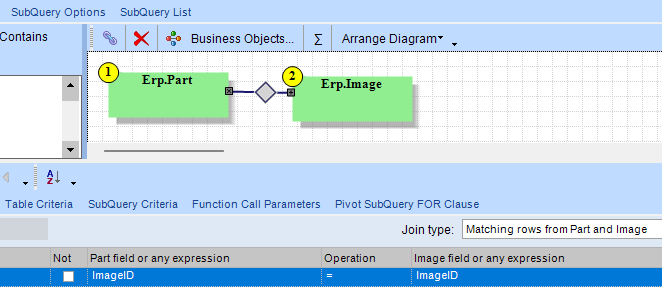
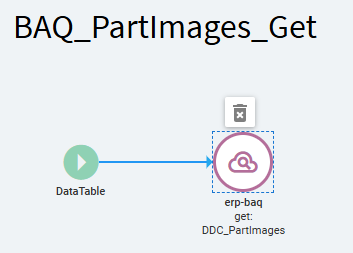
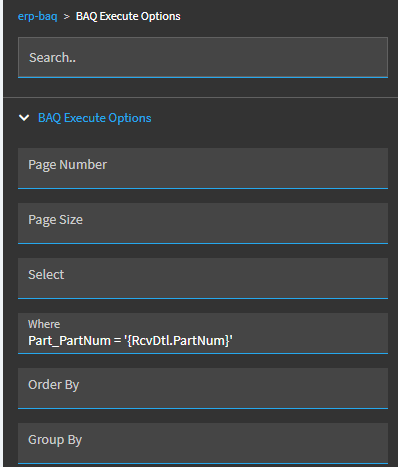
I did this with a simple BAQ linking the Part and Image tables based on the ImageID columns.
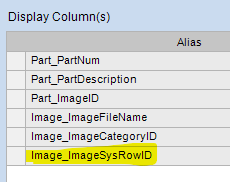
When your BAQ “Get” event runs, it populates your BAQ dataview, and your Picture Box then uses the Image_ImageSysRowID column to find the correct image in your fileStore to display.
The hardest part is finding all the event triggers (may need multiple events) to call your BAQ Get event. Every time you change a part number, or view row change, or navigating between views, etc. For example, when I did it on Receipt Entry, the user can navigate between multiple receipt lines. So, every time they do that, I need to fire that BAQ again so the value updates based on the part being referenced.
And again, your setup may be different depending on where you’re storing your images. But the above worked for me.
Thanks so much for your suggestion! This was was easier than the way I was trying to do. I was able to get it working the way I want.
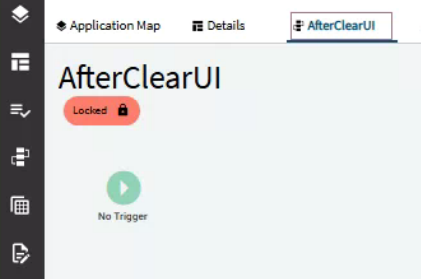
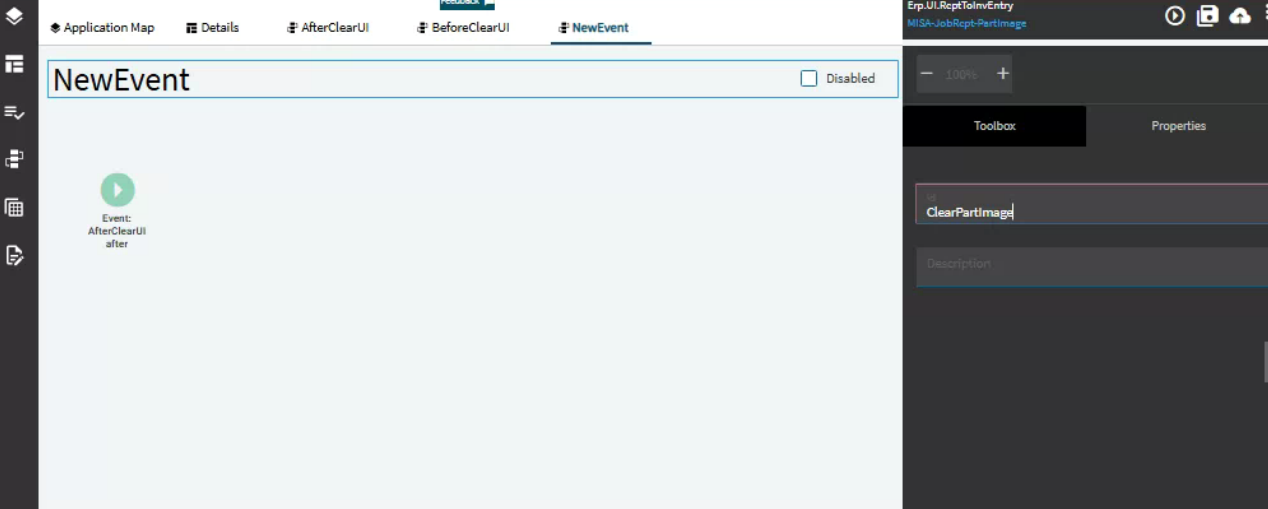
I need to figure out how to get the image to clear when I do a clean/sweep of the page. Right now it stays until you search for new order and hit tab (triggers pulling new image by onBlur). I’m assuming I just need to tie the UI clear to also clear this out.
I was assuming I could do something with the AfterClearUI but that seems locked