Adding RcvHead.ReceiptComment to Inventory Movement Report (Modifying RDD)

Hello everyone,

I need to add the RcvHead.ReceiptComment field to the Inventory Movement Report in Receipt Entry.

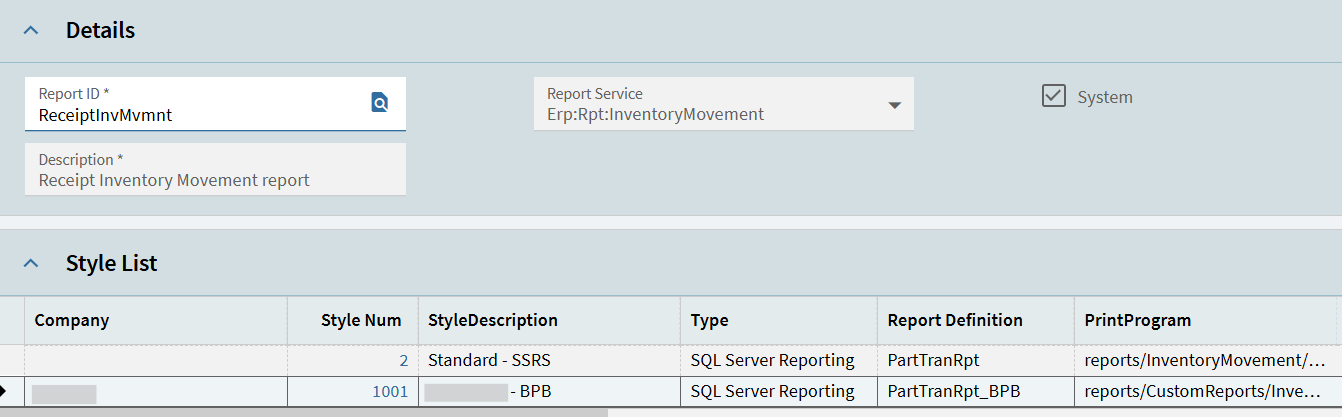
I’ve already copied the standard style to a new report style and changed the RDD.

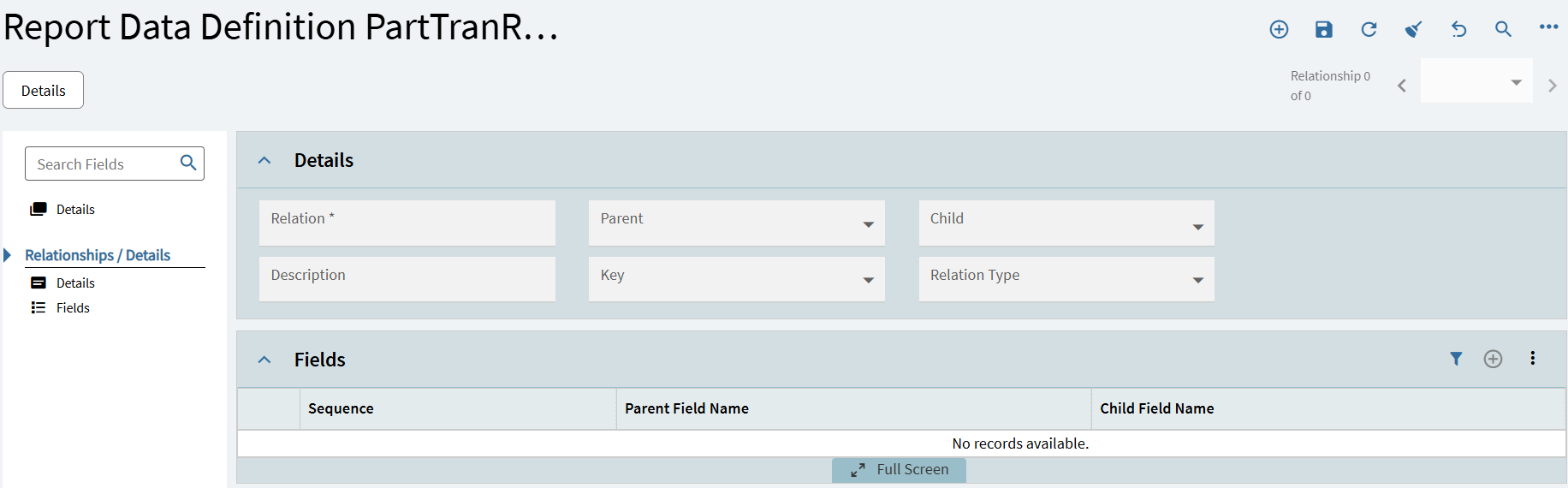
For the RDD, I originally thought I could use the standard PartTranRpt since it already has RcvHead listed as one of the data sources, but there’s no relationship listed.

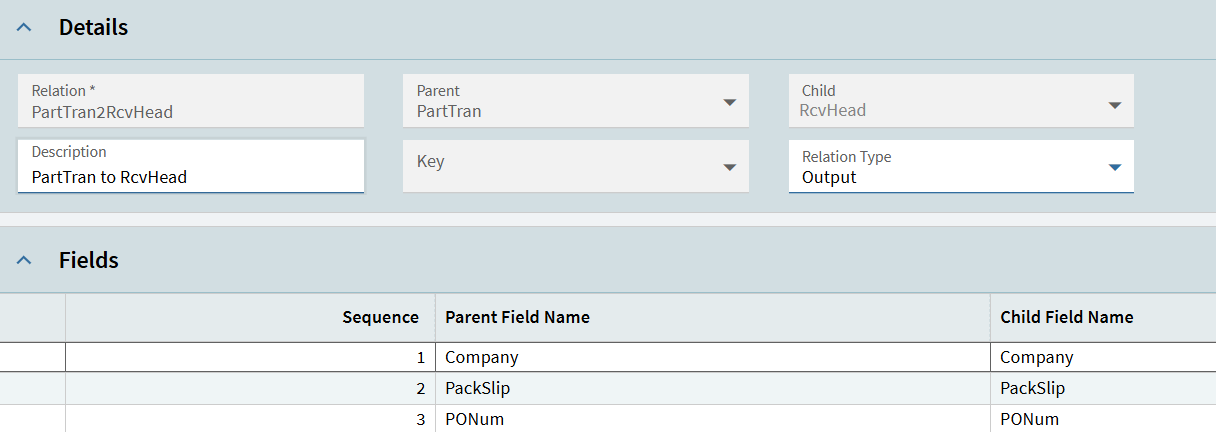
So I duplicated the report and added a relationship

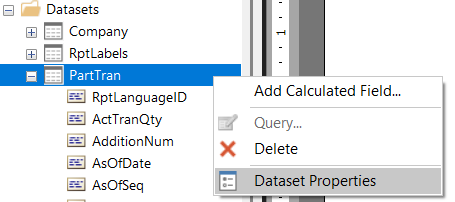
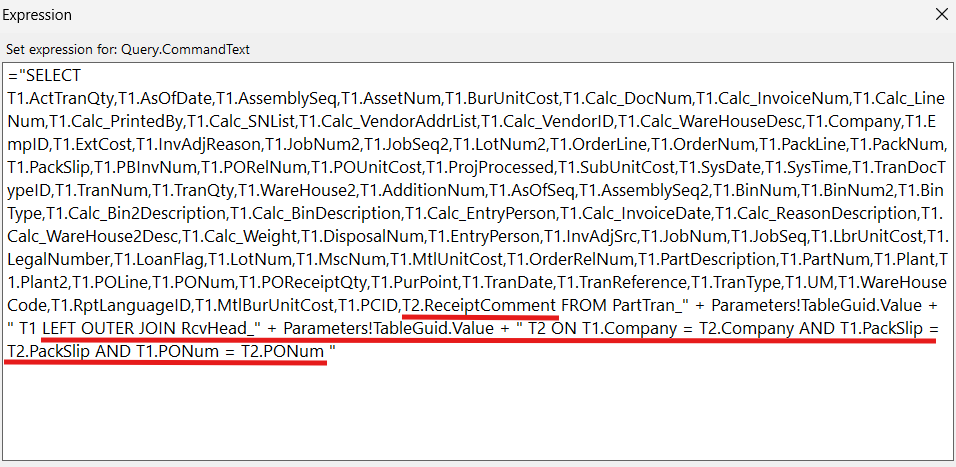
Then in Report Builder, added the join in the PartTran dataset query


Then added the field
image

And I thought that should be it, but it’s still not working. Can someone help point out what I’m missing here?

That report is really tricky. The data set doesn’t make a lot of sense and its mostly black box. You could try printing T1.PONum and T1.PackSlip on the report just to see if the data you expect exists. And/or printing out the entire RcvHead contents in a separate tablix to see what data is being returned there, if any. If RcvHead is already in the system dataset but without a visible relationship, I would not add a relationship to the RDD. It may not be joined the way you think it is, and adding that relationship might actually prevent it from returning the data.

1 Like

PONum and PackSlip returns the expected value. How do I print out RcvHead though? It doesn’t show up in the dataset.

You have to create it.

Sorry, I’m not sure how to do that.

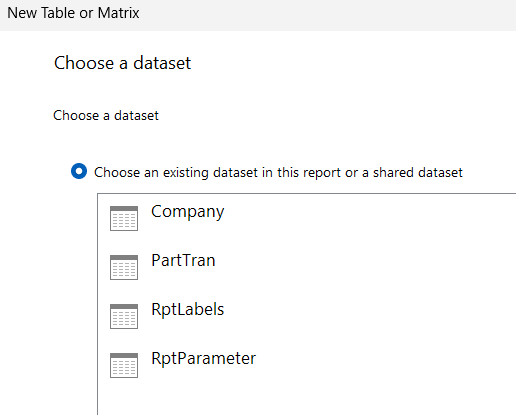
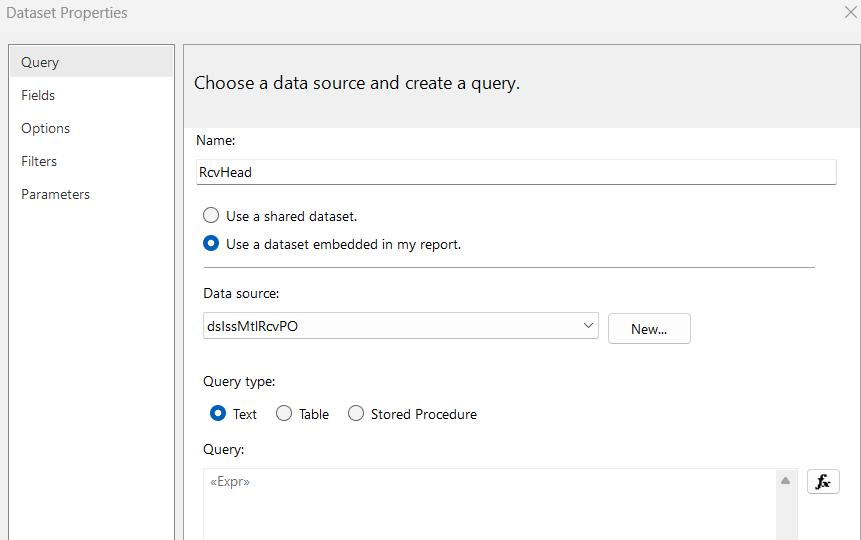
I tried adding a dataset.
image


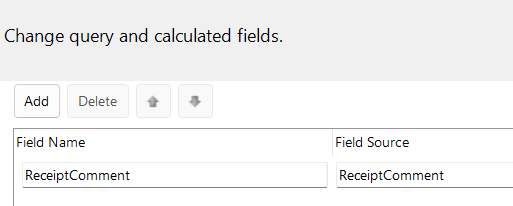
Then added the query and the field

Is that what you mean?

Yep

It didn’t work, just gave me a generic error

If youre on prem, you can just query the ssrs database directly to see whats in that table. Or download the xml.

I’m on Cloud/SaaS.

I saw this thread Report Dataset for MS Report Builder - #10 by ckrusen. If the RDD is a data view and it combines all the tables in the RDD into one dataset (PartTran?), then shouldn’t I be able to just add T1.ReceiptComment in the query and field? Doesn’t work though and the error message doesn’t help either.

try ="SELECT ReceiptComment FROM RcvHead_" + Parameters!TableGuid.Value

Maybe T1.PartTran_ReceiptComment ?

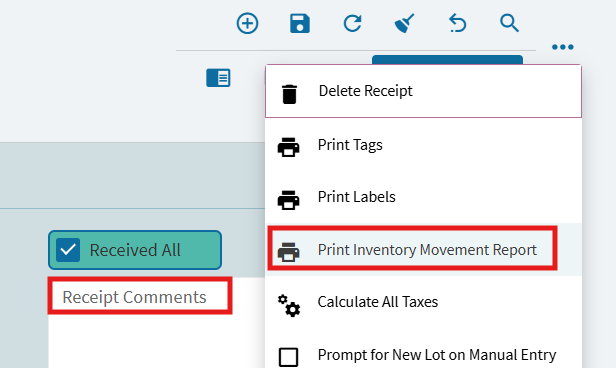
Ah I’m so sorry it was my mistake this worked! I was too focused on the query and didn’t realize that I had been dragging the ReceiptComment field to the footer of the page. Once I dragged it to the body it worked. Thank you so much!
2 Likes

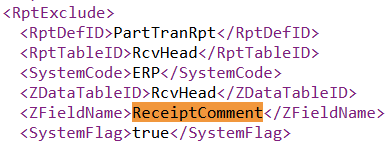
I just looked in the data and the definition, and this is in the standard report.

So no need to edit the rdd, just add the dataset and field like you did.

Yep I went back to the standard RDD.

How do you see that?

1 Like

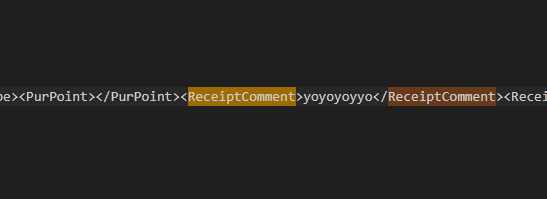
I copied the report style, set it to xml, and generated for design. Downloaded from the system monitor with download crystal data.

1 Like

Does that work on the browser client? I don’t think I see that option here.

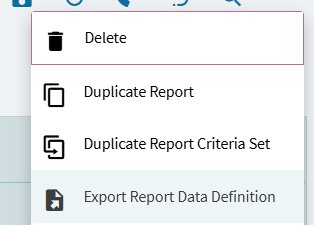
Its in report data definition, change output to xml.

Is it this one?

The output looks different from what Kevin showed.

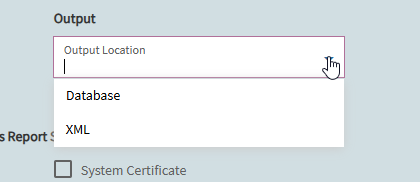
No, the output.

1 Like

Gotcha, thanks so much to you both!

In case someone else on SaaS needs the steps, here’s what I did:

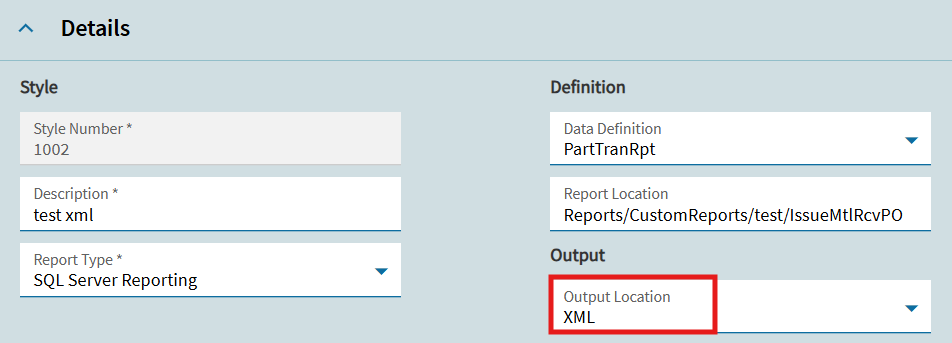
  1. In Report Style, copied the standard report and changed the Output Location from Database to XML
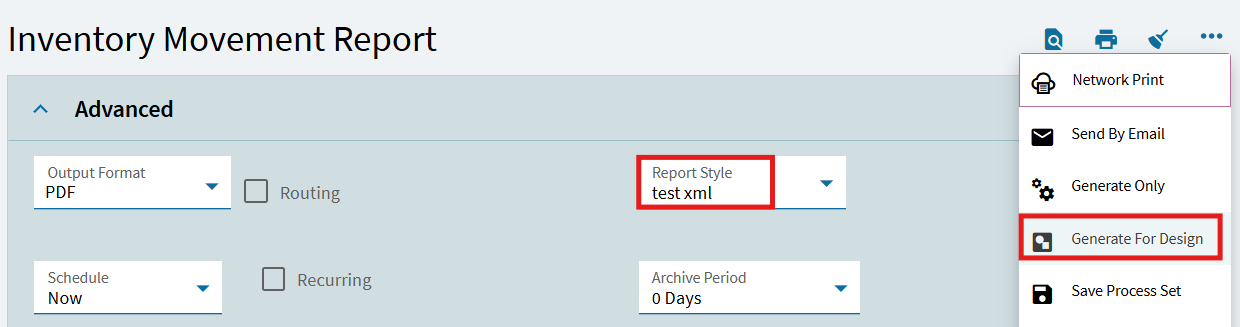
  2. In Receipt Entry > Print Inventory Movement Report, changed the report style, and selected Generate for Design
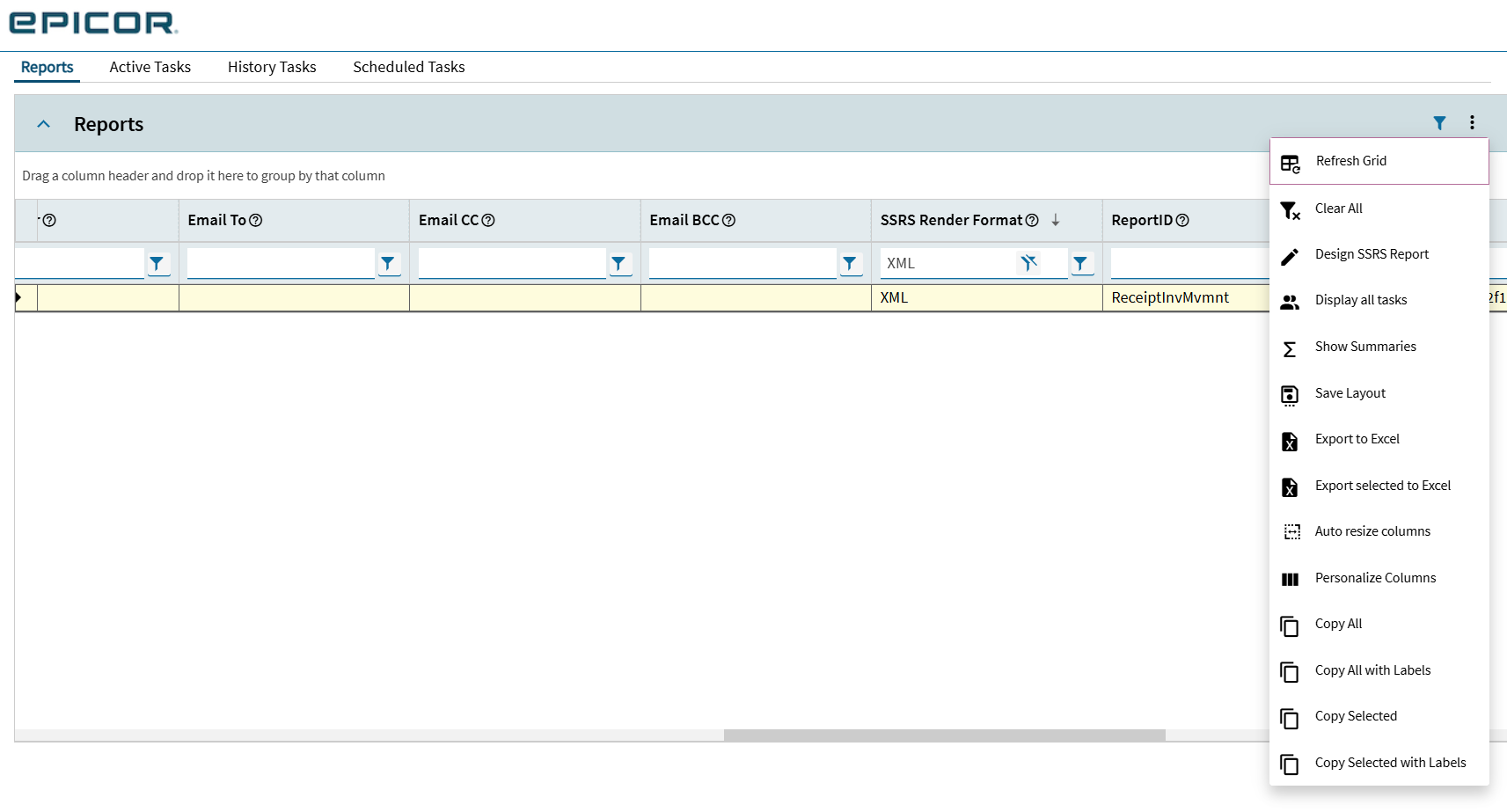
  3. Opened System Monitor and located the File Name column
    image
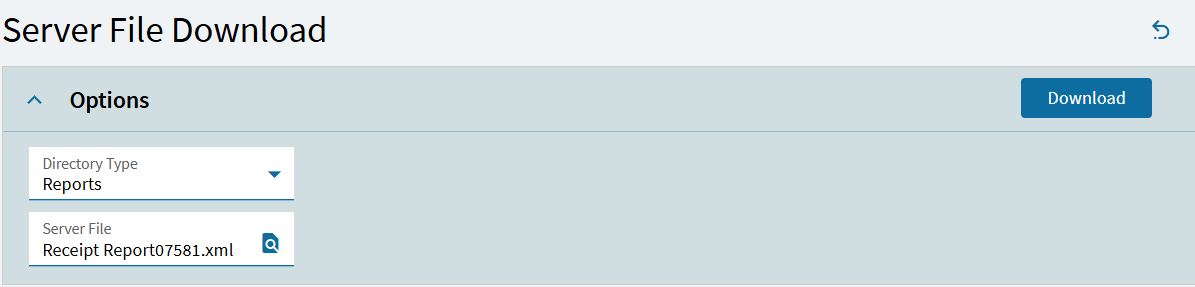
  4. In Server File Download, changed Directory Type to Reports, located the file and clicked Download

    image

Thanks again for the help, much appreciated

1 Like