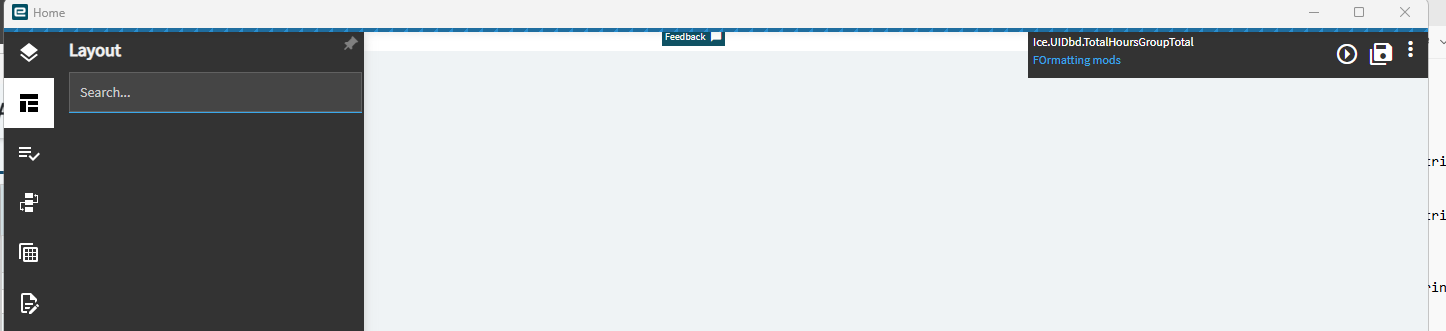
We upgraded over the weekend (on prem here) to 2025.2 and now none of the custom dashboards which I built in Kinetic from the template which was provided at last year’s Insights conference are working. Even more disconcerting is that when I access each of the dashboards in Application Studio I get a blank canvas - none of the expected rules, views, etc is available for editing or viewing.
I was able to see the base template for one of them after deleting off the existing base layer and re-importing the saved original version of the template (customized) for that dashboard. However, in deleting off the base layer it also deleted off the custom layer which had all of my modifications which were built to make the template into my desired dashboard.
Has anyone seen this and if so what the #_()$* did you do to make it work? I’ve put in a call to Epicor support but so far they don’t seem to think this is a priority to address and nobody is responding.
Usually all I get is the gray screen - nothing happens. If after a while I believe it then kicks out an error message to “contact administrator”.
I did on one occasion get an error when in App server I highlighted a layer (or base?) and I got and error message when I tried to deploy after successfully clicking on the upgrade app for that layer. It said something about the path having a component missing (or something along those lines) and then provided the path. I got that yesterday a couple of times but haven’t seen it since.
The REALLY disconcerting thing is that I can’t see ANYTHING in app server for my custom dashboards. It’s as if you created a new layer in appserver and were going to start building a new dashboard from scratch. All the layers are still there but they “seem” all empty. I’m thinking this is the key indicator and if I can start seeing what I built in App Studio as far as editing a dashboard, everything will start working???
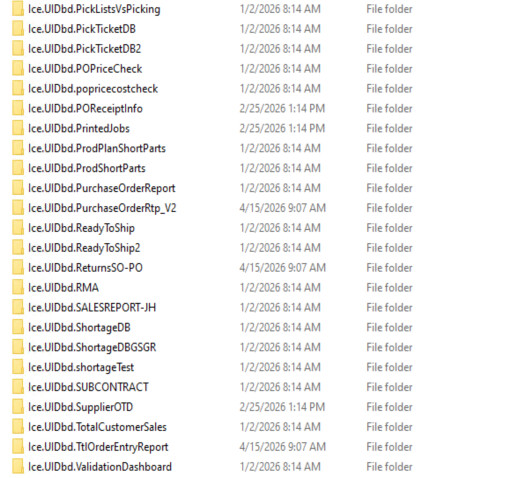
I’ve seen that mentioned before and will give it a try. Do you have a path for where to find the MetaUI folder? We’ll have to restore from backup and it would help to know where to look to speed up the process.
I vaguely remember a similar problem upgrading from 2023.2 to 2024.2. It could very well be. Were all of the necessary conversions run during the upgrade?
I’m wondering if it’s something like this. If the previous version was still somehow using the file system instead of the db. And the migration wiped everything out.
You might be able to put a backup of the files on the new server and run the migration again. And get it to correctly load the db.