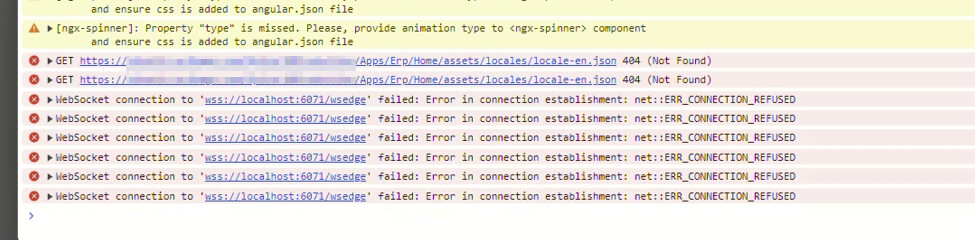
I haven’t had it, no, but it does take a long time for the menu to load pretty much every time. Where you can’t navigate the menu structure till it’s done loading.
Looking forward to hearing more about anything you find here.
Only the client so far. It appears to be tied to EssentialObjects. I just went through a fix I had to kill all instances of EO, Clear the AppData cache for Epicor and then it worked.
FWIW Here’s the Batch script we just wrote note this will have to be updated depending on where you keep your Epicor cache. We use an Alternate Cache path cause we like to know where Epicor hides its treasure
A couple of us started having this happen after they switched anti-virus software to MS Defender. It happens to me fairly often, but I just close it and reopen it, which fixes it every time so far. My coworker has to kill off the task all the time, as you all indicated above. We are on an older version of Kinetic.
This has been happening more frequently for me since we applied Update 13 to 2025.2.
My current workaround has basically been to close the window and reopen it repeatedly until it decides to behave—usually by the third or fourth attempt. However, next time it happens, I plan to go straight to clearing the cache and see if that resolves it.
That said, I’ve already cleared my cache at least 40 times this week while troubleshooting other issues. At this point, if I find out something is consistently writing bad cache data, I’m not sure I’ll be able to let that go. That feels like the kind of thing that would quietly follow me into the weekend until I finally dig into it—if for no other reason than pure annoyance.
It has been especially bad on 2025.2. On 2025.1 it was pretty settled out. I find a lot of times if I threaten it with going back to classic it works. I will launch, close, launch close, launch close, nothing still blank. I hold ALT to get the preferences dialog and often times it will then load. For some reason that kicks it in the pants.