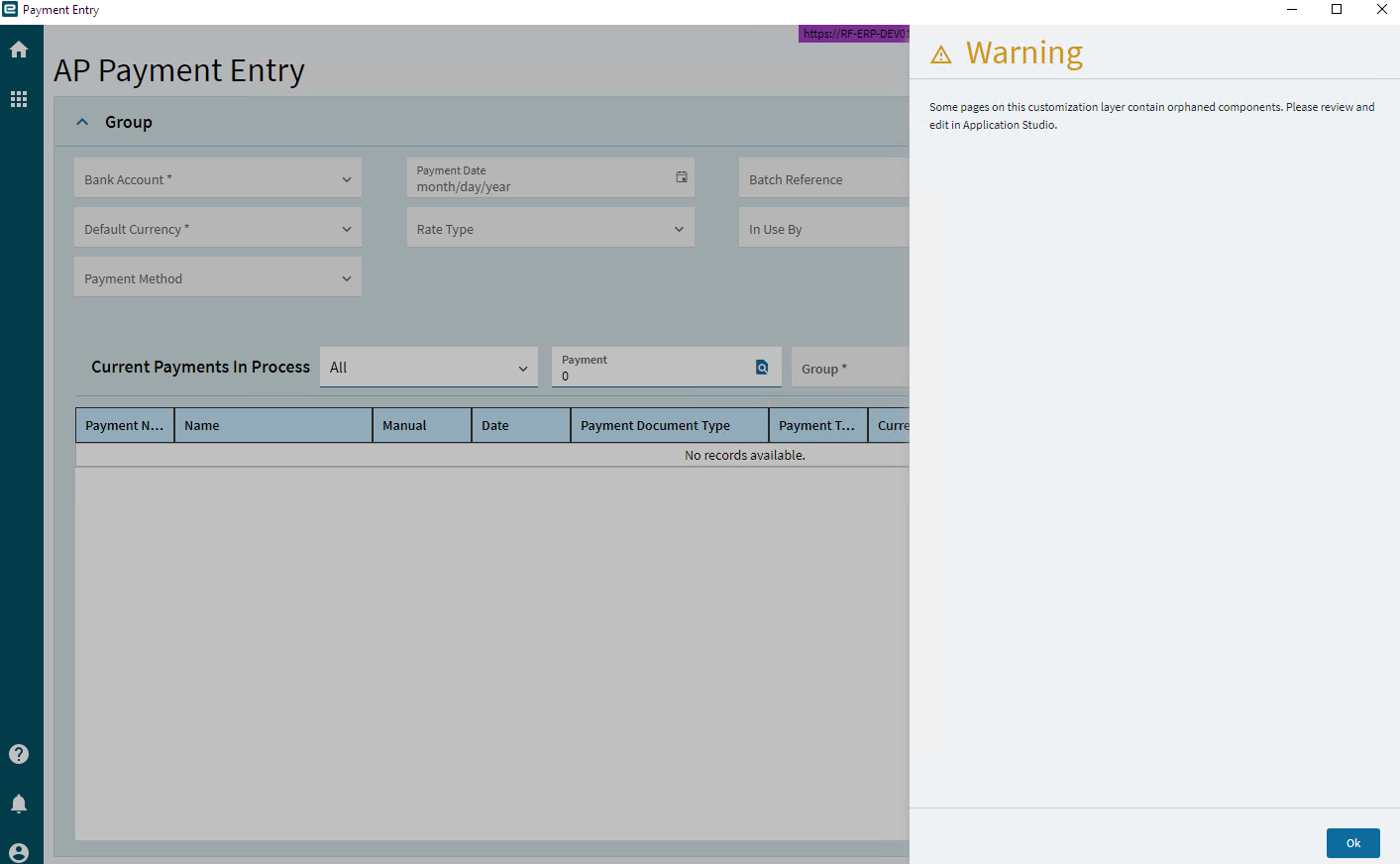
Ran into this with Supplier Entry after Cloud upgrade to 2026.100.16. Did not have this error on 2026.100.14.
We don’t have any custom layers for Supplier Entry at all.
After poking around we did find that the GL Control Detail page was orphaned from the GL Control Virtual Page (grdEntityGLC).
We were able to manually enter “grdEntityGLC” into page details > Parent field which resolves the error but now we have a custom layer it looks like we will need to deploy throughout the menu … that we don’t really need since this looks like a Base bug, which will probably be fixed in the future and yet we will still have this unnecessary customized layer out there we will need to remember to remove and update all the menu items again.
Any way to avoid all that silliness?