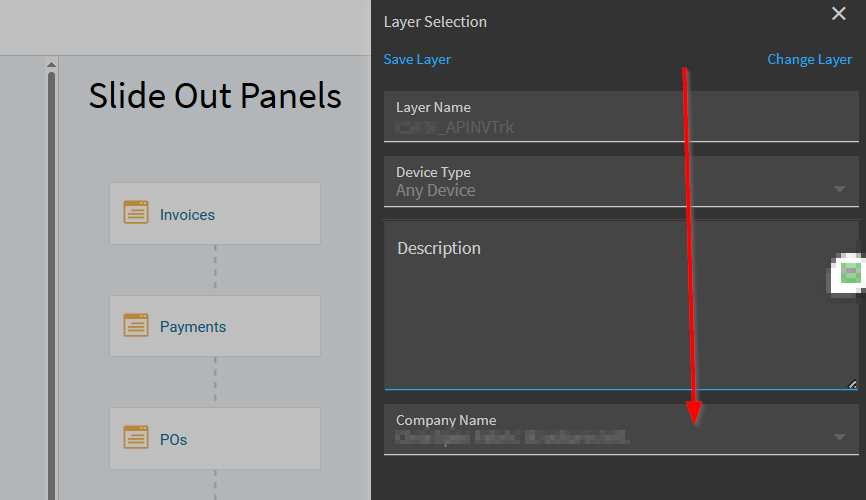
How do I change a layer in app studio to be ‘All Companies’? When I developed the customization, it was for one company, and now we want it everywhere (menu maintenance doesn’t see the other company-specific customizations).
The Company Name dropdown box in Layer Selection is greyed out. App Studio’s grid seems to be read-only - I can’t remove the company name there either.
Suggestions?