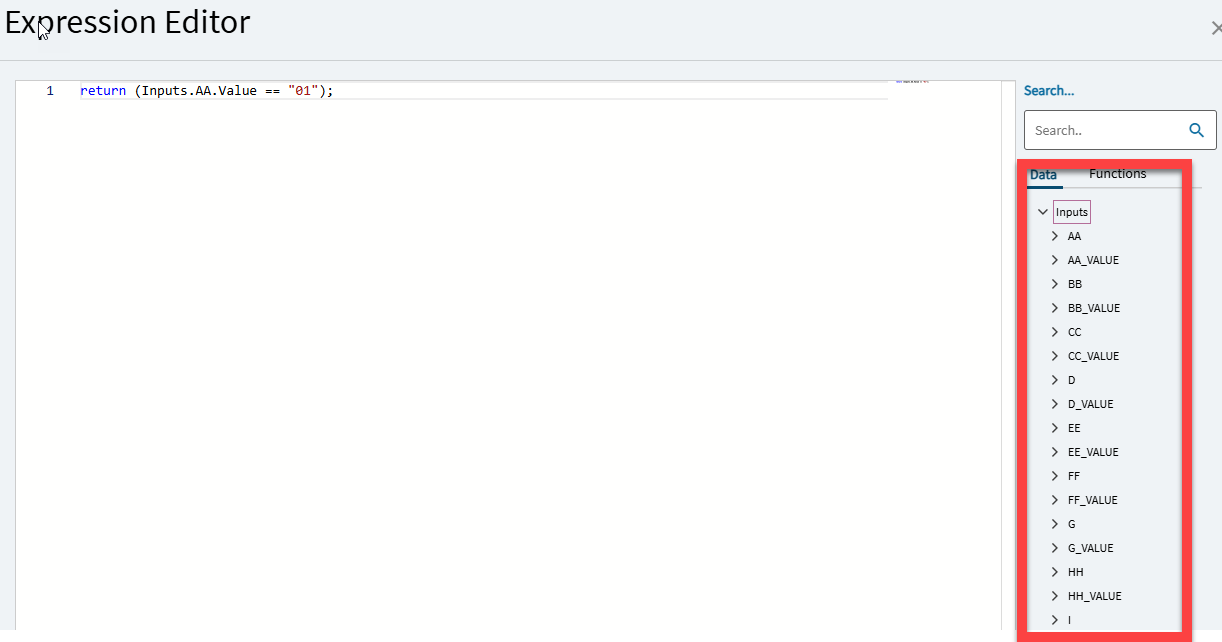
First time making edits to our configurators since upgrading from 2023.2 to 2025.1, and I’m getting errors on all of my existing dynamic list conditions because the input data fields have mysteriously disappeared from the expression editor (and the context). But they still exist in Rule Entry, no errors there… Has anyone run into something similar? I’ve already tried toggling approval to regen, to no avail.
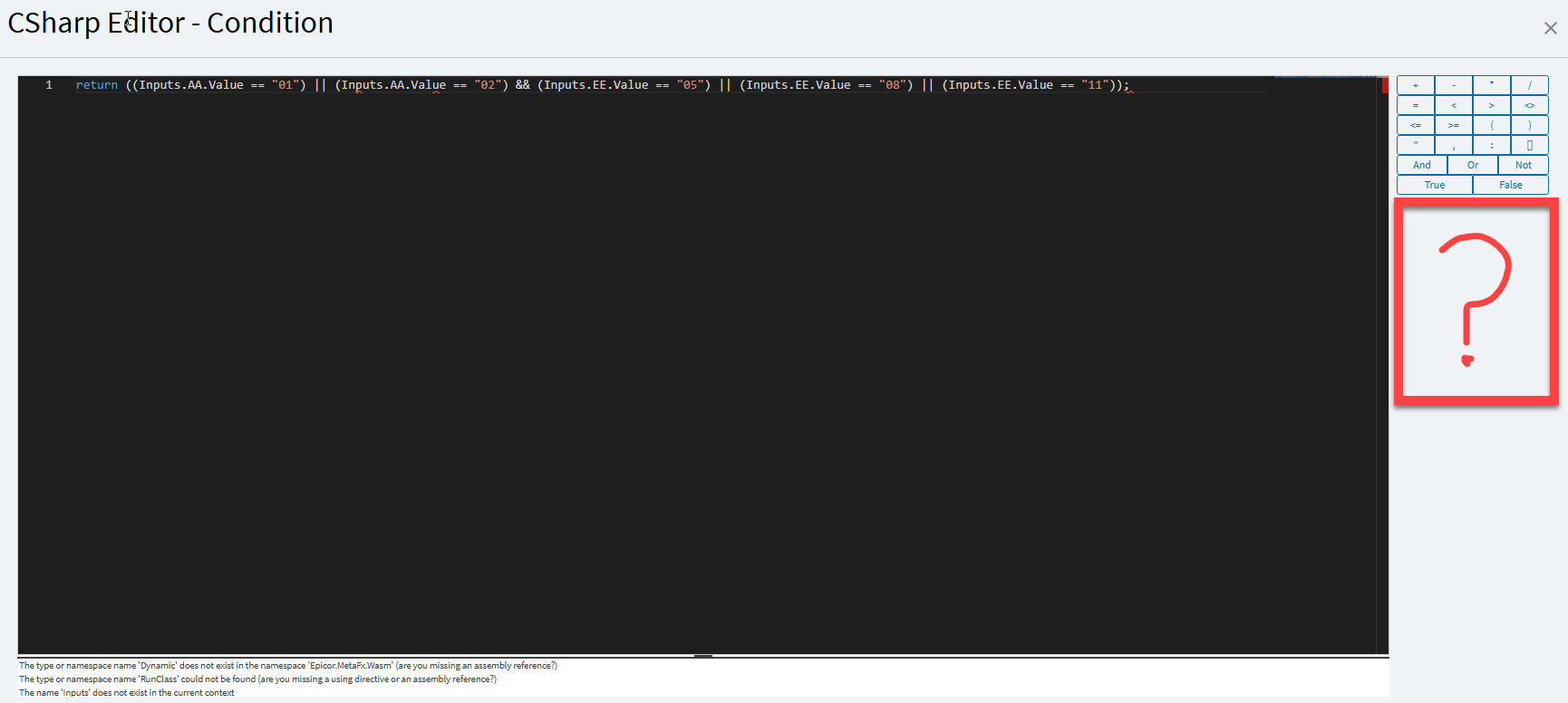
The dynamic list condition editor (missing stuff):
The type or namespace name ‘Dynamic’ does not exist in the namespace ‘Epicor.MetaFx.Wasm’ (are you missing an assembly reference?)
The type or namespace name ‘RunClass’ could not be found (are you missing a using directive or an assembly reference?)
The name ‘Inputs’ does not exist in the current context
The name ‘Inputs’ does not exist in the current context
I would put a ticket in with EpicCare for this. The fact it’s missing RunClass and the Inputs object is concerning. Since the Keep-When Rules are Server-Side and the DynamicLists are client-side, I’m wondering if it might be an issue with your .NET version on the client?
I still don’t know what went wrong, and a ticket isn’t a bad idea… But I figured out a workaround. It’s only missing in the browser, when I go into designer from the windows client everything’s fine. Annoying, but workable.
We had some issues with the CSharp Editor in Chrome vs Edge. It ended up working eventually after restarting the browser and rebooting (both, a few times, if I recall).