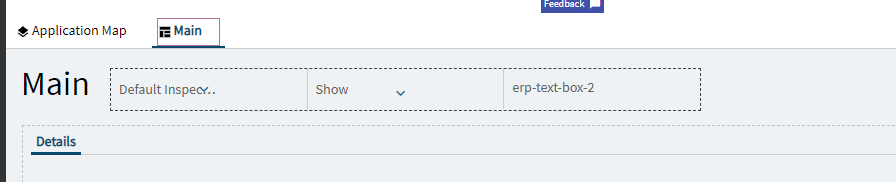
I want to add a text box to the top of inspection processing where the red box is.

I have tried adding it to the Main piece.
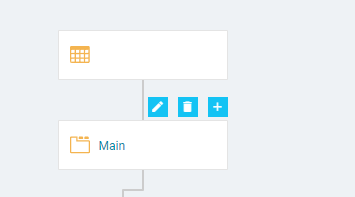
But it’s not showing if I do a preview.
I want to add a text box to the top of inspection processing where the red box is.
I have tried adding it to the Main piece.
But it’s not showing if I do a preview.
I know in earlier versions there was an issue where you couldn’t edit the Hero Bar.
Well… you COULD… but none of the customizations displayed. Its working now in 2025. I had a case open back in 2023.2.5. They didn’t repair it very quickly, so I had to customize around it by adding fields elsewhere on the form.
Not sure in which release they fixed it.
Found it… my case was pushed and added to PRB0274330.
They said this was resolved in 2024.2
Thank you! I thought I was going crazy I could put it on the page but it never showed. Once more reason to push the business to upgrade sooner rather than later.
Ironically, it was working in 2023.1 
So… in this case, updating to 2023.2 is what got you!