Thanks for the Tip Kevin, and everyone for the great ideas. I did some soul searching and thinking over the past few days and was able to use kinetic tools to find my inner peace and get this to work!
In the end I ended up not passing the data to a bpm and just used rest services like I originally tried and it seems to be working like a charm, but I can also see how if I am queuing large amounts of data or if data changes on the same UD field occur it can cause issues. (be ready for a large read, gonna document what I did for future epicor learners)
I completed this on a different dashboard, but it is simpler than the first one, so I think this serves as a better example anyways. This dashboard is inventory transfer; we have UD fields stored on UD08 that users need to update when they press the transfer button. I didn’t design this, and from a PM perspective in my opinion this probably doesn’t make a ton of sense, advanced material management is better for this, but I will fix that when I get a quote signed so in the meantime, I am recreating the dashboard in kinetic
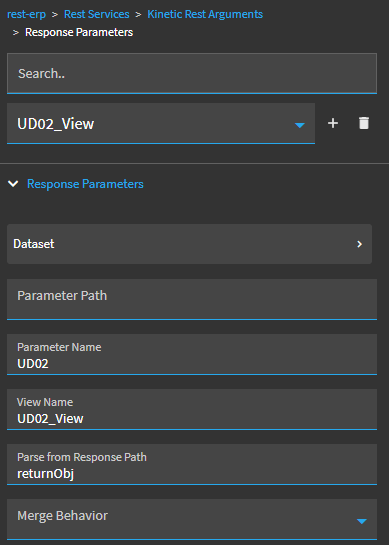
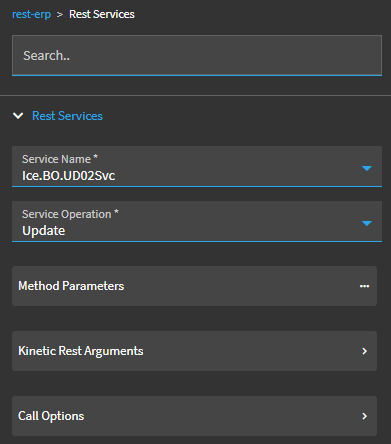
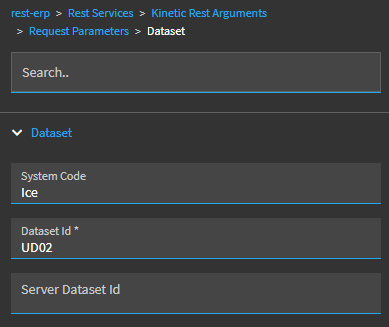
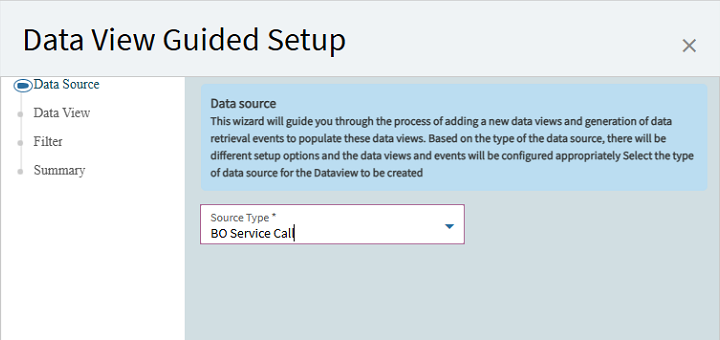
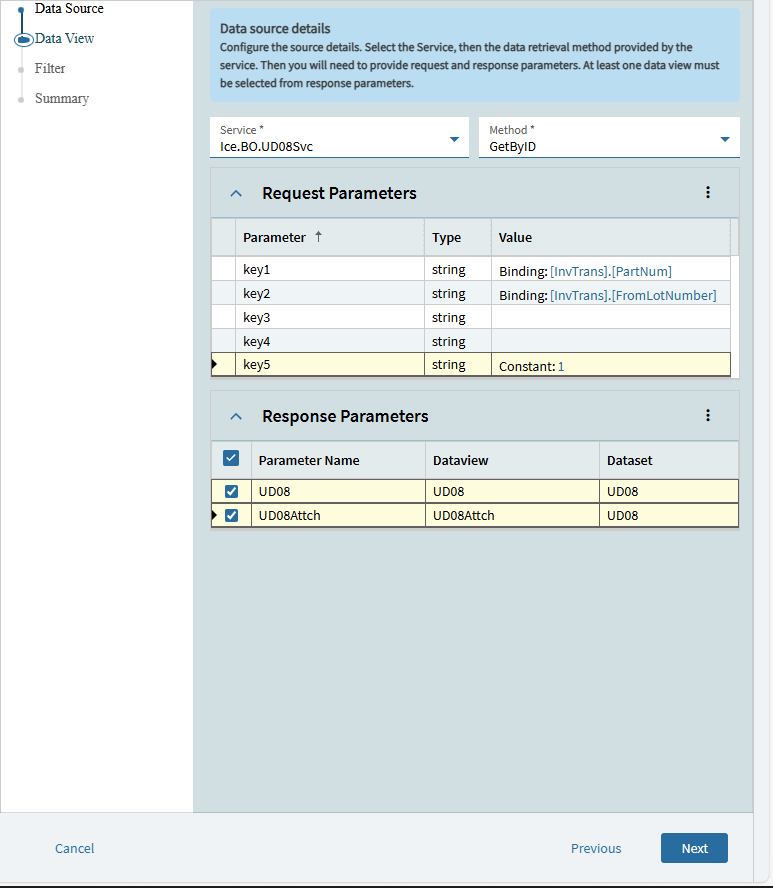
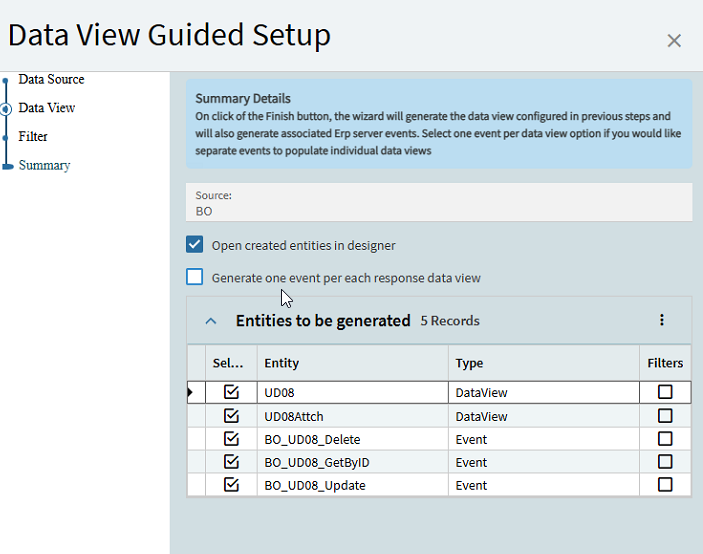
First things first, creating the data view using the ice.bo.UD08service call really helped, thanks Kevin. Here are the settings I selected when creating the Data view:
when picking services, I check the BAQ designer to see which service calls the table I am looking for if you aren’t sure. To decide on your method either learn what each rest service does using the rest api, or ask the fellow epicor forum gang for help 
For the request parameters that depends on how your UDfield is setup, if you are getting the data from a nonUD08 table then your parameters will be different, but match the field up with your existing dashboard’s data view fields that match
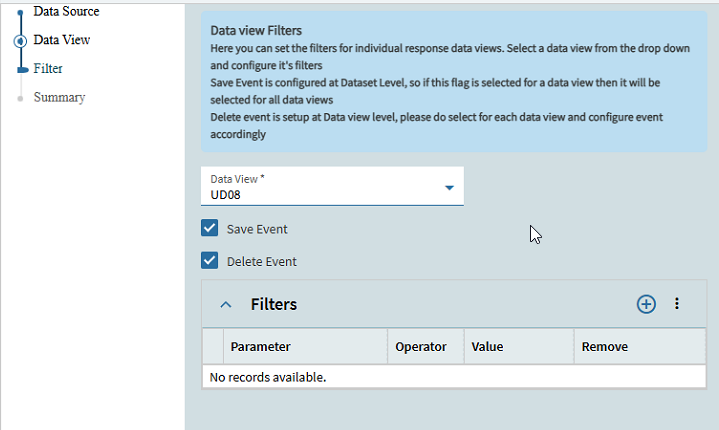
if you want to add a filter go ahead, I didnt need one but I did need a save event and delete event so I added those
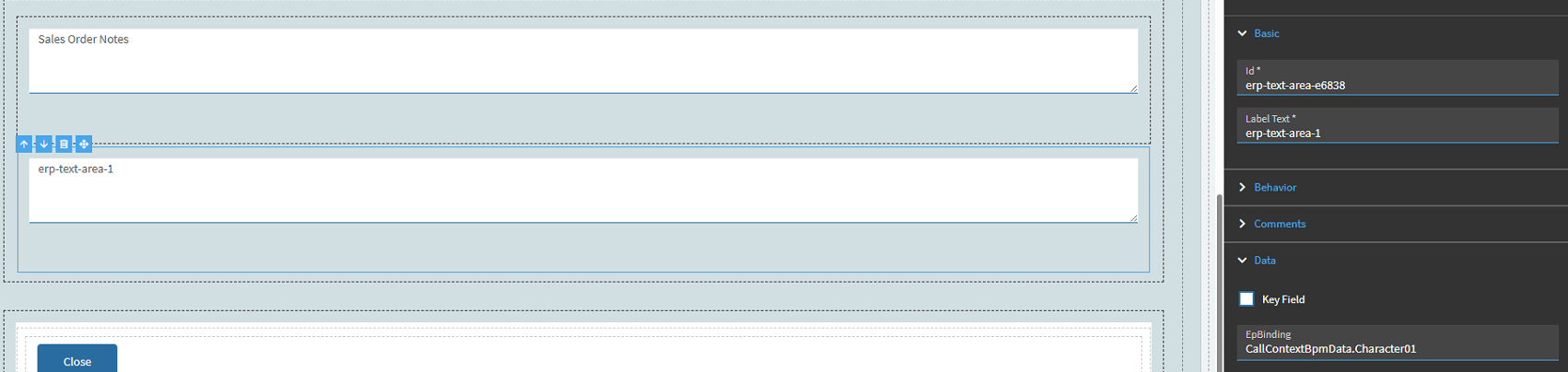
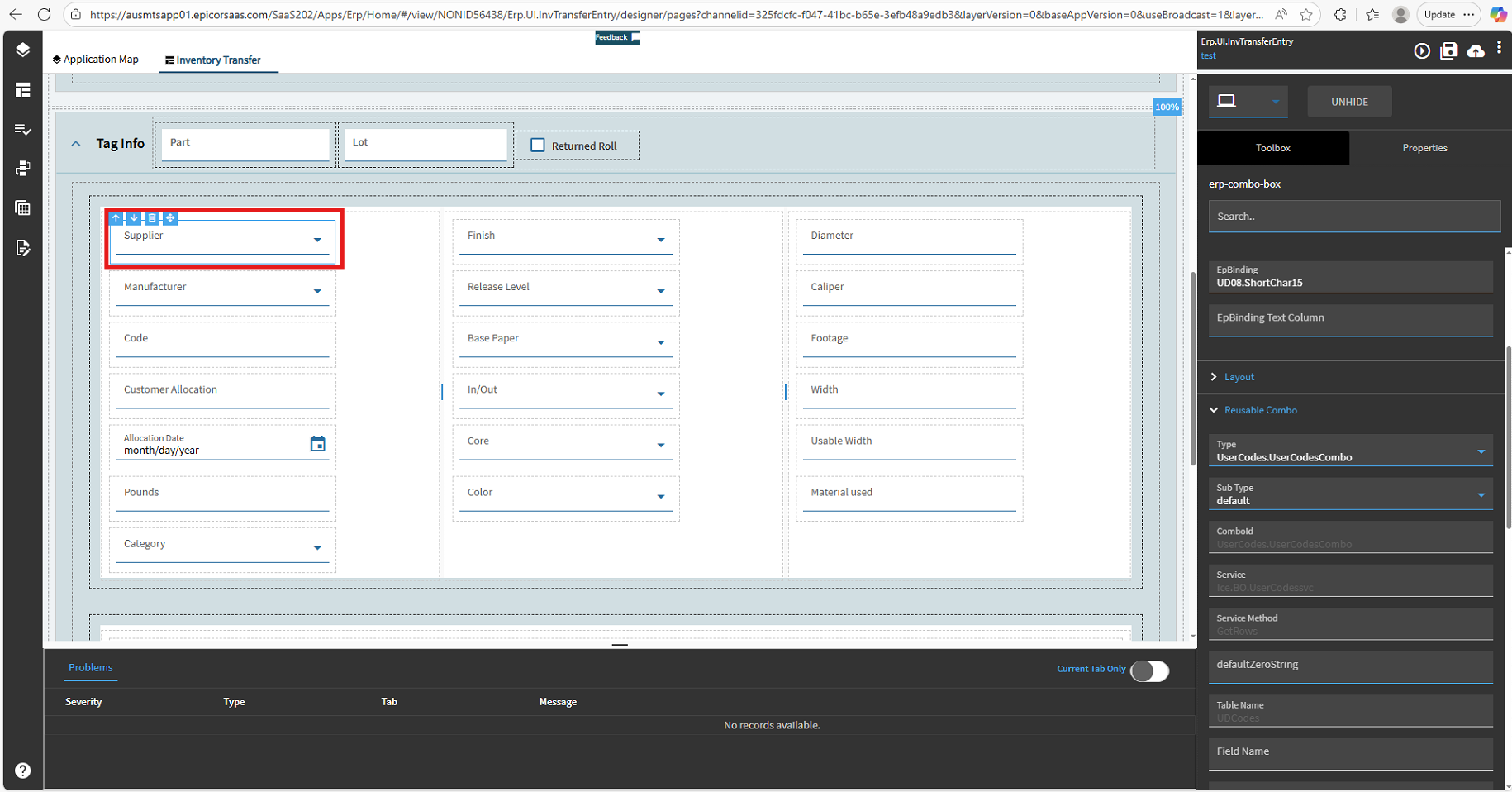
Next, we need to add the fields that users will interact with. I will use a combo box as an example since it is more complex, but if you got a text field you only have to worry about the epbinding.
Here is the epbinding that references our data view, and I am using the usercodes type reusable combo. Use existing combos and their parameters as examples if you need to make a custom combo box that doesn’t have a reusable combo. In case you don’t know reusable combos are what select the options that are available on a drop down, my options are saved on user defined fields (UDcodes table not UD08) so I use this to get that data and when we run our update it will save the selection to UD08
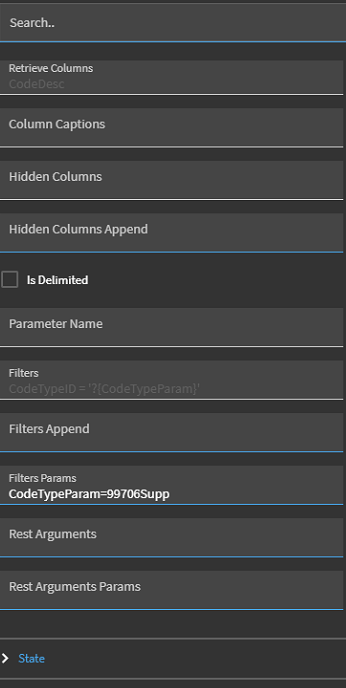
and I added a filter that references the UDfield in user codes. Set this up in user code maintenance, but I have it setup already
and I rinsed and repeated for about 22 fields, then I was done! Next up is the fun part events
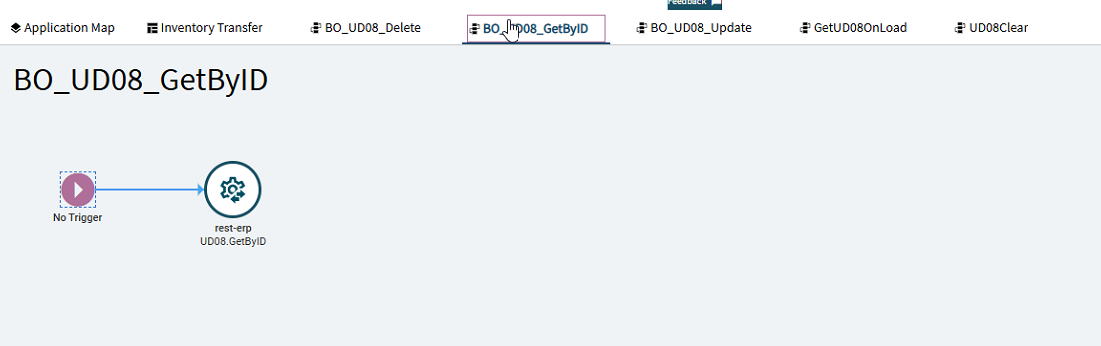
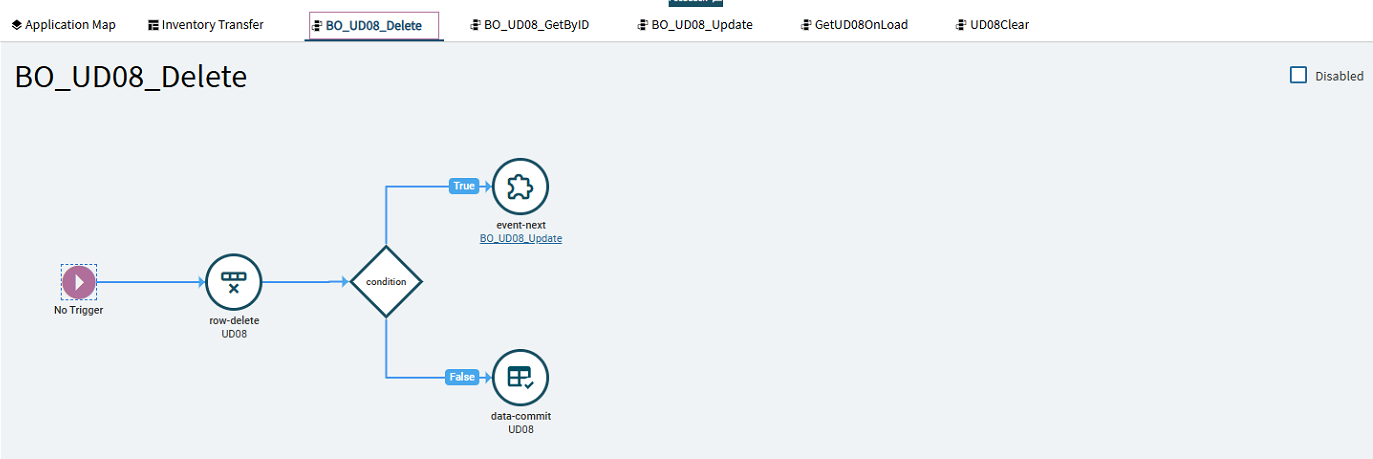
If you recall in our dataview step I made a getbyid event, save, and delete event. The save event gets changed to Update when created but here they are:
For the BO_UD08_GetByID event the rest services and parameters are copied from our dataview, so if you follow along just look at them and they will be filled already. This step was where I failed in my first attempt since in order to use rest service to update the UD08 field I needed to use GetbyID which I didn’t know how to setup, so this helped. I am not sure but maybe using a BAQ to get the data made it impossible to use the update rest service since the ds field was empty due to no get request, but I could be wrong on that so feel free to correct me.
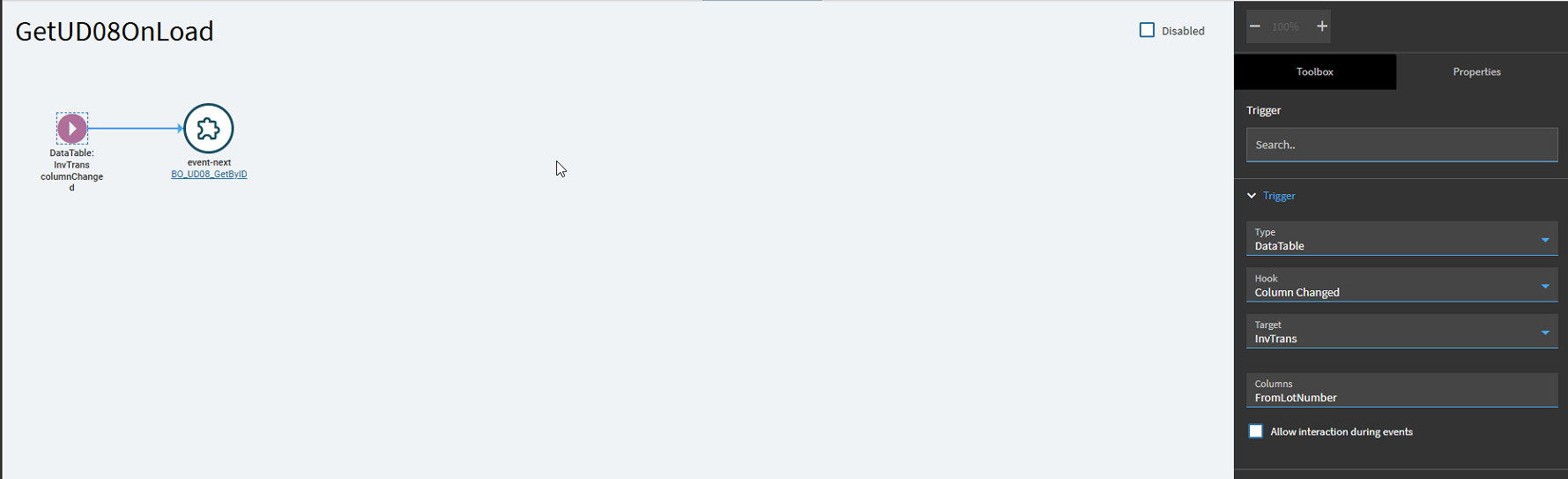
Again, not sure why just updating it in a bpm didn’t work but this did so I’ll take it. Next step we need to load the event, I decided to create a separate event for the load trigger in case I need to reuse the BO_UD08_GetByID, it wasn’t necessary, but this feels like best practice, so I did it.
Here are the parameters for the trigger, if you are selecting a key field as david pointed out in a related post change the target from the current view to keyfields if you are trying to run this after selecting a key field
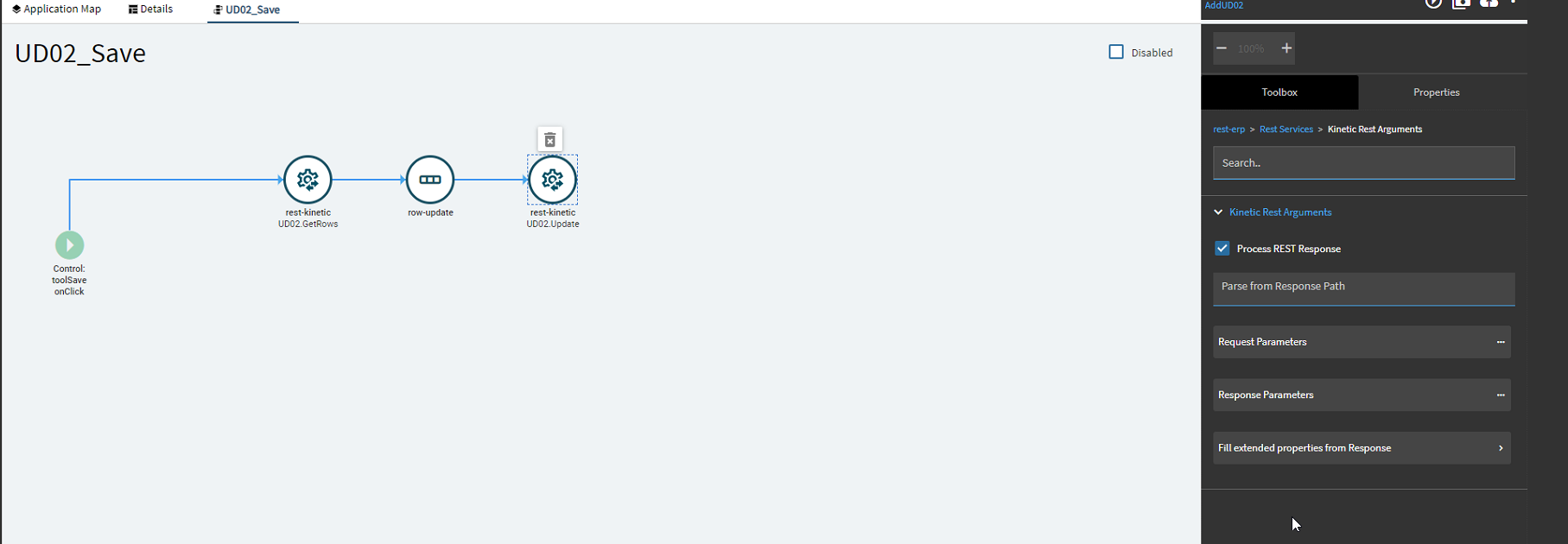
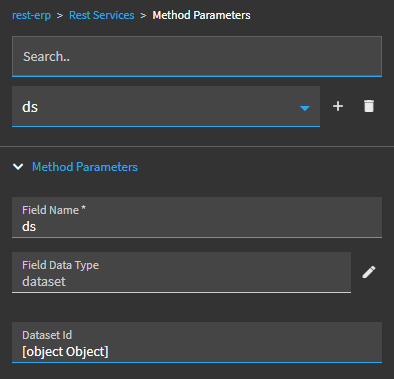
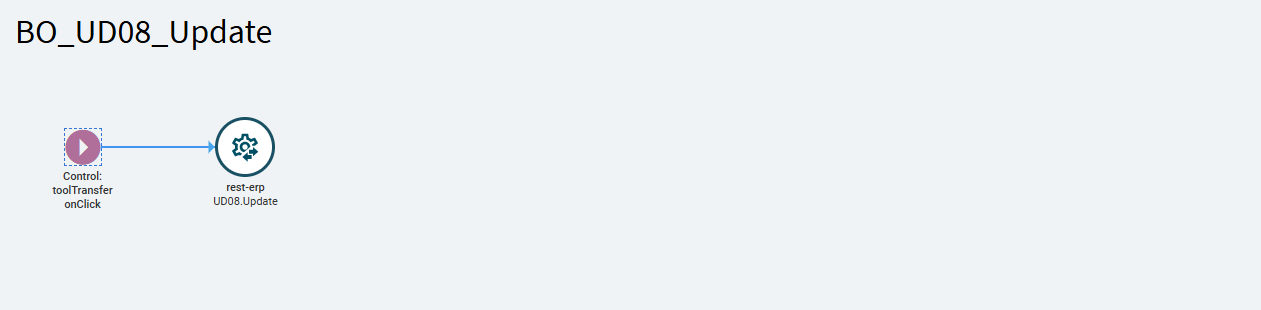
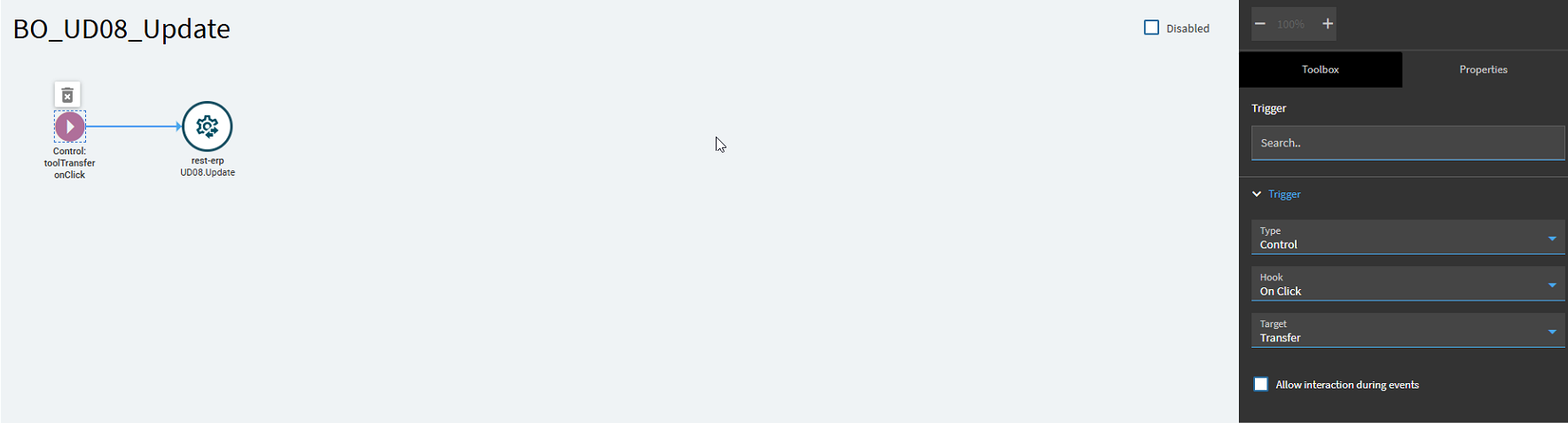
I need to update the table, so I called the BO_UD08_Update service, the only method parameter needed is the dataset field, and I called it when the user clicks the transfer tool as seen above(this isnt working, ill edit the post tomorrow im done for today, I tested the update with a button click so the rest service is good just need to edit my trigger). You can change this to what makes the most sense for that dashboard, or worst case create an event for each field that triggers when that field is updated, but that was too time consuming in many ways so I went against that.
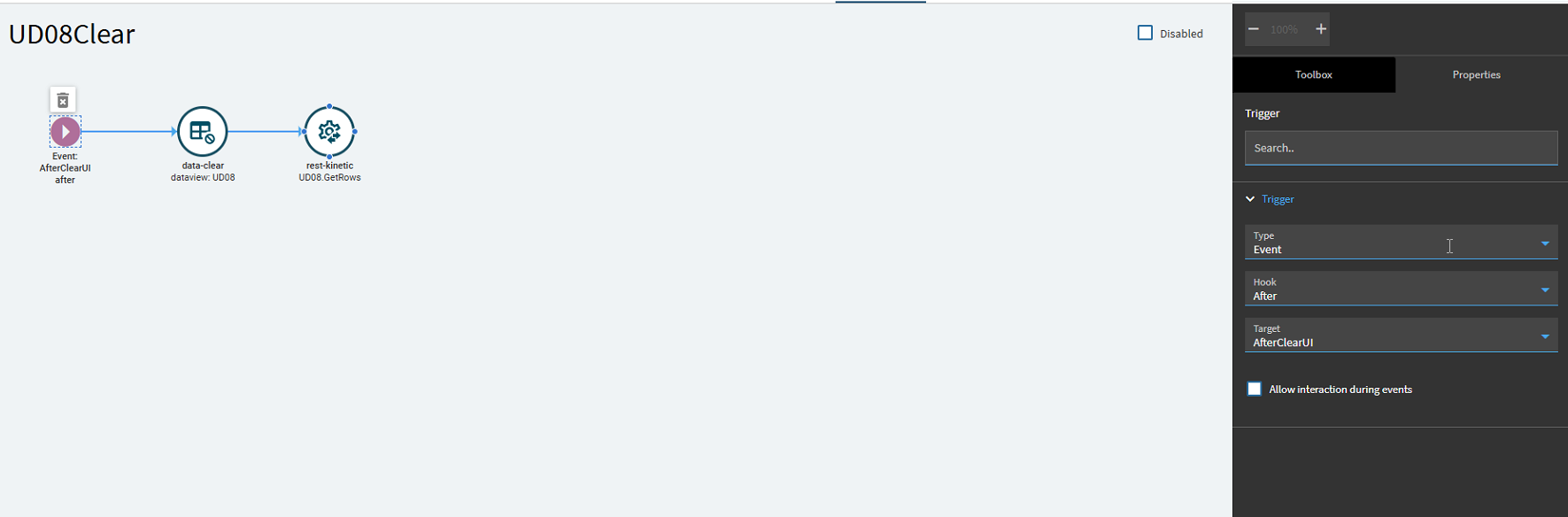
I noticed the fields I added wouldn’t clear when I pressed the clear button, so I added an event to clear the table. The data set clears, then call the rest service again to try and pull a row without a key selected so it pulls everything. To prevent lag after clear because this rest service is pulling the entire UD08 table, I went into the pageSize method parameter and limited the page size to 1. Pretty messy to be honest but also clever in my opinion so I am proud, but if anyone has a cleaner and faster way let me know.
And finally after this, I was able to edit the fields and load them! For adding new rows you might need UpdateExt? I will investigate this further and update this, and for deleting we already have an event so if needed its there. I will sign off for today but with this for the time being at least I have achieved kinetic zen! Hope this helps

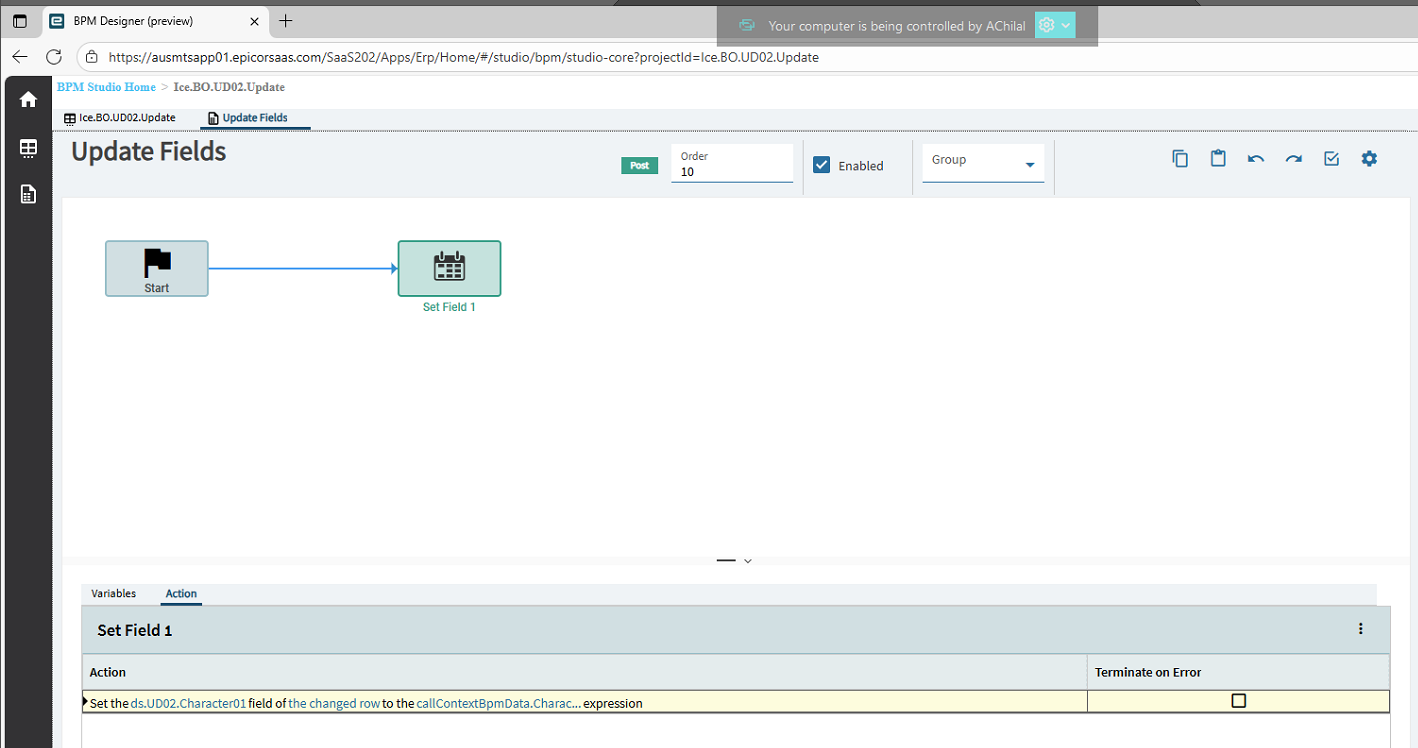
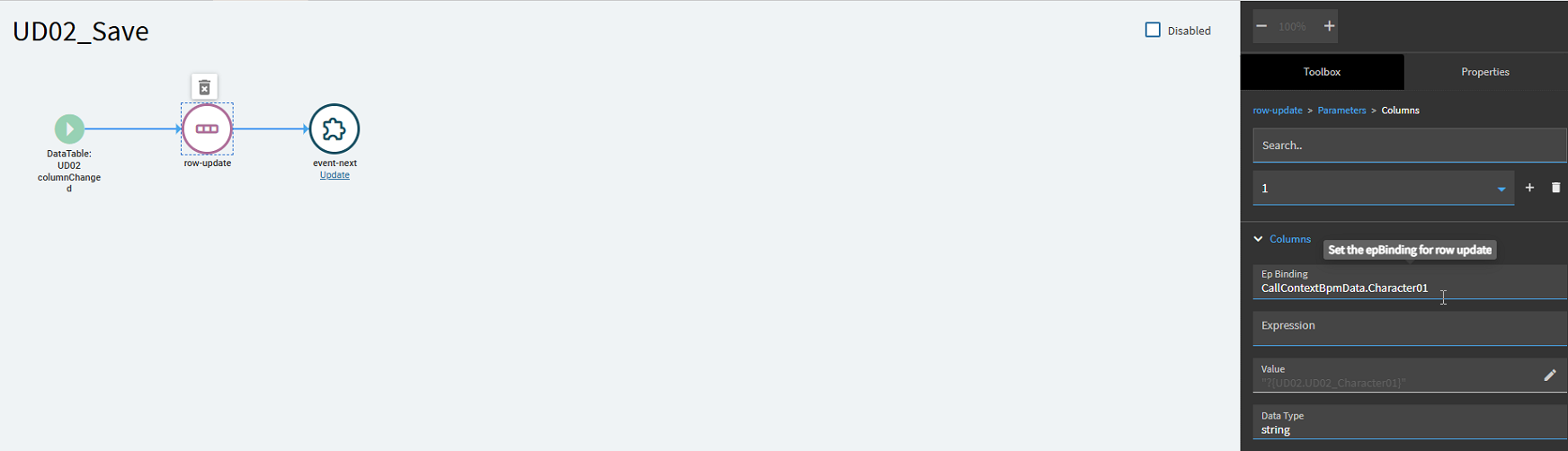
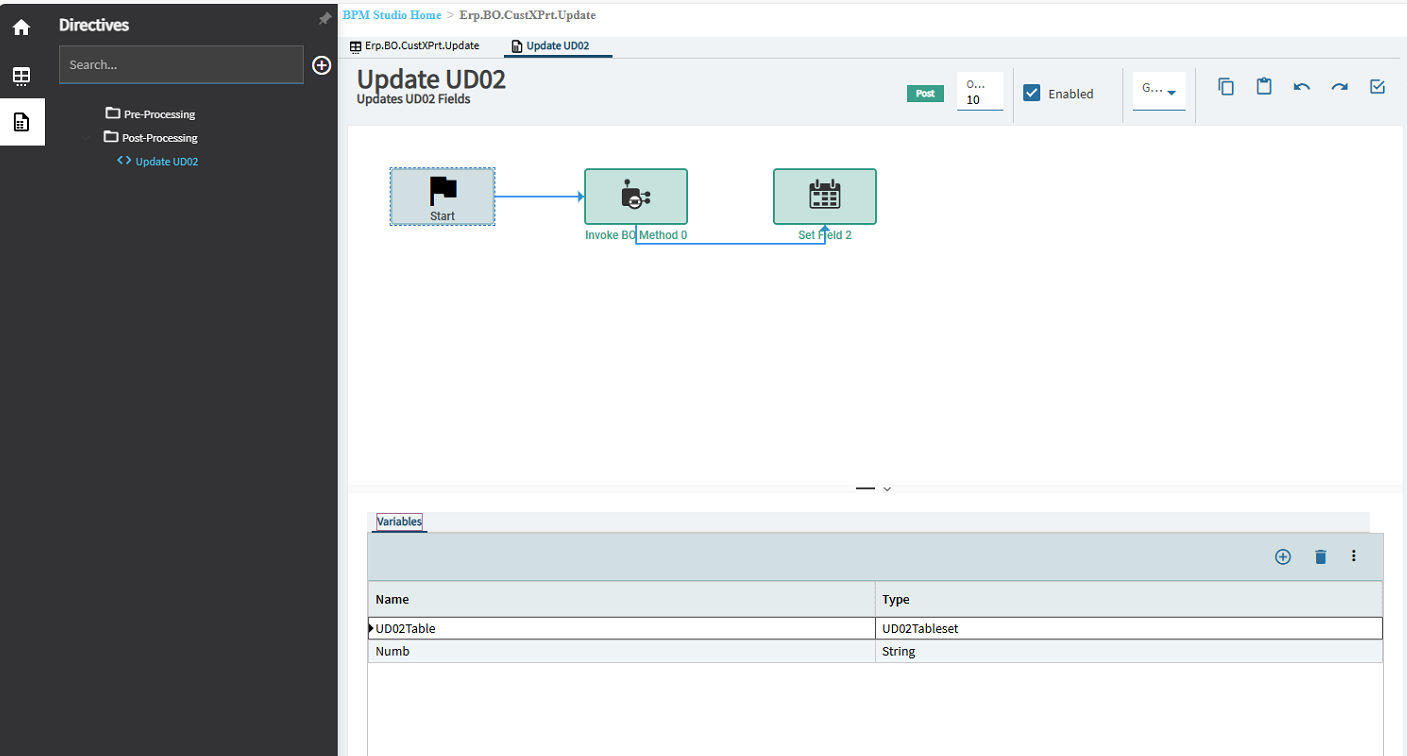
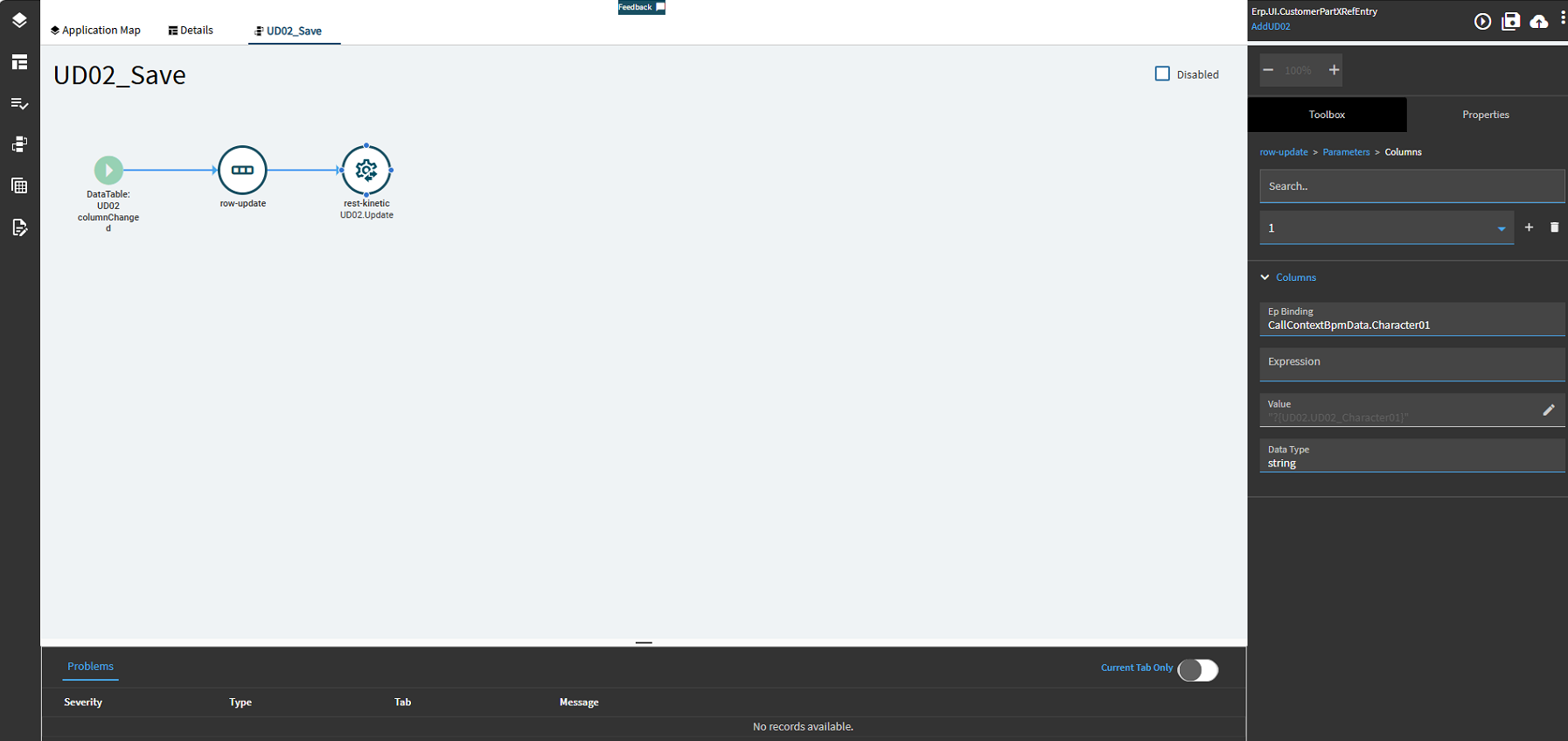
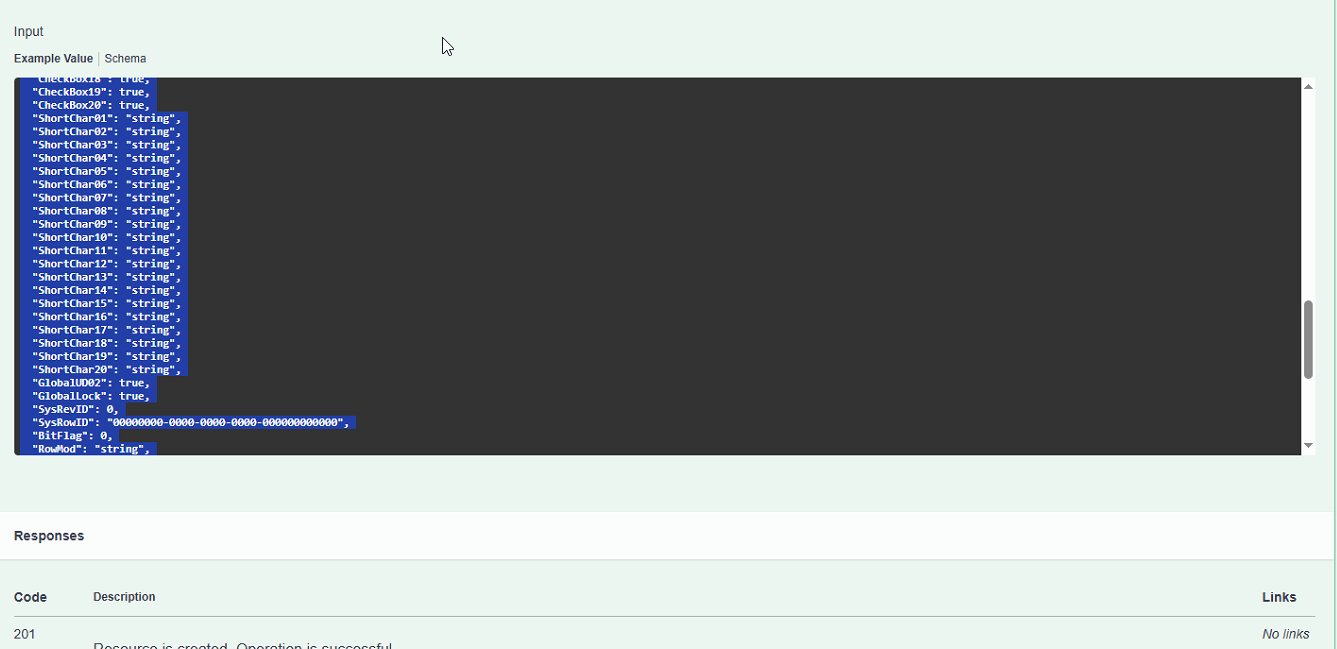
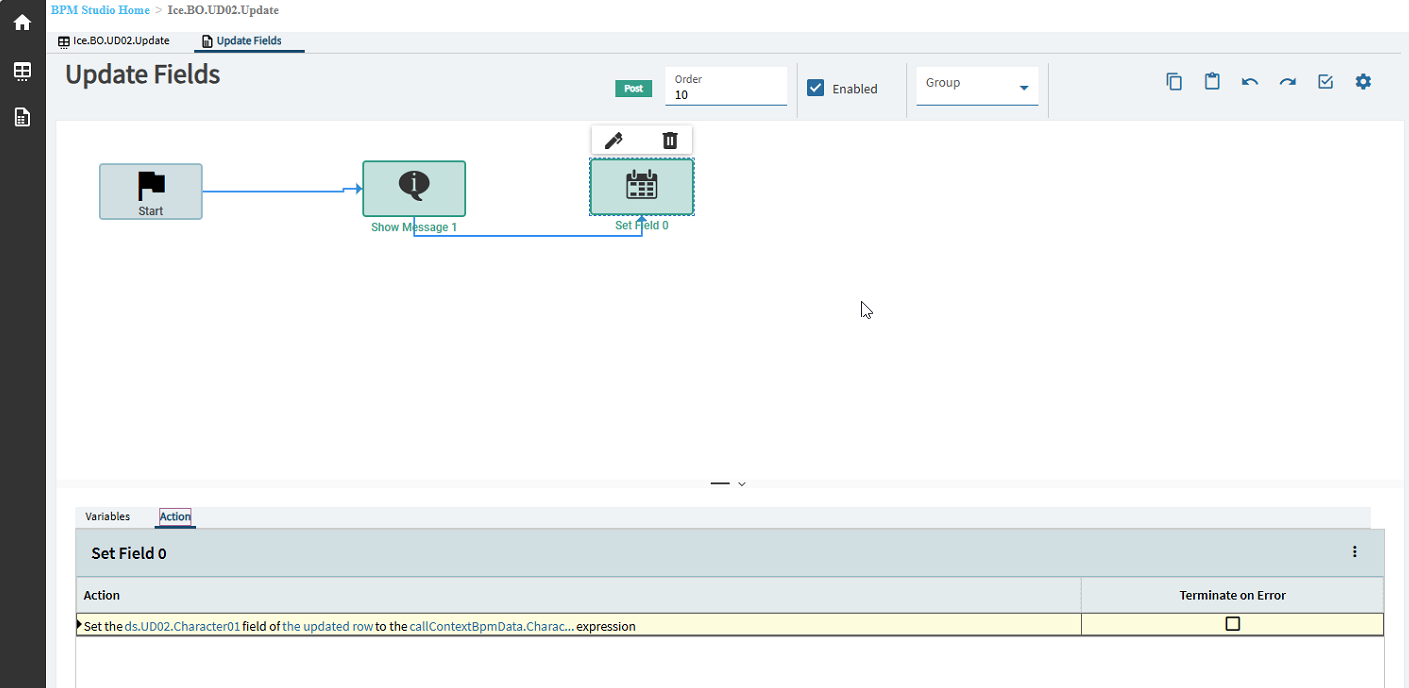
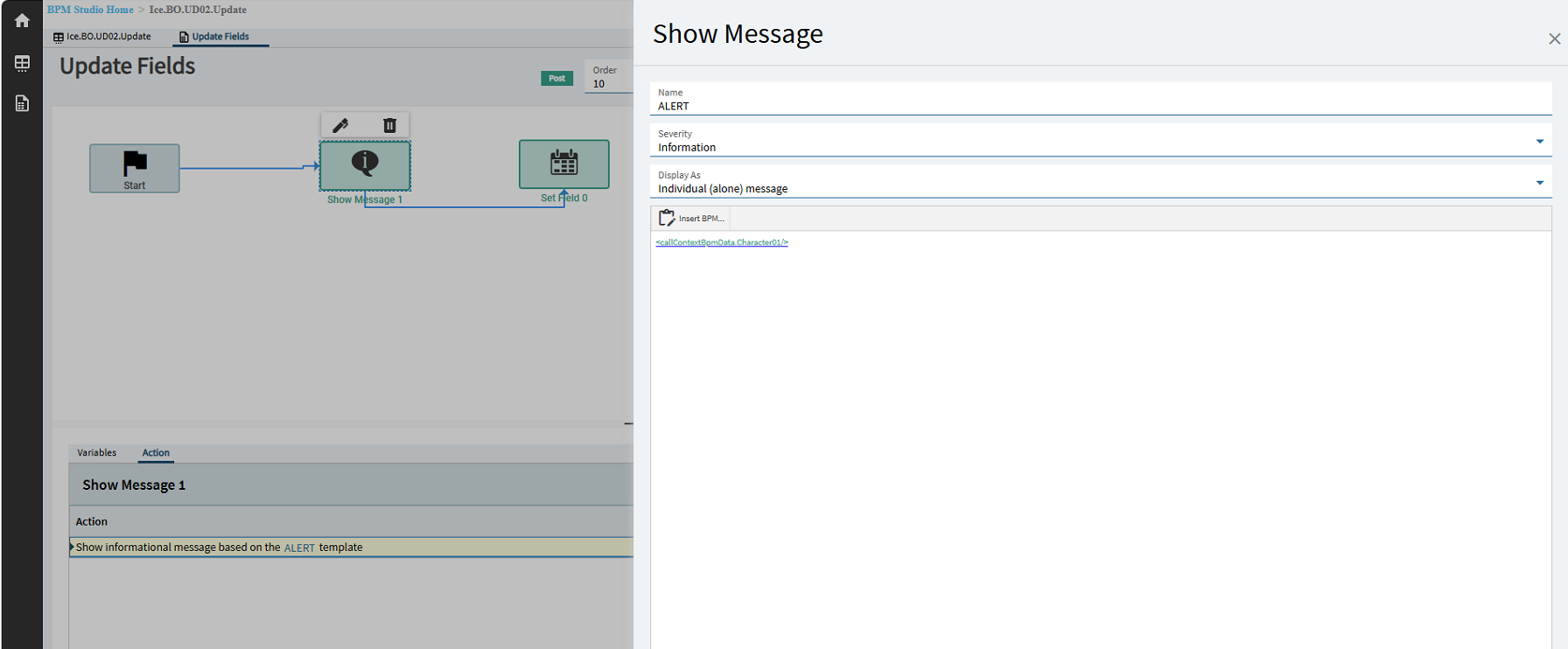
 . I have a field in the UD02 table that I would like to update when I save a customer part record. The field on the app is pulled from a baq, so my logic was I was hoping to grab the UD02 table from rest services, update a row that I grabbed using the rest service, then use rest services to update the now edited row. Heres what I got so far, I feel like I am on the right track, but I have no idea which row update parameter is specifying which field I am grabbing and where I am passing it to, same issue for the rest services. So, if anyone has a nice example that could demystify it I would be forever grateful!