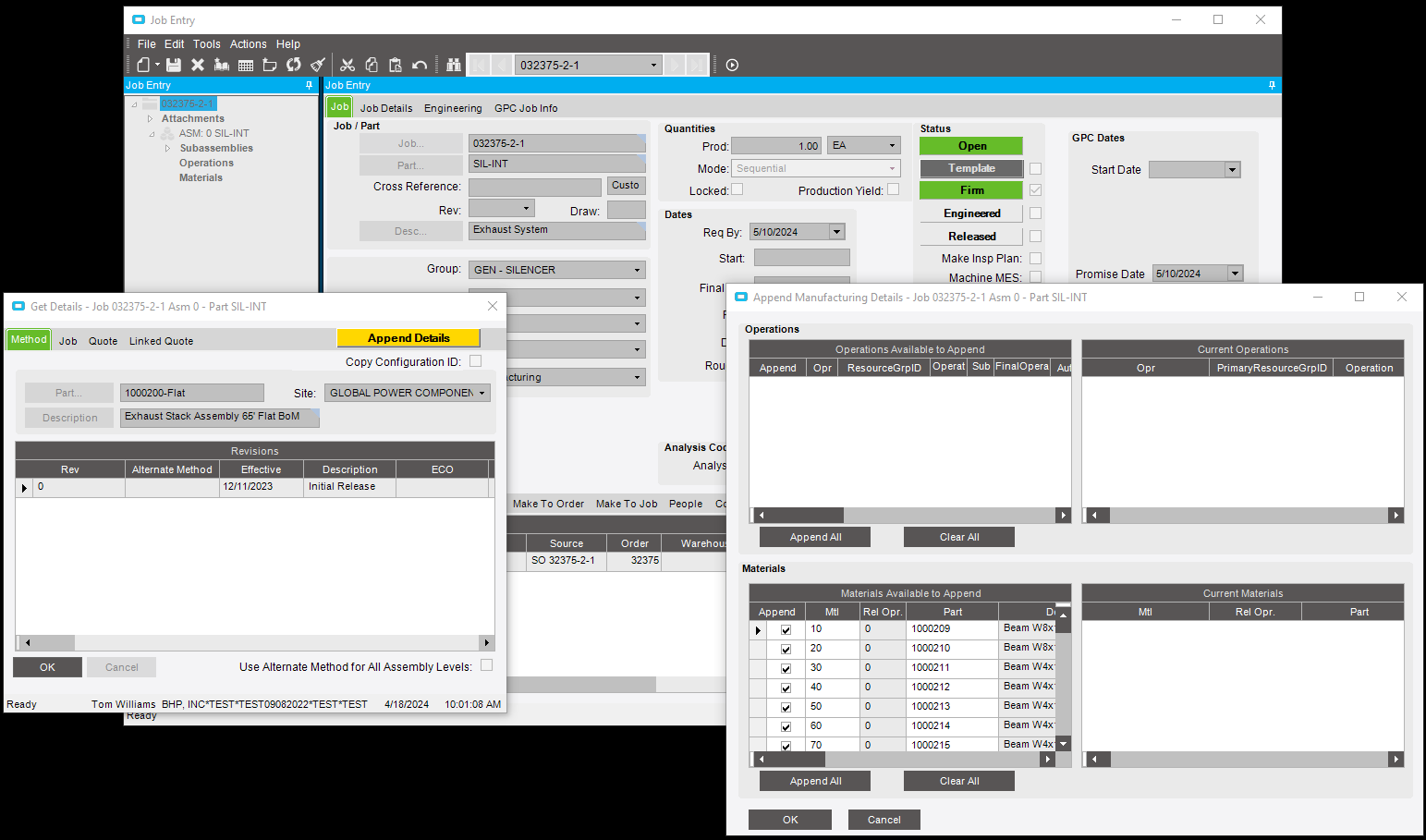
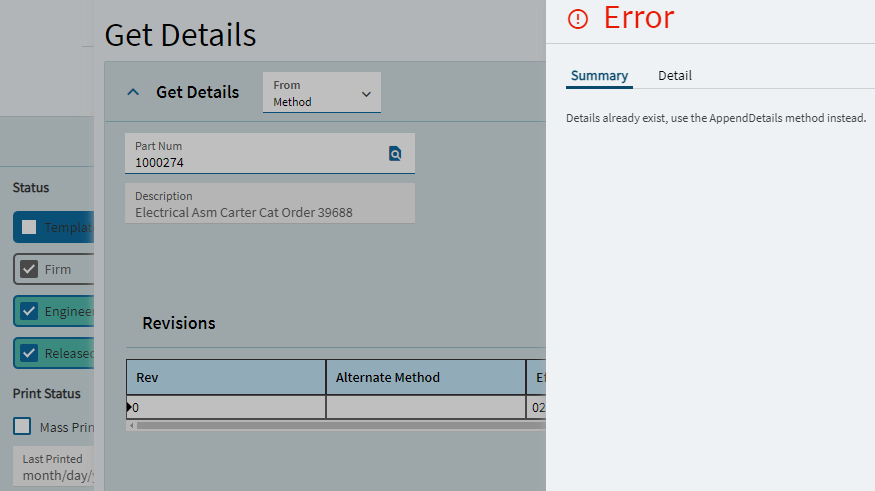
I am looking for step by step instructions for appending manufacturing details in Kinetic (2023.2).
In E10 (10.2.400) I could go to any job, Get Details, select Method, enter the part number for any MoM and copy it into a job. It displayed a separate page with a list of Operations and Materials to add.
@Devin.Draeger We are still in the upgrade stage from E10 to 2023.2. In my testing, it appears that this bug only applies to jobs carried over from E10. When I created a new job in Kinetic, selected Get Details and entered the part number for a part with a method, Kinetic immediately populated the job from the MoM without taking me to the Append Details screen without the need to first add an operation. Have you tried it on a new job? This may have some bearing on your case.