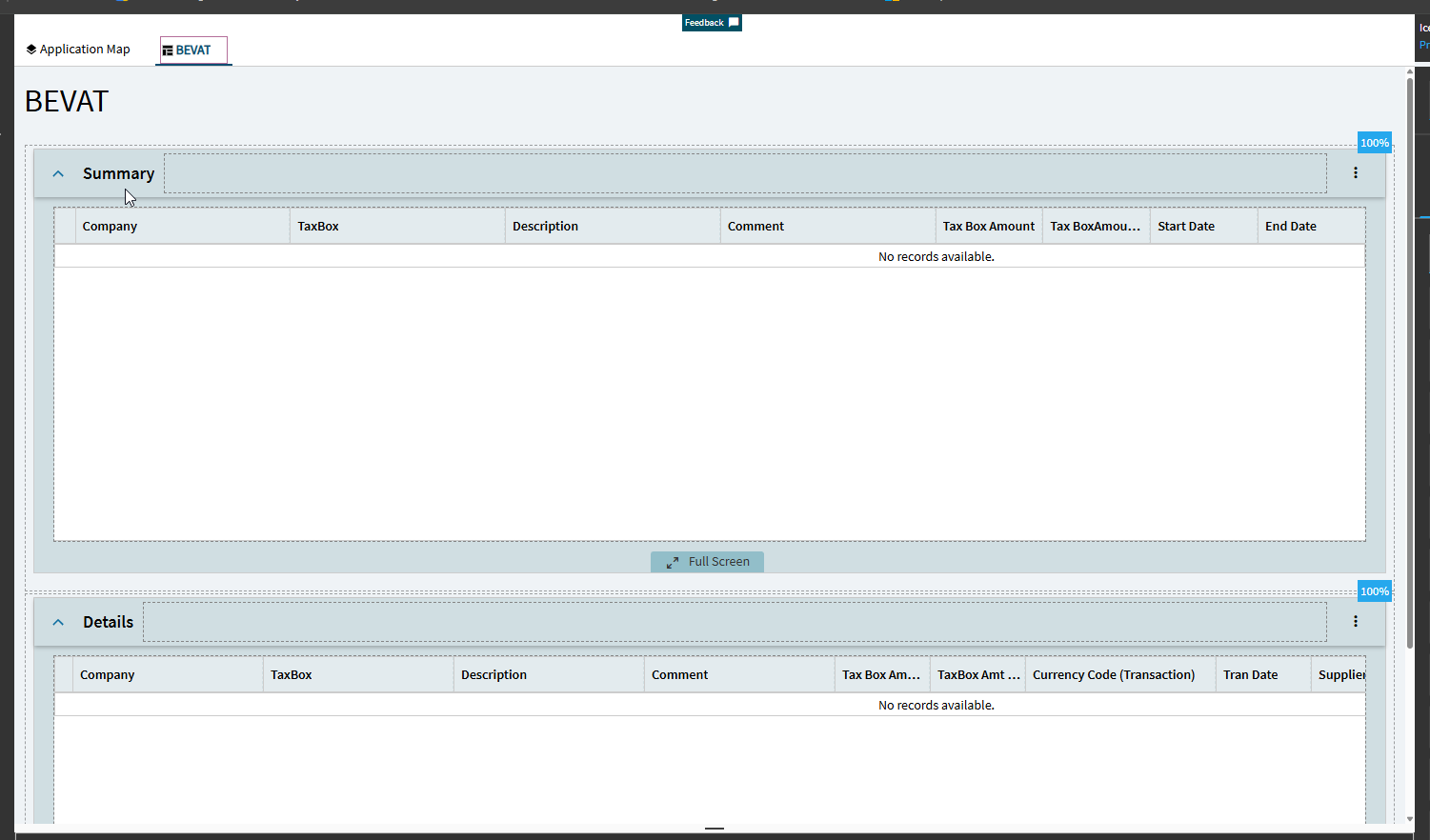
It’s like each time an upgrade happens application studio gets more confusing…
I have a few dashboards for finance where they would like to set a date range that I’ve attempted a few different ways without success short of setting parameters on each one and selecting a date range for each BAQ which is annoying.
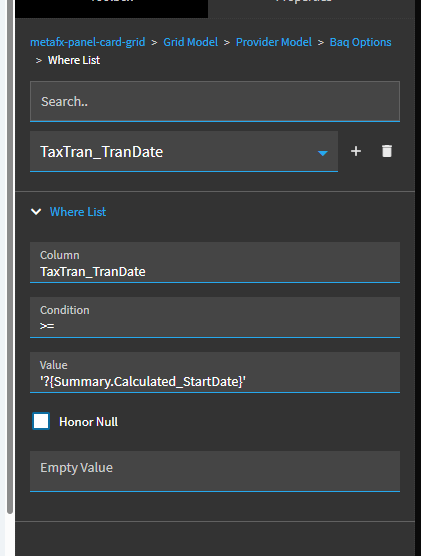
Looking at this article, How To: Kinetic BAQ Grid Pub-Sub , something is different with the versions because even when I try to use these steps or the steps provided in the published Epicor documentation, it doesn’t honor the information in the grid where clause. Anyone else see this issue? Other spots to look?
2026.1000 does seem to have made changes where it doesn’t work with BAQ Where List items anymore. It’ll work with one item in the Where List but not multiple. I had to rebuild our dashboards to use BAQ parameters.
I’d open a ticket with support. The more of us that report it the more likely it’ll get attention.
I do have an open support ticket because after several hours of messing around with it and it’s just some basic date ranges, still not getting very far.
BAQ changes weren’t saving so while I thought things were working when I left the screen, there was a goofy issue with the BAQ (group by check box smh)
Not enough events → needed additional events to ensure everything refreshed at the appropriate time and was ready to use to start
 Never had problems on 25.2 with using where lists.