Min90
December 15, 2025, 2:32pm
1
Hi everyone,
I’m working in Epicor Kinetic Application Studio and need help with an event rule.
Goal: [PartAllocLot].[AvailableQty] is filled or changed, I want [PartAllocLot].[NewAllocatedQty] to automatically update to the same value.
Questions:
What is the correct way to set this up in Application Studio?On Field Changed event for the dataset?
Many Thanks
Yasmine
1 Like
Randy
December 15, 2025, 2:40pm
2
This sounds more like a BPM than a Kinetic customization.
2 Likes
dcamlin
December 15, 2025, 3:11pm
3
We just went through this exercise last week with someone else… his solution was pretty quick and easy using a Date Rule:
Found a different solution…
[image]
3 Likes
Min90
December 15, 2025, 3:40pm
5
Sorry for the stupid question - where is the Action SetColumnValue??
dcamlin
December 15, 2025, 3:50pm
6
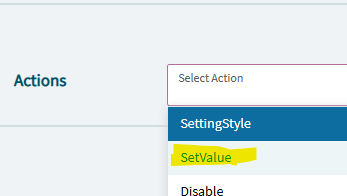
Choose SetValue in your action:
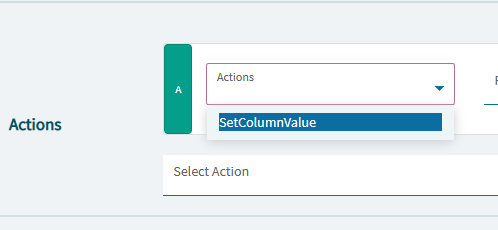
Then you’ll see the option:
Min90
December 15, 2025, 3:52pm
7
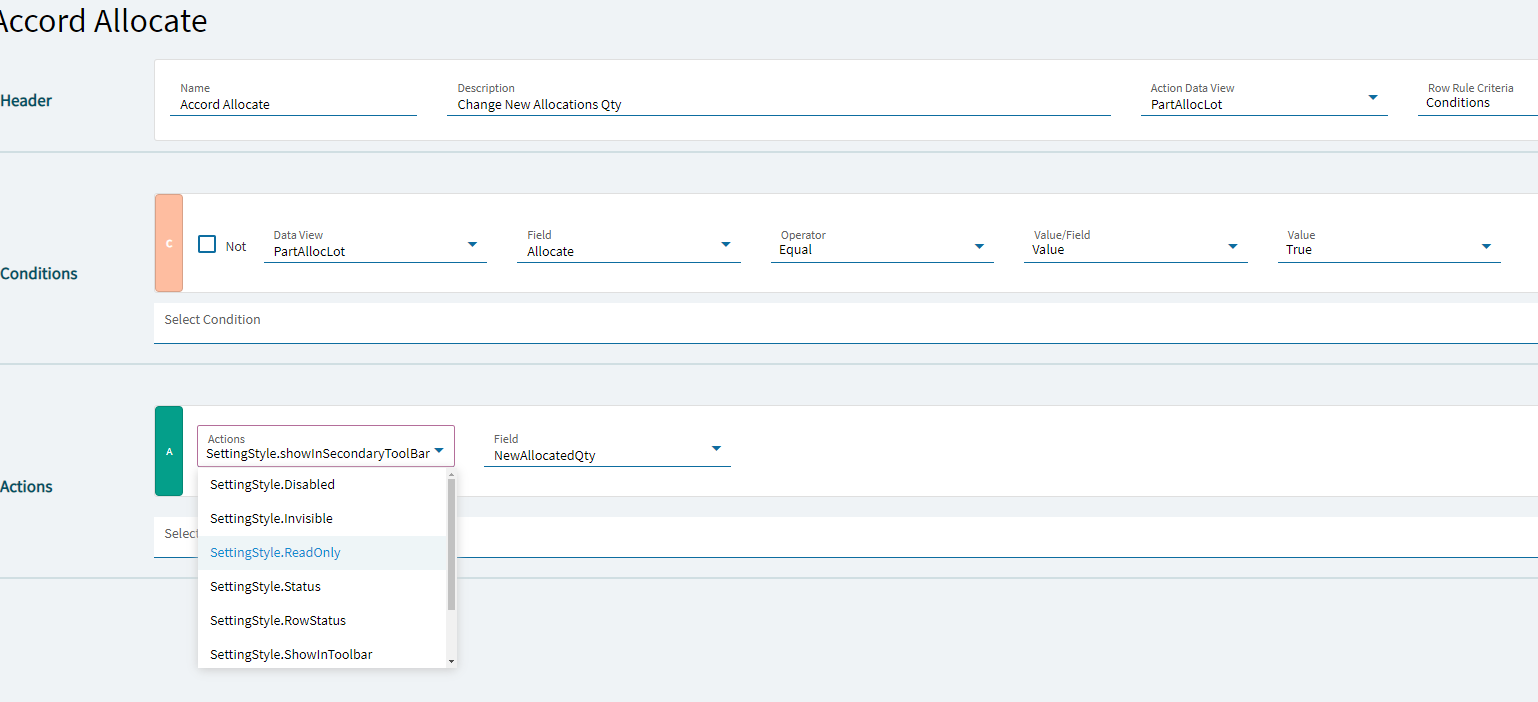
think i may have missed a step
dcamlin
December 15, 2025, 3:53pm
8
You’re already under “SettingStyle”
delete that action, and start a new action… the first dropdown should have the SetValue to choose from.
2 Likes
Min90
December 16, 2025, 8:41am
10
Hi, have another bit that needs to be attached to this.
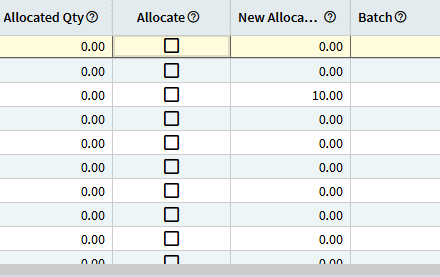
When the tick box is ticked I need the New Allocate Qty to populate what is in the Allocate Qty from what was in the available qty.
Any ideas on this one?
Change the action value to PartAllocLot.AvalibleQty