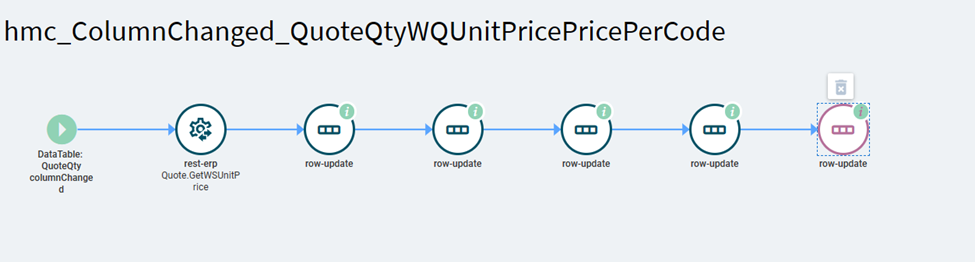
I’m new to application studio so I thought I would ask the user group for some help. I am looking to add some calculated fields to the Quote Worksheet.
Here are my fields on the worksheet. They are all currency fields at this time.
Thanks Hannah. I’ll work on consoldating the row-updates. Is there a chance you might have an example on how to use a BAQ to return a value into a column?
I’m sure there’s an example around here somewhere if you search for it.
In short–you create a new DataView of type BAQ and enter your BAQ ID, create an event that calls the erp-baq widget, set the view name in the properties to be that of the new DataView created, then use a row-update to set the value of the column.