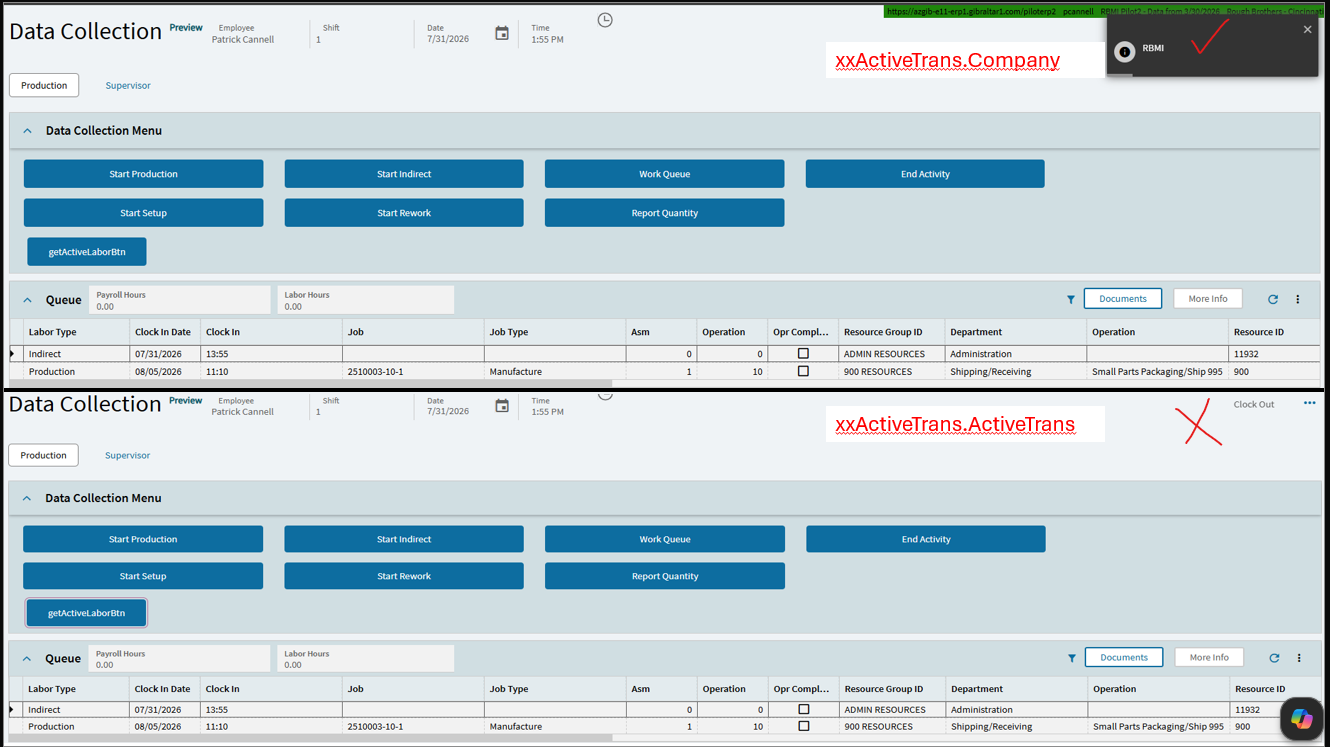
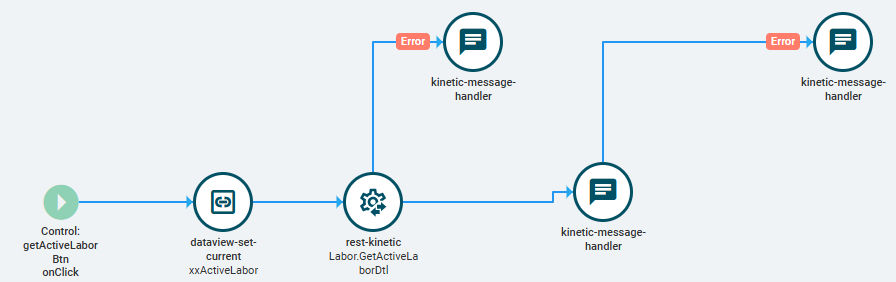
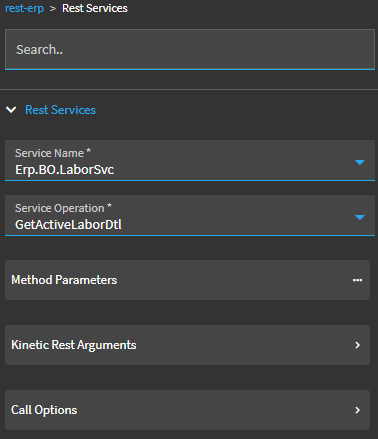
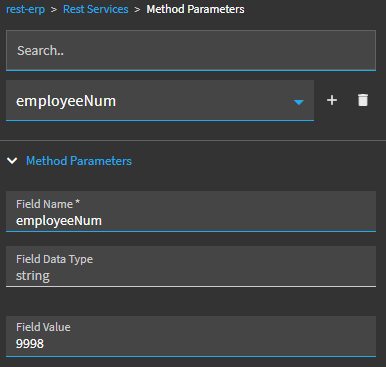
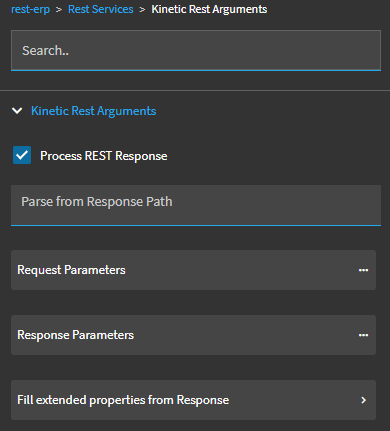
I am building an event that calls the Erp.BO.LaborSvc - GetActiveLaborDtl method. I want to extract the LaborHed.ActiveTrans field from the response payload.
The API call works in browser, but only the first 20 fields actually populate my custom dataview.
The error is an IndexOf error. Whatever backend code is running is trying to find the index of the ActiveTrans field, but its not in the xxActiveLabor dataview array.
I suspect there is default behavior where if the data view is uninitialized, it automatically pulls only the first 20 rows. Has anybody encountered this before?
Does anyone know how to get the ActiveTrans field in the Data View? Below is the root cause.
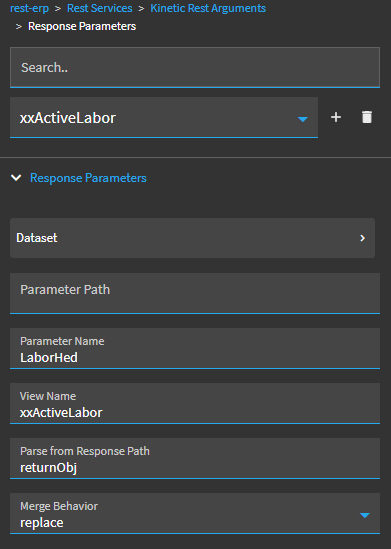
If you use ‘actionResult’ as the View Name in your Response Parameters, are you able to successfully display {actionResult.ActiveTrans} in your message widget? That’d narrow down your xxActiveLabor dataview as being the issue.
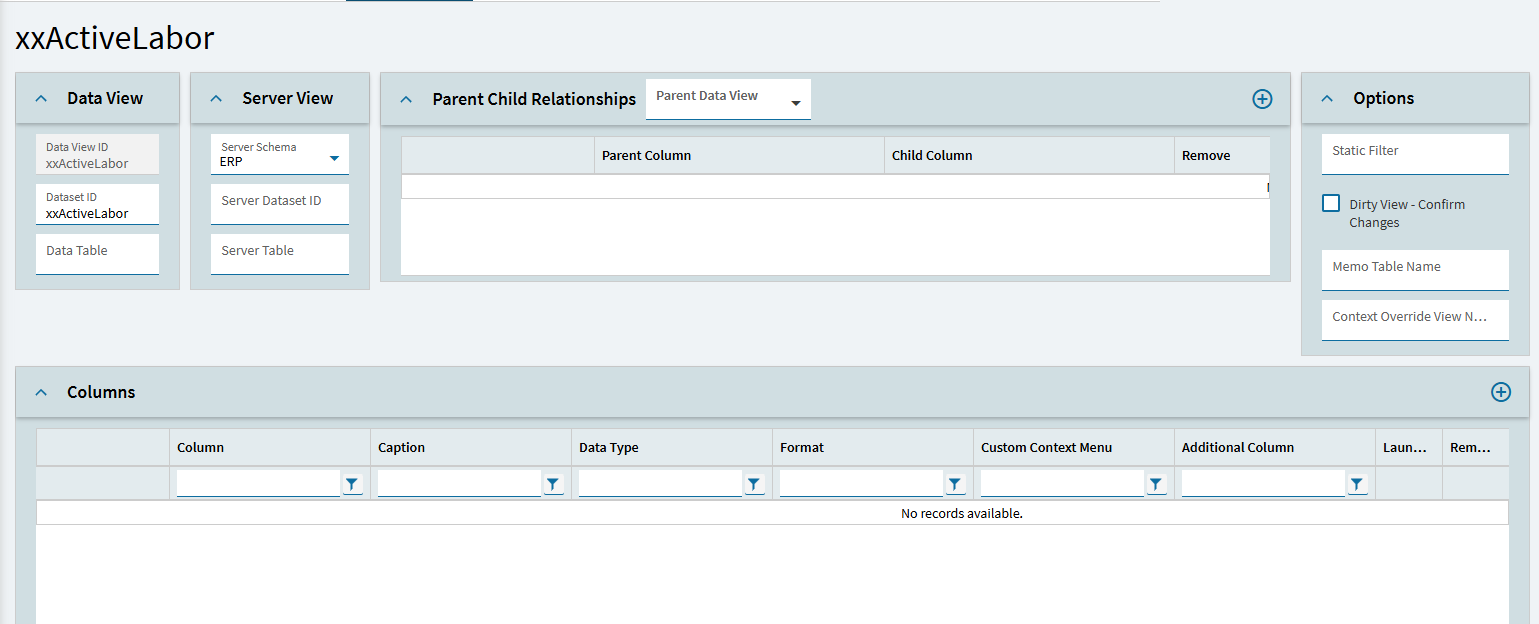
Maybe declare ‘LaborHed’ as the Data or Server Table in your xxActiveLabor setup? I typically always use actionResult to parse and act on response data but haven’t mapped those results to custom dataviews like this case.
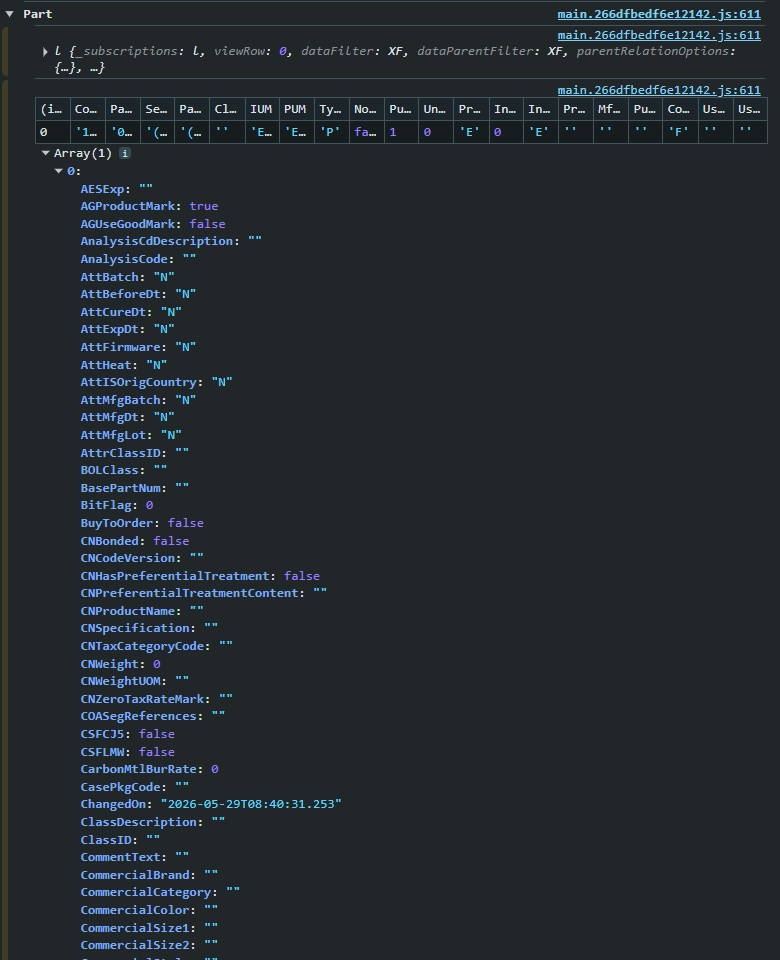
You image shows the value of ActiveTrans IS in your xxActiveLabor dataview. Don’t worry about the “table” that shows in debugger. It only shows about 20 rows. The fields listed below in your list underneath that table is what is IN your dataview… and ActiveTrans (and its value) is there.
For example, here’s a stock Part dataview. Only 20 fields show up in the table across the top… but ALL the fields are there in the list underneath it.
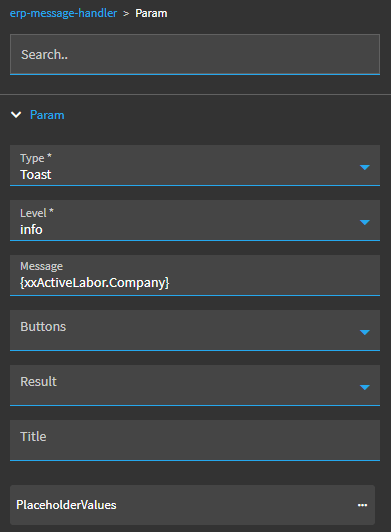
My thought on your error is that the message handler is expecting a string, but ActiveTrans is a bool value. I don’t have an absolute fix. But I would try:
'{xxActiveLabor.ActiveTrans}'
or potentially String({xxActiveLabor.ActiveTrans})
I think you need to try to force the message handler to see a string and not a bool value.


 for your root cause analysis.