Hello EpiUsers!
I am currently trying to perform a GetByID Rest call. I would like to pull the Part Description using the PartNum.
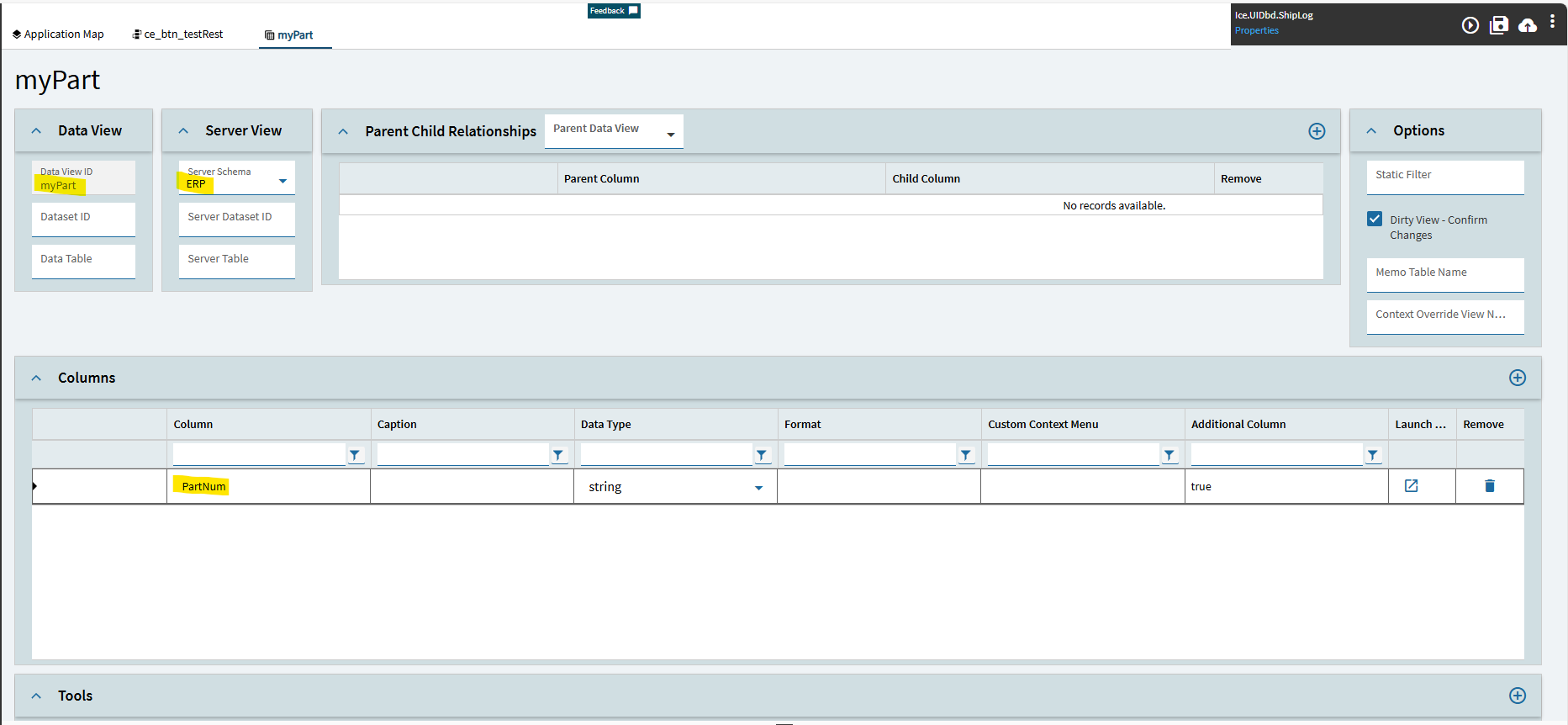
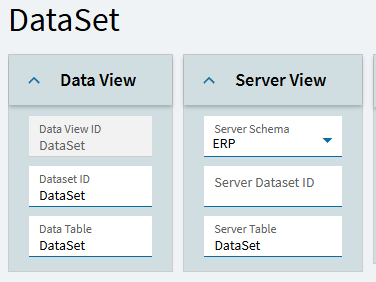
I would like to add the PartNum and PartDescription fields to the actionResult data view.
My Rest call is “successful” but I cannot bind any data to the actionResult dataview.
Below is my setup.
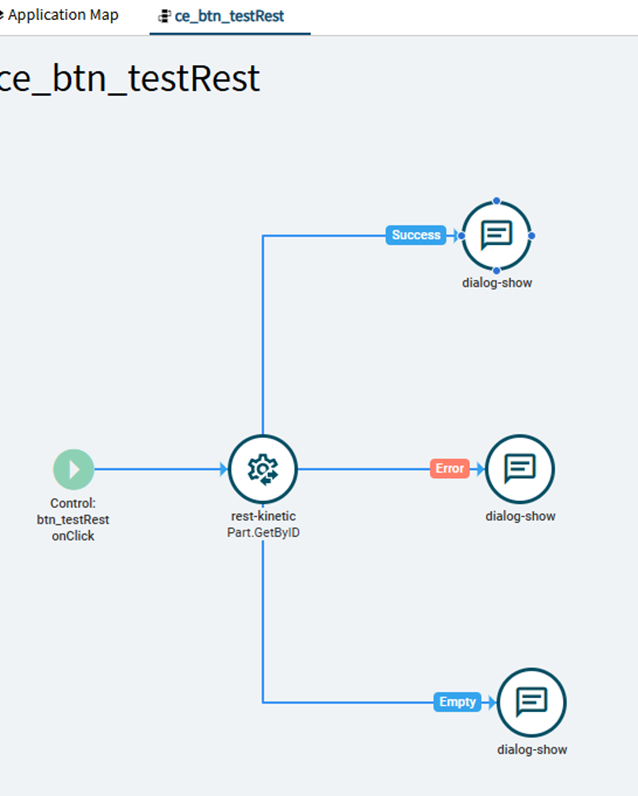
Event
Click a button to trigger a REST Kinetic call. Display an alert indicating Success/Error/Empty
This event is displaying the success alert.
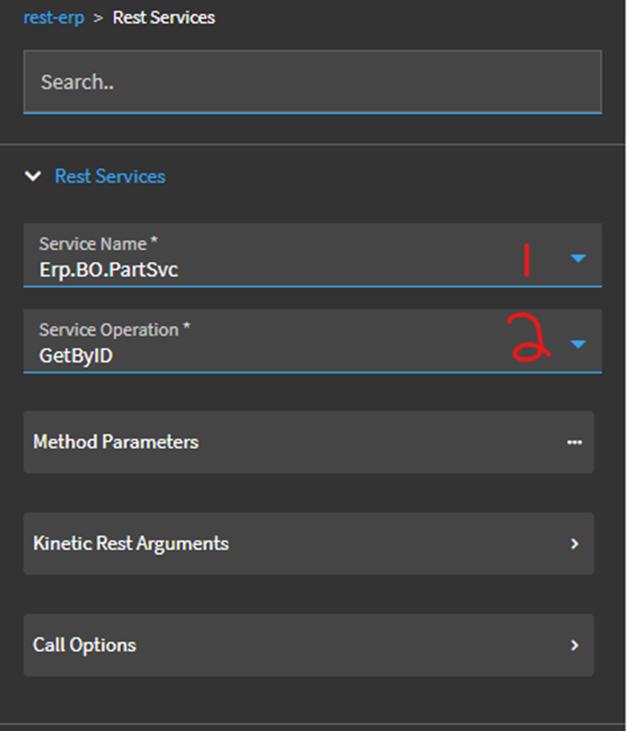
Rest-erp > Rest Services
This should be correct.
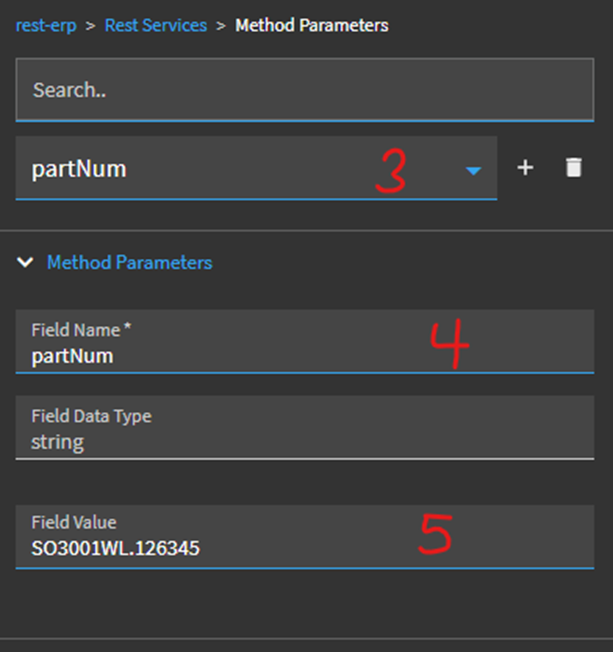
Rest-erp > Rest Services > Method Parameters
This should be correct.
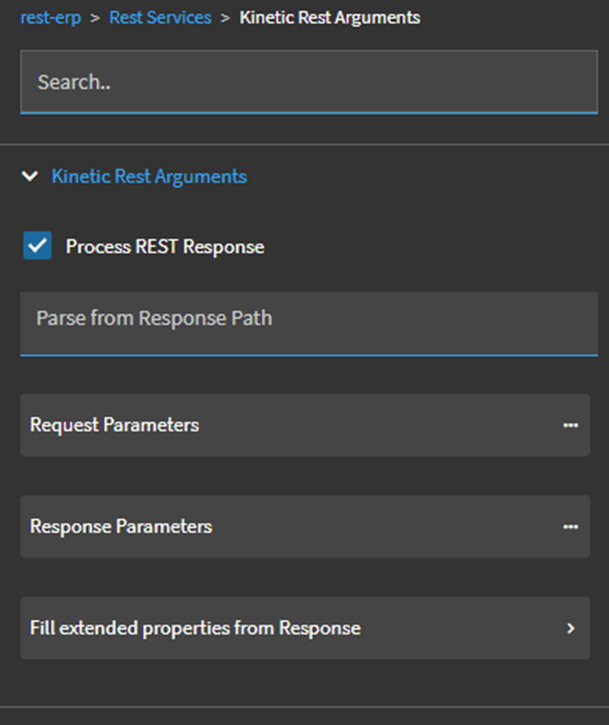
rest-erp > Rest Services > Kinetic Rest Arguments
The Process REST response is checked by default. Otherwise, I did nothing.
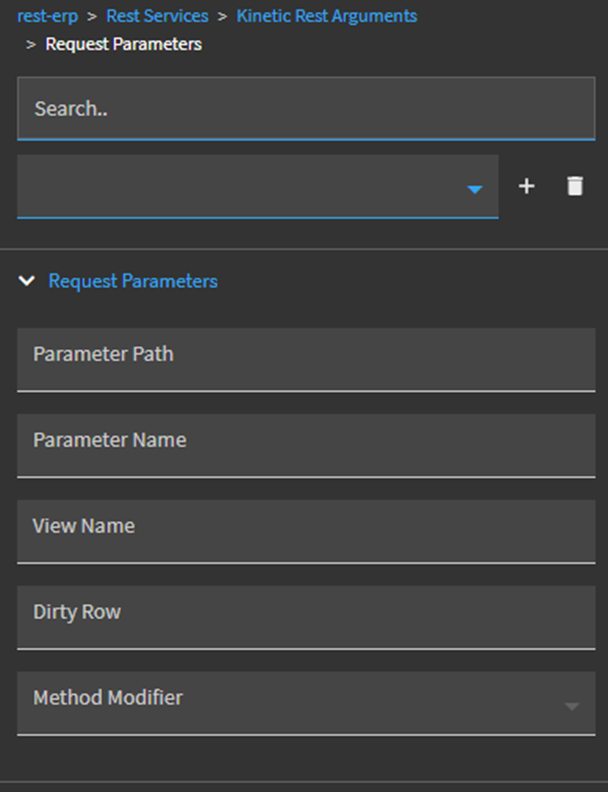
Rest-erp > Rest Services > Kinetic Rest Arguments > Request Parameters
I did nothing here. Based on pervious EpiUsers posts I think this is supposed to be blank. Which makes sense because the parameter PartNum has already been set.
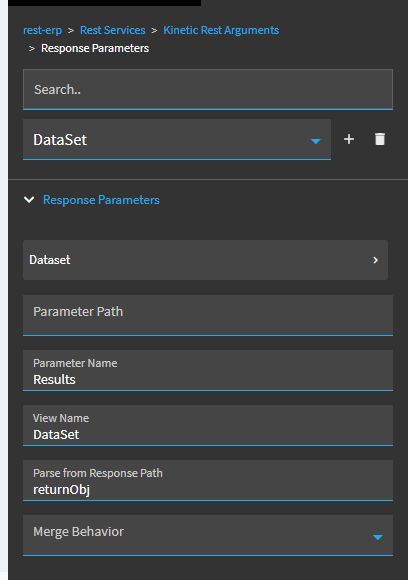
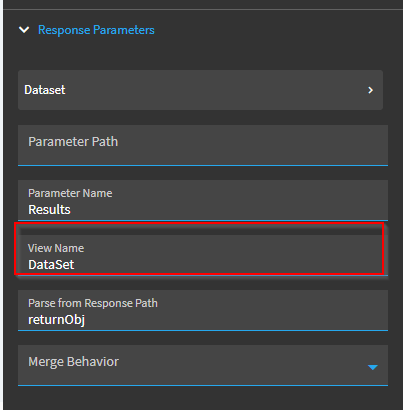
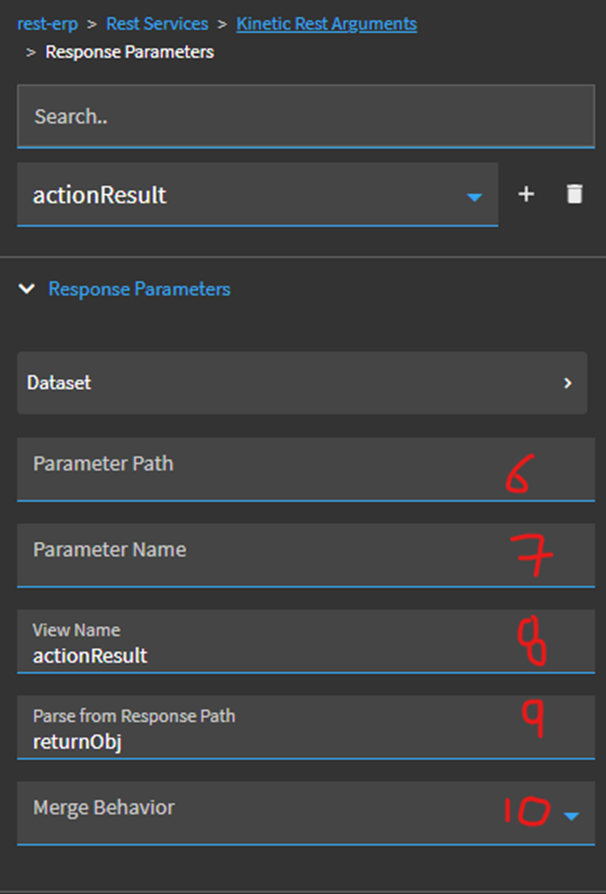
Rest-erp > Rest Services > Kinetic Rest Arguments > Response Parameters
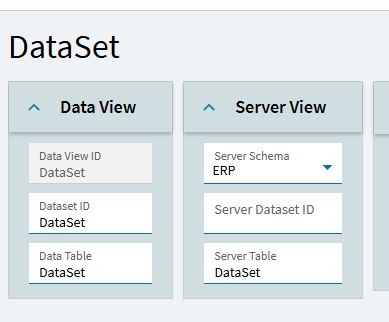
This is where I am getting tripped up. What is supposed to go here?
I would like to populate actionResult dataview with PartNum and PartDescription.
What is supposed to go in (6), (7), (8), (9), and (10)?
I am fairly confident that (8) is supposed to be actionResult.
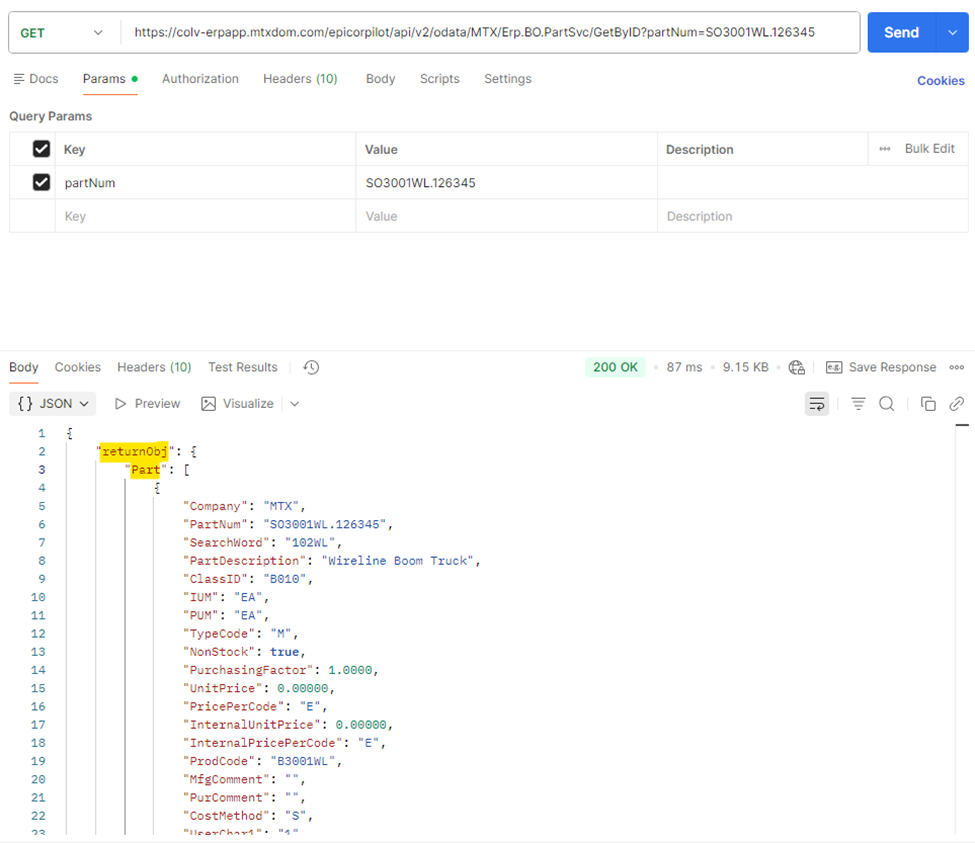
Postman Request Output
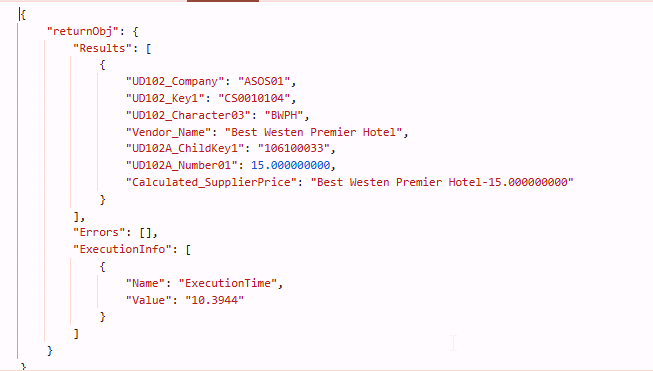
Below is the structure of the response JSON. returnObj is the root. Part is the table I want.
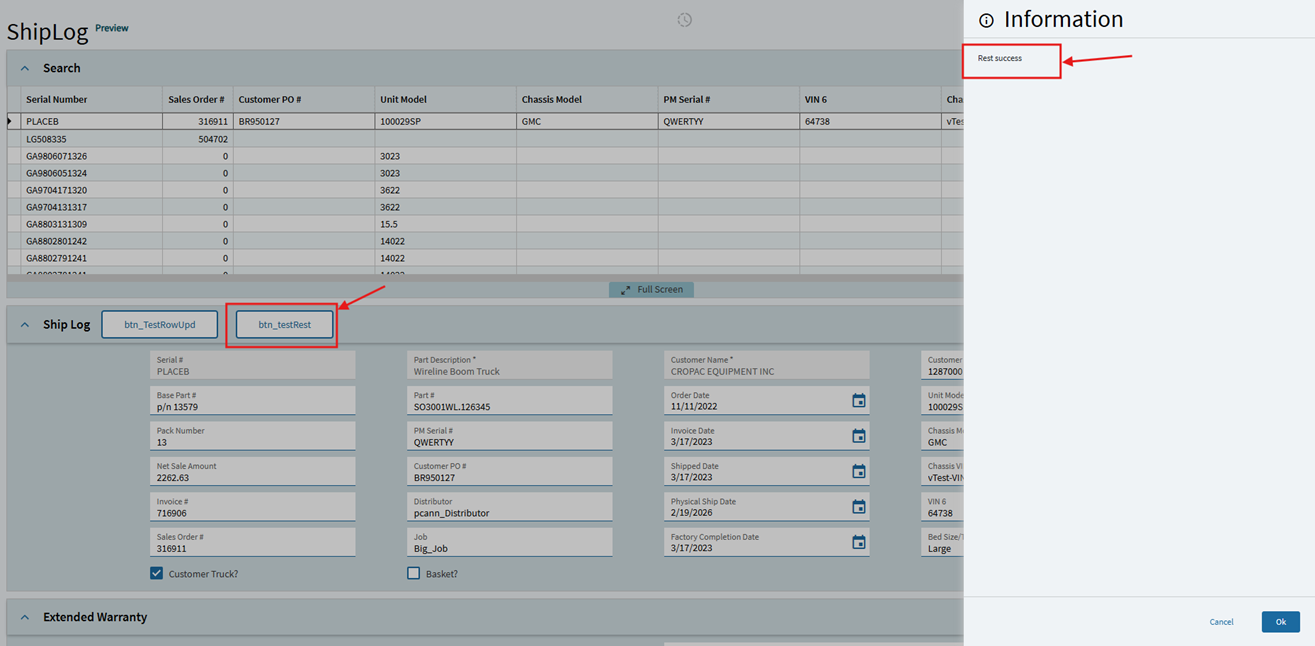
Application Studio Event Test
Upon triggering the event with the button click, the rest call goes down the Rest success path.
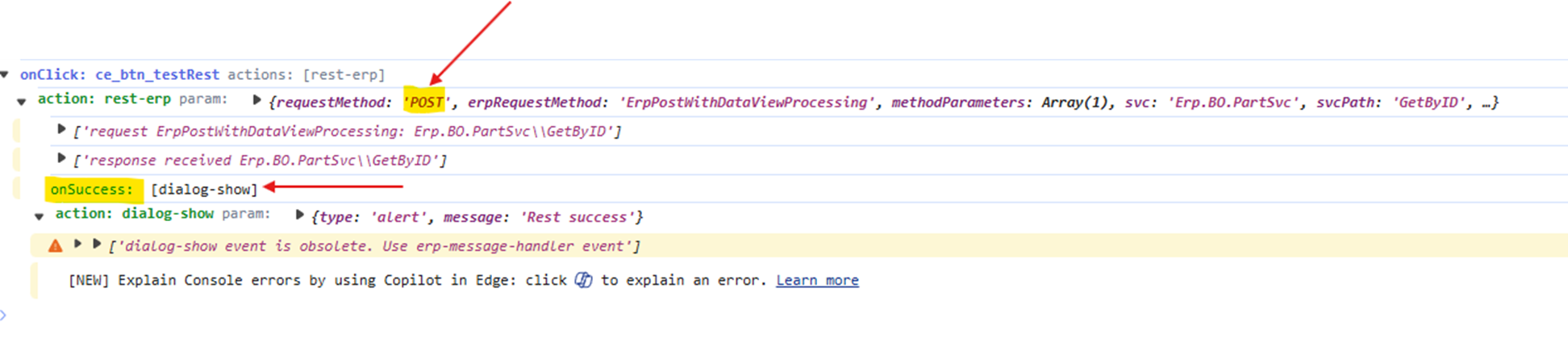
Developer Options Debug
I observer that the rest method is POST. However, the Rest call is still successful.
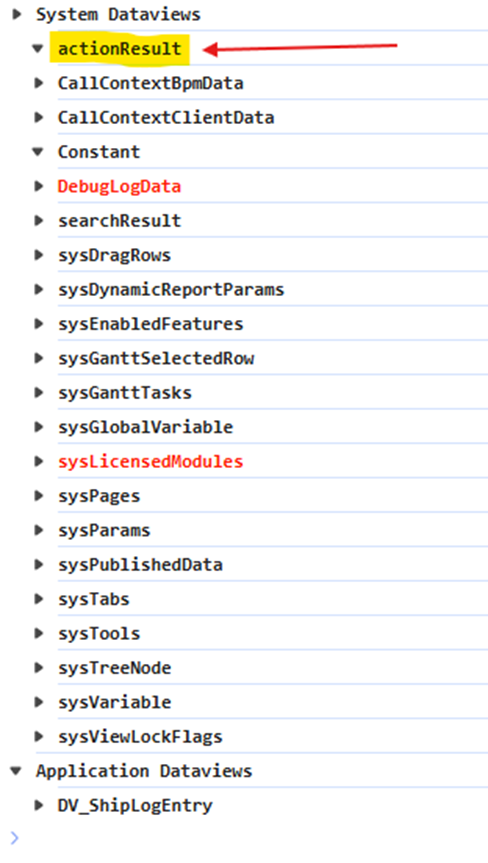
However, when I check the actionResult data view, it shows as empty.
I strongly suspect my Response parameters are incorrect. Could anyone shed light on this? Your help is much appreciated. Sorry for the long post. =’)