Application Studio. Strategy to delete a record

Hello Again EpiUsers!

I am working on a delete operation for an application studio app. I need help on how to push the updated DataView to the server and update the database.

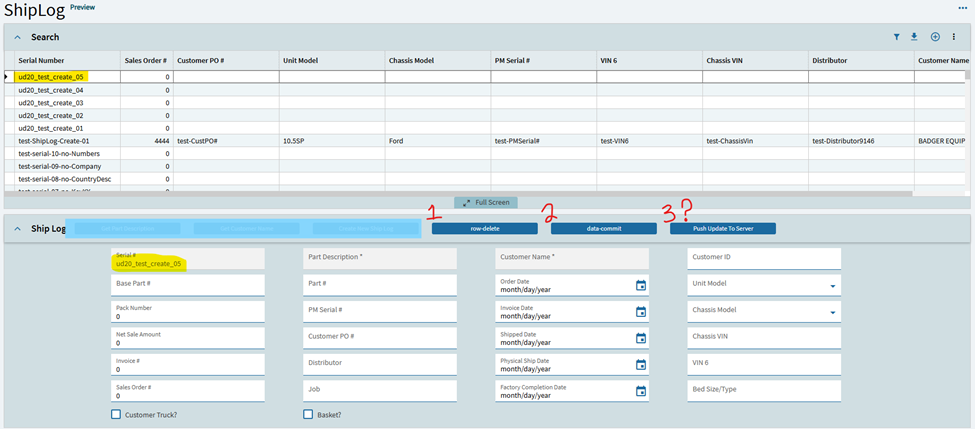
Right now, this is my setup. The user lands on the landing page selects a record.

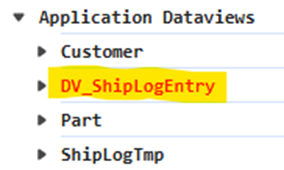
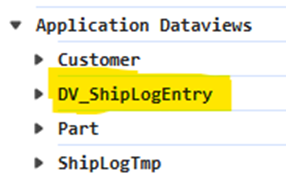
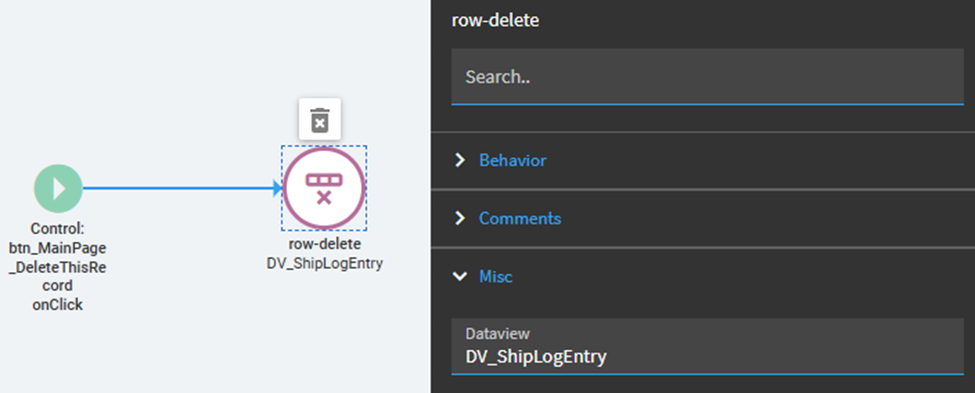
(1) I click the row-delete button. Ud20_test_create_05 gets deleted from the DataView. The resulting DataView is dirty (in red).

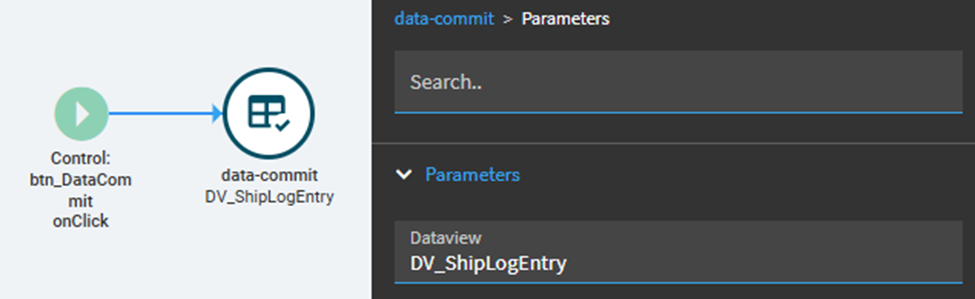
(2) I click the data-commit to un-dirty the view.

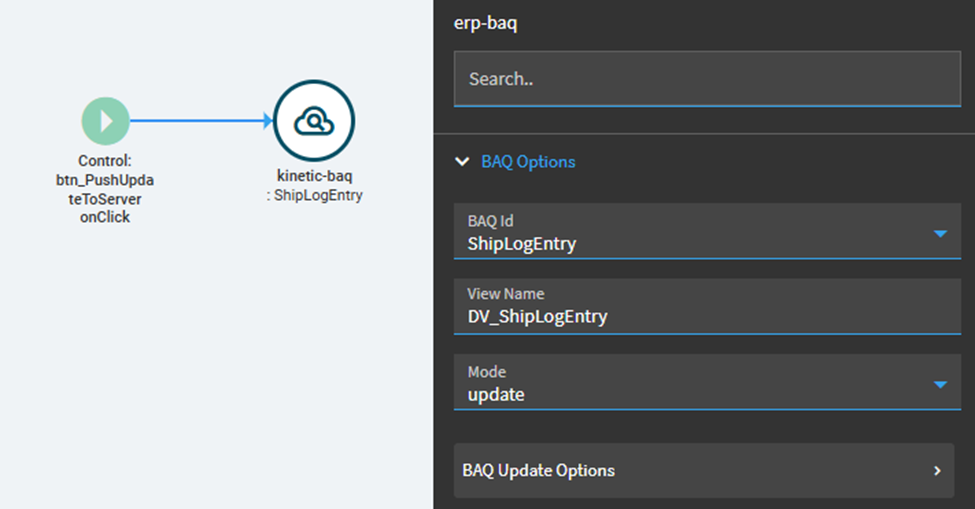
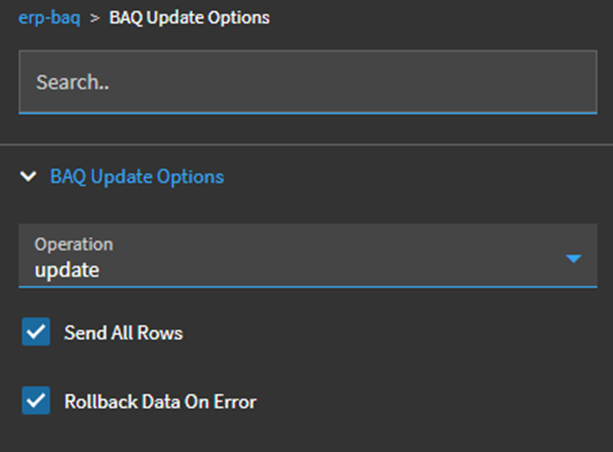
(3) How do I push the updated DataView to the database? This is what I tried, but I can still see ud20_test_create_05 record in the database.

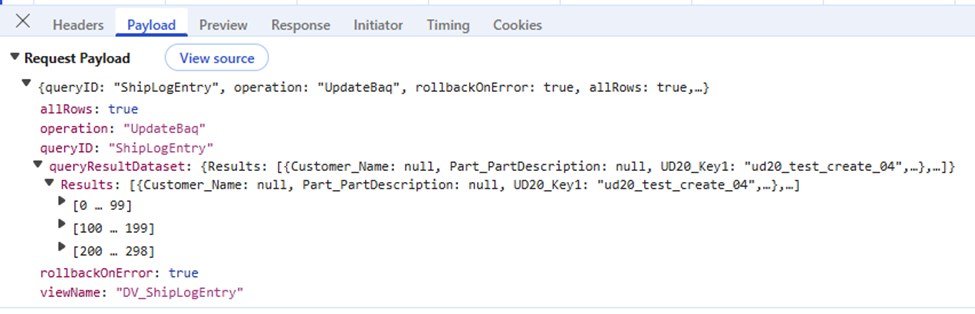
This is the payload on the request.

To summarize, manipulating the DataView is easy but I cannot get the changes to reflect in Kinetic. =/

Is my approach correct? Meaning updating the dataview and pushing the new dataview to the server.

Or should I use the BAQ service to get the object by ID and then push an Update with RowMod = “D” and delete that way?

Any help would be much appreciated.

I think you want an empty dataview, do a GetByID for the record you want to delete into that dataview. row-update RowMod = “D” then call .Update with the record.

I’ll try that. Back in a few.

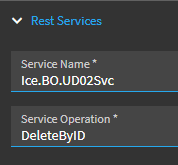
The UD table BO’s have a DeleteByID method. That’s what I use.

You just need on onclick event of your button and call a Rest-Erp action (or Rest-Kinetic… or whatever they’re called these days).

You just have to specify all 5 keys in the method parameters.

On Success, I run my BAQ again to refresh any BAQ driven dataview(s).

2 Likes

Unfortunately, I am using the BAQ Service. The underlying query is a BAQ that joins UD20/Part/Customer.

I don’t think the BAQ Rest Service has a DeleteByID.

But what data are you trying to delete? Part Data, Customer Data, or UD data?

For example, if you delete the row from UD20 and then re-run your BAQ, that record would no longer be there on UD20 and would therefor not get returned again by your BAQ results.

2 Likes

…Unless it’s a left join! I hadn’t thought about multiple tables, sounds like you’d want to provide/create your own BAQ .DeleteByID aBPM code with the logic you need in that setup.
1 Like

It’s a LEFT JOIN with UD20 as the LEFT table. Meaning if no UD20 record, that record would disappear in the BAQ.

This is a very good idea! The BAQ has UD20 as the central table. No UD20, then no record in the BAQ.

1 Like

This turned out to be the right answer!

1 Like

I used DeleteById to delete the UD20 record.