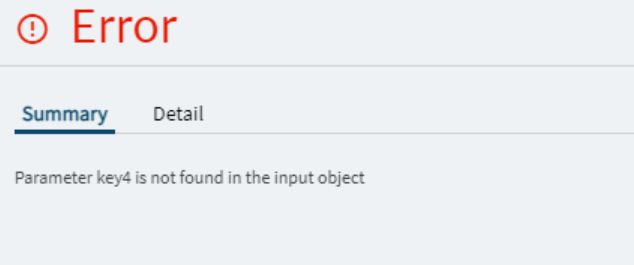
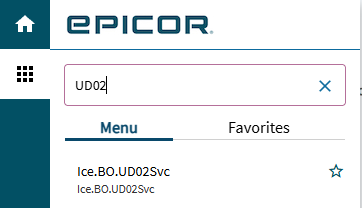
I’m rather stuck, in later versions you get an option when creating a dataview linked to UD tables to add and delete rows using events. However in 2023.2.12 you can’t do such a thing. Is there another way to do this?
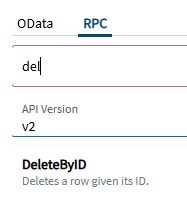
Ive tried using a rest-erp that uses DeleteByID, as well as a number of other things. I don’t fully understand the interaction of these components and how to achieve this goal that should be really, really simple to pull off.
Do i need Epicor Functions Maintenance that ive heard people speak about to attach it to a button? Im unsure if i even have access to this. How can i check?
Unless you are referring to a Data/Method Directive?
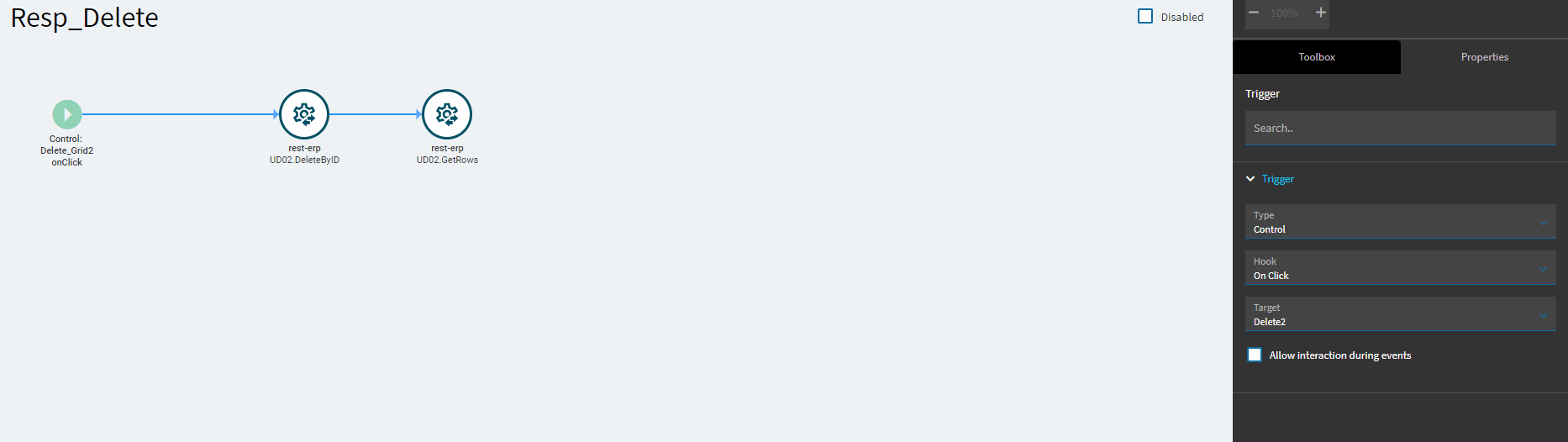
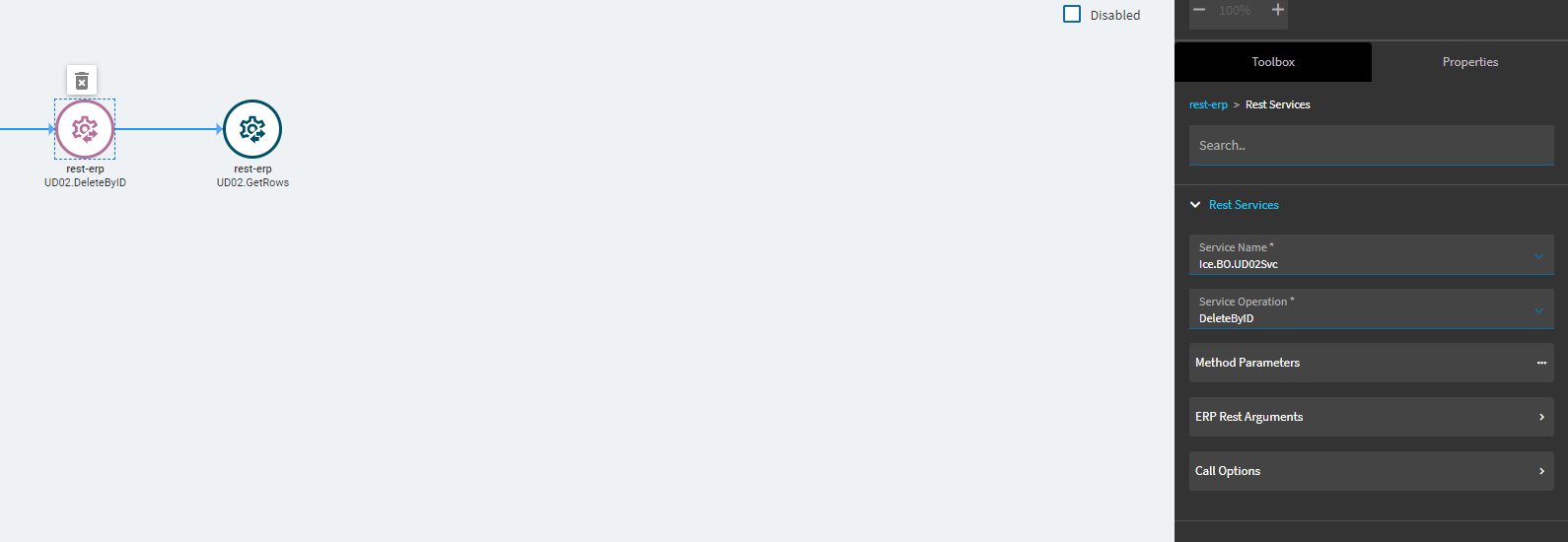
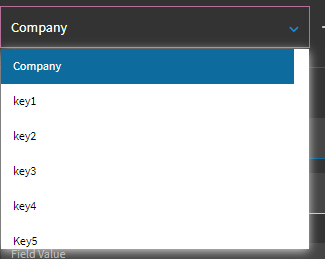
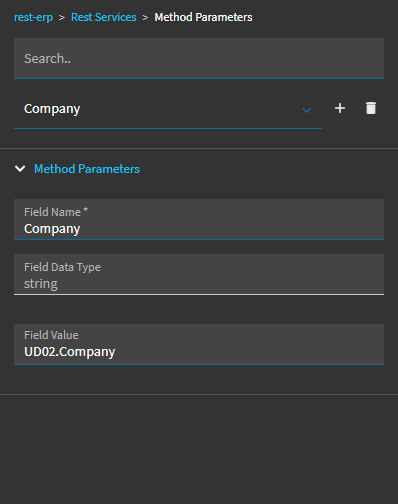
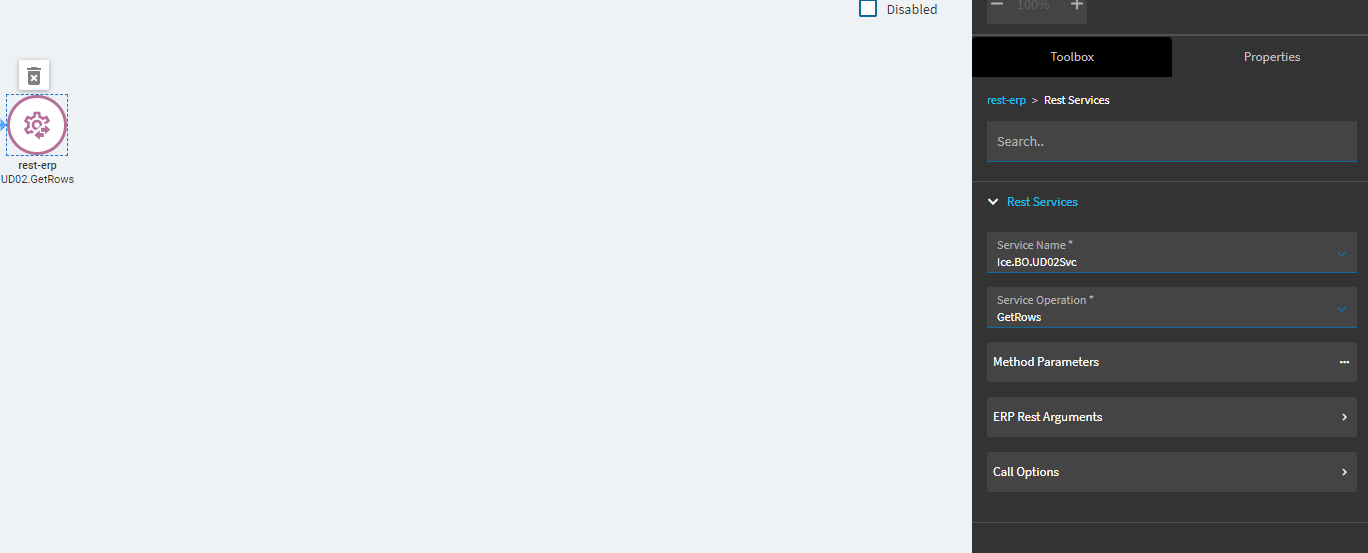
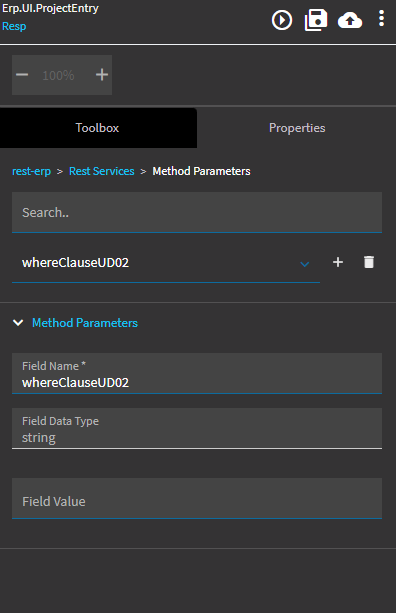
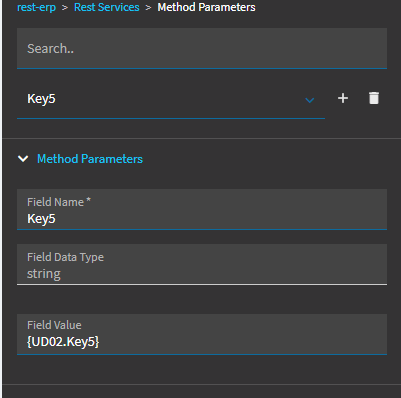
rest-erp with DeleteByID, with {UDxx.Company}, {UDxx.Key1}, {UDxx.Key2}, {UDxx.Key3}, {UDxx.Key4}, {UDxx.Key5} in the parameters, followed by a GetRows should work.
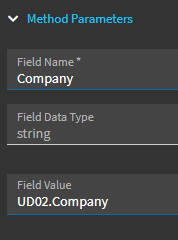
Should be enclosed with { } as in my previous message, then it will work. Enclose the “Field Value” for all parameters in curly braces. This tells AppStudio to “Look up the variable and replace it with the value”
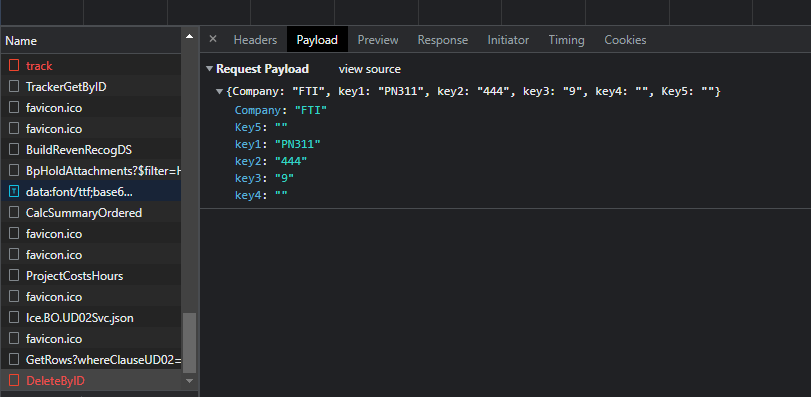
Try with “{UD02.Key5}” - might work then - what do you see in the network trace (F12 Dev Tools) being sent in the network tab, under payload, when you trigger the event?
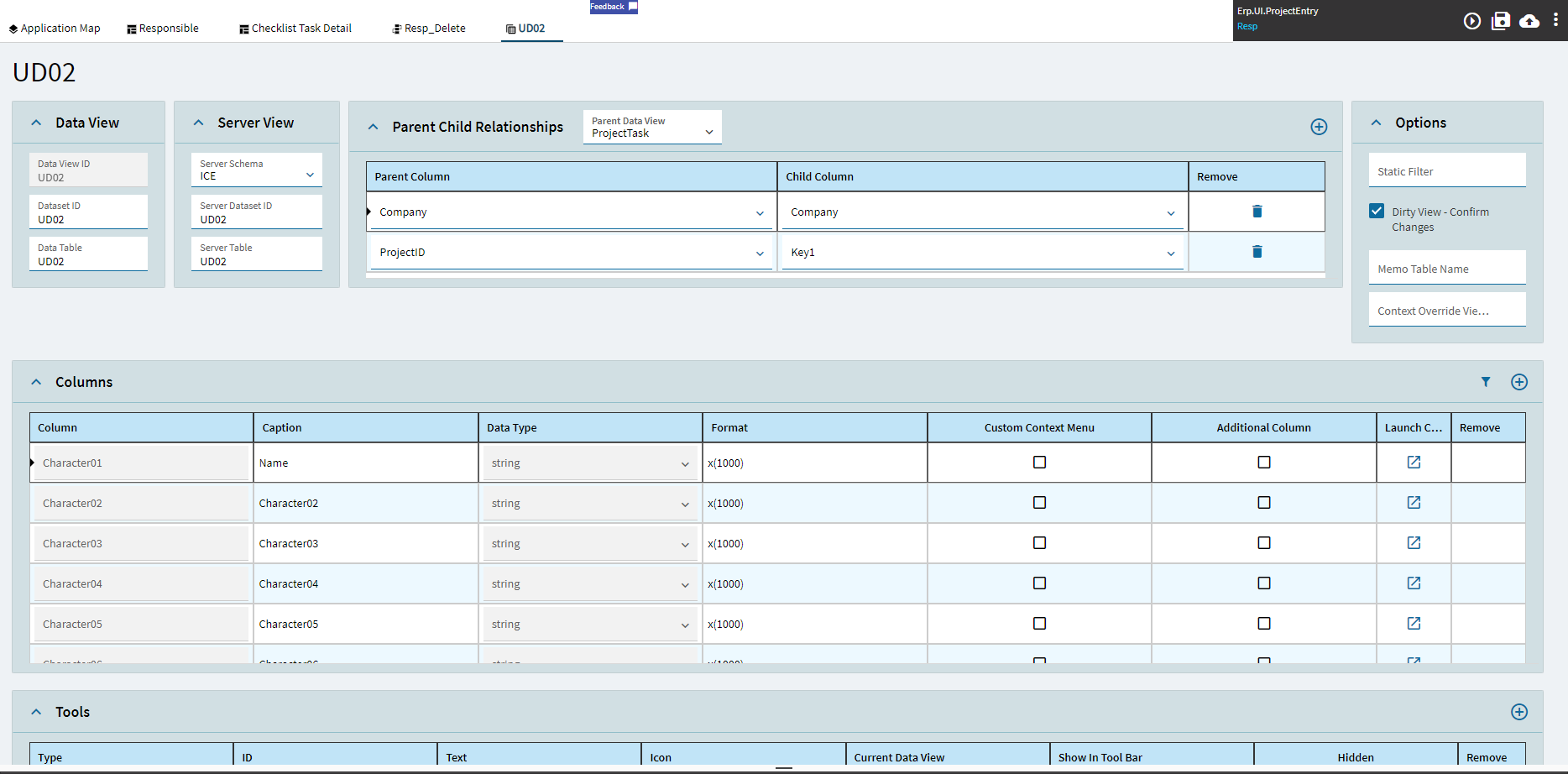
Edit: I am assuming that you have a DataView created named “UD02”, and that the row you want to delete is the currently selected row in that dataview
FYI: Im on Pilot using preview to test these features. Im unsure if this prevents me from using F12(Im new to this) I clicked F12 multiple times in different screens and nothing appears to be happening or appearing
Sorry, you are probably using the Smart Client? F12 is for the Web Browser Dev Tools. I would suggest debugging there, as it gives you a cleaner look at the transactional flow.
If you load this within the web browser, click into the web page anywhere, press ctrl-alt-f8 to turn on debugging mode. Then press f12. this loads up the Dev Tools browser window. there are several tabs - go to the console tab. Then back to your kinetic app - trigger the event - now you can see the logic flow from the events that triggered when you clicked minus. Additionally, check the network tab, here you can check the payload (what you sent to Epicor)
With more info from those two pieces we can figure out what’s going on.
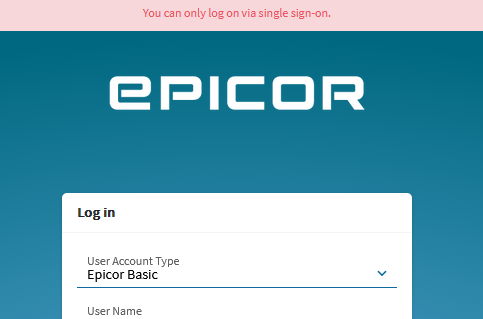
Ok so I gave this a try, My understanding is that im unable to do this as my manager has enabled single sign on that uses my computers credentials to sign me in. Therefore I am unable to login to it. He is on leave at the moment so im unable to work around this.
Would be nice to have debugging tools lmao
Believe so. If you’re unsure as to how to help it’s ok I understand my specific case is rather constricting lmao
If SSO is turned on but not enforced, you might have a drop-down on the web page to switch to Basic auth vs. SSO, try that. If not, you can enable the same debugging tools within the Smart Client, it’s just more of a pain to work with than the Web Browser.
Use the Epicor help for the “Debugging Applications” topic.
If you click any help link from within epicor so that it loads in your browser, this direct link will work.
You need to enable the “EO Browser” debugging.
When enabled, a “Debug” window will launch alongside the smart client.
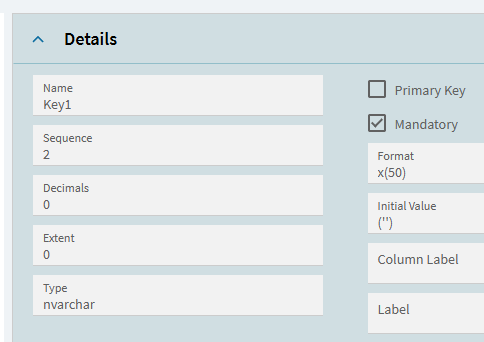
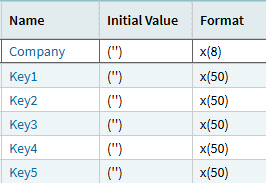
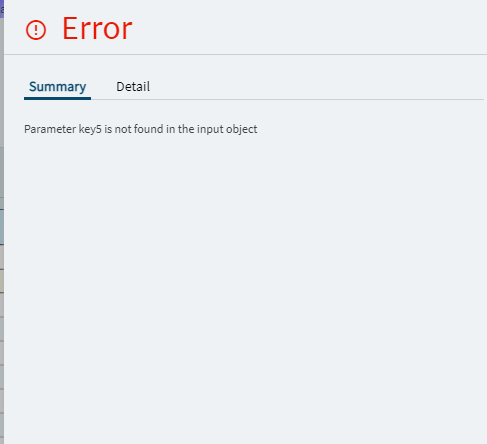
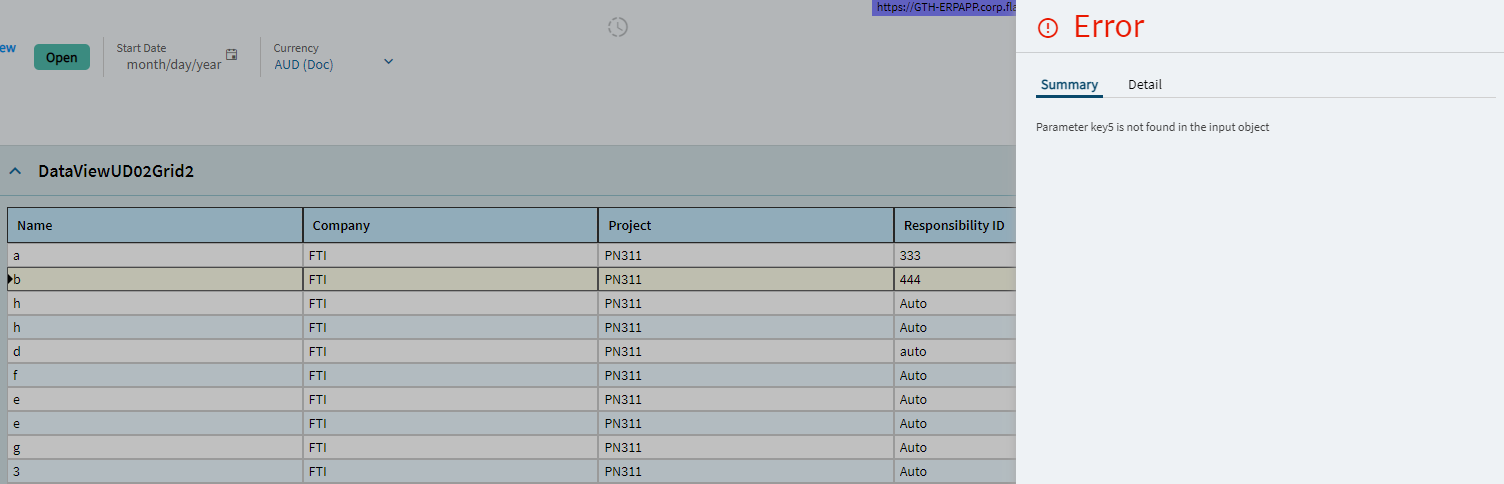
My understanding is that no Key field can be null?? However for the UD02 table im using i did not need another 2 Key fields so i didnt want to add 4 and 5. however deleteByID needs all Key Fields to work . . . ???
No worries, knowing how the debug tools work is very helpful to all future development, it is worth the time
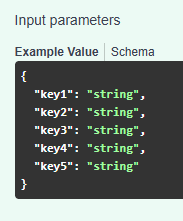
Note the case in your payload object. The fields are case sensitive.
It is a requirement to include company and key1-5, you can’t omit any.
Key5 is capitalized correctly, change the rest to match and this should make it work.
Edit: Later, when you can login on web page via SSO or it is not enforced anymore, try the REST Help webpage.
It is very useful to see what payload each BO expects, so that you can cross reference this against what your client is sending, and determine mismatch.
You are correct - no keyfield can be null. Key1-Key5 are string, with default value of empty string “” (Check Epicor’s Data Dictionary on UD02) - so any unused KeyX field should be sent as an empty string.

 ← You The Great Wizard