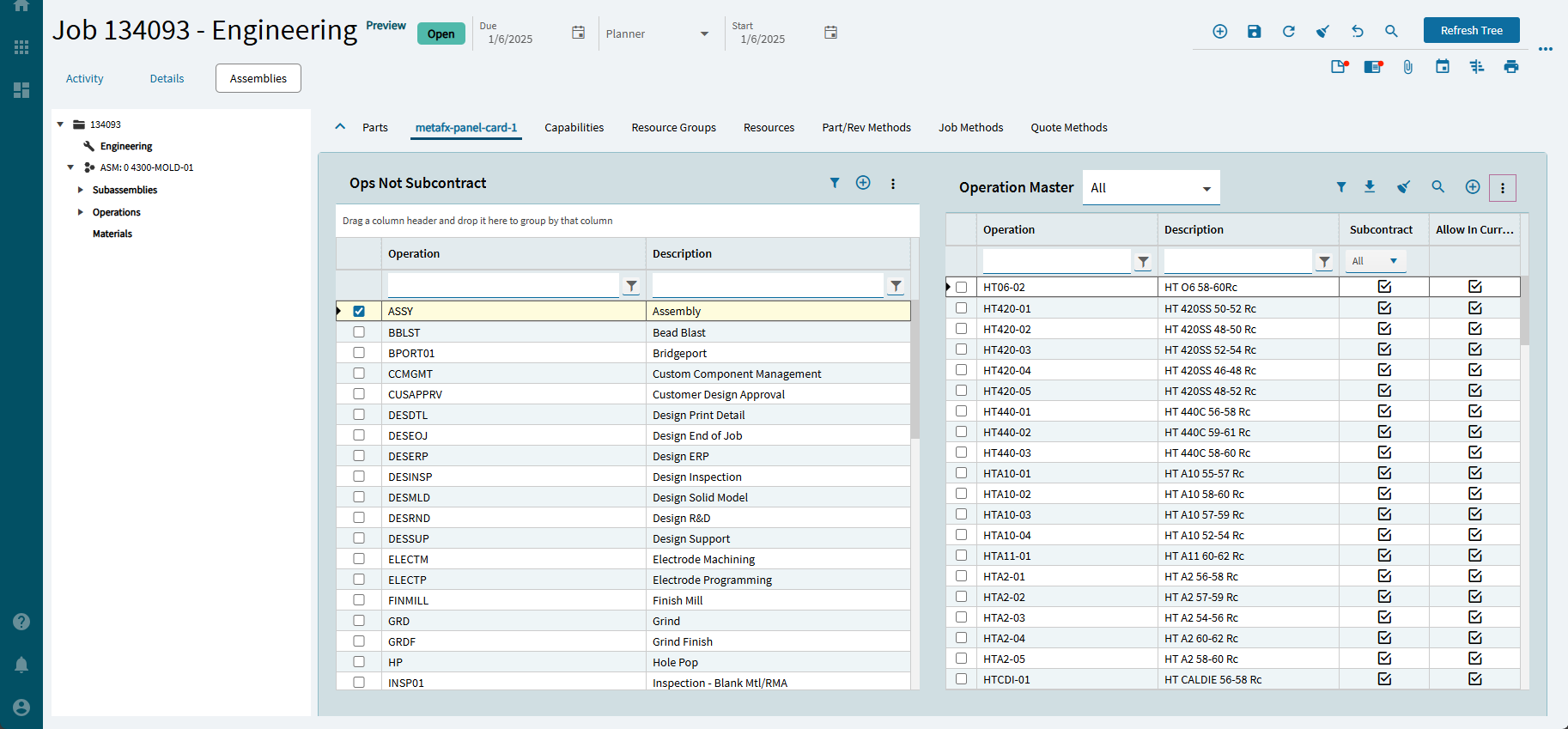
I’m in App Studio, trying to create a custom grid for Job Engineering Operations, so I can have separate grids for operations that are subcontract and operations that are not subcontract. If I copy the original operations grid, and then customize from there, I can drag and drop from it. If I start with a new grid, I can’t drag any rows I have selected. How do you make a grid so you can drag and drop from it?
2 Likes
Kinetic Control Compendium - Experts’ Corner - Epicor User Help Forum
I haven’t done this myself, but I would checkout the settings:
Data > Grid Reorderable
Data > Grid Editable
Data > Grid > Columns Editable
Good luck!
Is it not grid properties → grid model → 'sortable" ?

Sorry for the late reply. Although none of those properties seems to be the key, thanks for sharing your thoughts. I finally copied a base grid into a custom tab and applied filters to it. That worked for now. I hope to be able to figure out what the secret is someday. 