Hello guys, I have created a new BAQ now I need to send the csv results on schedule daily to an email. Can you show me where to begin that process. Thanks again for the help
You can do this with a scheduled function. This post should get you close.
1 Like
Hi Chad thanks for the response much appreciated.
I have gone all the way Step 3. where do i paste the code for Step 4?
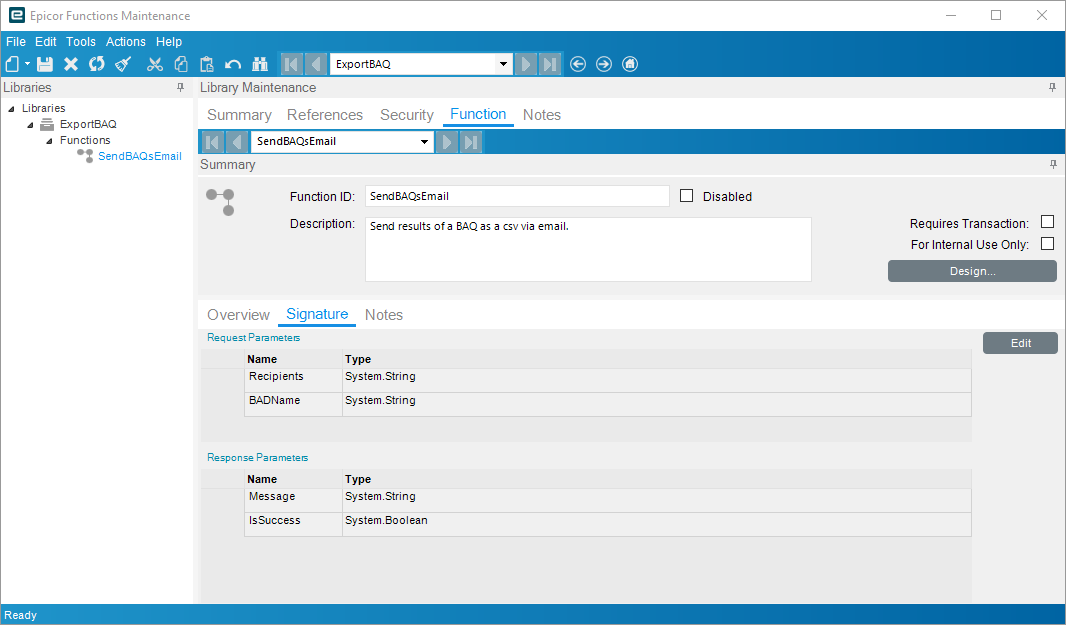
Click Design to build the function.
Will I be using the Invoke Function or BO Method?
Oh, you have the wrong type. Make a new custom code function.
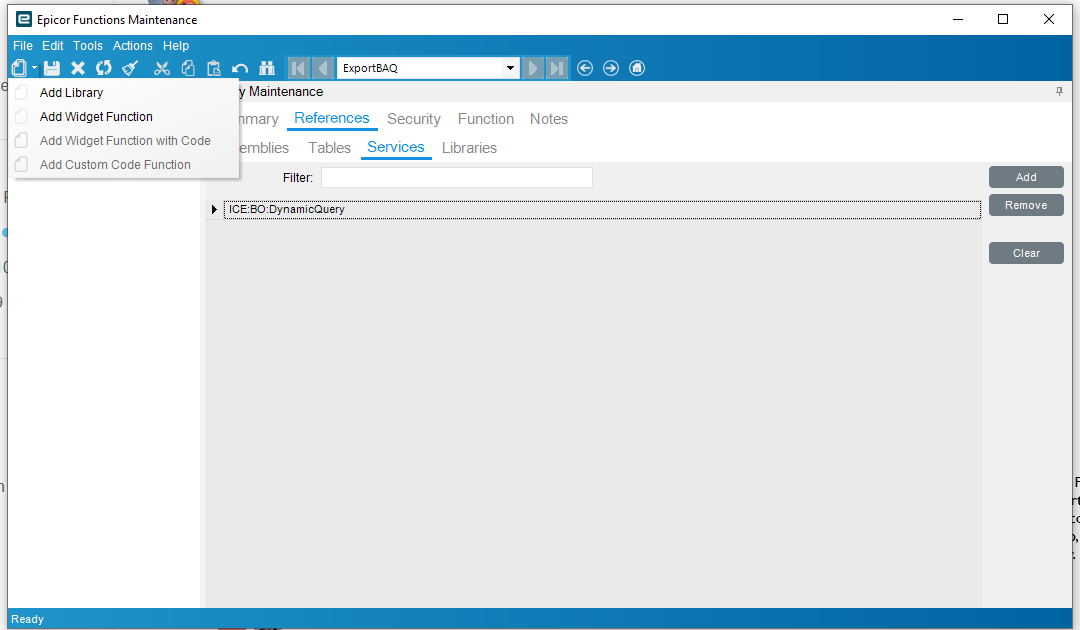
You will need to give yourself the functions developer role. Or have an admin give it to you.
I found it Chad. trying again
You can also create a simple BAQ report of the data, and then just schedule it to send using the email button the report screen. Lot less work and zero code.
1 Like
Seems it worked but I still haven’t seen any email.
Thank you Chad and Alisa! it worked.
Looks like you’ve already got this sorted, which is grand. I’d agree with Alisa, a BAQ Report is the way to go. You can schedule it to drop out as CSV or Excel depending on what you (or the requester) fancy.
 Cool tip: if you give each tablix a different name in the rdl layout, Excel will kindly pop them onto separate sheets (say Open Orders and Closed Orders). Much tidier — and it saves you faffing about with copy and paste.
No need to rope in a function here. That’s a bit like wheeling out a double-decker bus just to nip to the corner shop. Only really worth it if you’re automating the same thing across loads of BAQs every day.
Except with the BAQ report you have to mess with SSRS. And have to move that report between environments. Only reason I don’t mess with it. The function can do both - email and save the file somewhere. On a schedule or on demand. More than one way to skin a cat.
Fair point… SSRS can be a bit of a faff, especially when you’ve got to shuffle reports between environments. The flip side is once it’s in, scheduling the BAQ Report is dead simple and supportable without much tinkering.
Functions definitely shine when you need the bells and whistles like emailing, file drops, or running things on demand. Horses for courses really. Just depends whether you want the quick screwdriver job or to bring out the whole toolbox.