AutoCheck checkbox for loaded orders

Hi everyone, I’m looking to change the default state of a native Kinetic control checkbox from false to true.

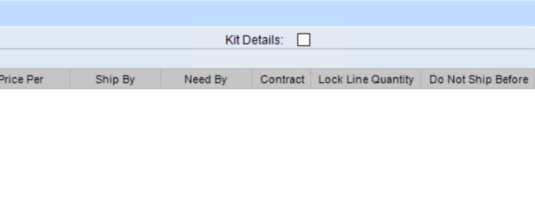
This is the ‘Kit Details’ checkbox (not a custom field) which controls the visibility of grid rows. Since it isn’t bound to a database field, I cannot use a BPM. I’m looking for the best way to handle this via Kinetic Customization to ensure it’s checked upon loading.
Has anyone successfully done this? Thanks!

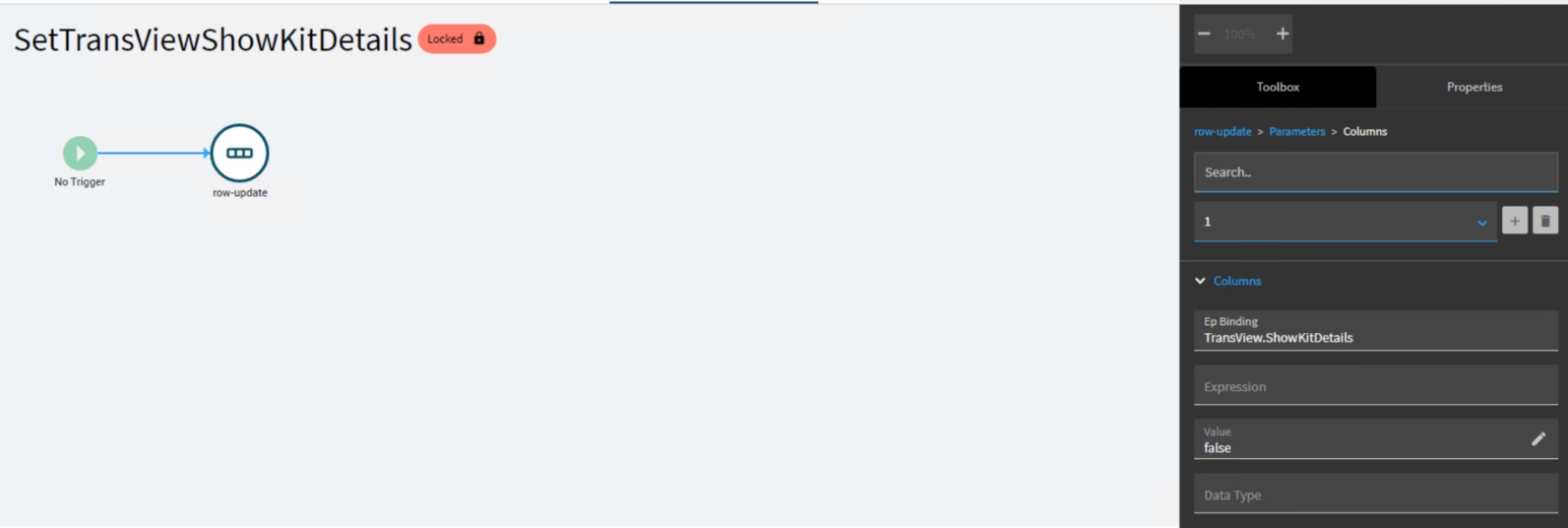
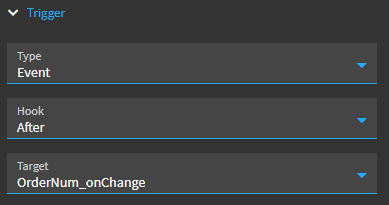
a quick event:

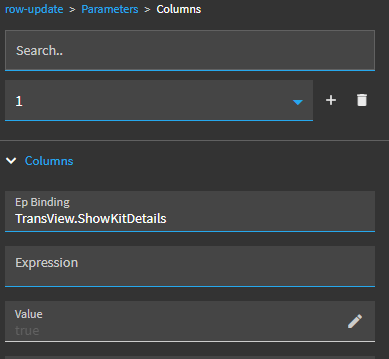
with a row-update of TransView.ShowKitDetails to a value of true

Works as a quick stab/starting point, but you’ll have to test whether you need to trigger this at different times.

1 Like

It seems I don’t have the OrderNum_onChange event, yet surprisingly I noticed the SetTransViewShowKitDetails event


CRAP… yeah… the OrderNum_onChange in my system is a custom event! :person_facepalming:

haha, sorry.

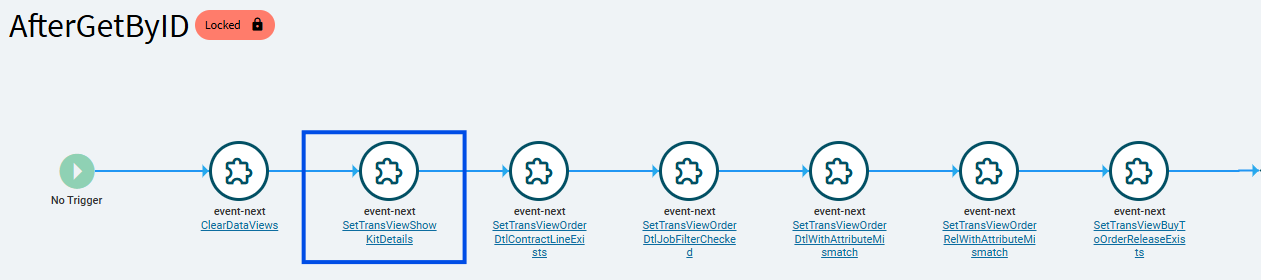
The SetTransviewShowKitDetails event is triggered in the AfterGetByID event:

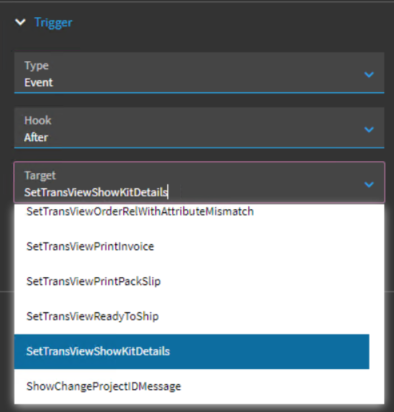
Try triggering your event AFTER AfterGetByID.

1 Like

I successfully set a checkbox to default-checked in Application Studio, but the change isn’t trickling down to the Classic UI. How can I force this implementation to apply in the Classic interface?
Kinetic UI and Classic UI are completely separate things.

You’ll have to recreate this customization on your Classic form.

2 Likes