Our users want the ability to select a price list at the header level and have it apply to lines automatically on either the quote or order (assuming the order didn’t come from a quote). This assumes the line is on the price list - if it isn’t it should default to the “main” list.
The main reason is mostly revolving around time - having to click “Override Price List”, change the list, and save isn’t the quickest process when you have to do it on each line.
I’m aware of Customer Groups and the ability to automatically apply price lists there, but the big issue we run into is our users are a part of multiple national/state/local pricing contracts so it is difficult to cement them into one group. I’m also aware of assigning a list on individual Bill To/Ship To address records, but that would involve making multiple address records for each Account which is also not extremely efficient.
If anyone has any ideas it would be greatly appreciated. Thank you!
Other than using the built in Price List application hierarchy, the only way I could think of to do it would be through custom fields (Header Level) and BPMs to set the fields at the line level when appropriate. There is no out of the box way to do this the way you are describing that I know of.
Hey Randy, I know about Ship To holding their own Price Lists - the issue revolves around having to create, in some cases, three or more per Account which would get unwieldy pretty quickly. Unless there’s another method you’re referring to that I’m not understanding?
Thanks again for your response - let me know if I missed anything.
Curious on Price List hierarchy - what information is out there for that?
If Price List hierarchy is relating to Customer Groups and assigning a list to that I had discussions with the end users about that as a possible solution. The big catch is a customer could be a part of multiple contracts. Trying to pigeon-hole them into one group isn’t going to be easy.
If I missed what you were saying let me know - thanks for your response!
A customer can be in multiple of these pricing contracts? If so, which takes precedence? How is the person entering the order to know which one applies to that order?
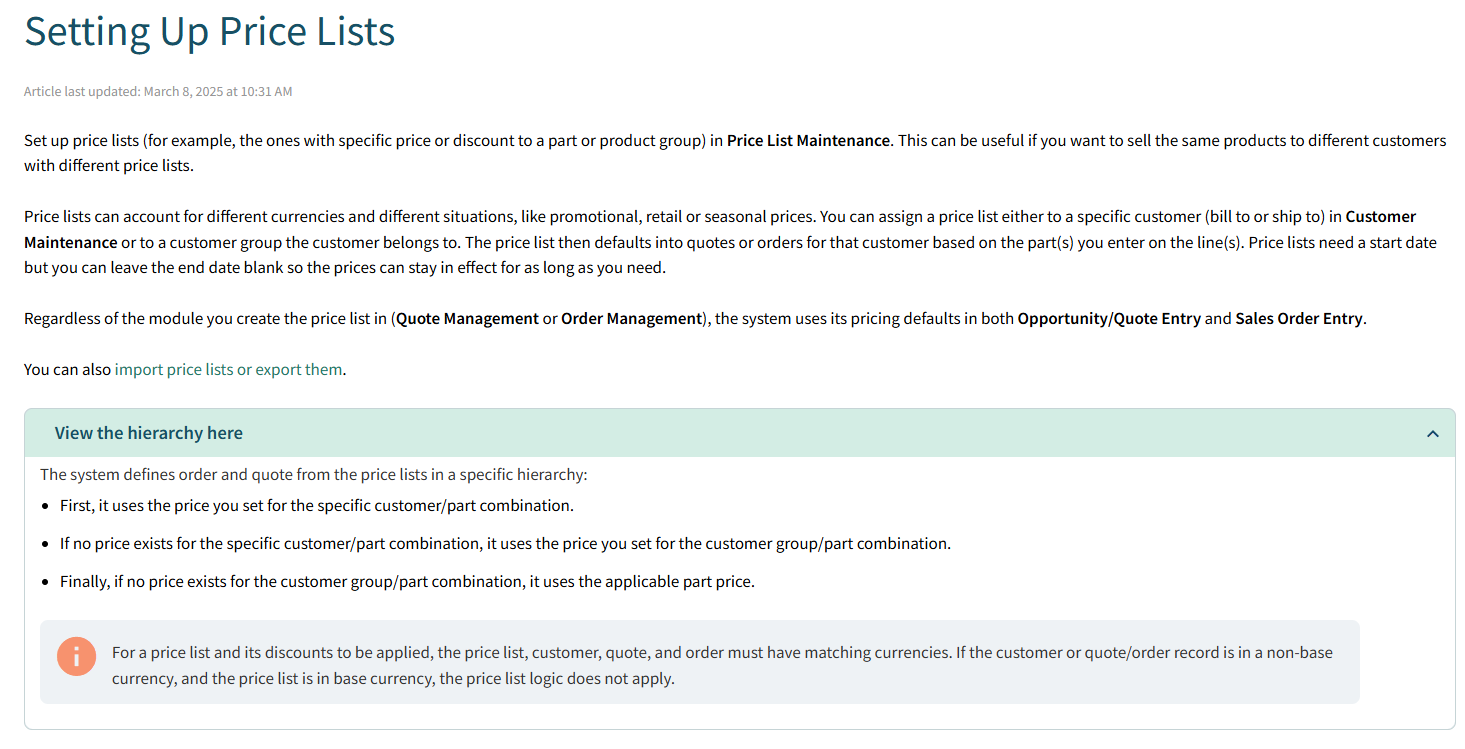
What I mean by the hierarchy is that yes, you can assign PL to Customer Groups (I’ve never done it), Customers and Ship Tos, the closer to the ‘end user’ you are the higher the priority for that (Ship To beats Customer beats Customer Group).
We stick to the customer level (Bill To Price List Tab IIRC) here, though we have talked about potentially doing groups, I think we actively block them being applied to Ship Tos though as for us that is not valid and just creates issues when it comes time to maintain them (we do not check there because they are not valid for us).
Depending on how often your PL change or your customers change PL it can be a bit of overhead to maintain all the granularity and it is possible the custom fields & BPM route would work better with your work flow.
Epicor’s Help has an article that goes into all of the Price List features:
The customer has to let us know what contract to use when they have a Quote/Order request, regardless if they’re a part of 1 or 10. So if they don’t tell us, they’ll get the standard price list. If they do tell us, we have to abide by the request.
There’s some crossover of items on price lists, but another thing we’re trying to accomplish is assisting other parts of the organization that have their own specialized price list that is currently manually calculated.
We’re trying to take care of a handful of issues here - appreciate your insights!
Parts can be in multiple price lists and by default if you look to the Customer screen (or anywhere PL are assigned) you will see them in a list view, it will take the first List that matches the part and use that price. That is what you would normally use the override for, it would allow you to go to a ‘lower priority’ list manually.
Based on your other reply though it sounds like you could have multiple contracts for any given customer, presumably lining up with a specific ‘discount’ for a specific project? Without knowing a ton of the background and just based on that sentence, I would probably set up the price list as needed for that contract and then have a pair of custom fields ont he Quote & Order Header tables, one Boolean to record a ‘override PL’ and one text that records the PL you want to set. Then have a BPM that takes that and sets those fields at the line level so you set it at the top level and auto set it everywhere else.
Given that the change happens for each quote/order that is likely the best way (unless something like the project module adds functionality like this, I don’t know, we don’t have that module).
As for the other departments manually calculating things, I’d be trying to get everyone on the same page and using PL but that is just me.
Stock price list functionality isn’t that fluid. So a customization of UD field(s) on OrderHed to set the PL desired and BPMs to push to each line and override the PL with the one set at Order Head.