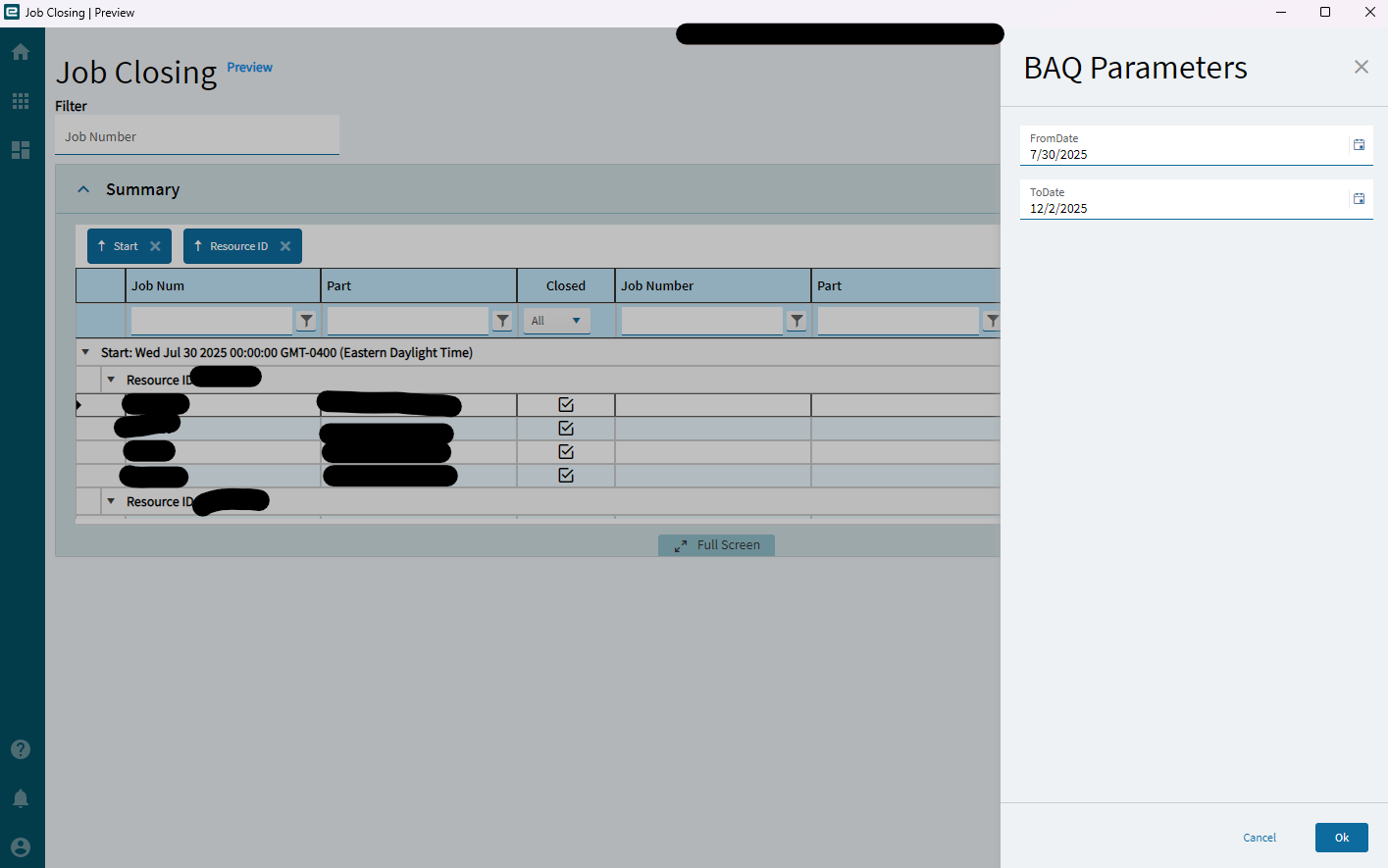
Calling all Kinetic wizards out there: Currently facing an issue with BAQ parameter slide out panels in combination with additional filter controls. The native behavior of the panels on my dashboards work great, however, whenever I add a filter control (text box, combo dropdown, etc.) and corresponding WHERE clause to filter my grid afterwards, the initial BAQ parameter panel will not close when clicking the OK button. This example uses a Job Number text field to search the grid after the initial BAQ parameters are selected in the slide out panel.
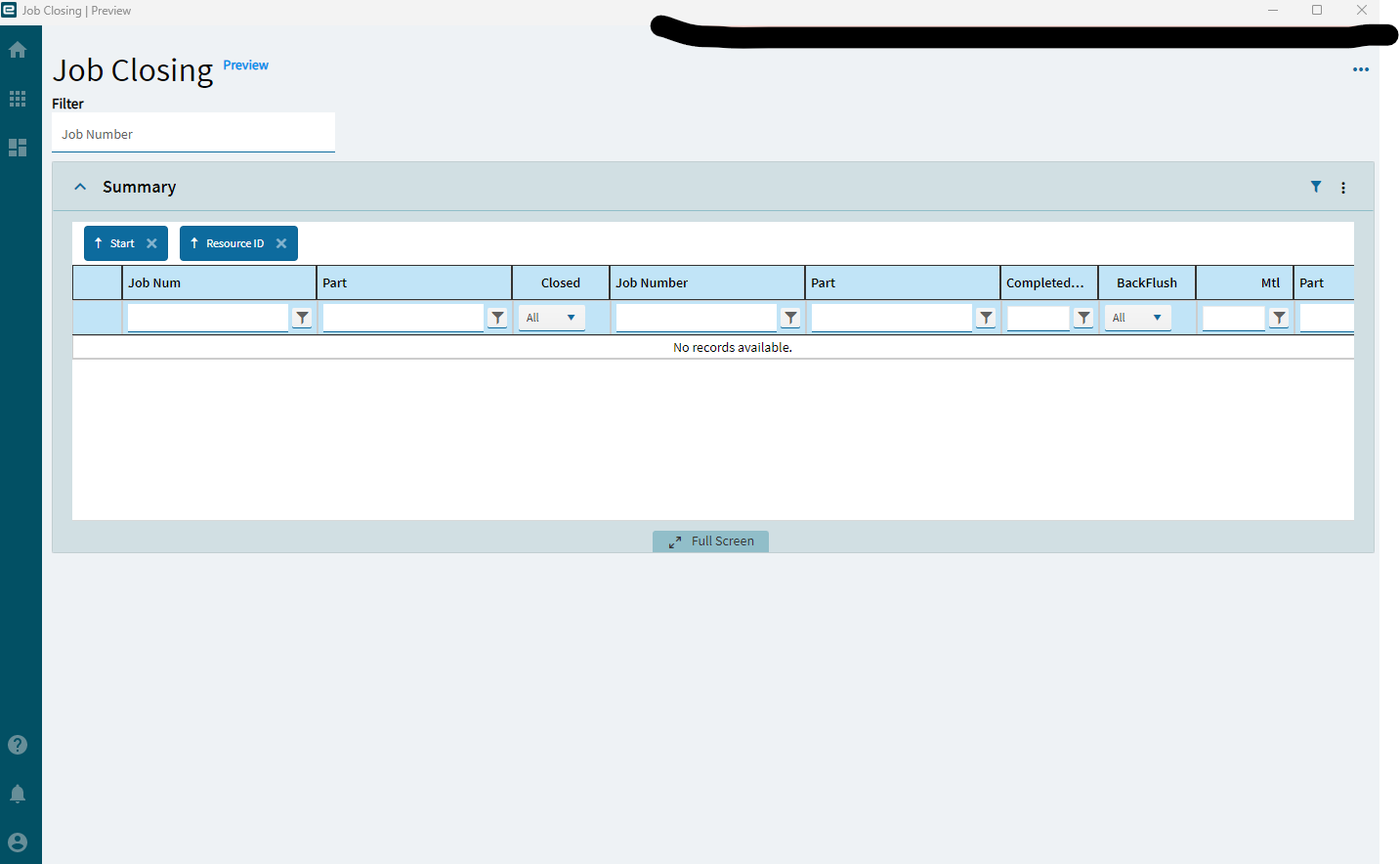
The grid will update correctly in the background, clicking OK again will close the panel but clear the grid completely. If I refresh the grid to re-trigger the BAQ parameter slide out, I can enter a date range and hit OK, everything works fine (including Job Number search). Just seems like I’m facing this problem on the initial load of the dashboard.
My dashboards that use filter controls (text/combo/check boxes) to filter Panel Card Grids work great, my dashboards that require initial BAQ parameters without additional filter controls work great, I only run into this issue with any dashboard that requires BAQ parameters and offers additional filter controls on the grid. The moment I add a WHERE clause to the Panel Card Grid, the BAQ parameter panel breaks on initial load.
After entering parameters and clicking OK, grid updates correctly in background:
After clicking OK again, panel closes this time, but grid goes blank:
Ver 2023.1.21
Thank you in advance for any suggestions or help!