Heide,
Whatever the path of the main report is, i.e. Reports/CustomReports/JobTrav/…
You should be able to run the subreport using that same path, i.e. Reports/CustomReports/JobTrav/YOURSUBREPORT.
Because if you open your main report in report builder and your subreport simply states the name of the subreport, with no file path, I’m pretty sure that means SSRS is instructed to look in the same directory that the main report is in.
And what is telling is that when you tried (at least I think you did) to create a report style using the path of your main report + your subreport (as I stated above) you got an error saying it couldn’t be found.
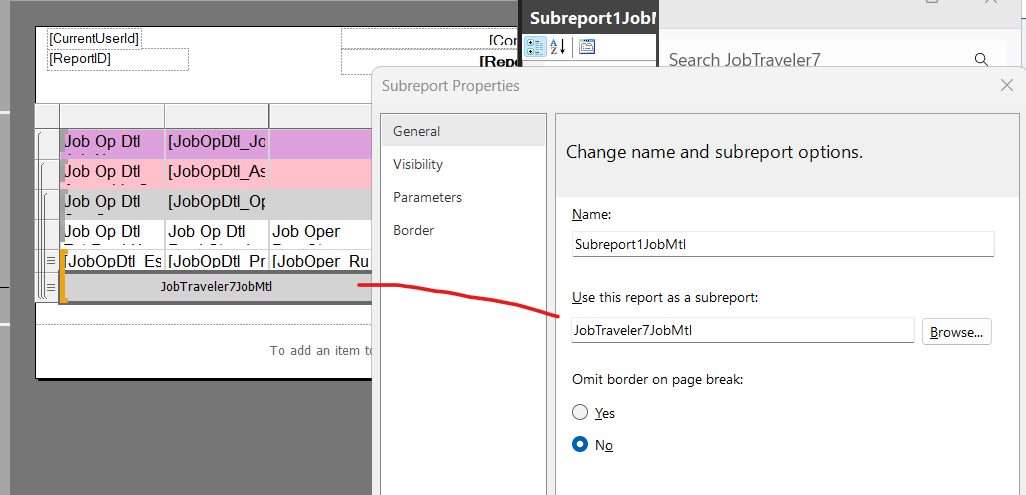
I feel like this tells us that the subreport doesn’t exist and just like you show in that picture, the “use this report as a subreport” doesn’t specify a full path, which I THINK means it’s looking for it in the same folder as the main report… Not sure I’ve solved anything for you.
I don’t know how subreports get created when making a BAQ report.
Great, so you confirmed the sub report works on its own. You’re correct on the report location, it only needs to be in the main report path and the sub report .rdl just needs to be in the same folder, doesnt matter if the sub report has a different name. So all of that looks correct to me.
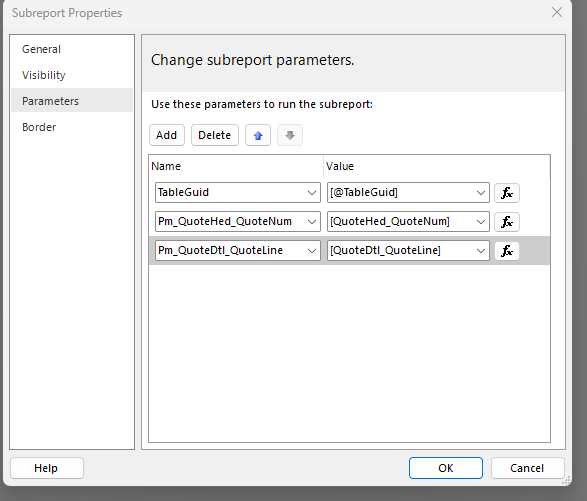
What does your parameters look like? This is what mine is on the main report:
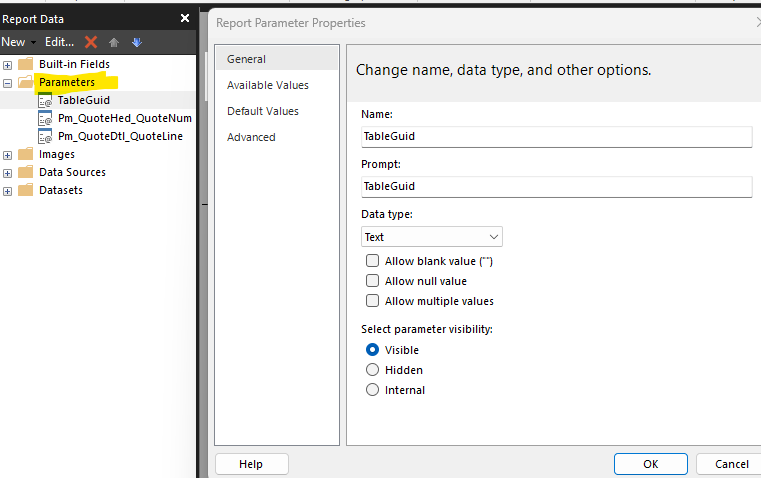
And this is the sub report:
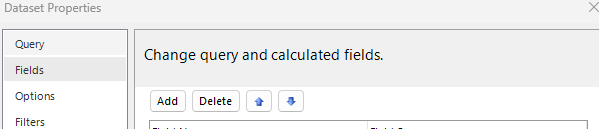
Also, Like I mentioned in my last response, I only have one dataset per rdl file in both the XML and in the report. Is that the same for yours? And did you delete the duplicate columns out of the XML as well as the report?
Hello Fernando and Utah,
You both have helped me so much, thank you. Utah was able to point out that I did not have the parameter TableGuid. Fernando’s screen shot shows that the subreport parameter needs the Table Guid. Once I added the TableGuid, then the subreport ran and it is now showing on the main report.
Thank you both for helping me along this journey to create a subreport. I am overjoyed!!!
Heide