Hello!
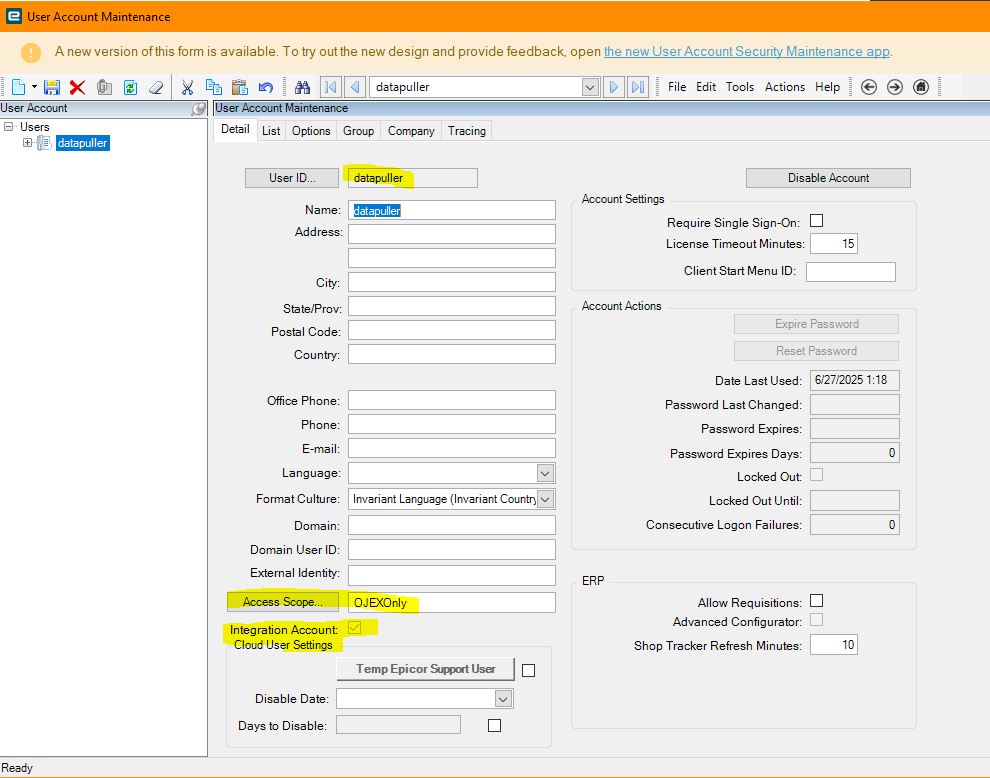
We’re currently using an Access Scope connected to an API Key to access our BAQs from Power BI. We have a user set to only view the BAQs available in the Access Scope. However, I have been trying to add an additional BAQ to the Access Scope, but the new BAQ doesn’t appear to be accessible using the user’s credentials and API key (whereas the original ones are). When I check what the user can see what BAQs the user can see through the API help page, they can only see the BAQs that were originally there.
Using the debug tool it looks like the BAQ is being added correctly to AccessScopeSvc, and when I use my credentials I can access the BAQ from PowerBI. I was not the one who setup the user, so I’m not sure where I can go to check if there is something incorrect with their access.
Where can I ensure that the Access Scope is being properly updated for the user? Or what issue might be occurring?