I am trying to set up an integration in Bartender with Kinetic.
I’ve got a report style set up to emit a .bt file, which appears to be a Bartender print command script.
I created a Bartender form to bind the data from the .bt file, and created an integration for it.
When I test the integration, it gives this warning:
The following database fields are referenced by template objects but are not present in the database. Proceed with empty values for these fields?
The report prints, but none of the data fields from the file are populated.
I looked at the print command script, and it included this switch:
/DBTEXTHEADER=3
When I removed this and renamed the file to reprocess it, it prints as expected.
Does anybody what might be happening here? I assume I have something mis-configured somewhere, but I can’t tell where.
Hi Daniel,
The DBTextHeader switch is normal for any BT file that is generated by Epicor. I believe it is telling BarTender which row of the text file contains the field column headers.
What does your integration look like?
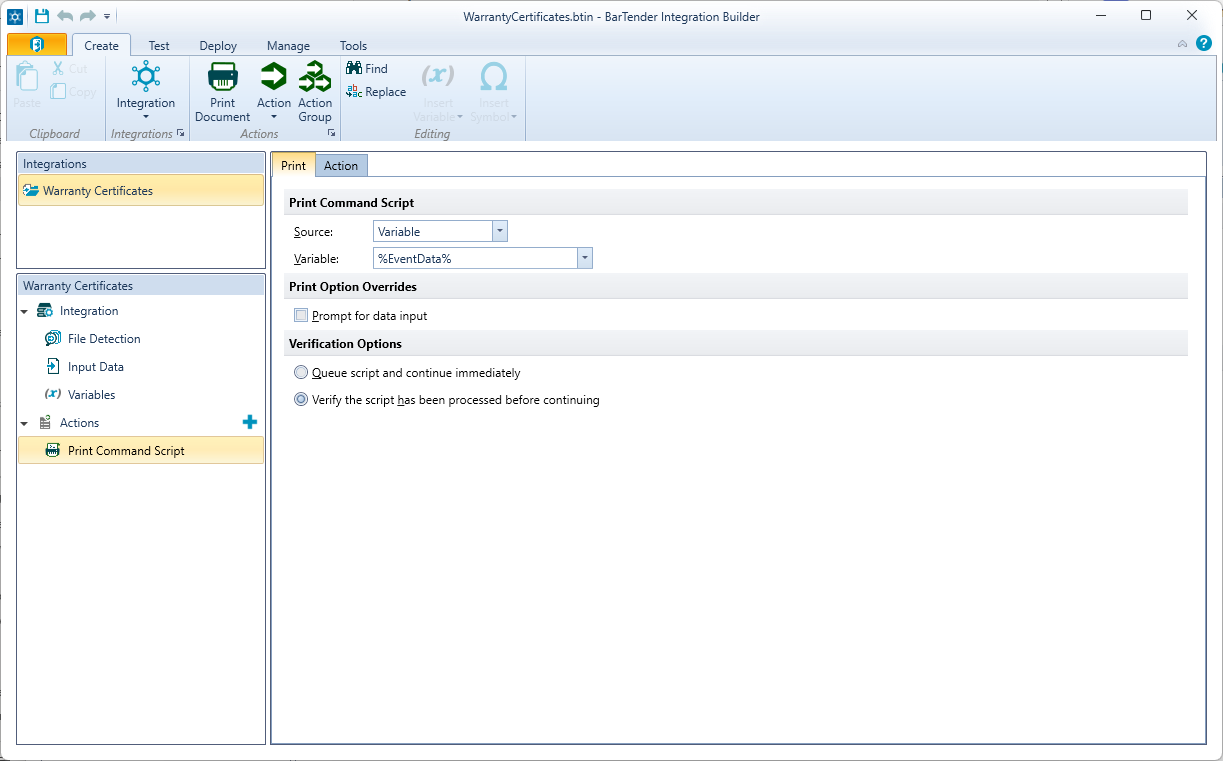
Ours is very simple. We use file detection, watching a folder.
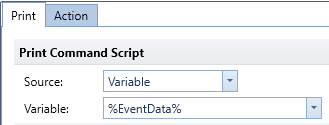
It has only one ‘Print Command Script’ Action, configured like this:
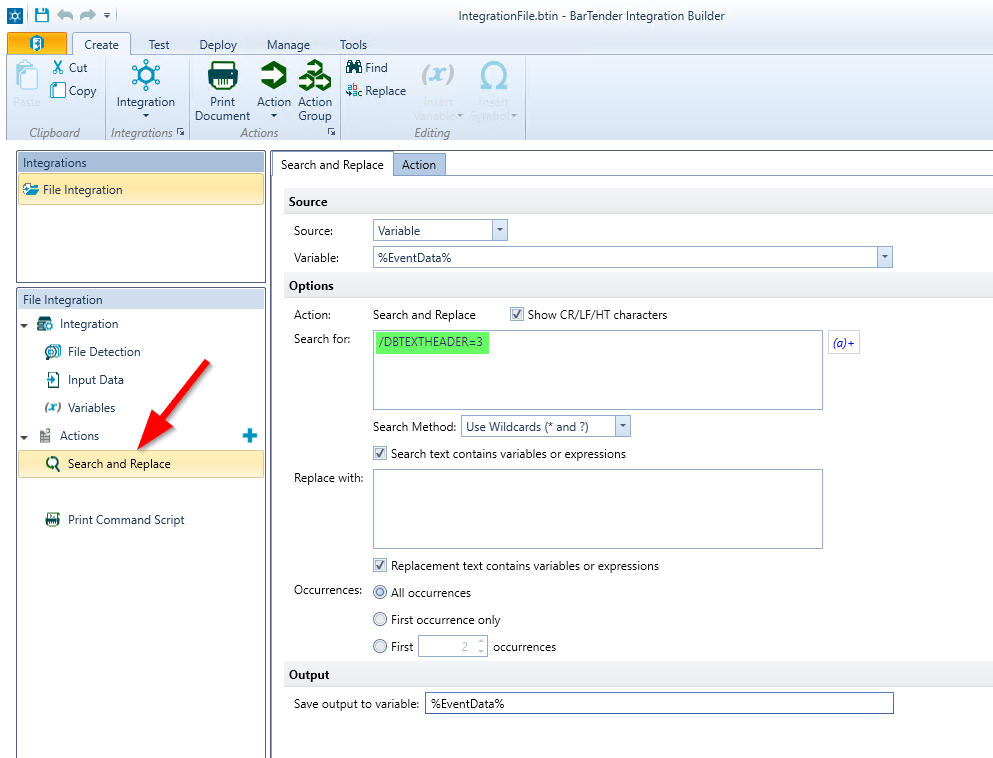
I worked around the problem by modifying the Bartender integration to remove that switch before processing the script. That doesn’t seem like the right thing to do, though.
What I’m wondering is whether that row number is relative to the to the beginning of the script file or the beginning of the data portion of it. The Bartender help file isn’t clear on this.
I just ran into the same issue with BarTender 2022 R6 as well. Thankfully you can do a Search & Replace action before you run the Print Script Command to remove the problematic parameter.