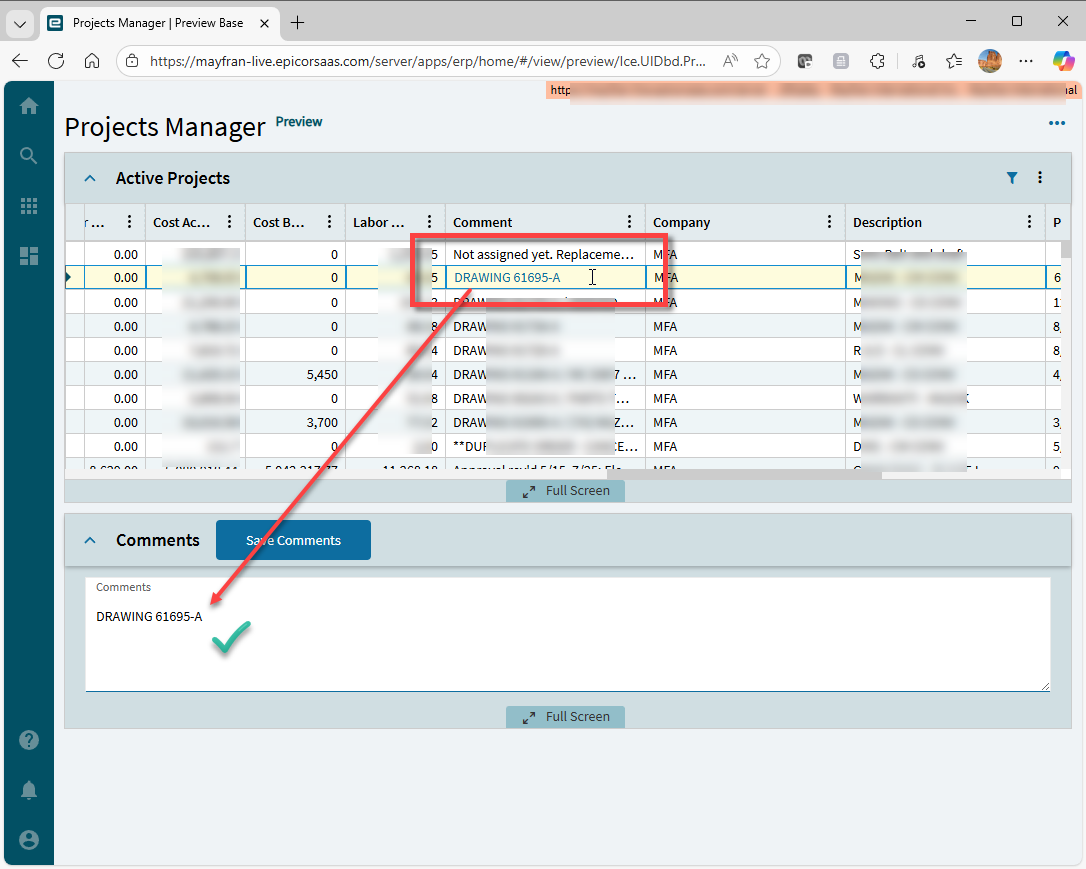
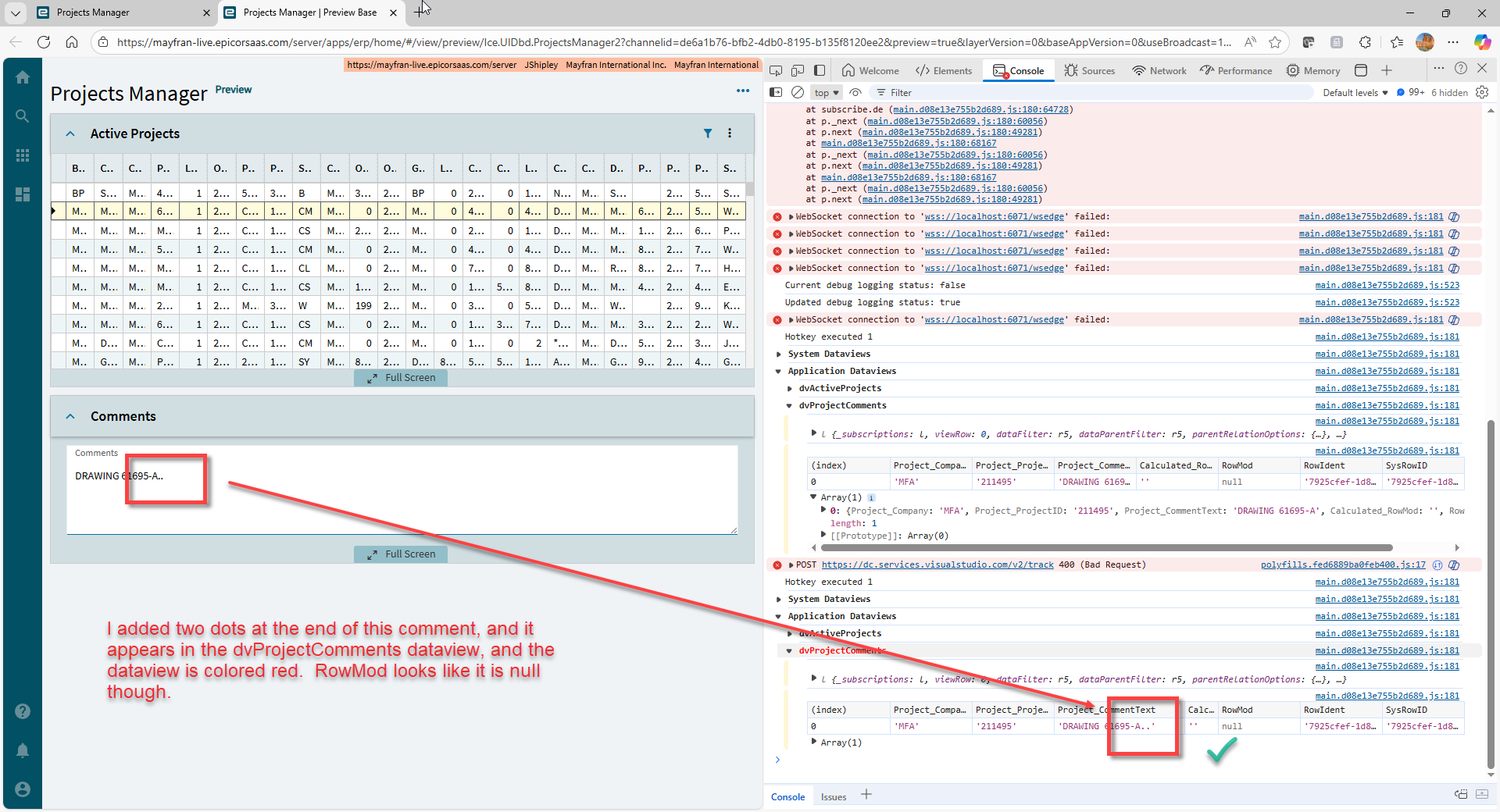
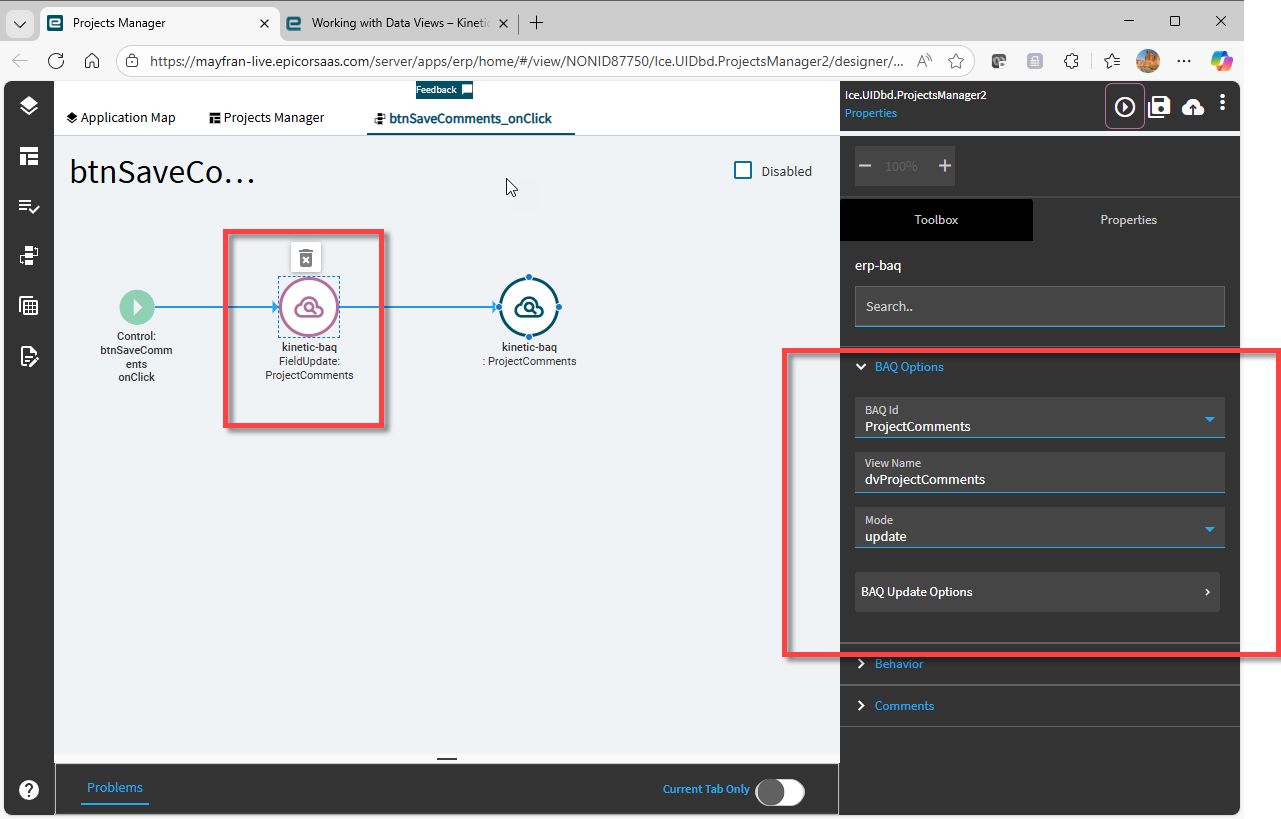
Hello, I am trying to create a dashboard some basic functionality. It is for Projects and in the top grid I have active projects listed, and the bottom panel displays an editable text area of the project comments. I am trying to get it to save the comments. I have a save button but I don’t know what method to call to save them.
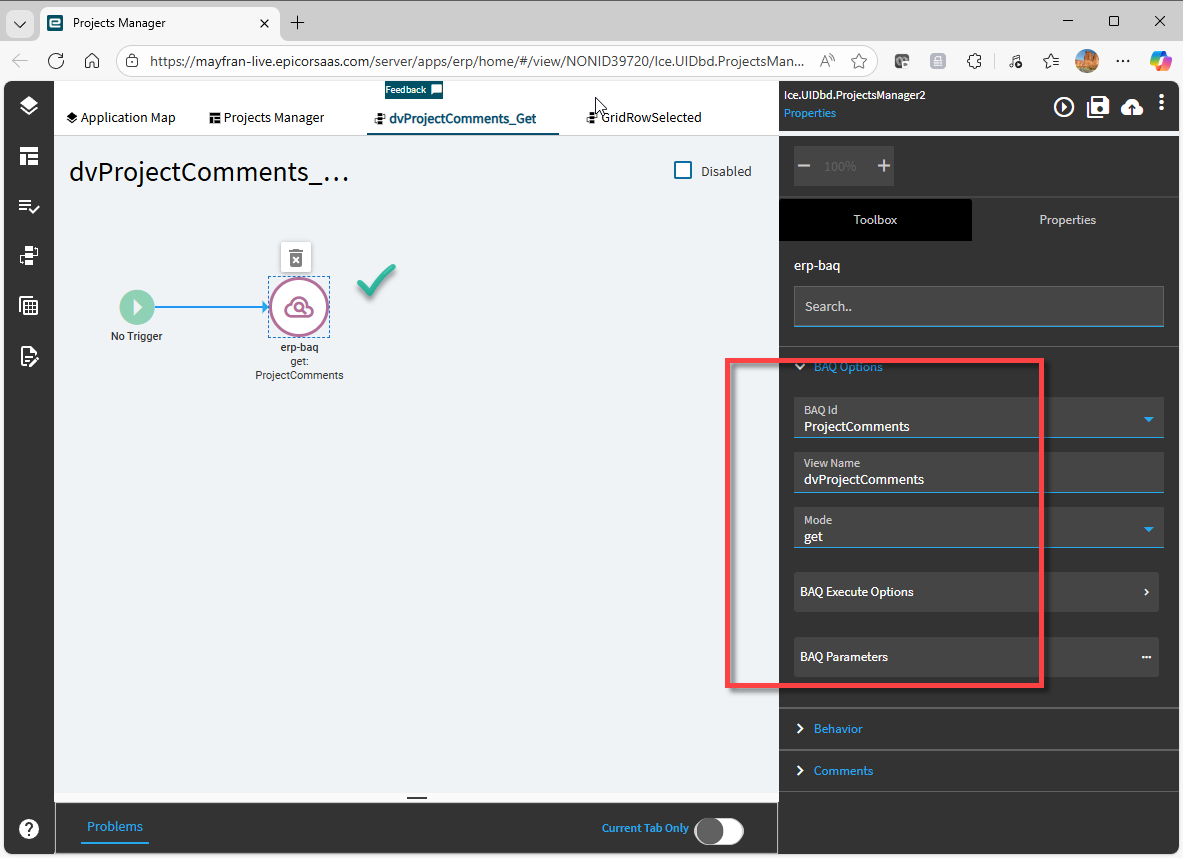
I was able to get the comments for each project by using events in the grid. I use a GridRowSelected event to call dvProjectComments_Get which does a ‘erp-baq’ method using a parameter (project ID) to get the project comments and loads the dataview ‘dvProjectComments’
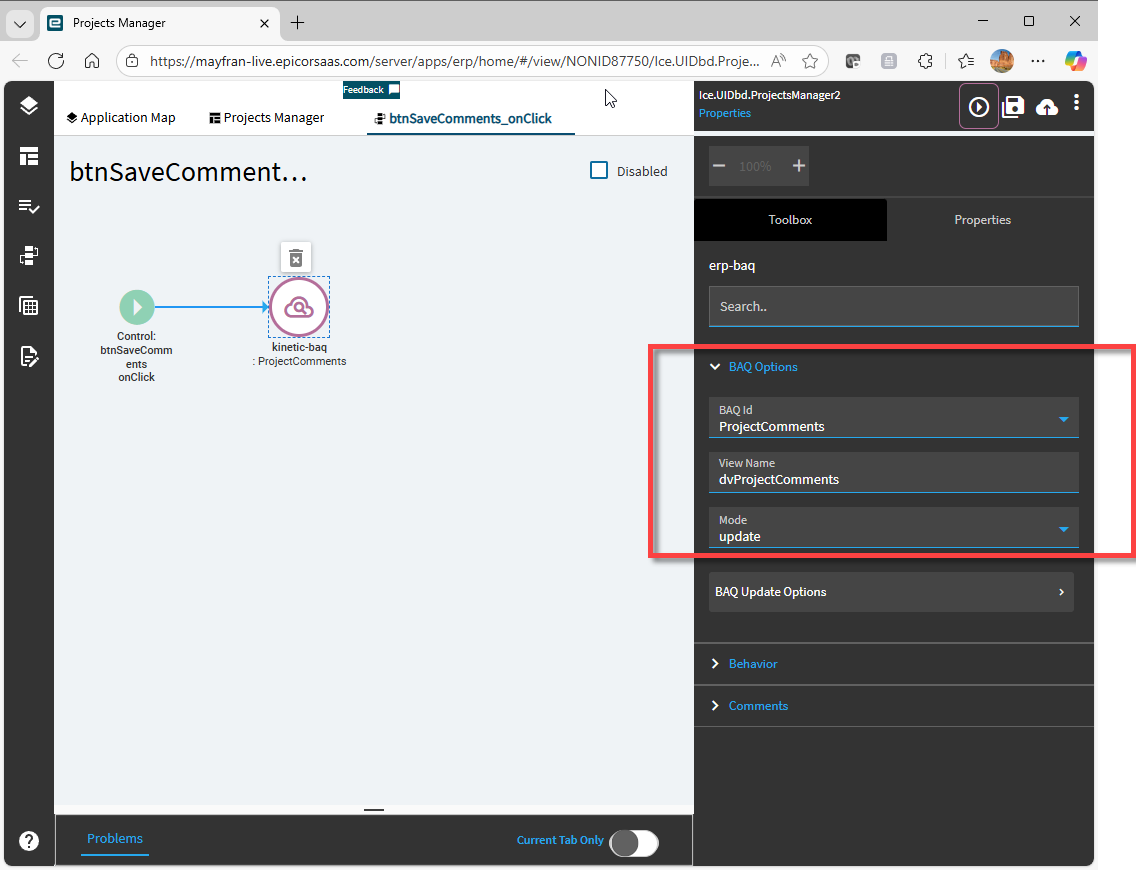
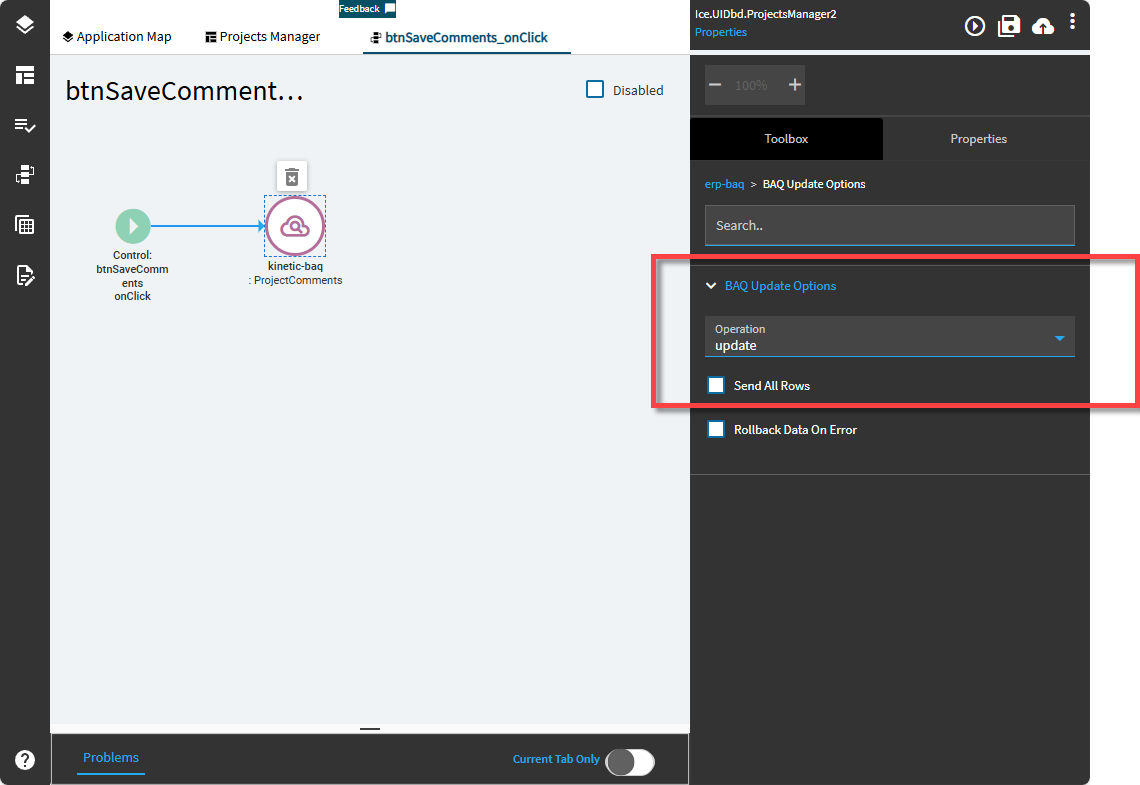
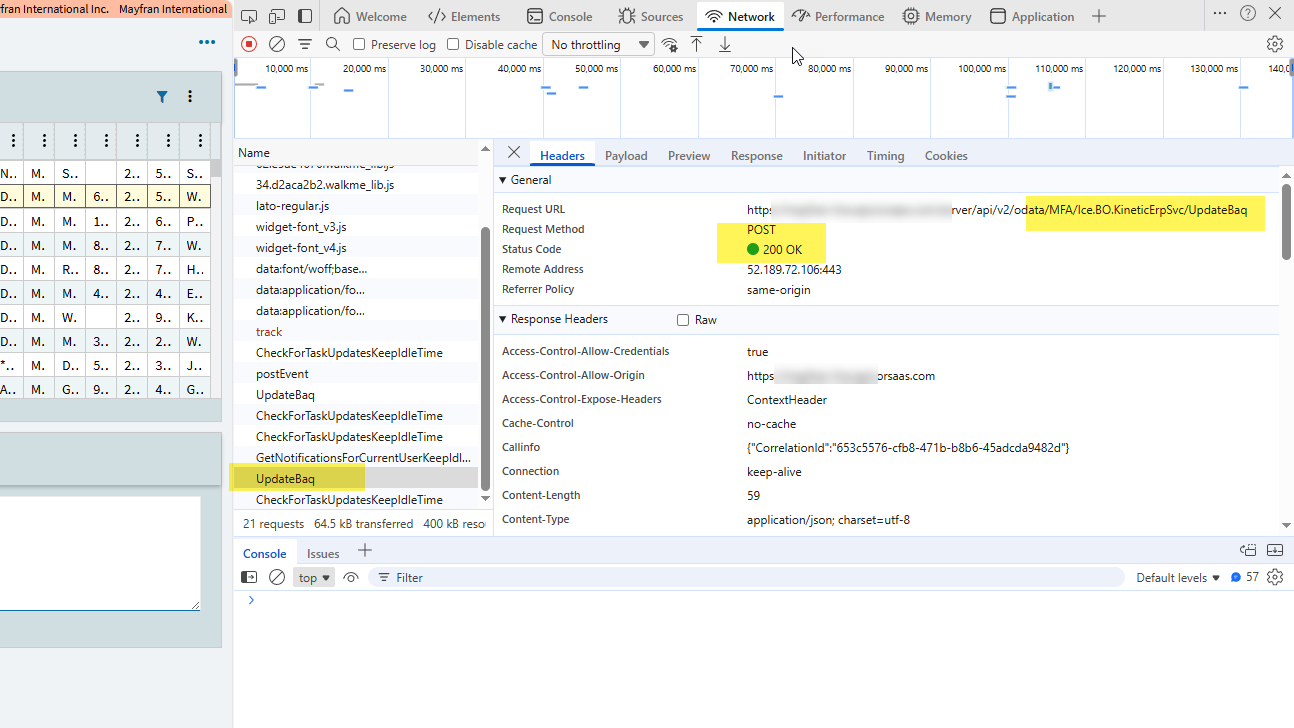
You’ll either need to use an Updateable BAQ and send your changes through that, or call the Project business object’s Update method using the rest-erp widget. The App Studio guides have examples.
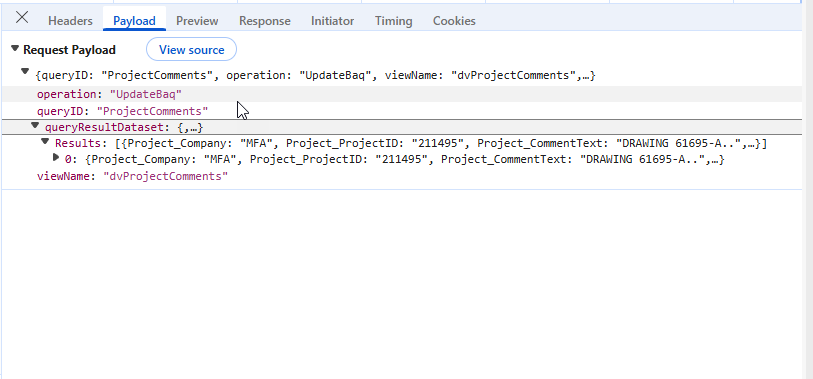
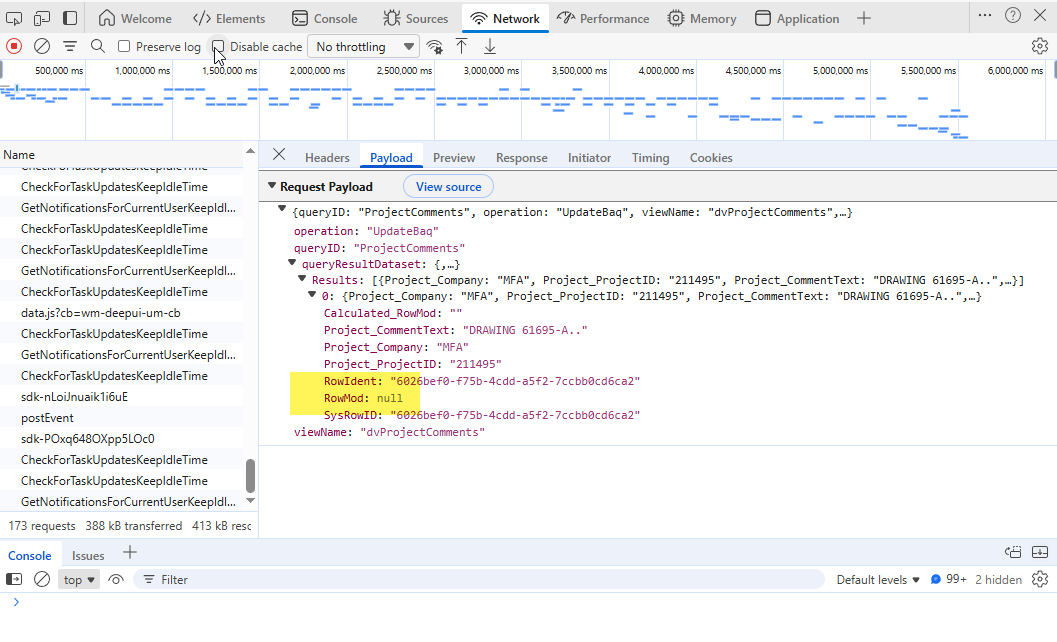
Yeah so I have tried to report this to support a bunch of times. I have gotten various answers including, we can’t reproduce it, as well as, the row mod doesn’t need to be U it will update anyway (?!???).
Some work arounds are to put a custom directive in your ubaq to set the row mod to U. Or write your own function to do the update. Or start over and use the wizard. The wizard uses rest services instead of the baq widget and seems to work a little bit better (although it still doesn’t work in a lot of cases, especially for multi-row updates).