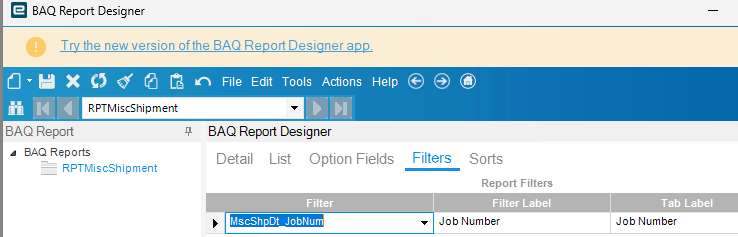
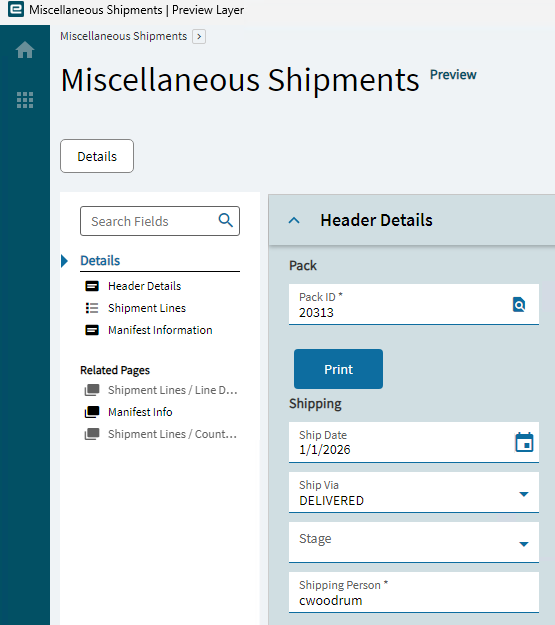
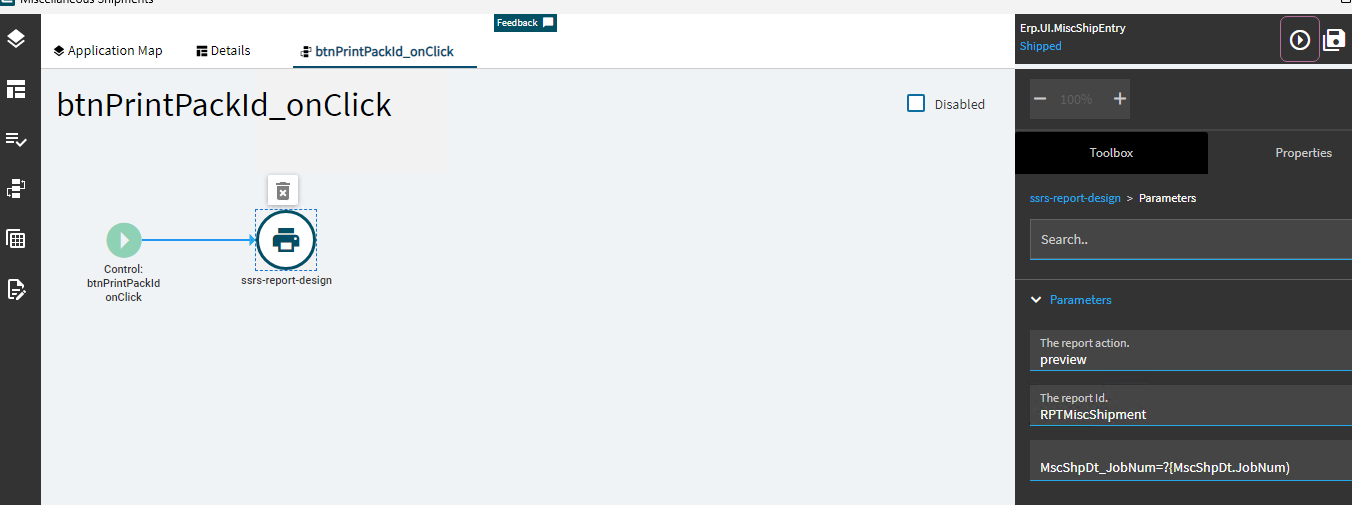
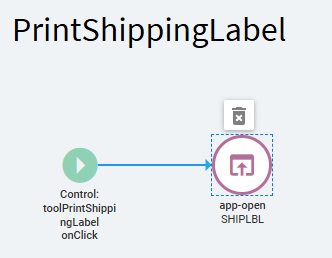
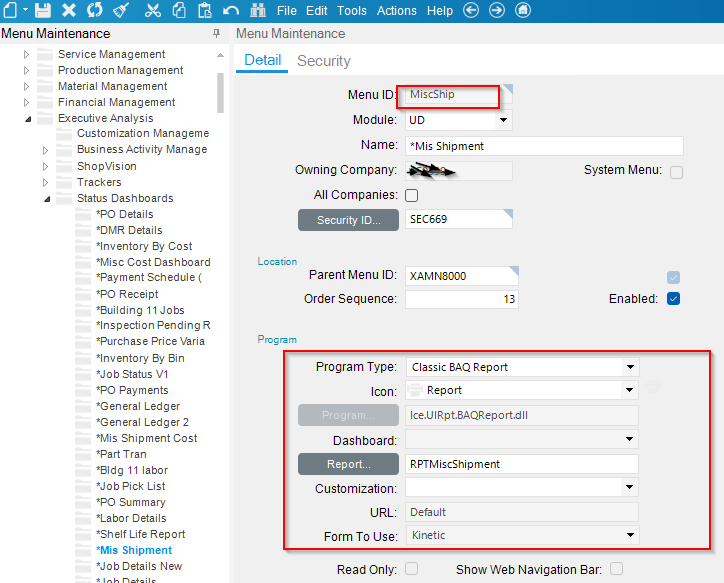
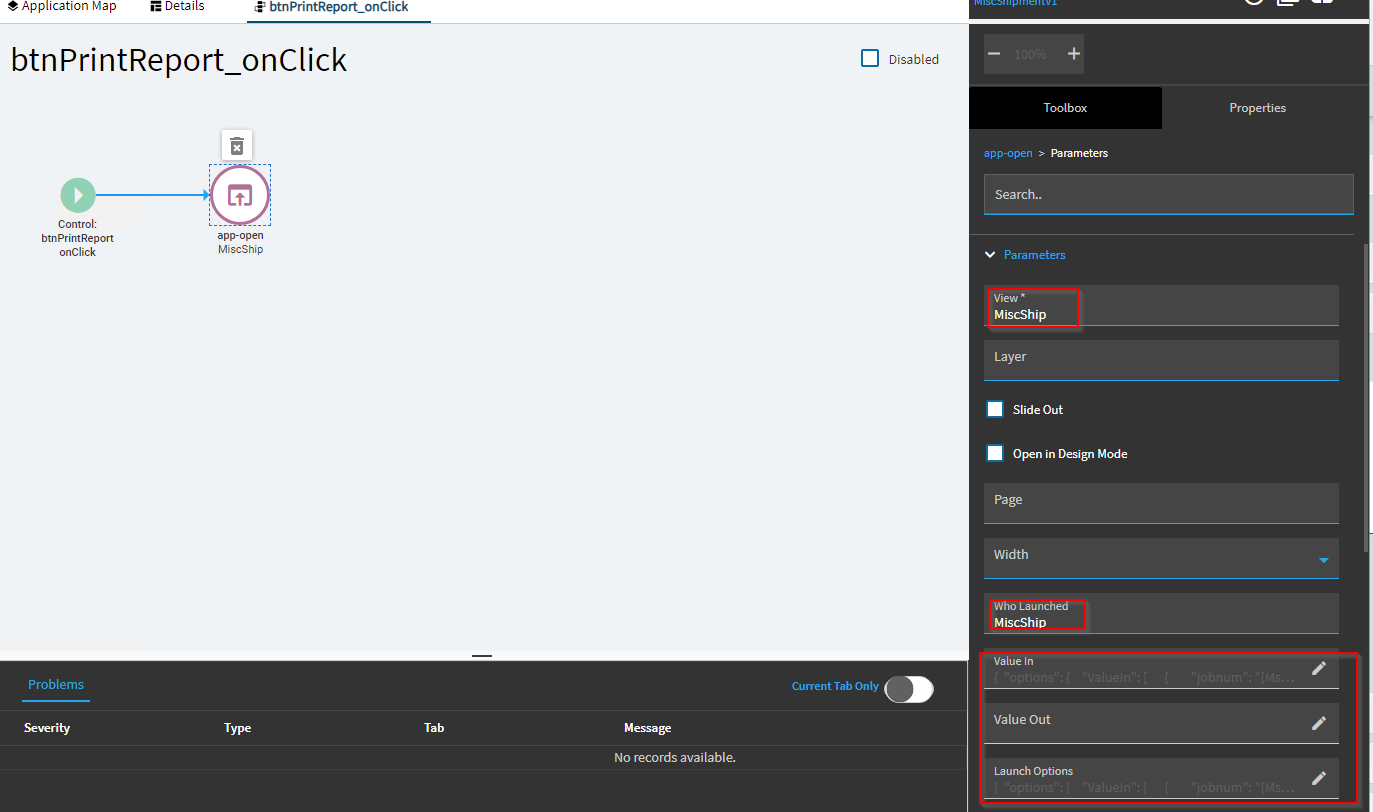
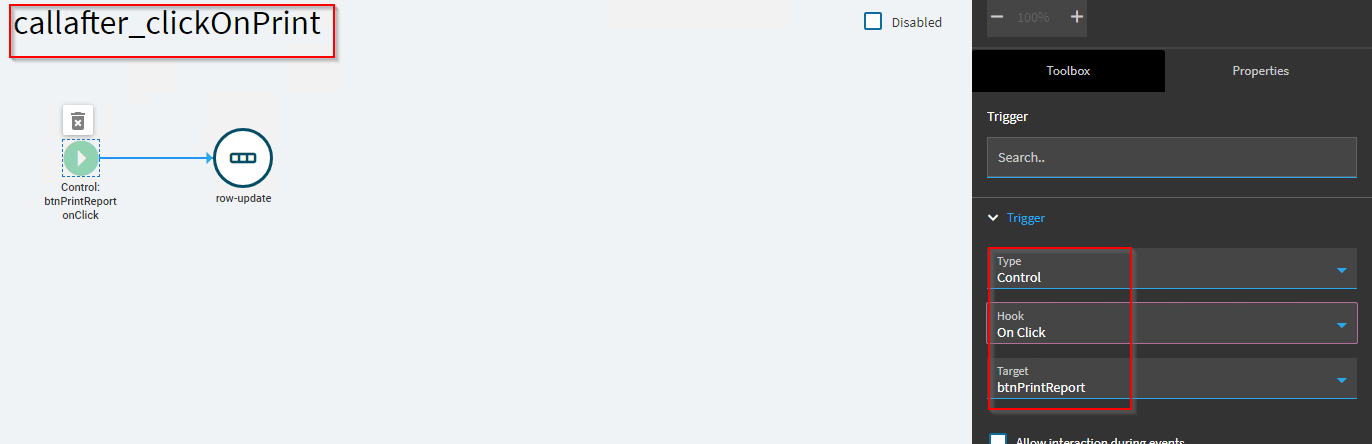
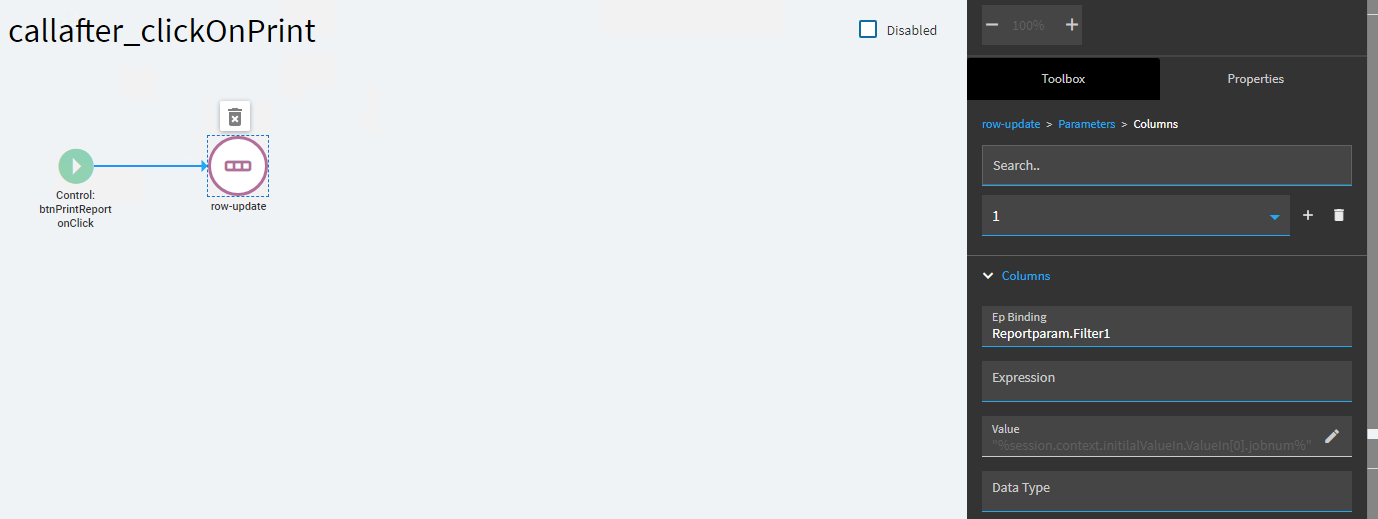
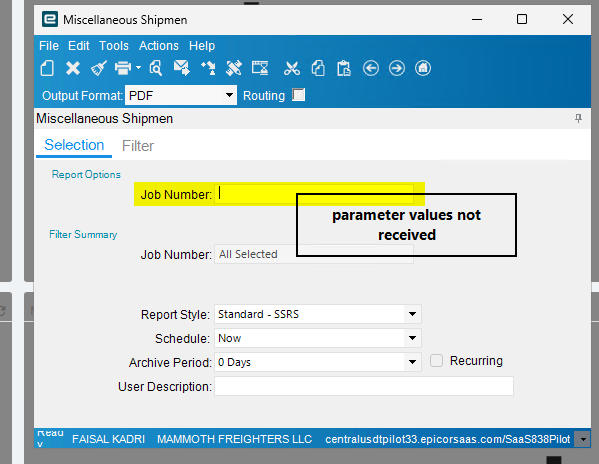
@dcamlin approach is what I typically will do if user input is required.
If i want to supply all variables and click button → receive print, I set up as below:
Every SSRS Report has a BO containing SubmitToAgent that handles it’s printing function.
This one, which is a Custom Report + Custom Report Style based on BAQ accepts a DynamicCriteriaReportParam input, which contains the various variables defined for that report. Your report will use a different BO and Tableset. You may use REST Help to check what Tableset it uses.
There are a base set of shared variables every report has like WorkstationID, ReportStyleNum. Then there are report-specific variables overlaid on top in UserCriteria.
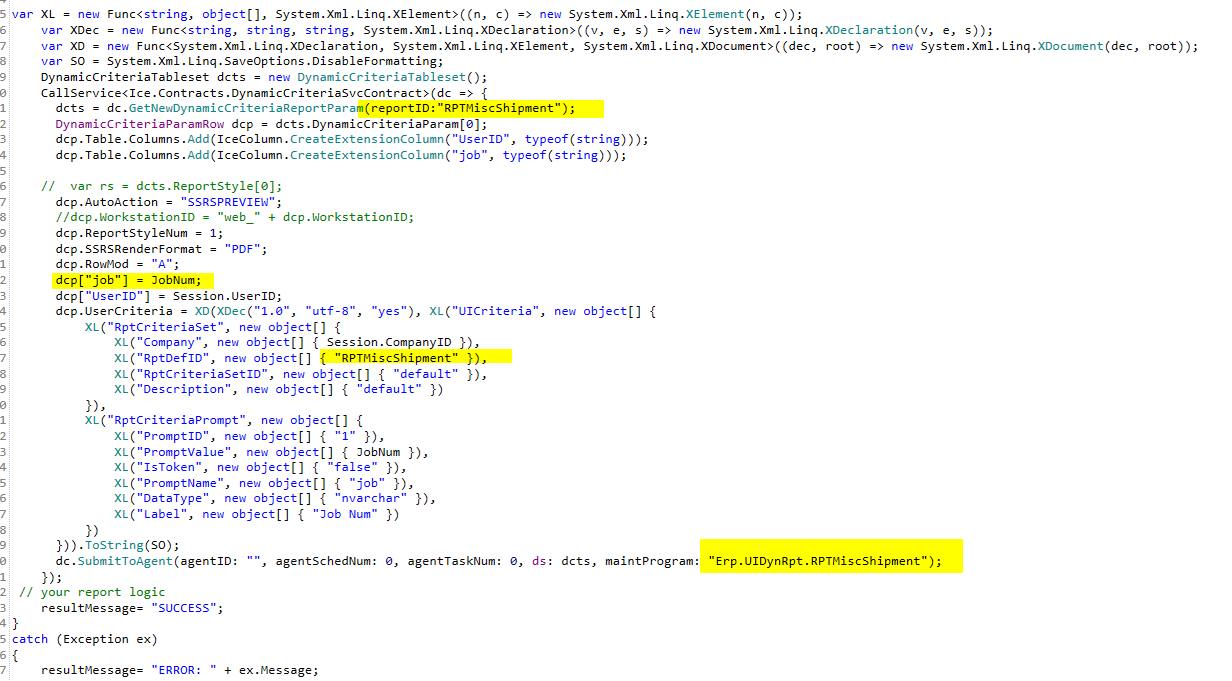
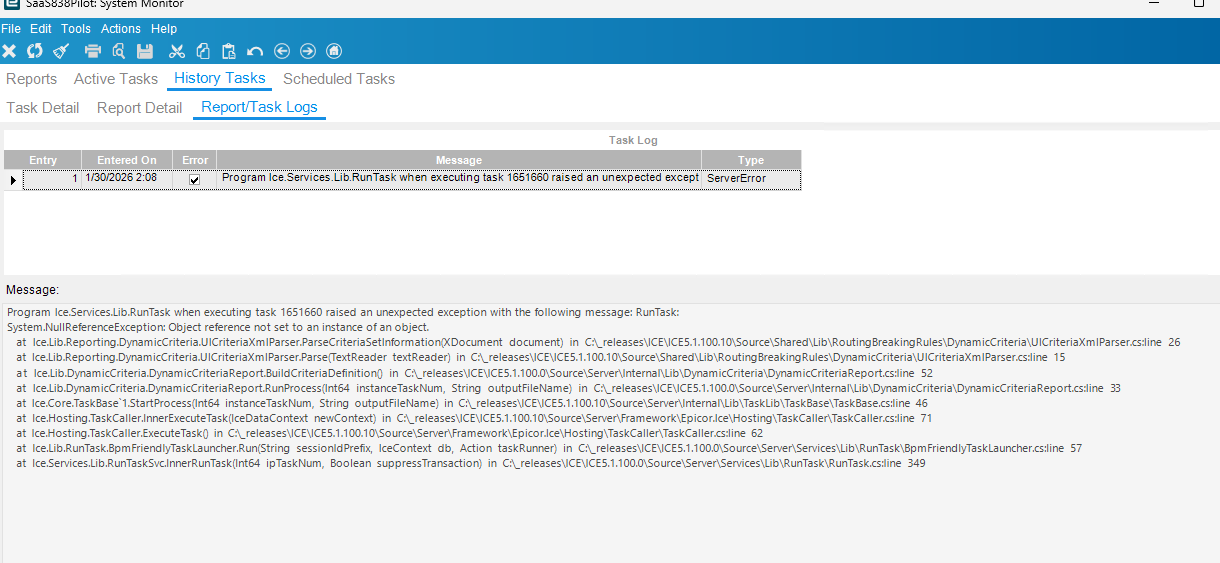
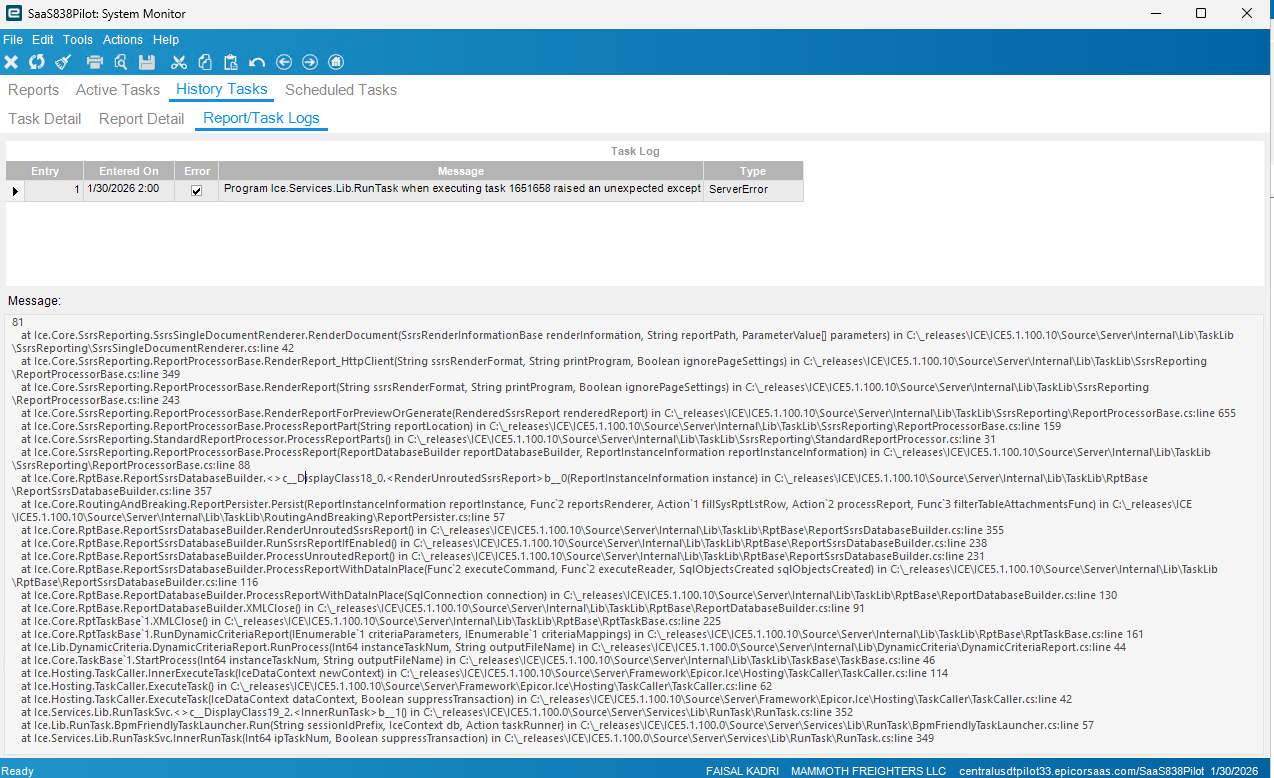
Here is a sample of working code to create the set of input variables and submit the ssrs report for preview. You can change the variables to get client print, etc. You can use my SysTasks dashboard to look at the historical variables used in printing that ssrs report to guide you in setting it up.
This particular function prints a custom designed serial label report, you can adapt it to anything. Note that I am manually adding my report-specific columns to the DynamicCriteriaRow, you must do this for your report’s specific parameters, in addition to adding to User Criteria. We are building an XML to send to SubmitToAgent. You must read the trace for your desired report to build the similar file.
    var XL = new Func<string, object[], System.Xml.Linq.XElement>((n, c) => new System.Xml.Linq.XElement(n, c));
    var XDec = new Func<string, string, string, System.Xml.Linq.XDeclaration>((v, e, s) => new System.Xml.Linq.XDeclaration(v, e, s));
    var XD = new Func<System.Xml.Linq.XDeclaration, System.Xml.Linq.XElement, System.Xml.Linq.XDocument>((dec, root) => new System.Xml.Linq.XDocument(dec, root));
    var SO = System.Xml.Linq.SaveOptions.DisableFormatting;
    DynamicCriteriaTableset dcts = new DynamicCriteriaTableset();
    CallService<Ice.Contracts.DynamicCriteriaSvcContract>(dc => {
      dcts = dc.GetNewDynamicCriteriaReportParam(reportID:"SerialLabel");
      DynamicCriteriaParamRow dcp = dcts.DynamicCriteriaParam[0];
      dcp.Table.Columns.Add(IceColumn.CreateExtensionColumn("UserID", typeof(string)));
      dcp.Table.Columns.Add(IceColumn.CreateExtensionColumn("job", typeof(string)));
      dcp.Table.Columns.Add(IceColumn.CreateExtensionColumn("SerialNum", typeof(string)));
      ReportStyleRow rs = dcts.ReportStyle[0];
      dcp.AutoAction = "SSRSPREVIEW";
      dcp.WorkstationID = "web_" + dcp.WorkstationID;
      dcp.ReportStyleNum = 1002;
      dcp.SSRSRenderFormat = "PDF";
      dcp.RowMod = "A";
      dcp["job"] = JobNum;
      dcp["SerialNum"] = SerialNum;
      dcp["UserID"] = Session.UserID;
      dcp.UserCriteria = XD(XDec("1.0", "utf-8", "yes"), XL("UICriteria", new object[] {
          XL("RptCriteriaSet", new object[] {
              XL("Company", new object[] { Session.CompanyID }),
              XL("RptDefID", new object[] { "SerialLabel" }),
              XL("RptCriteriaSetID", new object[] { "default" }),
              XL("Description", new object[] { "default" })
          }),
          XL("RptCriteriaPrompt", new object[] {
              XL("PromptID", new object[] { "1" }),
              XL("PromptValue", new object[] { JobNum }),
              XL("IsToken", new object[] { "false" }),
              XL("PromptName", new object[] { "job" }),
              XL("DataType", new object[] { "nvarchar" }),
              XL("Label", new object[] { "Job Num" })
          }),
          XL("RptCriteriaPrompt", new object[] {
              XL("PromptID", new object[] { "2" }),
              XL("PromptValue", new object[] { SerialNum }),
              XL("IsToken", new object[] { "false" }),
              XL("PromptName", new object[] { "SerialNum" }),
              XL("DataType", new object[] { "nvarchar" }),
              XL("Label", new object[] { "SerialNum" })
          })
      })).ToString(SO);
      dc.SubmitToAgent(agentID: "", agentSchedNum: 0, agentTaskNum: 0, ds: dcts, maintProgram: "Erp.UIDynRpt.SerialLabel");
    });