We’re on-prem and dragging our users kicking and screaming to kinetic on the browser. Today’s hot topic is printing.
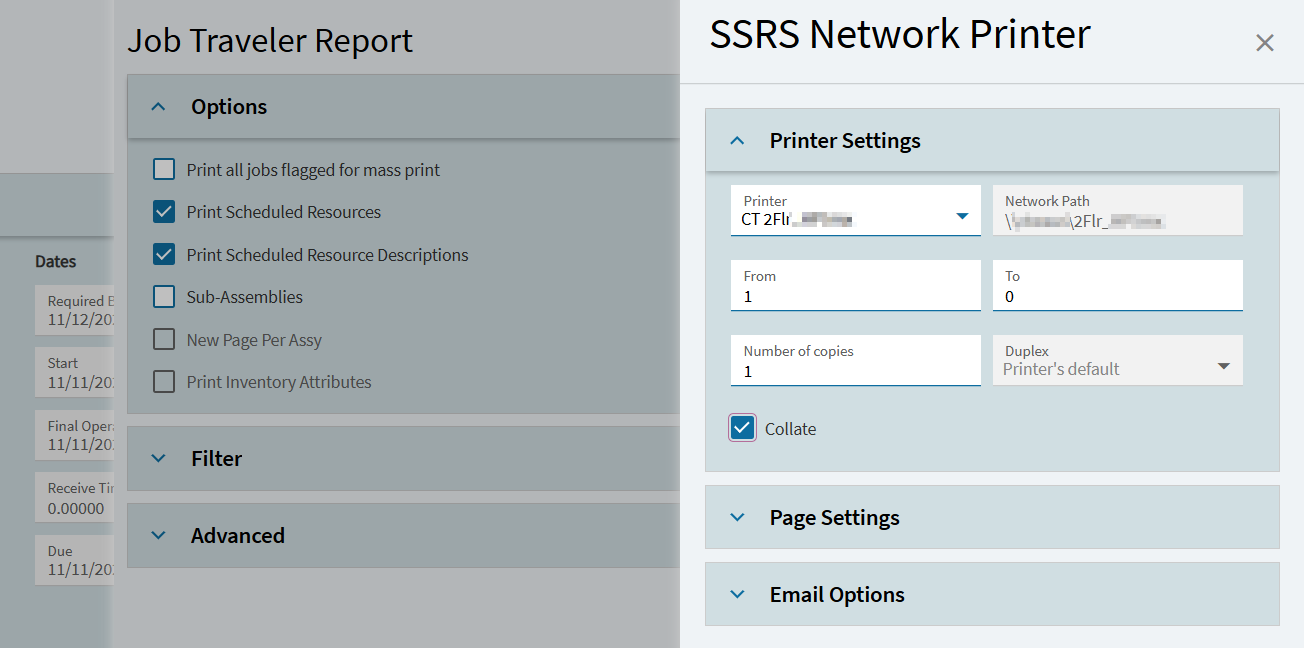
We don’t want to use Edge Agent, so we lose client printing. We added 75 printers to Epicor for Network Printing, but the user needs to select the printer every time. Change is hard. Even harder when we lob bombs at the users. Folks are already printing to the first network printer on the list by accident (at a completely different location 800 miles away!).
Is it possible to set a default printer per Epicor application? E.g. In Job Entry, always select network printer XYZ for printing travelers. Best would be to remove the client printing icon from Kinetic completely in App Studio, and repurpose that to go to Network Printing with the app-specific defaults loaded.
Saving defaults in Job Entry didn’t work - that seems to be for the level above it (for report style, job num filters, etc, not network printing).
@aosemwengie1 Workstation Printing and Network Printing seem to use a different printer list. The workstation printer doesn’t show up in Network Printing as an option.
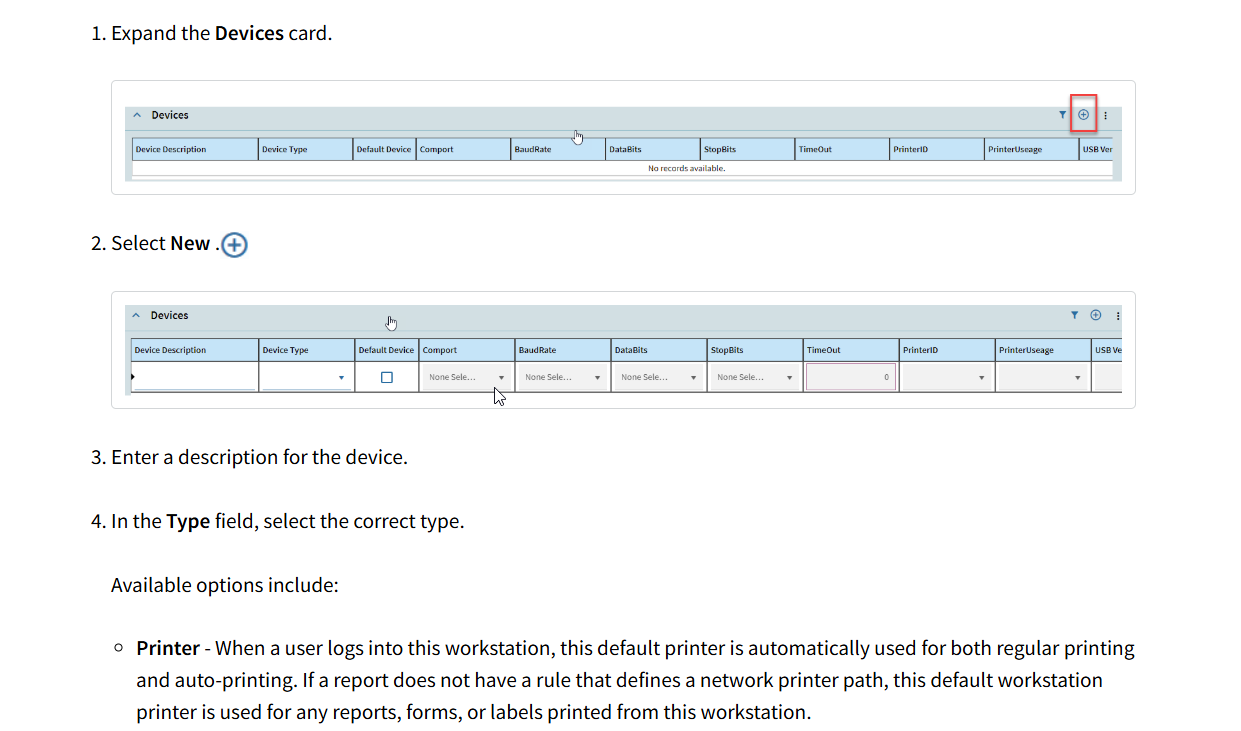
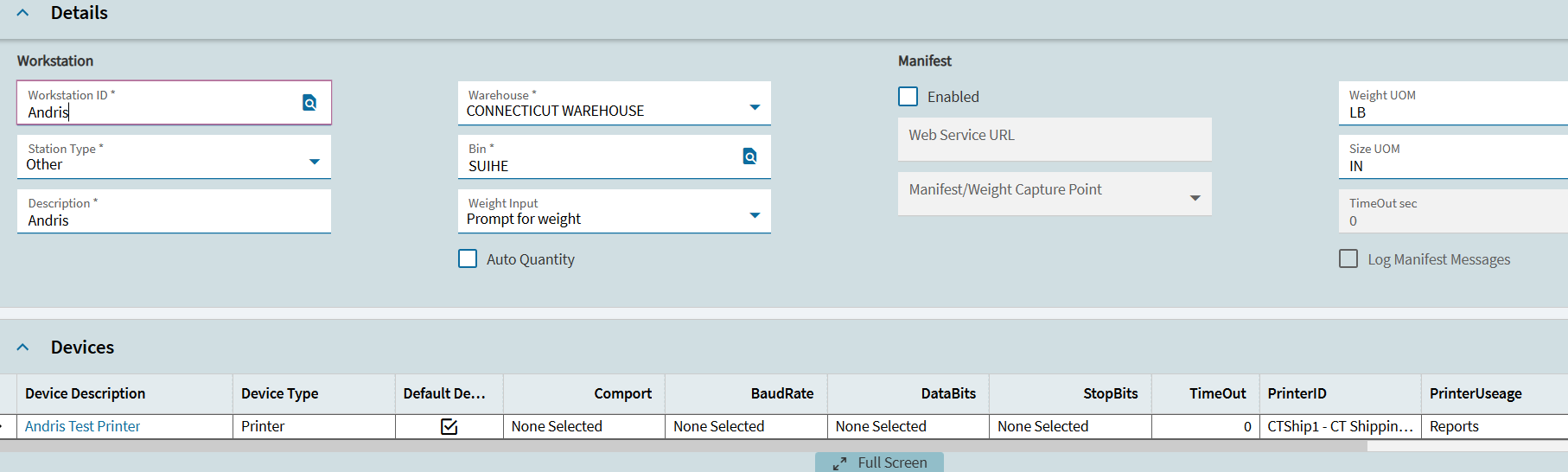
To test, I set up a new workstation for myself with a random warehouse and bin, and added the network printer as the default device. I assigned the worstation to myself and then logged out and back in.
Unfortunately, the network printer in Job Entry did not change. It still chose the alphabetically first network printer on the list.
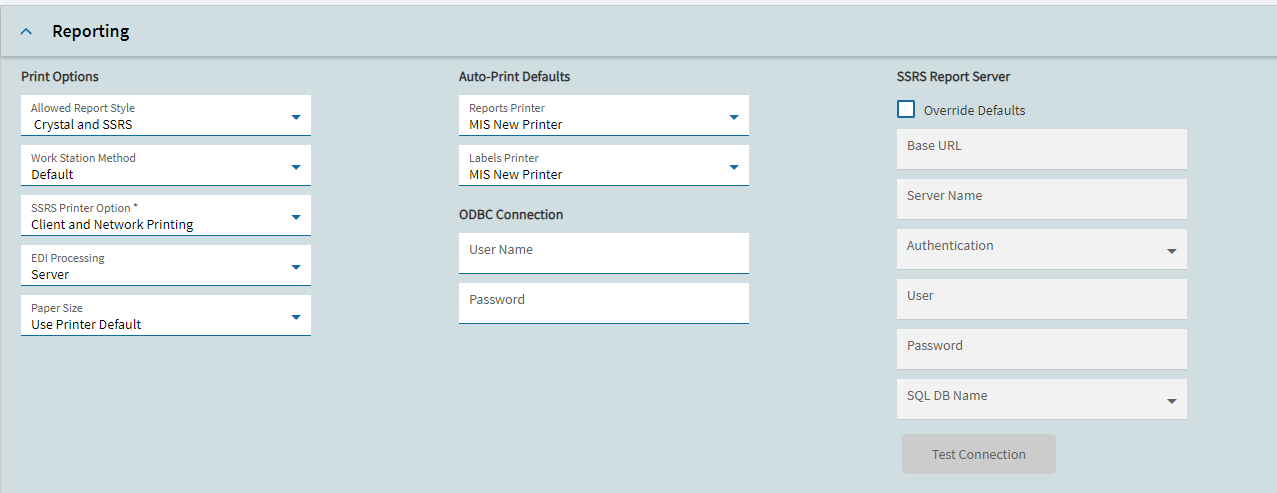
In Company Maintenance - Reporting section, there is the option to set Auto-Print Defaults for Reports and Label printers. That is what we have always used. Is that what you are looking for??
Jill,
Unfortunately, that wouldn’t do it. We’ve got 100 office users in 2 locations. Each print different reports in different places.
Now if I could make it report-style specific, that would get us somewhere.
How hard of a customization would that be? User X clicks on Network Print for report style XYZ. With a user column mapping the printer to the user (or UD field on user table), could the network printer dropdown list show that printer first?
It seems like you could use Advanced Print Routing to solve this? Should be able to set up just about any criteria you want to select which printer to send the report to.
We use workstations and Auto print. The workstation reports printer becomes the default printer. We also have a UD field on network printers to set a default printer which we use with customs. Also where we have some other automated non autonprint stuff but is called via functions.
One example for label prints for jobs. Sales order created in one site, but the label needs to be printed at the manufacturing site, when the SO is set ready to fulfill the job is created at the correct site and the job label and job card is printed at the job site. SO Ack and another copy of the job card is printed at the Sales site. I know a waste, and why. Essentially users have a trust issues with the system, printing something gives them the level of comfort that stuff worked.