Hi All,
I have installed edge agent as mentioned in the install document.
When I click on preview report in Chrome, nothing happens but as soon I launch the client, the submitted report appears.
Can someone please help?
Thanks
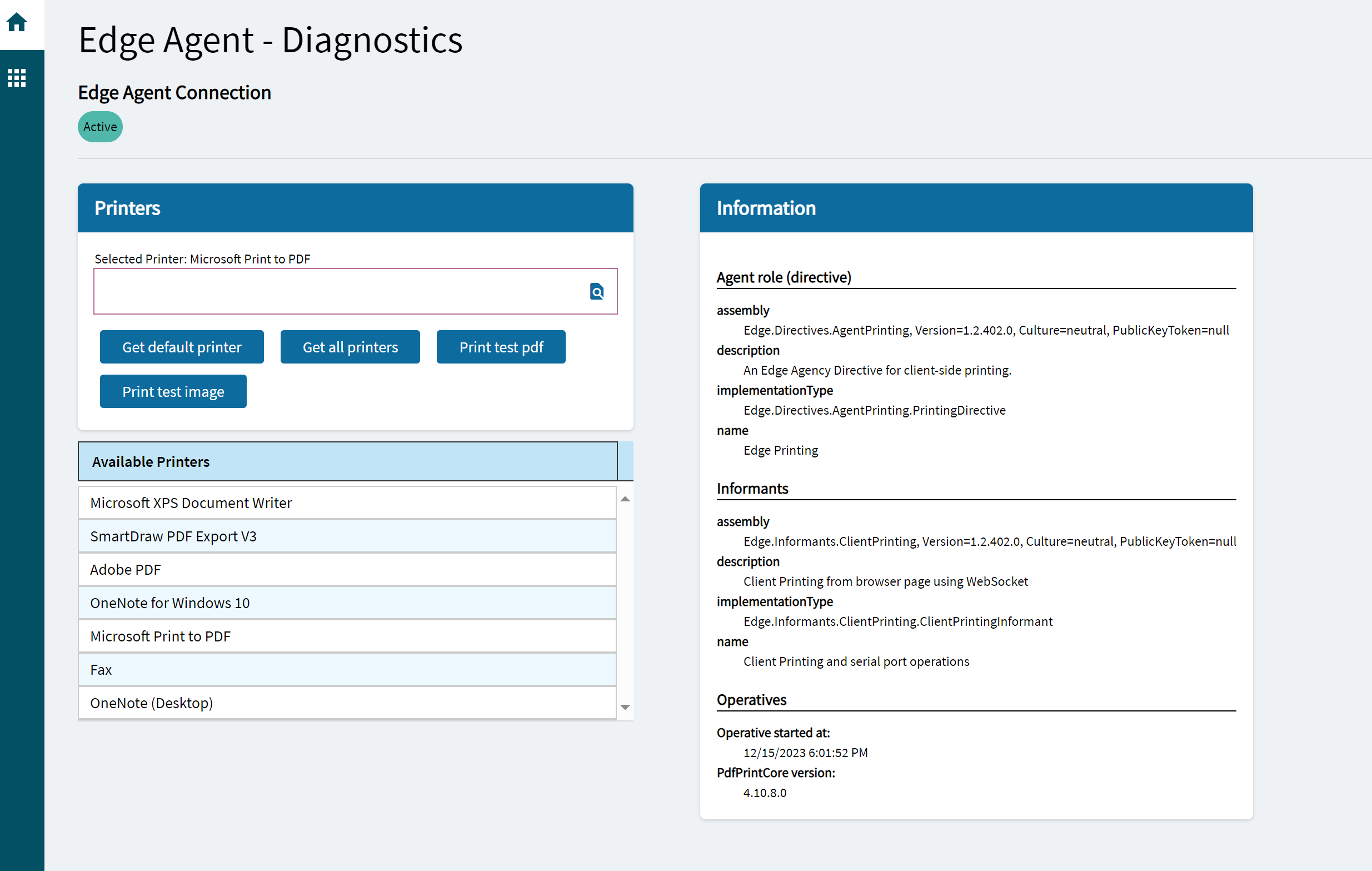
Edge agent is for printing, not for previewing.
Hi @Olga
Thanks for the reply. So the screens in chrome cannot be used to generate a print preview.
Correct?
And if I want to see a print preview, then I would have click on Notification at the bottom and download the report to preview it. Correct?
Thanks
You definitely can preview from the Kinetic screens in Chrome. Just make sure the pop up blocker isn’t preventing it from showing.
1 Like
Hi @markdamen
There’s an odd problem with it. If I am executing the report with the system which has Edge client running, the report doesn’t show up and the pop-ups are allowed.
As soon as I run desktop application on the same system or on other system, the report that was submitted pop ups there.