Can't open .lnk attachment with Edge Agent

We cried uncle and are temporarily abandoning the effort to move our attachments to sharepoint or file server doc types (until after our upgrade to 2025.2). I installed the Edge Agent, and tested opening a classic form successfully. It’ll also open local .pdf files successfully.

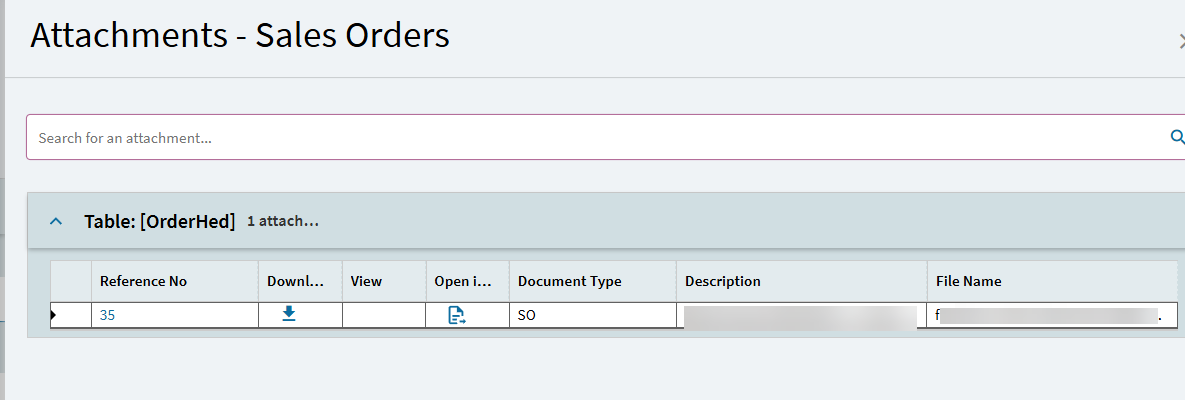
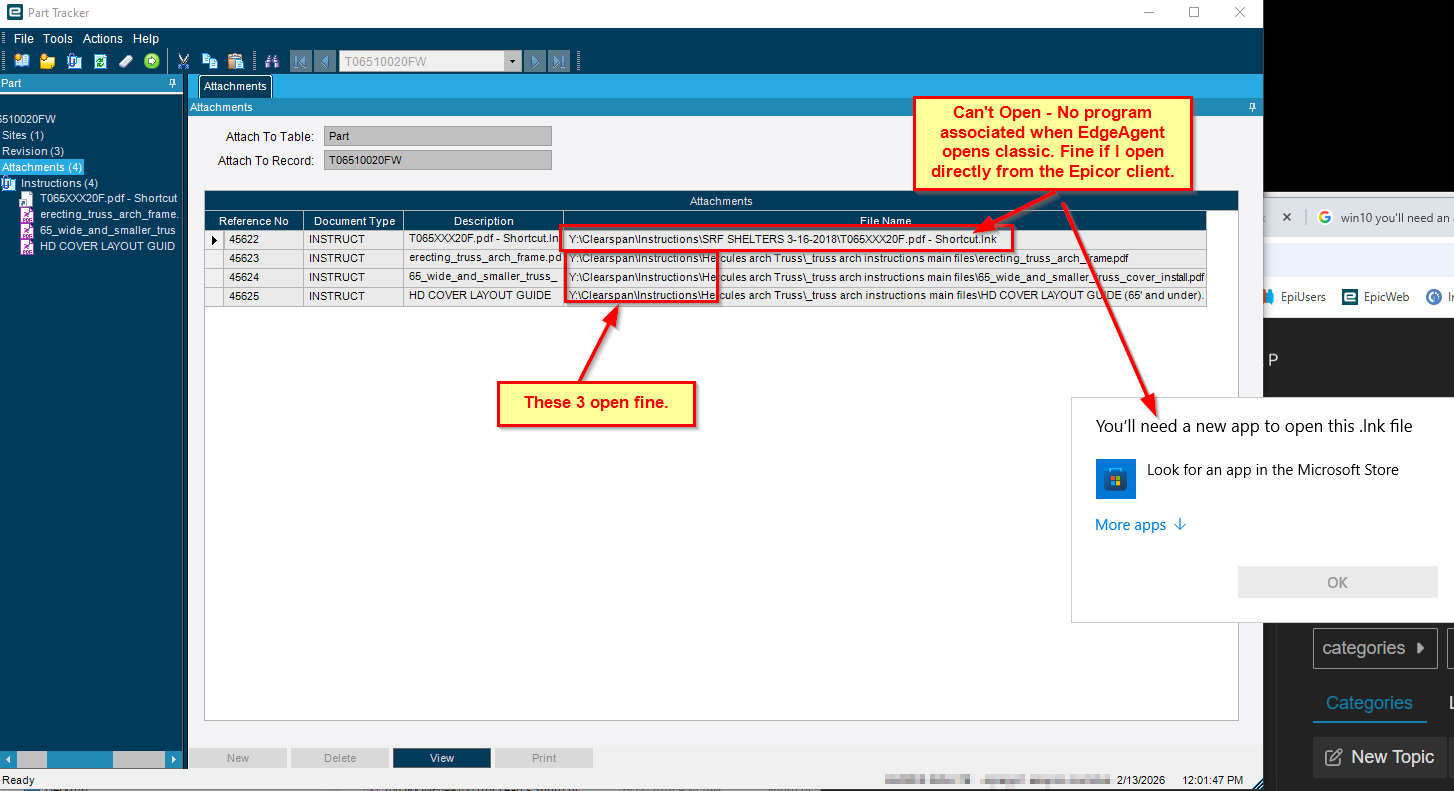
Unfortunately, opening .lnk file attachments via an Edge Agent classic form are confusing windows, and it can’t find an associated program to open it with. Weird, since I can open it in file explorer or with the classic program in the client just fine.

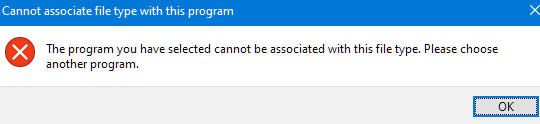
Windows won’t let me associate c:\windows\explorer.exe either.

Any ideas?

1 Like

I’m sorry you’re in this position, I don’t have any answers, have you reached out to your CAM to see if they know anyone who’s an expert in this?

1 Like

Can you explain the use case?? Why would you attach a shortcut

1 Like

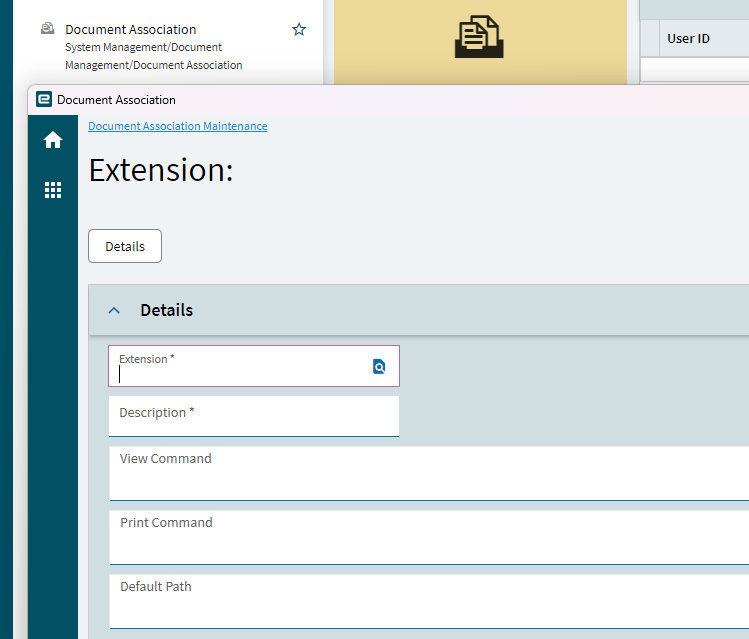
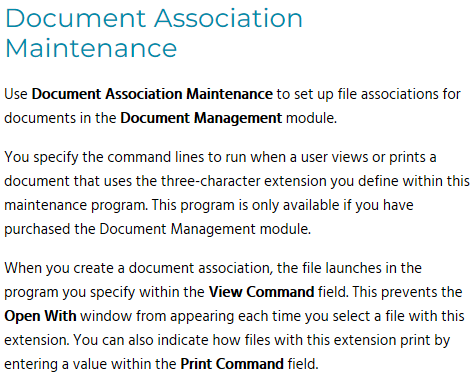
Long shot…but can you set up a Document Association for the lnk extension and specify Explorer there? Not sure if Edge Agent uses this, and we don’t use it with the client, but the documentation makes it sound like it’s what you want.

1 Like

I’ve seen that error! But only when feeding ie, “.\shortcut.lnk” to cmd. What happens if that path is valid cmd instructions instead of a filepath?

1 Like

That is probably because smart client was .NET Framework and EA is .NET Core app, sometimes they work differently. Not sure what is the exact reason though.

You can report it.

3 Likes

I ditto Evan’s question. Why aren’t they attaching the real file? A shortcut isn’t going to work for anyone else.

When we said a link to a file, we meant a path lol, not a .lnk :rofl:

Look at the OP image again, it’s a LNK file.

I know…

It should be a path, not an actual lnk file…

1 Like

Sometimes people copy and email and attach shortcut links by accident. It happens. Usually to someone a few days after they say why would anyone do that, because that’s how the universe is sometimes.

2 Likes

Taking a step back, if you open classic up (the normal way not through the edge agent) does the .lnk work that way?

The other thing I have experienced is .msg files won’t open directly through the browser even if you setup the file types etc. When I logged a ticket, the reposnse was you are SOL sorry :slightly_frowning_face:

1 Like

Taking another step back, how important is it to keep them as MSG files? (MSG is known to cause headaches.)

Most CRMs track emails in a database, most likely as HTML.

If you must use MSG or EML files, there’s at least one browser extension that may help:

EML & MSG File Viewer - Microsoft Edge Addons

I’m leery of using extensions, but something like this might work.

The problem is if the user just click and drags to attach it automatically uses the. Mssg extension… And this works in classic.

From the Outlook Windows application or from a MSG file stored on an accessible drive?

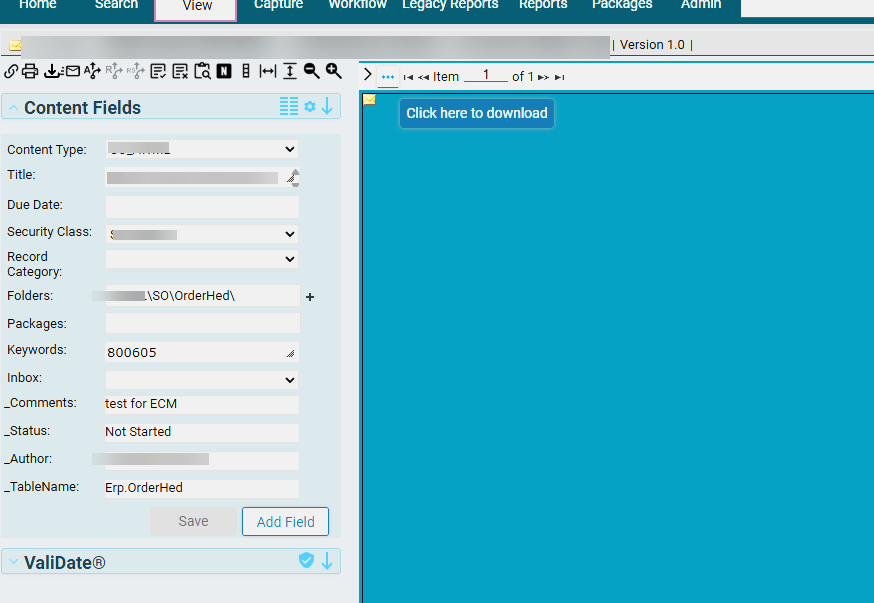
@Mark_Wonsil From Outlook. By default dragging and dropping as an saves the email as a .msg, just as it does in Classic, it’s the opening where you only get the option to view in ECM or download
If you attempt to view in ECM, it still requests you to download it

Ha ha - CAM?!! Looks like we lost our previous short-tenure CAM a month ago and now it’s someone from Cre8tive according to our EpiCare page.