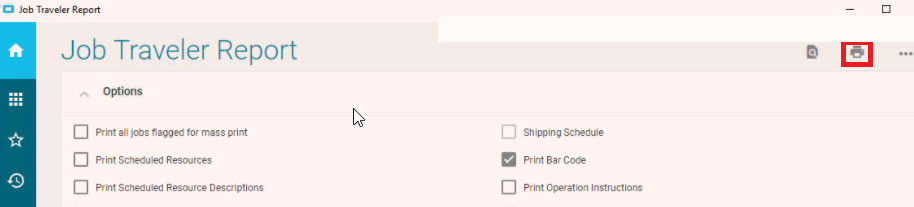
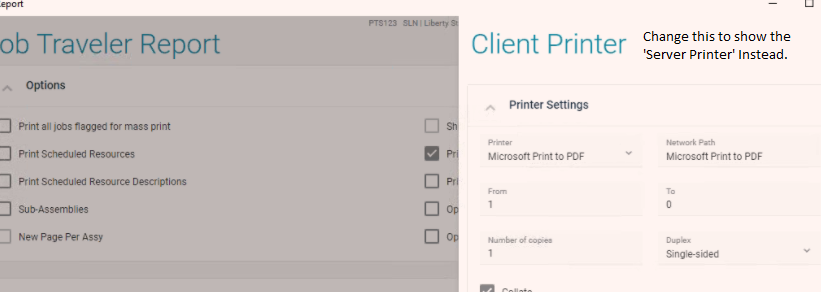
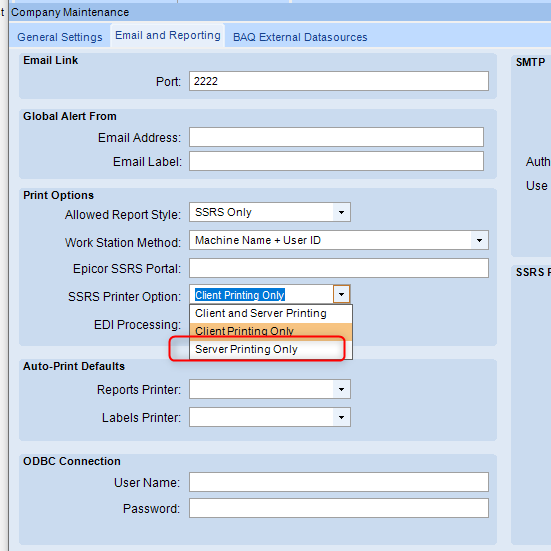
When we click on the printer Icon, it always brings up the ‘Client Printer’ option first, can you change this to show the ‘Server Printer’ option first instead? Please see attached screenshots.
Can you test creating a workstation, add the devices(printers to the workstation) and then add the workstation to the user. See if that fixes the issue.