Hello,
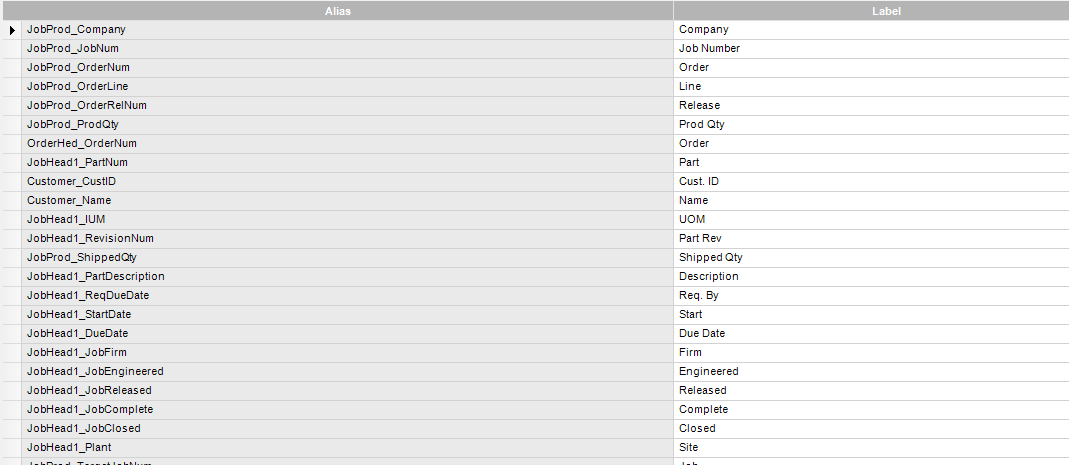
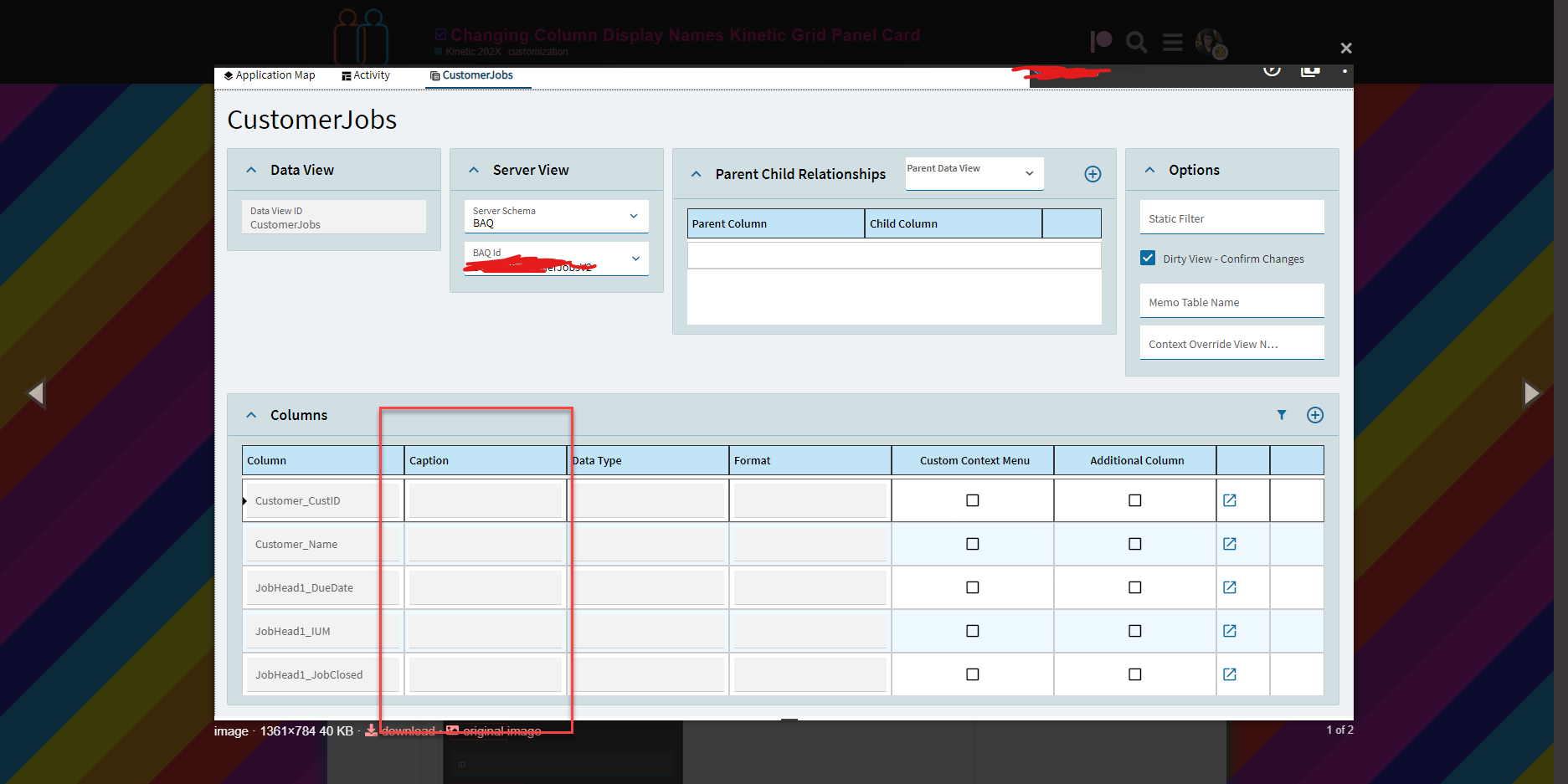
How in the world do I rename these grid panel columns? It’s pulling them from the BAQ alias… I wish it would pull the label name instead.
Did it create a DataView that you can edit?
If not, you should be able to go to the grid properties and change each column name:
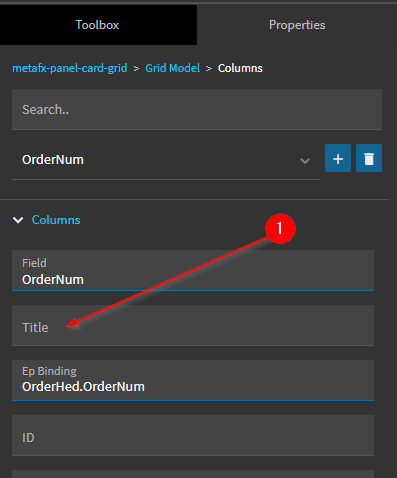
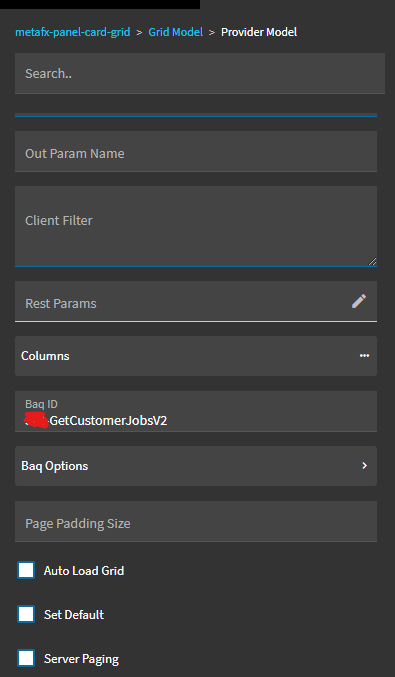
No, when I go to the Grid Model > Columns section I don’t see any to pick from.
@Doug.C is that a BAQ grid you have there or is that one that is bound to a dataview?
@Doug.C I feel like you’re onto something. It’s obvious the way I have it wired up isn’t going to allow me to have control of the columns like you do.
You aren’t using a BAQ exactly how I am, are you?
My thoughts are I am going to have to create a custom dataview and then bind that to the grid to be able to do what you are doing where you are doing it… I am confused either way.
Is that really necessary to be able to re-name the columns??
@utaylor
I apologize. I went off of my normal change column process. It looks like there are no options (that I can see) to rename BAQ columns. Even creating a DataView based on a BAQ doesn’t allow me to change them.
I’m not that deep into the Kinetic side yet, but maybe someone else has an idea…
So if I create a dataview with the columns and datatypes that I want to bind my query results to you think that won’t work?
So here’s the steps I am thinking I’ll need to do:
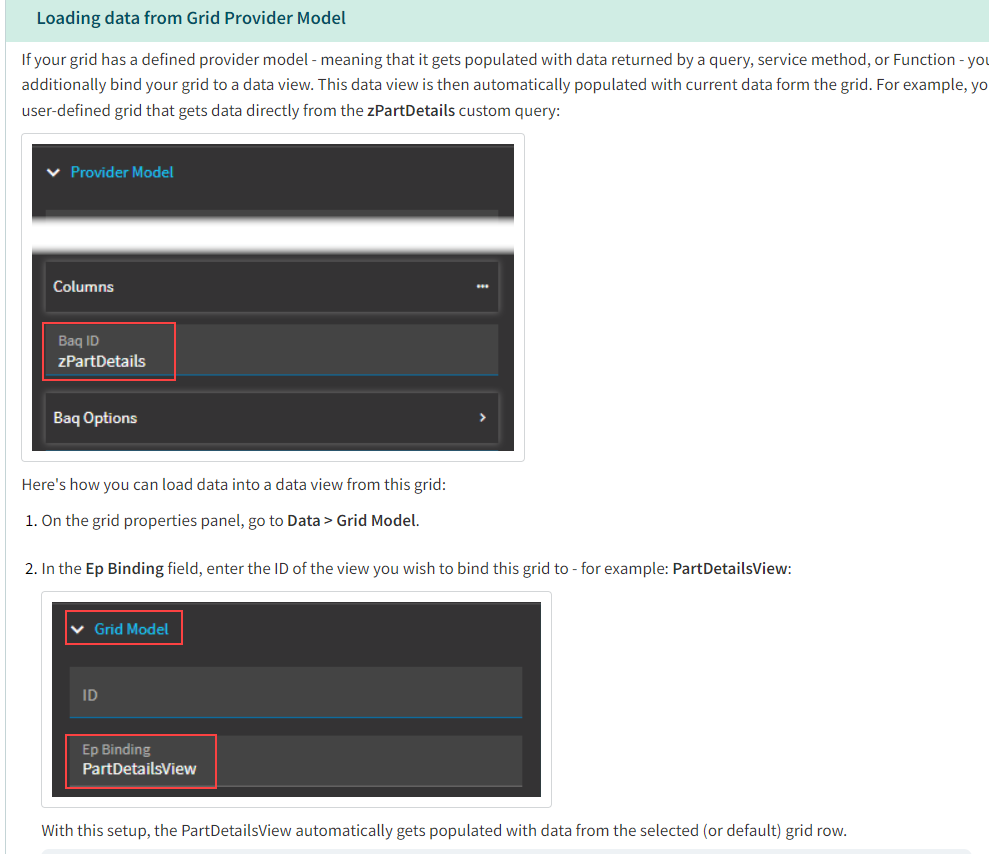
Create a dataview from my BAQ
Then do this (sorry this is Epicor documentation but I am literally about to detail it anyways):
Whatever, I’m gonna start down that road I detailed above and probably fail, but I’ll update you in the end @Doug.C
@Doug.C that wasn’t it… haha
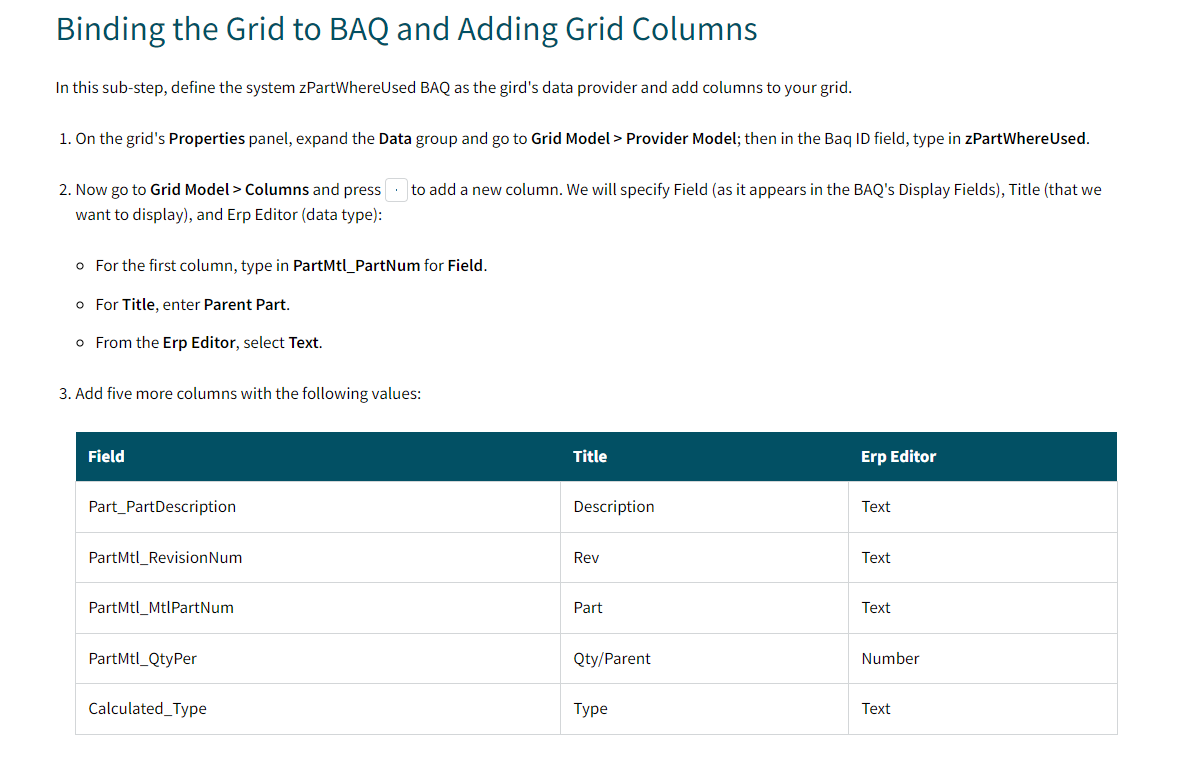
Here’s what I’ll try next and it looks like it’ll work. HOWEVER, pretty lame I gotta do this for every grid that wants to use the BAQ. It would be cool if I could make a dataview based off the BAQ and then re-name the columns there so that I could just bind whatever panel card grid/grid I wanted to the dataview and use the predefined naming that I set up instead of having to rename columns in every grid. Idk, it’s neither here nor there at this point. Would need to think deeper about this. OR I guess that’s pretty dumb too cause how many times are you going to re-use the BAQ in different grids on the same form… I guess it would be cool if somehow we could just choose in the provider model that we want to use the BAQ label names.
This is the solution @Doug.C . Gotta create the columns manually in the Grid Model.
@Doug.C I am just happy there IS a way to do this. At least there’s that. 
And a method that is internationalization/accessibility friendly.
I’m sorry, are you lost? This is Epicor.

Yes, that’s what I was hoping, but at the same time it’s like I don’t even want to do that. Just let me pull the labels from my BAQ where I did it to begin with, you know? Why do I need to create a dataview just to rename my columns. I already did that in my BAQ.
I’d like to see it default to the BAQ labels, but I want the ability to override them there as well.
ofc