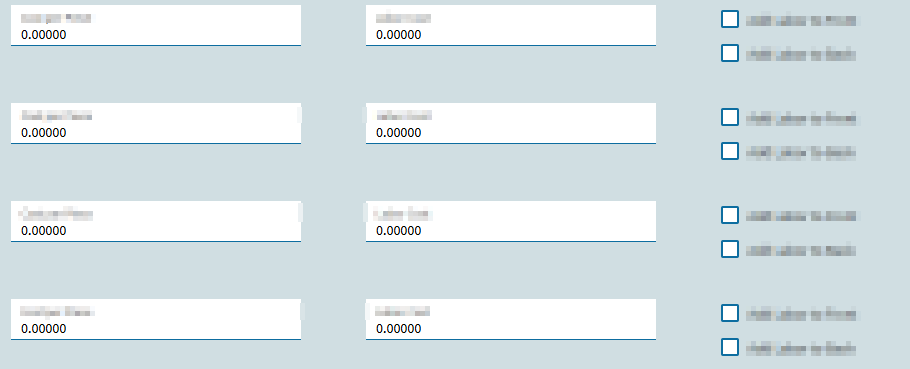
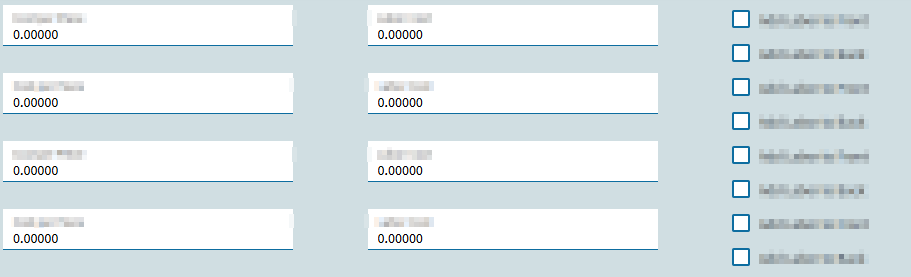
Has anyone else noticed that in version 2025.2.3, that columns above and below each other are slightly closer together? I was editing my configurator the other day, and I noticed that the vertical space between separate columns is now slightly smaller. This makes the sections a lot more cluttered and harder to read. Here is an example:
It is only a little difference, but again it makes the section more cluttered. A workaround I found is to put empty panel cards in between the columns, but that seems like it is annoying to do. Is there some setting to make the columns more spaced out like in 2025.1?
EDIT: The horizontal columns are all separate columns in a panel card. Each column has the 5 separate vertical columns in them.
The text box spacing looks closer to correct in the second image.
I suppose the checkboxs might be too close together, but with that many checkboxes I have to wonder if its the right control. Could you use a grid with a checkbox column?
Honestly, I have never used a grid. The team that is going to use this configurator also likes how the separate fields look, and I am not sure how the grid will look in comparison.
The spacing is also an issue for a different section that is a bit too compressed.