
2 Likes
Probably depends if your lawyers are better than Epicor’s.

This error is giving me flashbacks to a rookie move I made way way back when I was new to SSRS, full of hopeful confidence, and short on learned paranoia.
Peeking inside an RDL with any text editor and Ctrl-F’ing DataSource, should look something like so:
<DataSource Name="your dataset name">
  <DataSourceReference>/SaaS[redacted]SSRS_[redacted]/reports/SharedReportDataSource</DataSourceReference>
  ...
</DataSource>
Is that different from what shows up in a newly created and functional SSRS RDL? It’s worth a shot to update the DataSourceReference path to see what happens.
Unfortunately, every one of these errors is intermittent and transient, the .rdl itself is unmodified from 2024.2.12 where we ran into no issues. The upgrade to 2025.1.8 (with no change to the .rdl or .rdd) triggered the issues, which then spread to a whole bunch of reports, even OOB ones.
This is a system issue not a custom reporting issue, rerunning the same report a few minutes later it will go through.
todo:< insert snarky support comment here >
Captain Obvious did finally reply to my ticket. At least there are eyes on it.

If they’re unable to provide real detail, we are required to assume that support right now must look like only one of these things.


Recieved an update at 4:39 am that they “made some internal changes to the reporting servers”. Looking good for now, no errors this morning.
This is the update we received:
"The issue occurred because some internal configuration files were unavailable, which caused the secondary reporting services to go down. Since the reporting services run in an active-active setup between the primary and secondary, this led to the intermittent printing failures. The configuration has been restored, and printing should now work without further issues. "
No printing failures so far yet today but its early yet. I am in disbelief it took 2 weeks to notice such a major configuration error. I will refrain from commenting on this further.
It looks like we are still getting low disk errors on some of our custom reports. I was hoping that this would be resolved with the fixes that you all had but I guess not.
Maybe they didn’t fix your configuration yet?
Could you share your case so that we can reference it?
It’s up above. Unfortunately the configuration issue was a separate issue from the original issue which is still continuing.
Here you go @utaylor
Thanks Randy.
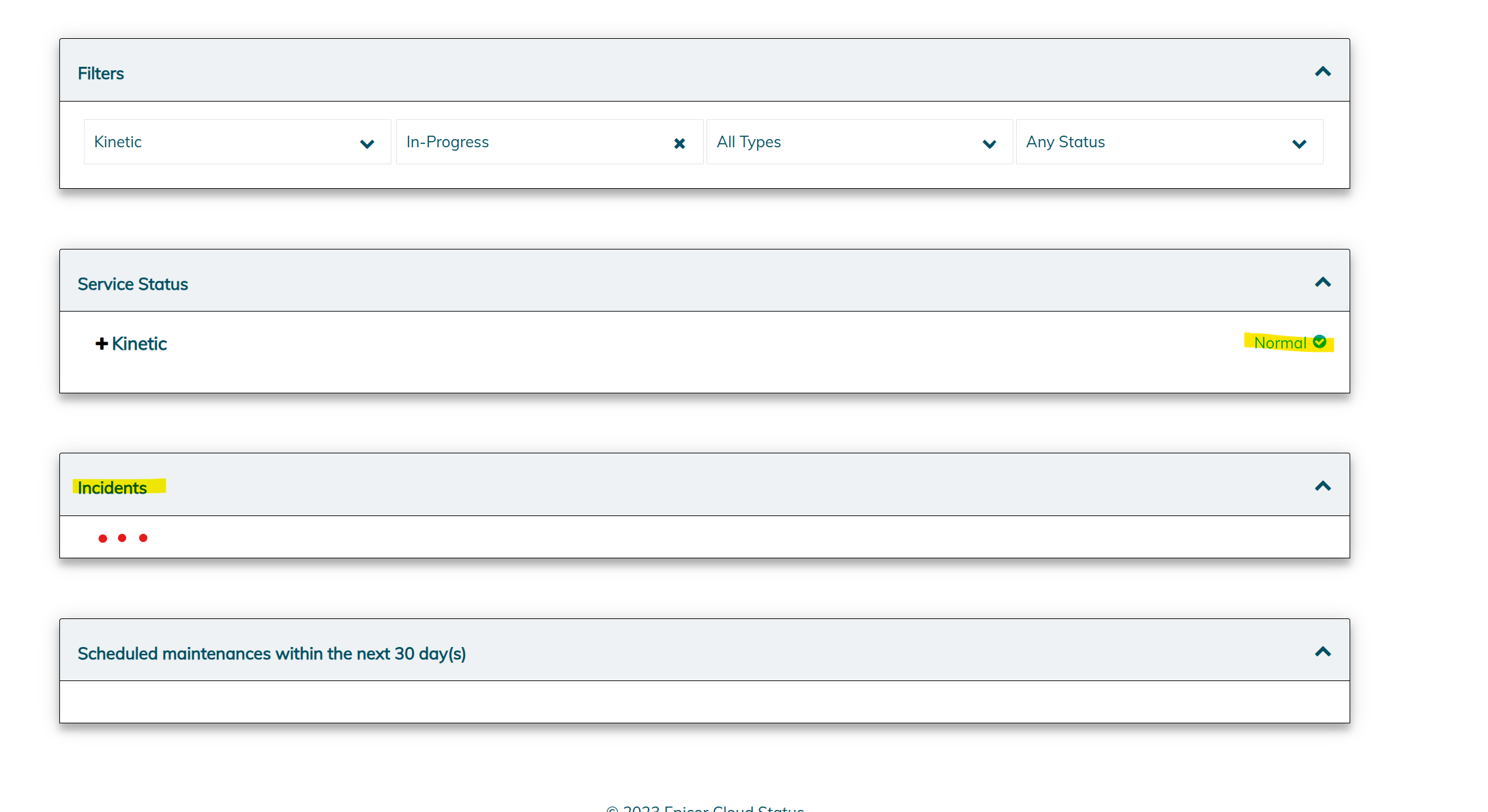
I never saw anything in the portal at all when our printing was failing. I asked for a RCA on the incident this morning and got the following reply.
“Unfortunately, an official RCA is not available, as the incident was not recorded on the status portal. However, we can confirm that the issue was related to two reporting servers, and it has since been resolved through internal remediation efforts.”
Seriously? Guess that’s one way to keep the SLA numbers up. 
I know at least one client who gets errors their RDLs are still not found…
I had the RDL’s not found issue and support had me run Conversions 405 and 410. That stopped the errors. Hope this helps someone.