Greetings.
I want to ask if it is possible to feed a combo box through a BAQ or from SQL.
I would like to know if there are other ways to use the combo box in kinetic or can it only be fed through the user codes module?
Thanks.
Greetings.
I want to ask if it is possible to feed a combo box through a BAQ or from SQL.
I would like to know if there are other ways to use the combo box in kinetic or can it only be fed through the user codes module?
Thanks.
You can do a BAQ or manually entered items alongside the BOs.
No direct SQL.
It is not clear to me how to do that.
Could you show me an example or guide me with the steps.
Regards
Just enter the query ID in the box that says “Query ID”.
Thank you very much for your support
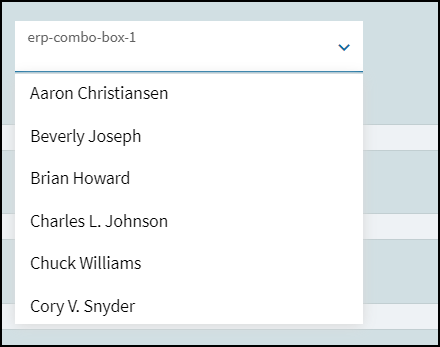
I followed the steps and got the following result:
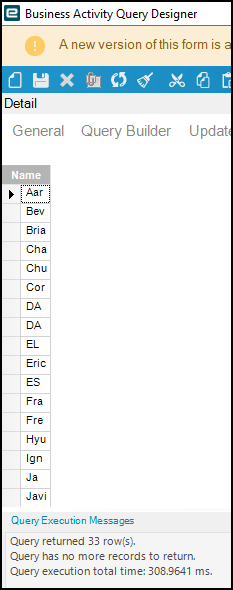
Test BAQ:
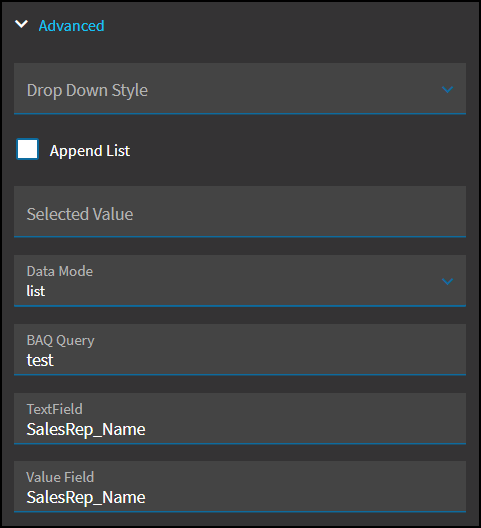
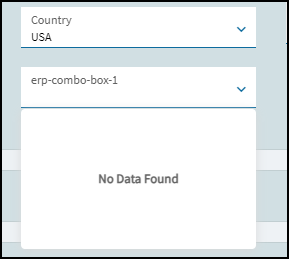
Combo box configuration:
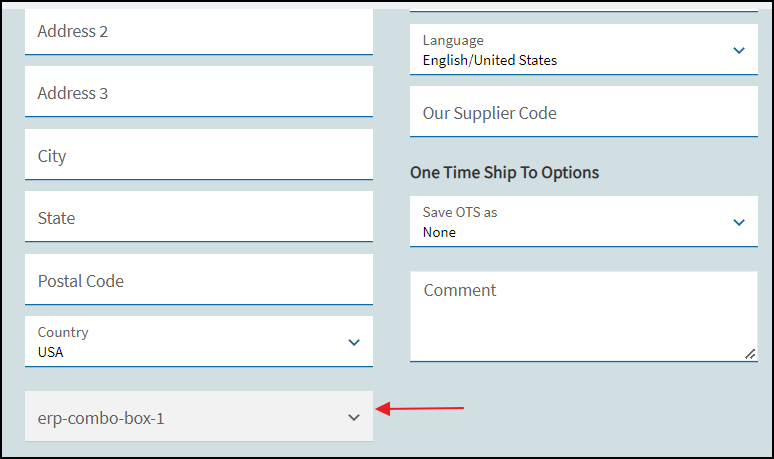
The combo box is shown disabled:
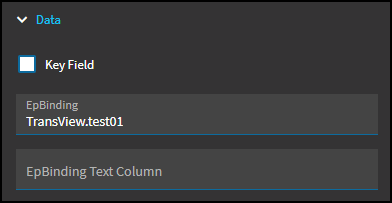
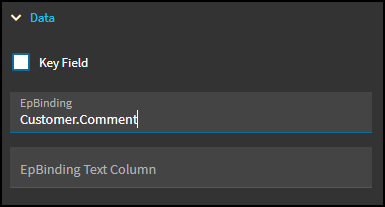
Did you bind it to anything? EpBinding.
No, I will put a transview
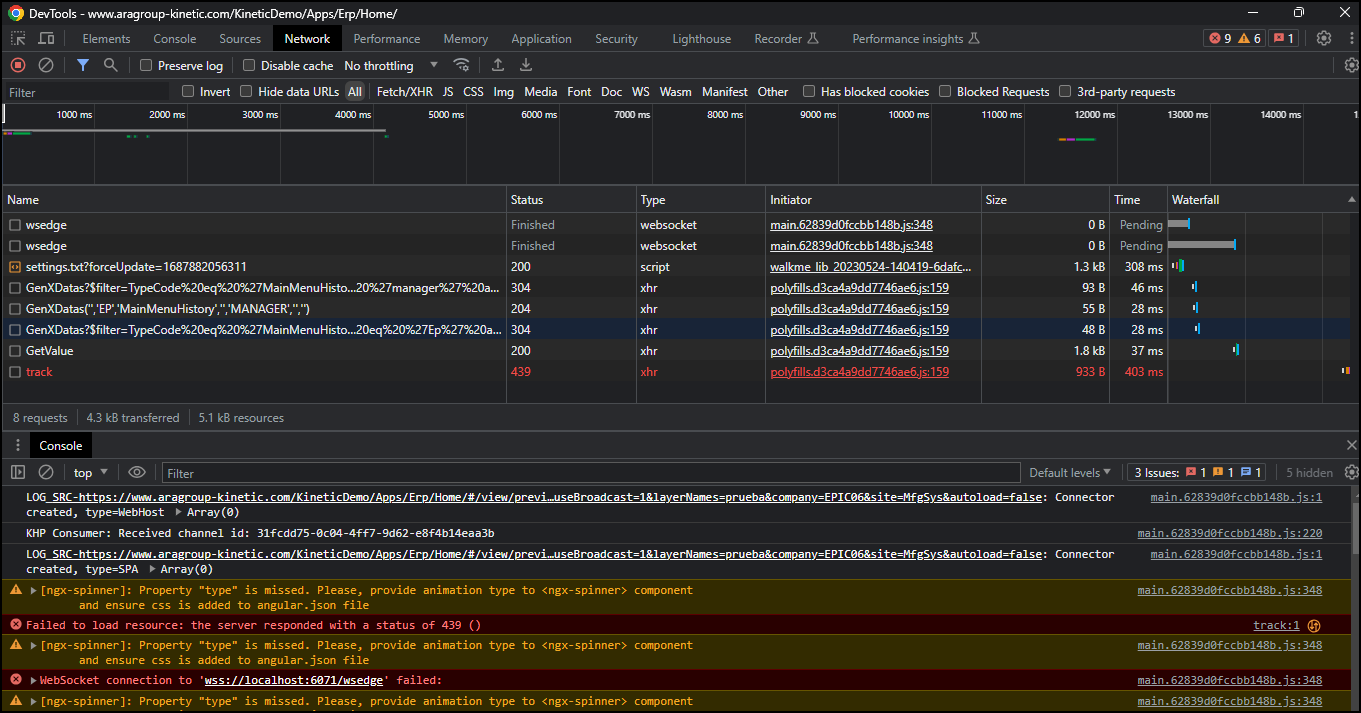
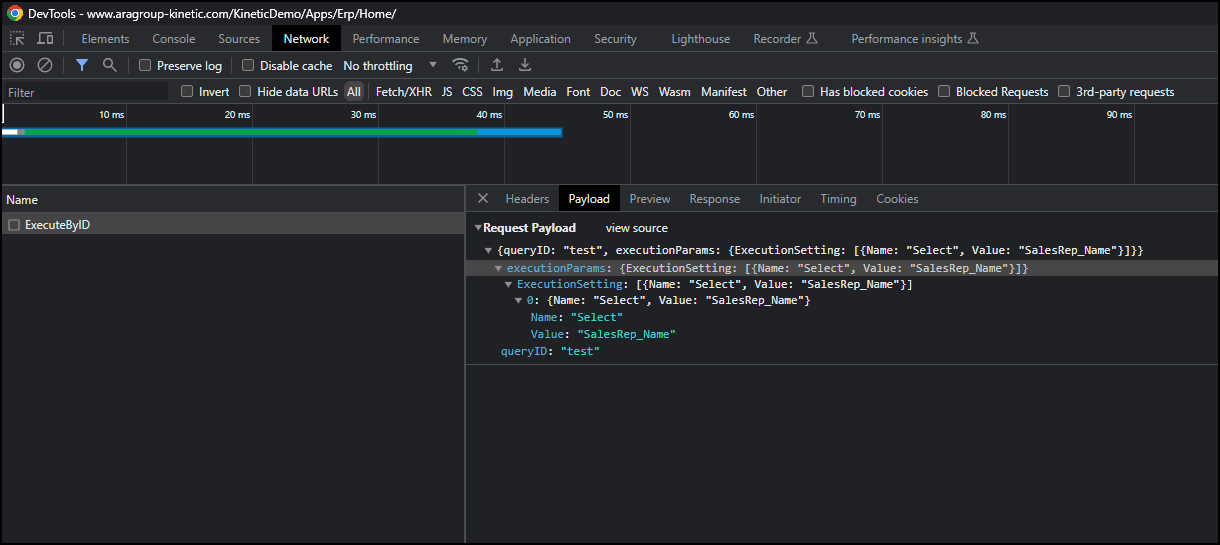
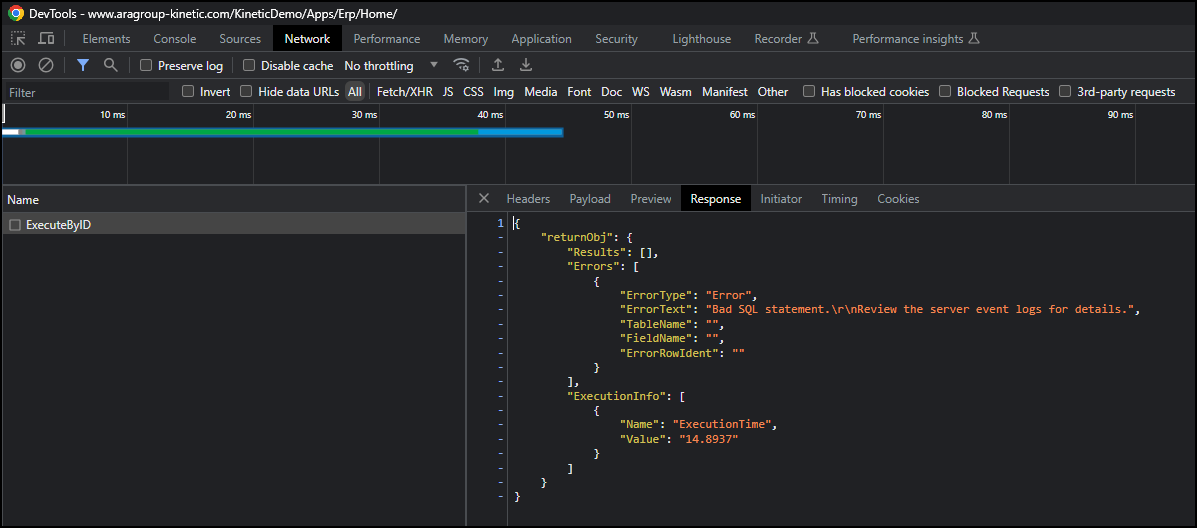
Check Dev Tools to check for errors.
You should see an ExecuteByID call in there. Did you click on your drop down?
Do as it says.
“Bad SQL statement. Check the server logs for details.”
Sorry
I did some tests, but I couldn’t find how to do that.
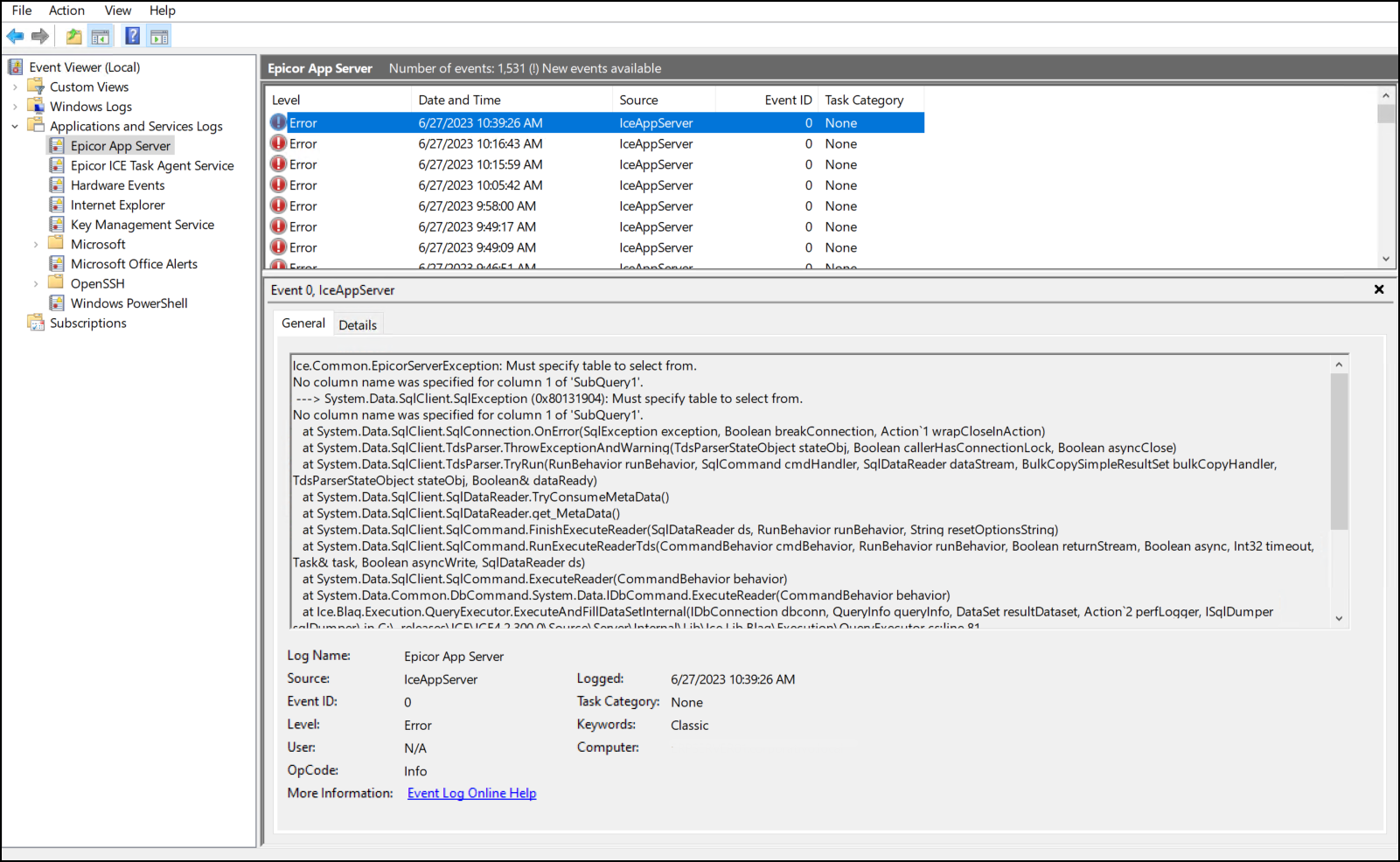
Log into the server and open the event viewer. You will see an error logged in there.
Get rid of the data mode: list and see if that helps.