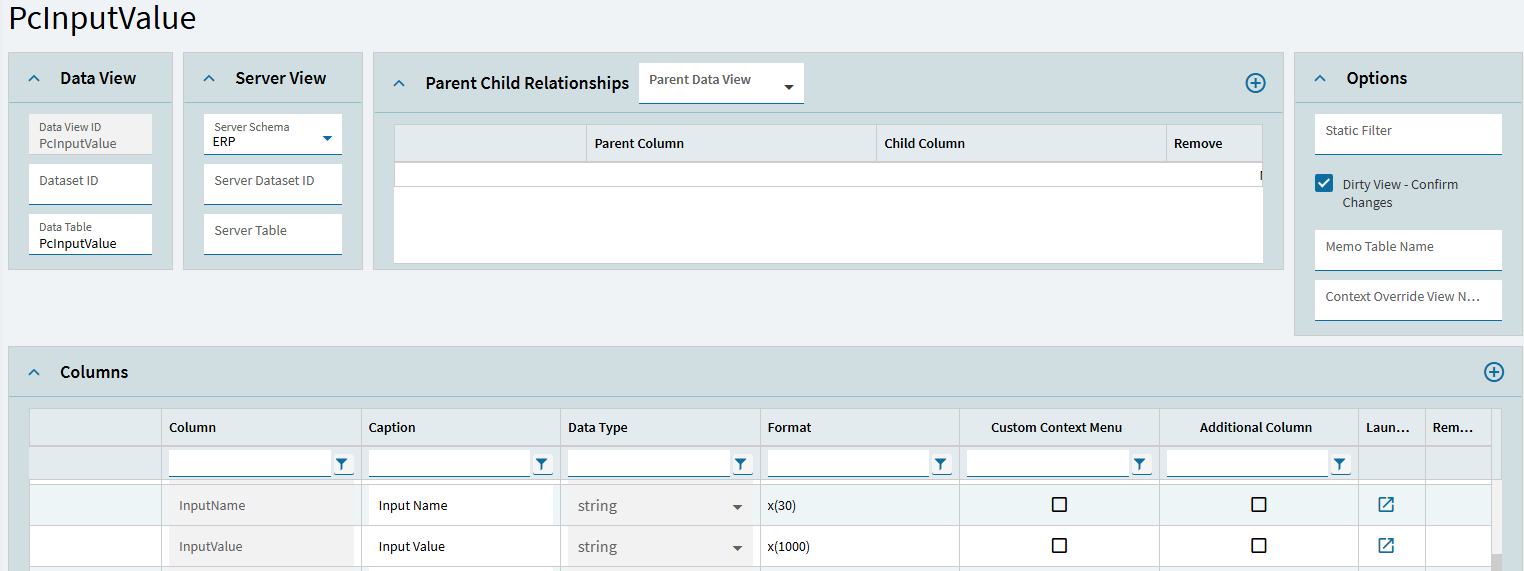
I made a BAQ to take information from PCInputValue to get configurator data from a quote. I am having an issue where the value PCInputValue_InputValue is not showing the entirety of a string, it only shows about 50 characters. The display fields shows that the format is in x(1000), so that should be plenty of space.
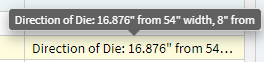
Here is an example of what I mean:
This is supposed to show “Direction of Die: 16.876” from 54" width, 8" from 600" length" but it is only showing everything up to the word “from”. This happens with all longer strings that are displayed in the BAQ.
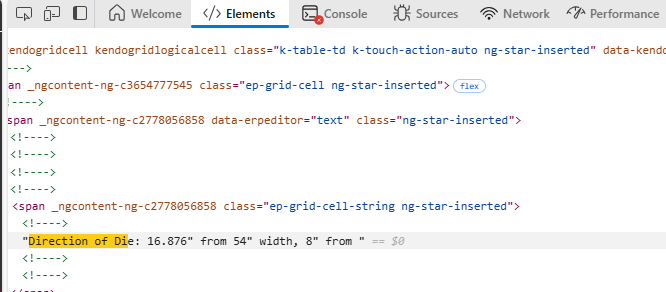
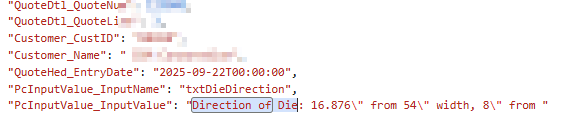
I checked the configurator, and it is storing the entirety of the text.
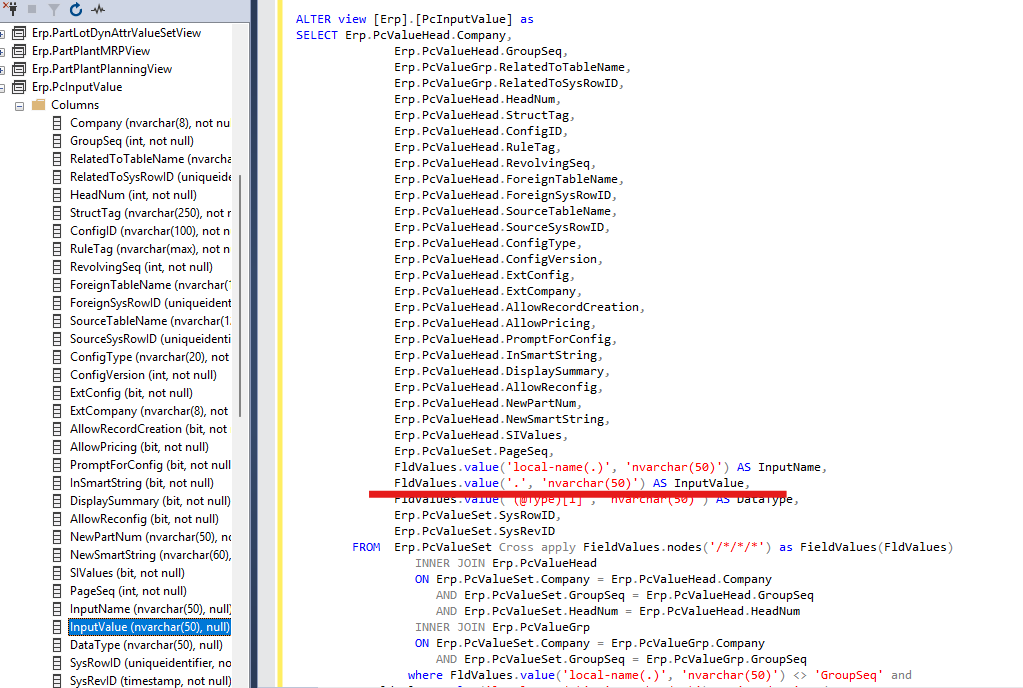
Since PCInputValue has a limit of 50 characters, I think I will just make a new UD field for what I need and make a document rule connecting the value from configurator to the new UD field.
BAQ format is just a string, it does not change underlined data.
You cannot change system view yourself, you have to report it if you think it should be different.
Right now you can probably create BAQ based on underline table with XML data and try to retrieve node from it using calc field for example.
It is Erp.PCValueSet table, column FieldValues.
I am not familar with configurator data, but XML seems simple.
Here is how I can get values for some control
PCValueSet.FieldValues.value(‘(/_BoatPage1Table/_BoatPage1Row/epiPcTextBox1)[1]’, ‘VARCHAR(100)’)