In the kenetic client, some tables open with the classic ui, and some open with the kinetic ui. In application studio, the preview always defaults to kinetic, making me believe the ability to preview any table in kinetic is possible. Is there a way to default every table to always use the kinetic ui?
Yes, in Menu Maintenance, navigate to the menu item that opens in classic, and open it up. There should be an option in there for Classic, User Choice, or Kinetic. You can set your user settings to Kinetic and all User Choice forms will open in Kinetic. If you want to force it for all users, change it to Kinetic.
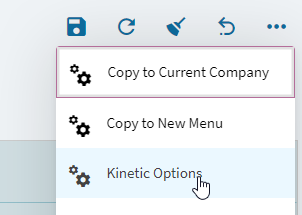
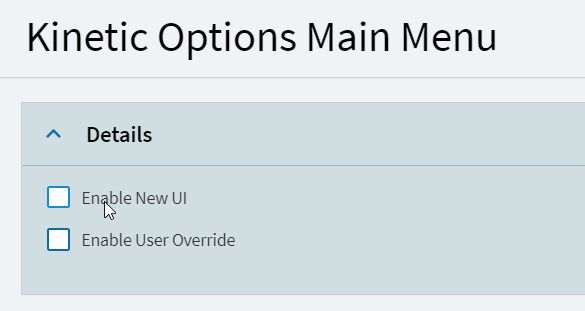
You can also go at the top level:
2 Likes